Want this set up for your business?
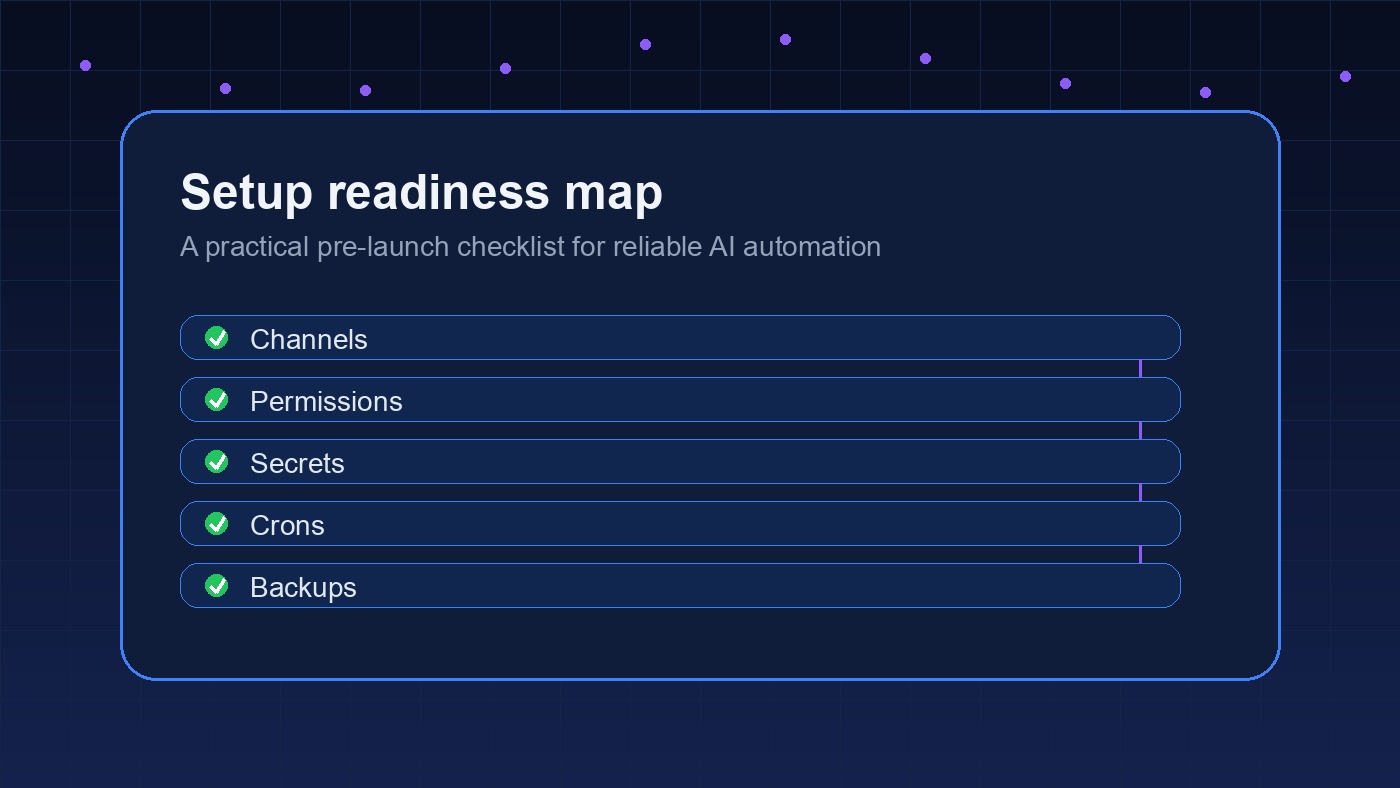
Hermes agent setup looks easy if you only read the install command. The real work starts after the binary runs: choosing a model provider, deciding what memory should be trusted, limiting what skills can change, and connecting the right messaging channel without turning the agent into a noisy remote shell.
That is the difference between a demo and a setup you can leave running. Hermes is useful because it is designed to learn from repeated work. But that same learning loop needs boundaries, or the agent can preserve messy habits just as easily as good ones.
Hermes Agent Setup Starts With the Runtime
The official Hermes documentation describes Hermes Agent as an open-source, self-improving agent from Nous Research with persistent memory, skills, and multi-platform reach. The installer handles the first layer: dependencies, repository setup, a virtual environment, the global hermes command, and provider configuration.
That is helpful, but it should not be your whole setup plan. Before you connect Telegram, Discord, MCP, browser tools, or file access, decide where Hermes should live.
For personal use, a local Mac or Linux box is fine if uptime is not critical. For a business workflow, a small VPS is usually cleaner because the agent can run continuously, restart predictably, and stay separate from your main laptop. I would not put it on the same machine that holds sensitive client files unless you have a strong reason.
Need a cleaner agent setup?
We can help map the runtime, model provider, memory rules, and messaging flow before automation goes live.
Pick the Model Provider Before Skills Get Serious
Hermes can work with cloud providers and self-hosted endpoints. The provider page in the Hermes docs points users toward options like OpenRouter, Anthropic, Ollama, and vLLM. That flexibility is one of the strongest parts of the stack.
But model flexibility creates a setup trap. If you test with one provider and run production tasks with another, you may get different tool behavior, different refusal behavior, and different context handling. The agent may still run, but the workflow can feel inconsistent.
Use one primary model for core work. Add a fallback provider only after the primary path is stable. Then document which tasks can use cheaper or local models and which tasks need the strongest reasoning model available.
This is also where OpenClaw users should think carefully. OpenClaw and Hermes overlap, but they push you toward different setup habits. Our Hermes Agent vs OpenClaw comparison breaks down that choice in more detail, especially for teams deciding between breadth of integrations and a tighter learning loop.
Hermes Agent Setup Needs Memory Rules
Hermes memory is not just a convenience feature. It is the part that makes the agent feel like it is improving instead of starting from zero every morning. That is powerful. It is also where teams get sloppy.
Start with three memory rules:
- What should the agent remember permanently?
- What should stay temporary unless a human approves it?
- What should never be stored?
For a business setup, durable memory should include operating preferences, recurring project context, naming conventions, approved workflows, and stable facts about systems the agent touches. Temporary memory can include rough plans, drafts, research notes, or one-off troubleshooting context.
Keep secrets out of memory. API keys, client credentials, personal inbox content, and private customer details belong in a proper secrets store or a controlled integration path. If the agent needs to use them, give it access through the runtime, not through plain text memory.
Skills Should Be Reviewed Before They Compound
The Hermes skills system is built around on-demand knowledge files. The docs describe skills as documents the agent can load when needed, with a progressive disclosure pattern that keeps context smaller. Fresh installs copy bundled skills, and user or agent-created skills can live in the local skills directory.
That design is smart. But an agent that can create or modify skills needs a review process. Otherwise, every quick fix can become tomorrow’s default behavior.
Use a simple promotion path. Let Hermes draft a skill. Review it. Test it on a low-risk task. Then approve it for repeated use. If the skill touches files, browser sessions, client data, code repositories, messaging, or payment systems, require a stricter review before it runs unattended.
This is the same reason our Hermes Agent skills guide focuses on structure, not just capability. Skill quality matters more than skill count.
Connect Messaging Last, Not First
Messaging is what makes an agent feel alive. It is also what makes a half-finished setup risky.
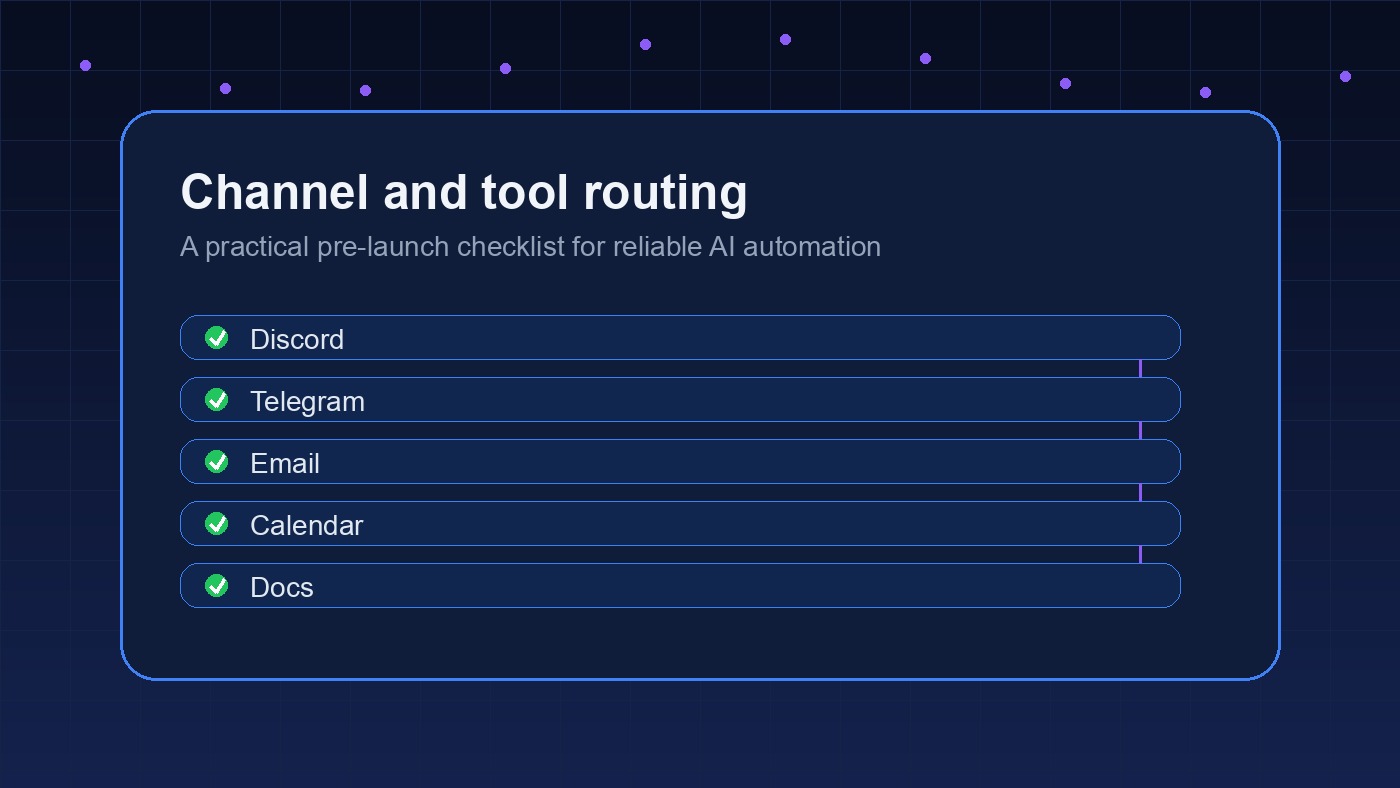
Do not connect Telegram, Discord, or another live channel until the runtime, provider, memory rules, and skill review path are already working. Otherwise, you end up debugging prompts through chat while the agent has unclear permissions and no stable operating model.
For a personal agent, one private messaging channel may be enough. For a business agent, channel routing matters more. A support channel, dev channel, finance channel, and private operator channel should not all trigger the same behavior.
OpenClaw users run into the same issue. The OpenClaw setup checklist covers the same principle: confirm the boring plumbing before you let people depend on the automation.
Setting up Hermes or OpenClaw for real work?
A short architecture pass can catch permission, memory, and channel problems before they become daily noise.
A Practical Hermes Agent Setup Sequence
Here is the setup order I would use for a serious Hermes install:
- Choose the host: local machine, VPS, or controlled server.
- Run the official installer and confirm the
hermescommand works. - Configure one primary model provider and test basic chat.
- Create memory rules before storing long-term context.
- Review bundled skills and disable anything you do not need.
- Test file, shell, browser, or MCP access in a limited environment.
- Add one messaging channel after local behavior is stable.
- Write restart, backup, and update notes so the setup can recover cleanly.
There is some judgment here. A solo builder can move faster and accept more rough edges. A team should slow down around permissions, shared channels, and persistent memory. The annoying part is that both setups may look identical on day one. The difference shows up after the agent has been running for a few weeks.
Common Hermes Agent Setup Mistakes
The most common mistake is treating install success as setup success. If the CLI opens and the agent responds, that only proves the first layer works.
The second mistake is letting the agent write permanent memory too early. Early testing is noisy. Your agent does not need to remember every experimental prompt, abandoned workflow, or rough preference from the first hour.
The third mistake is adding too many integrations at once. If the agent can read files, send messages, use browser tools, and modify skills before you know how it behaves, troubleshooting gets messy fast.
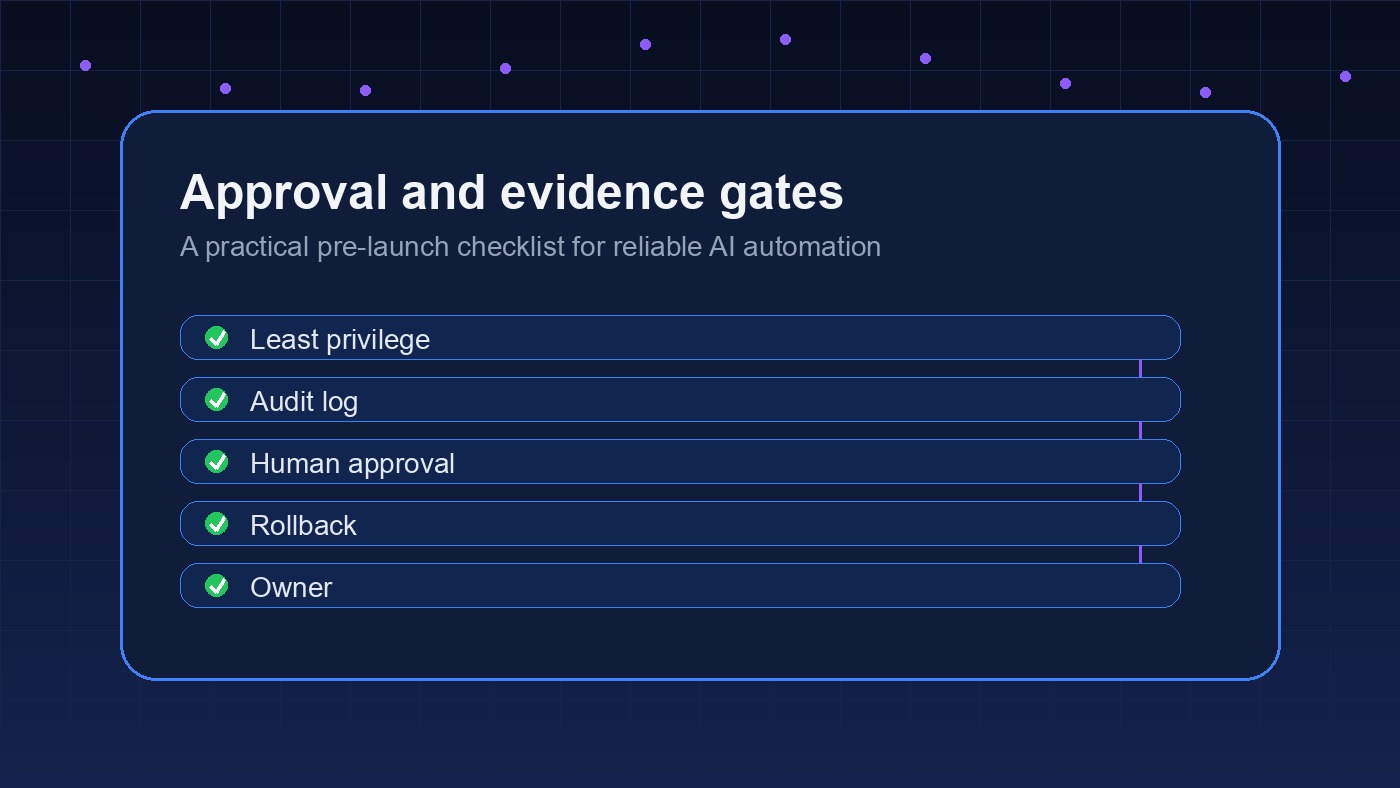
And the fourth mistake is skipping ownership. Someone has to be responsible for updates, broken providers, stale skills, and permission reviews. Autonomous does not mean ownerless.
What to Test Before You Trust It
Run a small acceptance test before you treat Hermes as part of the business. Ask it to summarize a known document, create a simple task from a message, use one approved skill, recover from a bad prompt, and explain what it stored in memory. Then check the actual files and logs. Do not only judge the chat answer.
Also test the negative paths. What happens when the model provider is down? What happens when a tool returns an error? What happens when a user asks the agent to do something outside the approved workflow? These are boring tests, but they are where most agent setups reveal whether they are ready.
The goal is not perfection. The goal is predictable failure. A good Hermes agent setup should make it obvious when the agent is uncertain, when it needs a human, and when it should stop instead of improvising through a risky action.
Keep the first week boring on purpose. Give the agent repetitive, reversible work before you let it touch customer-facing systems or shared operational channels alone.
When OpenClawReady Help Makes Sense
A DIY Hermes agent setup is reasonable if you are technical, patient, and willing to test slowly. The official docs are enough to get started, and the project is moving quickly.
Setup help makes sense when the agent is going to touch business systems, shared channels, client workflows, or anything where downtime and bad defaults cost more than the time saved. In that case, the work is less about typing install commands and more about designing the operating boundaries.
That is the same pattern we see with OpenClaw. The tool is only half the setup. The other half is deciding what the agent should know, what it should do, and where it should stop.
Want a second set of eyes on your setup?
We can review the agent architecture, memory policy, provider setup, and rollout path before it starts handling real work.