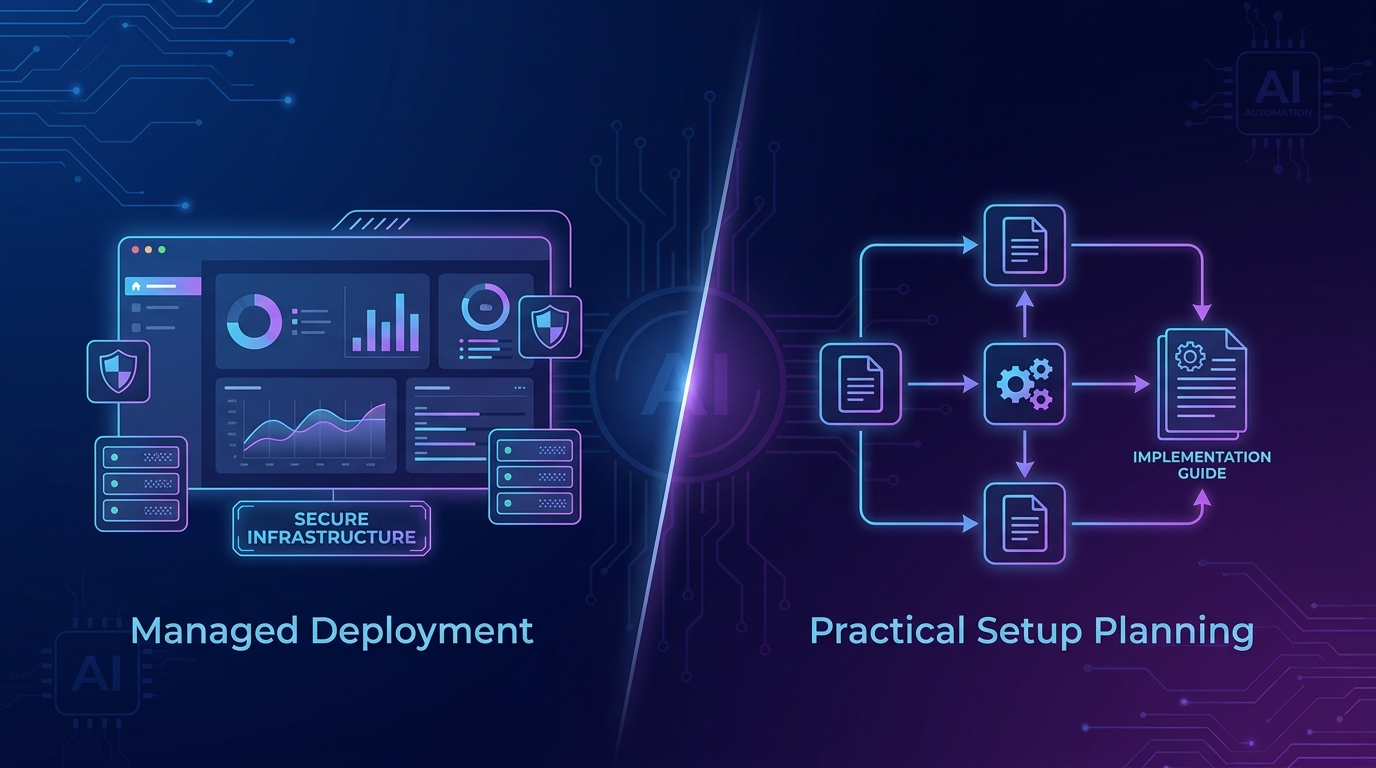
Want this set up for your business?
SetupClaw alternatives are worth comparing if you want OpenClaw running for real business work, not just a neat demo that answers messages for a week and then quietly breaks.
SetupClaw is a white-glove OpenClaw deployment offer for founders and executive teams. That can be useful. But it is not the only path. Some teams need a managed OpenClaw setup service. Some need a DIY install with a hard security checklist. Others should use a different managed agent platform because they do not actually need a self-hosted assistant with broad tool access.
The right choice depends on one uncomfortable question: who owns the risk after the agent starts touching inboxes, calendars, files, Slack, or customer workflows?
Why SetupClaw alternatives exist
OpenClaw is more than a chat app. The official getting-started docs describe a setup path that installs OpenClaw, runs onboarding, verifies the Gateway, opens the dashboard, and sends a first message. The basic flow is approachable, but a business-ready install has more moving pieces than the quick start suggests.
That is where SetupClaw fits. It packages deployment, hardening, and workflow configuration for people who do not want to live in terminal windows. The problem is that buying setup help is not the same as buying an operating system for the agent.
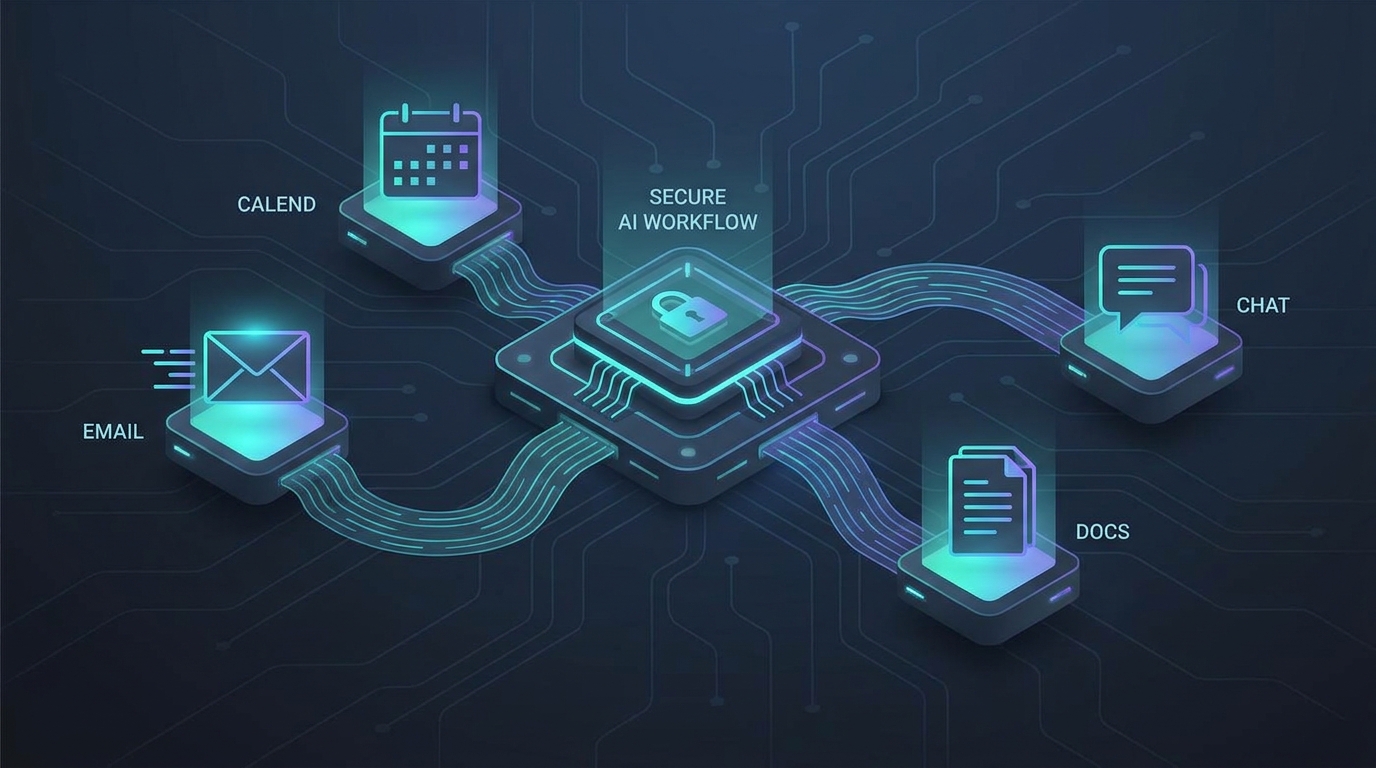
If the agent has access to your inbox, calendar, browser, files, or internal apps, the setup decision has to cover security, permissions, recovery, monitoring, and change control. A fast install is not enough.
Need a second opinion before choosing setup help?
We can map your OpenClaw use case, risk level, and support needs before you commit to a setup path.
SetupClaw alternatives by use case
The clean way to compare SetupClaw alternatives is by use case, not by brand name. A solo founder testing personal admin automation has a different risk profile than a sales team routing leads or an agency connecting client accounts.
DIY OpenClaw setup
DIY is the best fit when you have someone technical enough to install packages, read logs, rotate credentials, and understand why a Gateway should not be casually exposed to the internet. OpenClaw’s docs list Node.js, a model provider API key, onboarding, Gateway verification, and channel setup as early steps. That is doable.
But DIY gets fragile when nobody owns maintenance. Updates land. Model settings change. A workflow that looked harmless starts sending messages from the wrong context. This is where teams should use an OpenClaw setup checklist before treating the agent as production software.
Done-for-you OpenClaw setup
A done-for-you service makes sense when your team wants OpenClaw’s flexibility but does not want to design the deployment. This is the lane SetupClaw occupies, and it is also where OpenClawReady fits: practical setup, security hardening, and workflow planning for business users.
The difference to inspect is not who can install OpenClaw. Many people can. The better question is whether the provider documents what they changed, explains how credentials are handled, and leaves you with a system you can actually operate after the handoff.
Managed AI agent platforms
Some SetupClaw alternatives are not OpenClaw services at all. They are managed platforms that trade customization for easier administration. That can be the right call when the work is narrow, such as support triage, lead qualification, or internal research.
The tradeoff is control. OpenClaw is attractive because it can run close to your tools and adapt through skills, memory, cron jobs, and messaging channels. A managed platform may be safer for a simple workflow, but weaker when you need deep customization.
What to compare before choosing SetupClaw alternatives
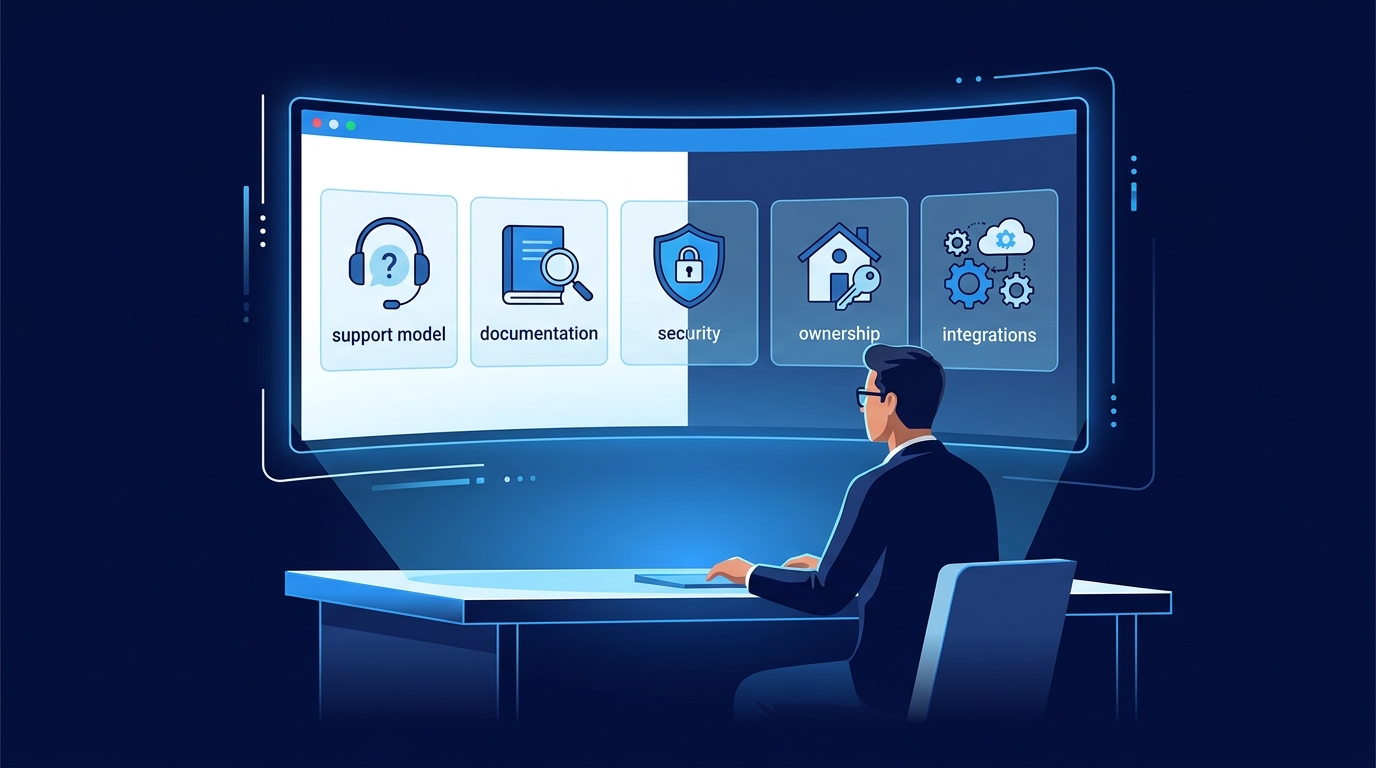
Do not compare providers only by launch speed. A same-day setup is nice, but it can hide the parts that matter later.
Start with access. Which accounts will the agent touch? Email and calendar access are different from CRM write access. Browser automation is different from a read-only dashboard. If a provider cannot explain the permission model in plain English, pause.
Then look at isolation. FreeCodeCamp’s OpenClaw security guide describes the system as a local Gateway process that routes messages through an agent runtime with tools, browser automation, files, and memory. That architecture is powerful. It also means your guardrails need to be real, not decorative.
Ask about rollback. If the agent sends the wrong message, changes the wrong file, or loops on a scheduled task, what happens next? A serious setup should include logs, a kill switch, backups, and a human review path for higher-risk actions.
And check documentation. A setup provider should leave behind the decisions: channels connected, model routing, active skills, cron jobs, file boundaries, credentials used, and the exact workflows approved for automation. Without that, your setup becomes a mystery box.
Want help pressure-testing your OpenClaw plan?
A short scoping call can surface the security and workflow issues most teams miss before launch.
SetupClaw alternatives for security-sensitive teams
If your agent will touch money, legal documents, customer data, HR records, or private client accounts, treat setup as a security project. That does not mean you need enterprise ceremony. It means you need boring controls that work.
Use separate service accounts where possible. Start read-only when the workflow allows it. Limit file paths. Keep secrets out of plain text notes. Review community skills before installation. Document which tools can write, send, delete, or publish.
This is also where many setups fail quietly. The agent works during the demo, so everyone relaxes. Then someone adds a new channel, expands file access, or enables a tool without updating the operating rules. The system drifts.
For a deeper risk pass, read our guide to OpenClaw setup mistakes. Most mistakes are not dramatic. They are small shortcuts that become expensive only after the agent has real permissions.
When OpenClawReady is the better SetupClaw alternative
OpenClawReady is a good fit when you want OpenClaw installed around a real workflow instead of a generic assistant. That might mean email triage, daily briefings, CRM follow-up, content operations, meeting prep, or internal research.
The useful setup sequence is simple. Define the job first. Decide what the agent can read. Decide what it can write. Decide what needs approval. Then configure channels, credentials, memory, skills, and scheduled tasks around those boundaries.
I would be careful with any provider that starts with tools before asking about workflow risk. The tool list is the easy part. The hard part is deciding what the agent should never do, even if it technically can.
If you are still early, our Hermes Agent alternatives comparison may also help because it separates agent platforms by operating model, not just feature lists.
Questions to ask every provider
Before you pick from the SetupClaw alternatives shortlist, ask the same questions in the same order. You are looking for clarity, not a perfect sales answer.
First, ask what happens during onboarding. A serious provider should ask about the actual business process, the apps involved, the people who approve actions, and the tasks that should stay manual. If the conversation jumps straight to installation, the setup may miss the workflow boundaries that keep the agent useful.
Second, ask how credentials are handled. You want to know whether the agent uses OAuth, app passwords, service accounts, scoped tokens, or shared logins. Shared logins are a warning sign for most teams because they make audit trails messy and revocation harder.
Third, ask what the agent is allowed to do without approval. Reading a calendar is low risk. Drafting an email is usually manageable. Sending a message, changing a CRM record, deleting files, or publishing content should have a clearer approval rule. The answer does not need to be complicated. It just needs to exist.
Fourth, ask what you receive after setup. You should get documentation, recovery steps, a list of connected tools, known limits, and a plain-English explanation of the workflows. If the provider disappears, your team should still understand the system well enough to pause it, update it, or hand it to another technical operator.
Finally, ask how success will be measured after the first week. The best answer is usually operational: fewer missed follow-ups, faster meeting prep, cleaner inbox triage, or less manual status checking. If nobody defines the outcome, the agent can feel impressive while doing very little useful work.
How to make the final call on SetupClaw alternatives
Choose DIY if you have technical ownership and the first workflows are low risk. Choose done-for-you OpenClaw setup if you want self-hosted flexibility but need help with deployment, guardrails, and workflow design. Choose a managed agent platform if your use case is narrow and you value administration over customization.
There is no perfect answer. A fully managed platform can be calmer but less adaptable. A self-hosted OpenClaw setup can be powerful but needs adult supervision. A setup service can save weeks, but only if it leaves you with clear operating rules.
The best SetupClaw alternatives are the ones that make the risk visible before the agent goes live. That is the bar.
Get an OpenClaw setup path that fits the work
Bring your use case and we will help you decide what should be automated, guarded, or skipped.
Sources: OpenClaw official getting-started docs, OpenClaw homepage, SetupClaw public site, and FreeCodeCamp’s OpenClaw security guide.