Want this set up for your business?
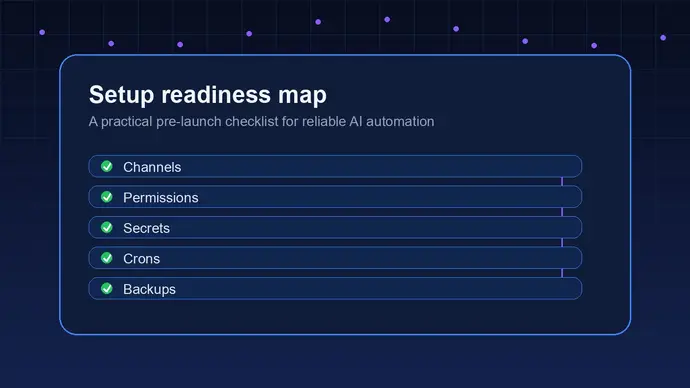
The best OpenClaw setup checklist is not a giant pile of tools. It is a go-live filter. Before an assistant can touch your inbox, calendar, files, tasks, or customer messages, you need to know what it is allowed to do, where it should speak, how it remembers context, and when it must stop for human approval.
That sounds basic. It is also where most messy setups break.
OpenClaw is useful because it can actually do work across chat apps and business systems. The public OpenClaw site describes it as an AI assistant that can clear inboxes, send emails, manage calendars, and work from the chat apps people already use. That power is exactly why setup quality matters. A weak prompt is annoying. A weak operating setup can create duplicate replies, missed handoffs, broken crons, or access you did not mean to grant.
OpenClaw setup checklist: start with the job, not the tools
Before you connect anything, write down the first business job OpenClaw should handle. Keep it narrow. A good first workflow is something you can describe in one sentence, such as: “watch incoming support emails and draft replies for review,” or “summarize sales calls and create follow-up tasks.”
The mistake is trying to automate the whole company on day one. That creates vague instructions, too many permissions, and no clean way to tell whether the setup works.
Use this first-pass filter:
- What exact trigger starts the workflow?
- What systems does OpenClaw need to read?
- What systems can it write to?
- What should it never touch?
- Who owns the final decision when the answer is uncertain?
If you cannot answer those five questions, pause. The tool setup can wait. The workflow is not ready yet.
Want the setup mapped before you connect tools?
OpenClaw Ready can help turn your first workflow into a clean, testable assistant setup.
Confirm the channels OpenClaw will use
OpenClaw often lives inside the chat channels you already use, such as Discord, Telegram, WhatsApp, or other messaging surfaces. That is convenient. It also means routing matters.
Decide where each type of message should go before the assistant starts posting. A support summary should not land in the same place as a security alert. A private client update should not go into a general team channel. A cron failure should be visible to the person who can fix it, not buried under daily chatter.
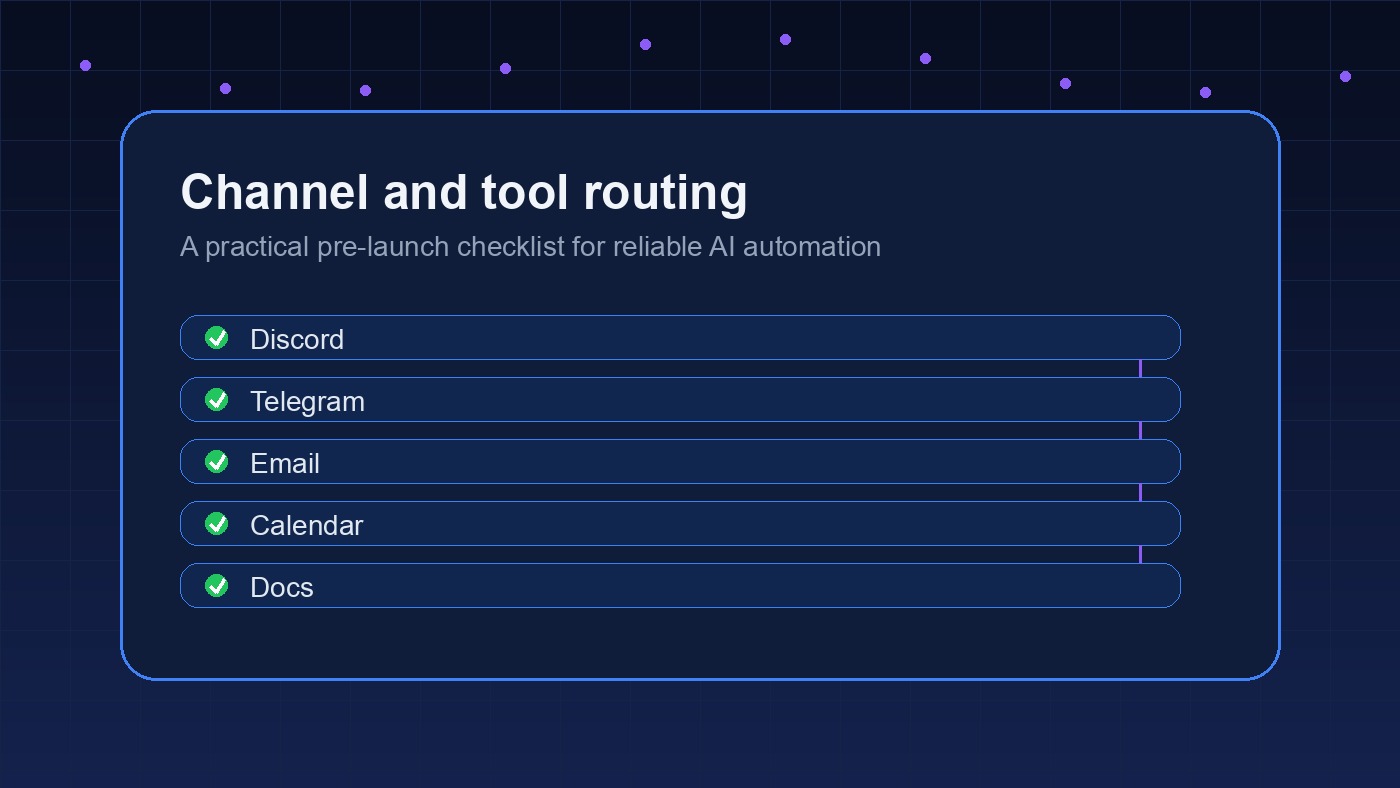
For a small business, I would split channels into four buckets:
- General requests, quick answers, and simple admin tasks.
- Operations alerts, failed jobs, and health checks.
- Client or customer messages that need privacy.
- Build work, integrations, and technical logs.
This is not about being tidy for its own sake. It reduces accidental sharing and makes failures easier to spot. If OpenClaw says a scheduled workflow failed, the message should land where someone will actually act on it.
Related reading: if your setup depends on team chat, the guide to OpenClaw Discord bot channel routing is worth reading before you design your first channel map.
OpenClaw setup checklist for permissions and secrets
Permissions are where convenience can quietly turn into risk. Give OpenClaw enough access to complete the approved workflow, but not broad access just because it might be useful later.
The safest default is least privilege. If the assistant only needs to read calendar events, do not give it full write access. If it only drafts email replies for human review, do not let it send every outbound email without approval. If it needs an API token, store it as a secret rather than pasting it into instructions or notes.
A clean permissions review should cover:
- Which accounts are connected.
- Which tokens or app passwords exist.
- Where secrets are stored.
- Who can rotate or revoke access.
- Which actions require approval.
Security teams writing about AI agents keep coming back to the same idea: identity, policy, tools, approval, and evidence. That model is useful for OpenClaw too. The assistant needs a clear identity, a clear policy, only the tools it needs, a human approval path for risky steps, and logs that show what happened.
There is a gray area here. Too many approval gates make the assistant useless. Too few make it scary. The right answer depends on the workflow. Drafting a weekly summary can be low friction. Sending a refund, deleting a file, changing permissions, or messaging a client should get a checkpoint.
Check memory and instruction files before go-live
OpenClaw setups usually depend on persistent context. That may include identity notes, user preferences, standing rules, active projects, saved facts, or daily memory logs. This is one of the reasons OpenClaw feels different from a blank chatbot, but memory only helps when it is clean.
Before launch, inspect the files that shape behavior. Remove stale instructions. Separate permanent facts from temporary scratch notes. Keep client-sensitive details in the right place. If the assistant has old priorities, outdated channel rules, or half-finished task notes, it can make confident decisions from bad context.
A practical memory review looks like this:
- Permanent identity and user preferences are accurate.
- Current projects are current, not historical guesses.
- Scratch notes only contain active work.
- Facts that affect business decisions have a source.
- Private information is not copied into public-facing content.
For more detail, read the guide to the OpenClaw memory system. It explains why assistants forget, why they sometimes remember the wrong thing, and how to keep context useful without turning it into a junk drawer.
Need clean memory, channel rules, and approval gates?
A guided setup can save hours of rework and prevent brittle workflows from going live.
Test cron jobs, heartbeats, and failure messages
Scheduled jobs are where OpenClaw can become genuinely useful. A cron can check for failed payments, draft a daily report, monitor a queue, refresh a dashboard, or publish content while the owner sleeps. But scheduled automation needs a stronger test than “it ran once.”
Test three states for every scheduled job:
- Success: the job completes and posts the right summary.
- Failure: the job errors and sends a useful alert.
- No-op: the job has nothing to do and stays quiet or reports only when useful.
The no-op case matters more than people expect. If an assistant posts pointless “no change” messages every hour, the team starts ignoring it. Then the one message that actually matters gets missed.
Every scheduled workflow should have a visible owner, a short log trail, and a rollback plan. If it updates a public page, sends a customer message, or changes business data, test the failure path before go-live.
The OpenClaw heartbeats guide is a good companion here. Heartbeats are powerful when they create useful action. They are noise when they only announce that nothing happened.
Build approval gates for risky actions
An OpenClaw setup should distinguish between low-risk and high-risk actions. Reading a knowledge base is low-risk. Drafting a reply is moderate. Sending that reply to a customer may be high-risk, depending on the topic. Deleting records, changing access, refunding payments, or posting publicly should never be casual.
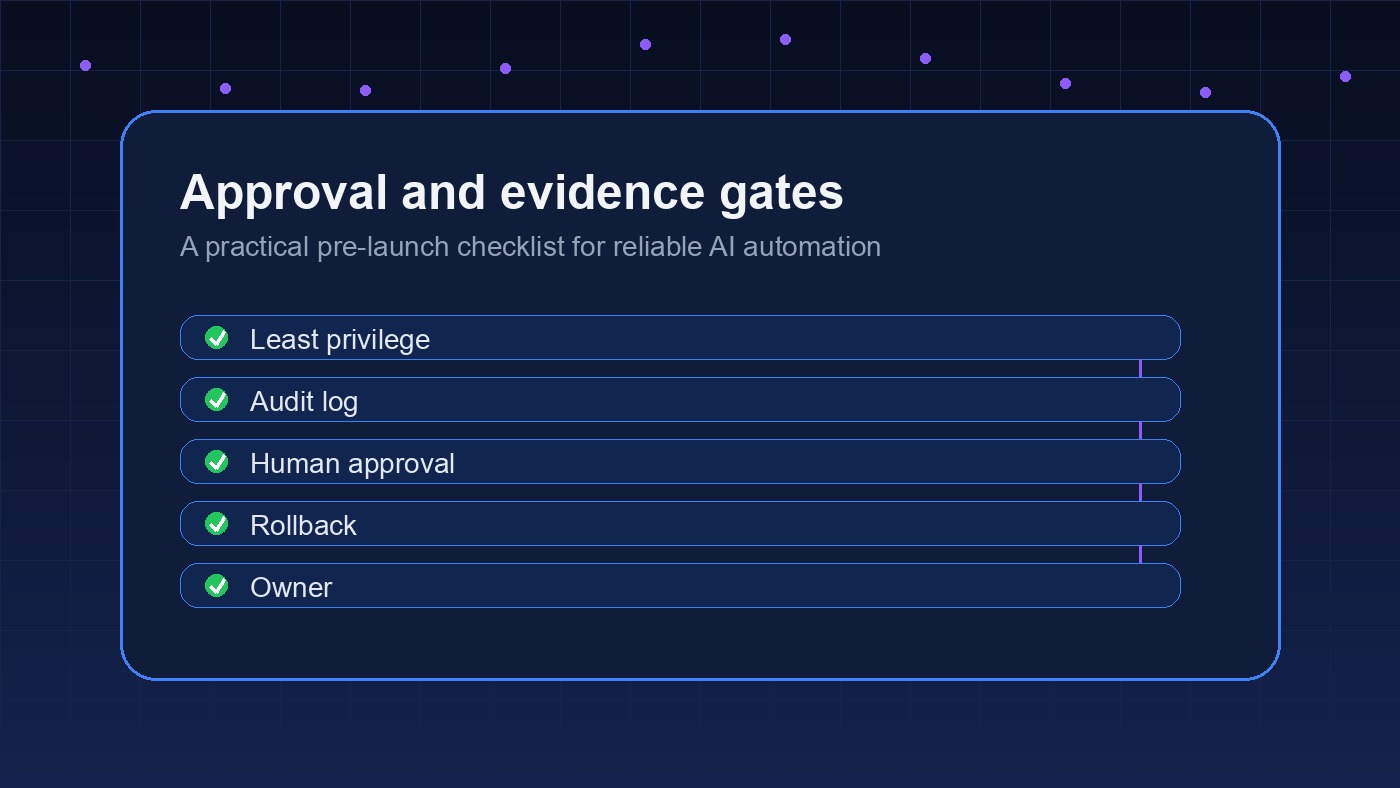
A simple approval policy can be enough:
- Autonomous: summarize, classify, tag, draft, and route.
- Ask first: send external messages, update records, publish content, or move money-adjacent data.
- Blocked: delete customer data, share private files, change permissions, or bypass security controls.
Write this policy in plain language. The assistant should not need to infer whether a client-facing email is safe to send. The rule should say when it can act and when it must ask.
Approval records matter too. For important actions, keep enough evidence to answer: who approved it, what was approved, when it happened, and what changed afterward. That is boring until something goes wrong. Then it is the only thing anyone cares about.
Run a realistic go-live test
Do not test OpenClaw with toy prompts only. Test it with real examples from your business, cleaned of anything too sensitive if needed.
Use five to ten sample tasks that match the workflow you actually want:
- A normal request that should pass.
- A messy request with missing context.
- A request that should trigger human approval.
- A request that should be refused.
- A failure case, such as a missing token or unavailable service.
Watch the assistant’s behavior, not just the final answer. Did it use the right channel? Did it cite the right source? Did it avoid private information? Did it ask for approval at the right moment? Did the log make sense after the fact?
If the answer is “mostly,” fix it before launch. Mostly safe is not enough for workflows that touch customers, money, legal documents, or production systems.
What a clean OpenClaw launch looks like
A ready setup is easy to describe. It has one clear first workflow, the right channels, limited permissions, clean memory, tested scheduled jobs, and approval gates for anything risky. It also has a human owner who knows how to stop it.
That last part matters. The best assistant setup is not the one with the most integrations. It is the one your team trusts because it behaves predictably under pressure.
Use this final OpenClaw setup checklist before you go live:
- The first workflow has a clear trigger and owner.
- All internal links, channels, and destinations are verified.
- Secrets are stored safely and can be rotated.
- Memory files are current and free of stale instructions.
- Scheduled jobs have success, failure, and no-op tests.
- High-risk actions require approval.
- Logs show enough evidence to debug later.
- There is a simple rollback or shutdown path.
If those boxes are checked, you are in a good place to launch. If several are fuzzy, the setup needs more work before it should touch real customers or business systems.
Want OpenClaw set up with fewer brittle edges?
Get help building a practical assistant setup with clean routing, memory, permissions, and testing.
{
“@context”: “https://schema.org”,
“@type”: “Article”,
“headline”: “OpenClaw Setup Checklist: What to Confirm Before You Go Live”,
“author”: { “@type”: “Organization”, “name”: “OpenClaw Ready” },
“publisher”: { “@type”: “Organization”, “name”: “OpenClaw Ready”, “logo”: { “@type”: “ImageObject”, “url”: “https://openclawready.com/wp-content/uploads/2026/05/openclaw-setup-checklist-hero.jpg” } },
“datePublished”: “2026-05-21T10:15:00+00:00”,
“dateModified”: “2026-05-21T10:15:00+00:00”,
“mainEntityOfPage”: { “@type”: “WebPage”, “@id”: “https://openclawready.com/blog/openclaw-setup-checklist/” },
“url”: “https://openclawready.com/blog/openclaw-setup-checklist/”,
“description”: “OpenClaw setup checklist for channels, permissions, memory, crons, approvals, and go-live testing before launch.”,
“image”: “https://openclawready.com/wp-content/uploads/2026/05/openclaw-setup-checklist-hero.jpg”
}