Want this set up for your business?
The Hermes AI Agent is getting attention because it promises something most agent tools still struggle with: useful memory over time. For a business owner, that sounds great. But the real question is simpler. Should you treat Hermes as a practical automation system today, or as a powerful technical project that needs careful setup before it touches real work?
My honest read: Hermes is worth studying if you care about long-running AI agents, browser automation, and reusable skills. It is not something I would point at a live inbox, CRM, or payment workflow without guardrails first.
What Is Hermes AI Agent?
Hermes AI Agent is an open-source agent project from Nous Research built around the idea of a self-improving assistant. Its own documentation describes it as an agent that creates skills from experience, improves them during use, remembers past conversations, and builds a better model of the user across sessions.
That matters because most AI automation tools are still fairly forgetful. You give them a task. They run it. Then the next task starts from a mostly clean slate unless you manually preserve prompts, templates, notes, or workflow rules.
Hermes tries to make that learning loop more automatic. The promise is that repeated work can become reusable skill, not just another chat transcript buried in history.
For business users, the useful way to think about Hermes is this: it is closer to a persistent operator than a normal chatbot. It can run on infrastructure, connect to tools, use a browser, and keep context across time. That makes it exciting. It also makes setup quality matter a lot more.
Want a Safer Agent Setup Before You Automate?
We help business teams turn agent ideas into controlled workflows with permissions, memory, and review points.
Where Hermes AI Agent Fits Best
Hermes makes the most sense when the work has repetition, context, and room for gradual improvement. A one-off prompt does not need a persistent agent. A weekly workflow might.
Good candidate workflows include research summaries, lead list enrichment, recurring reports, browser-based admin work, task routing, and internal knowledge retrieval. These are jobs where the agent can learn the pattern and get more consistent over time.
The browser automation angle is especially interesting. The Hermes docs describe browser tools that can navigate websites, interact with page elements, fill forms, and extract information. That opens the door to tasks that traditional API-only automation cannot handle cleanly.
But browser control is where I would slow down. Websites change. Buttons move. Login sessions expire. A workflow that works once in a demo can fail in strange ways when it runs every morning at 7:00. The fix is not hype. The fix is boring operational design: logs, retries, human approval for sensitive steps, and clear stopping conditions.
Hermes AI Agent vs OpenClaw for Business Workflows
The Hermes conversation often turns into a simple replacement debate. I think that misses the more useful comparison.
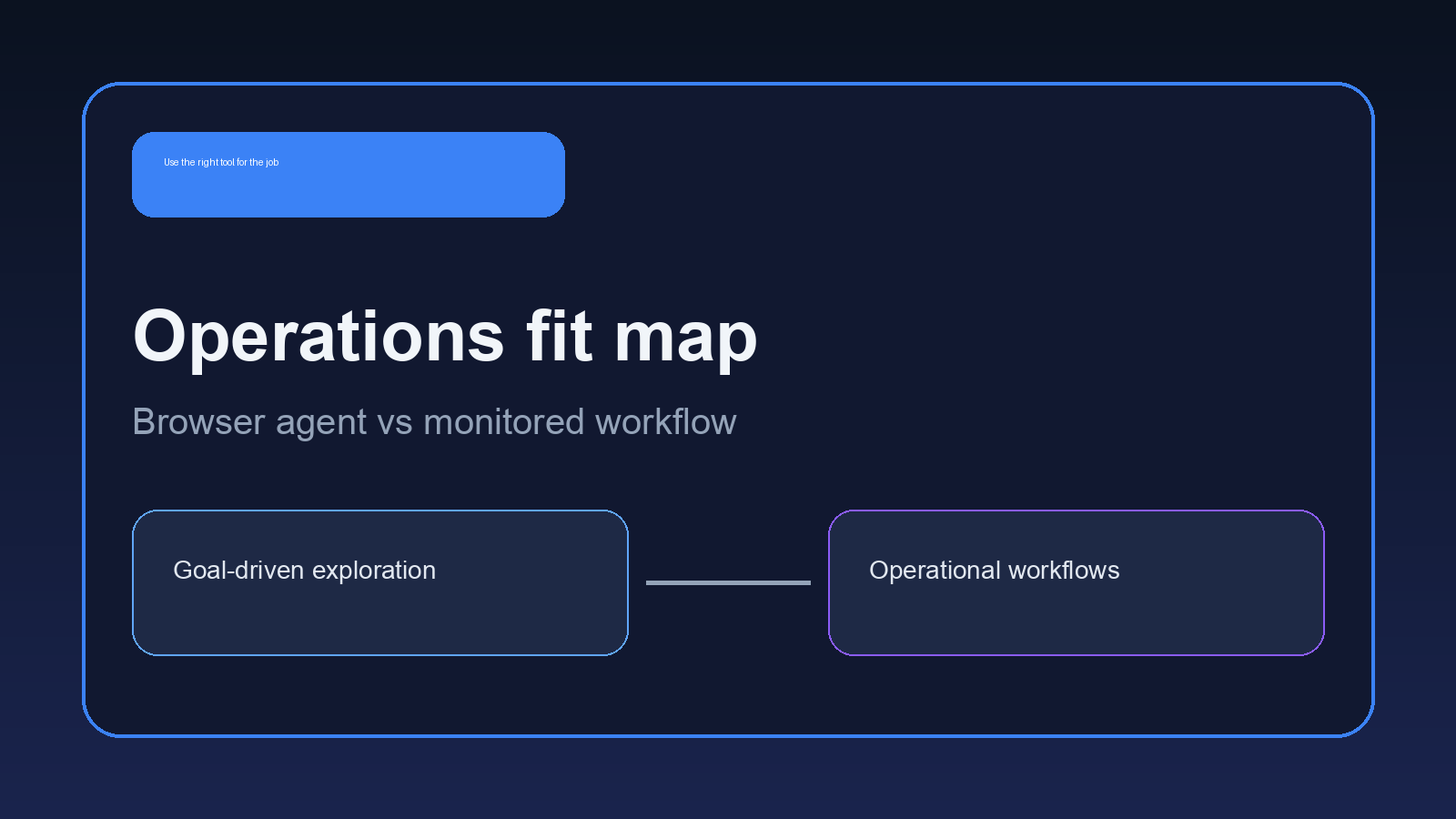
Hermes leans into self-improvement and automatic skill creation. OpenClaw setups tend to be strongest when the workflow is intentionally configured: the right skills, the right channels, the right memory, the right permissions, and clear operating rules. That is not as flashy, but it is often what business work needs.
If you want a personal technical agent that learns as you use it, Hermes is a serious option to test. If you want a business assistant that handles defined work across Telegram, Discord, Gmail, docs, spreadsheets, task boards, or a private server, the setup approach matters more than the logo on the tool.
That is why I would compare Hermes against an OpenClaw workflow by asking operational questions, not feature-list questions:
- Where does the agent run, and who can access it?
- What data can it read?
- What actions can it take without approval?
- How does it remember instructions without drifting?
- What happens when a tool call fails?
- Can a non-technical owner inspect what happened?
For a deeper comparison of fit, read Hermes Agent vs OpenClaw. If you are already testing Hermes, the practical setup notes in Hermes Agent setup are the better next read.
The Setup Mistakes That Make Hermes Risky
The most common mistake is giving the agent too much reach too early. A self-improving agent with browser access and persistent memory can be useful, but it should not start with every credential, every folder, and every account connected.
Start with a narrow workflow. One inbox label. One research source. One reporting format. One review step. Then expand only after the logs prove the workflow is stable.
The second mistake is treating memory as magic. Memory is only useful when it stores the right things. Bad instructions, outdated project facts, vague preferences, and messy notes can make an agent worse over time. This is the nuance people skip. A learning agent can learn noise unless someone designs the system around clean feedback.
The third mistake is skipping rollback. If the agent writes files, updates records, posts messages, or changes settings, you need a way to see what changed and undo it. That can mean draft-first publishing, staging folders, task approvals, version history, or manual review queues.
What a Practical Hermes AI Agent Pilot Looks Like
A practical pilot should be small enough to judge in one week. Do not start with a broad instruction like \”run my operations.\” Start with a specific workflow such as \”prepare a Monday account research brief from these sources\” or \”summarize new support tickets and flag anything that needs a human.\”
Give the agent a written definition of done. The output should have a fixed format, a known delivery channel, and a rule for uncertainty. If the source is missing, the agent should say that. If it cannot verify a claim, it should leave the claim out. That sounds basic, but it is the difference between useful automation and confident noise.
I would also separate read-only pilots from action-taking pilots. Read-only work is safer because the agent can gather, summarize, and recommend without changing external systems. Action-taking work needs more control. Sending emails, updating a CRM, editing a task board, or posting to a channel should usually go through approval until the workflow has proven itself.
The final test is handoff quality. If the agent produces a result that only the person who built it can understand, the setup is not ready. A good business workflow leaves a trail: what it checked, what it decided, what it skipped, and what needs review.
That trail also protects the owner from silent drift. If the agent changes its approach, you want to catch the shift early, not after a month of slightly wrong briefs or messy follow-up notes.
Testing Hermes or OpenClaw for Real Operations?
Bring the workflow you want automated. We will map the permissions, memory, tools, and human checks before it goes live.
How to Evaluate Hermes AI Agent Before Using It
Use a short pilot instead of a full migration. Pick one workflow that is useful but not dangerous. A weekly competitor research brief is a good test. So is a daily digest of open tasks, support themes, or sales follow-up reminders.
Judge the pilot on the output, the failure handling, and the setup burden. Did the agent save time? Did it make clear decisions? Did it ask for help at the right moments? Could someone else on the team understand what it did?
Then inspect the learning loop. Did Hermes preserve a useful pattern, or did it just accumulate more context? Those are different things. Useful skill creation should make the next run cleaner, faster, or more consistent.
OpenClaw users should also compare the skill model directly. This Hermes Agent skills vs OpenClaw skills breakdown is a good companion if you are deciding where reusable workflow logic should live.
When OpenClawReady Fits Better
OpenClawReady fits when the problem is not choosing an agent. It is getting the setup right.
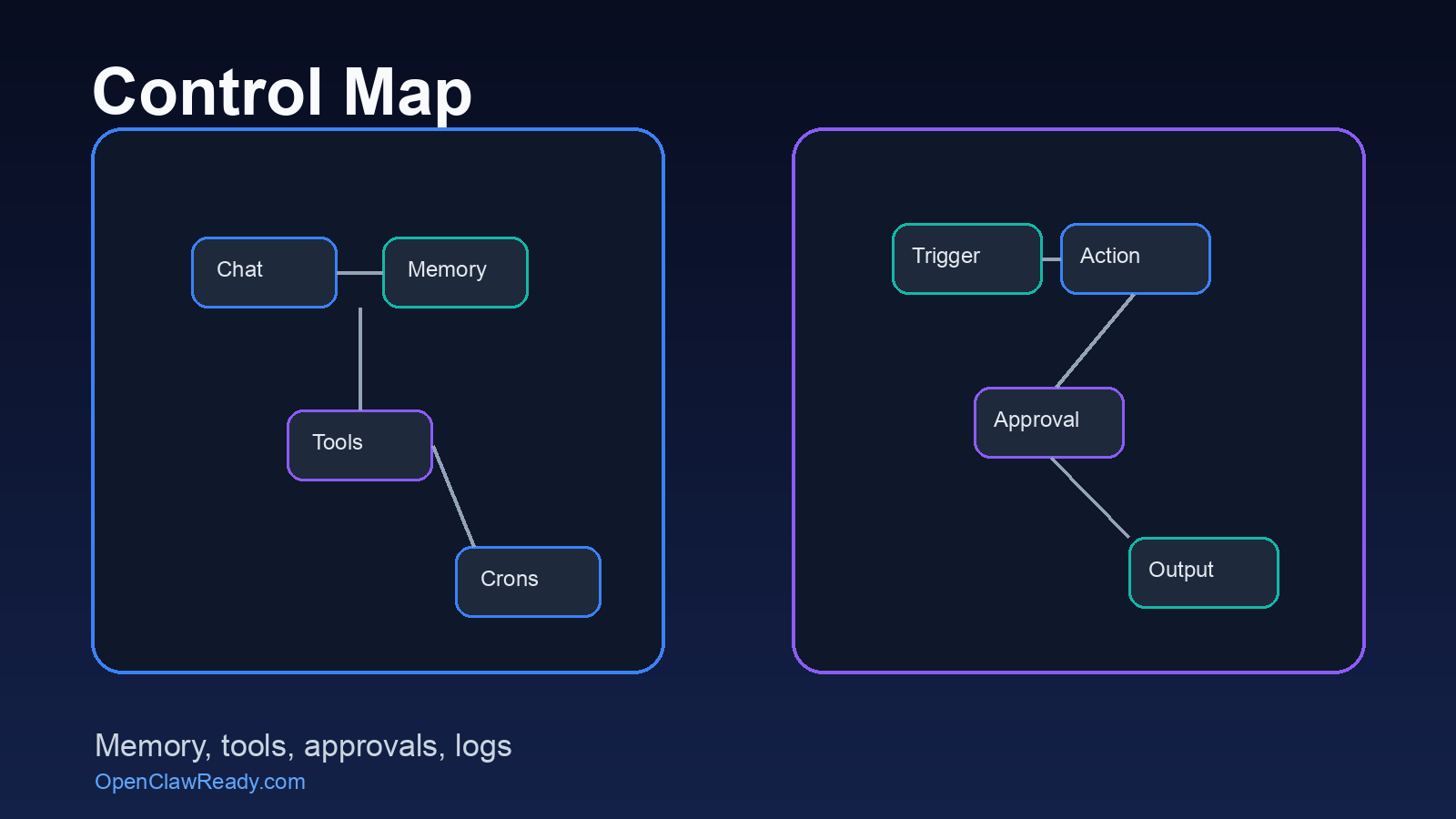
A business owner usually does not need a weekend of config experiments. He needs a working assistant that routes requests, checks memory, follows rules, and avoids risky actions without approval. That can involve OpenClaw, Hermes research, Claude workflows, browser automation, or a mix of tools. The stack is secondary to the operating model.
For most teams, the winning setup has a few boring traits: clear permissions, reliable logs, human approval for external actions, clean memory, and workflows that are small enough to debug. Once those pieces are in place, the agent can become genuinely useful.
Hermes AI Agent is worth watching because it pushes the market toward agents that improve through use. But I would still set it up like production software, not like a toy. Give it one job. Watch it closely. Improve the workflow. Then expand.
Get a Clean Agent Workflow Built Around Your Business
OpenClawReady helps turn agent experiments into controlled systems your team can actually trust.
Sources checked: Hermes Agent documentation, Hermes browser automation docs, and NousResearch/hermes-agent on GitHub.