Want this set up for your business?
OpenClawReady onboarding goes better when the business arrives with clean access, clear workflows, and a short list of decisions already made. The setup work itself is only one part of the project. The real win is making sure the assistant knows what it can touch, what it should ignore, and when a human needs to step in.
This buyer’s guide is for small business owners, operators, and lean teams comparing setup help. The point is not to turn onboarding into a heavy IT project. It is to prevent the usual mess: missing logins, vague goals, unsafe permissions, and automations that look impressive but do not survive real work.
OpenClawReady Onboarding Starts With The Workflow
The first question is simple: what should the agent actually do? A lot of teams start with tools. They list Gmail, Slack, Discord, Notion, HubSpot, Google Sheets, Stripe, ClickUp, and every other app they use. That list matters, but it is not the brief.
A better onboarding brief starts with the repetitive work that costs time every week. For example, a founder might need lead follow-up routed from email into a CRM. A support team might need a daily summary of unresolved tickets. A content operator might need research, drafting, internal review, and publish checks connected into one repeatable flow.
Write those workflows in plain language before setup begins. Use this format:
- Trigger: what starts the workflow?
- Inputs: what information does the agent need?
- Decision rules: when should it act, ask, or stop?
- Output: what should be created, updated, sent, or logged?
- Owner: who reviews the work when something looks off?
If the workflow cannot be explained this way, it is probably not ready for automation yet. That does not mean it is a bad idea. It means the setup team should first help you define the process before connecting tools.
Want a cleaner onboarding plan?
Bring your workflows, tools, and access questions. We will help you sort what should be automated first.
OpenClawReady Onboarding Access Checklist
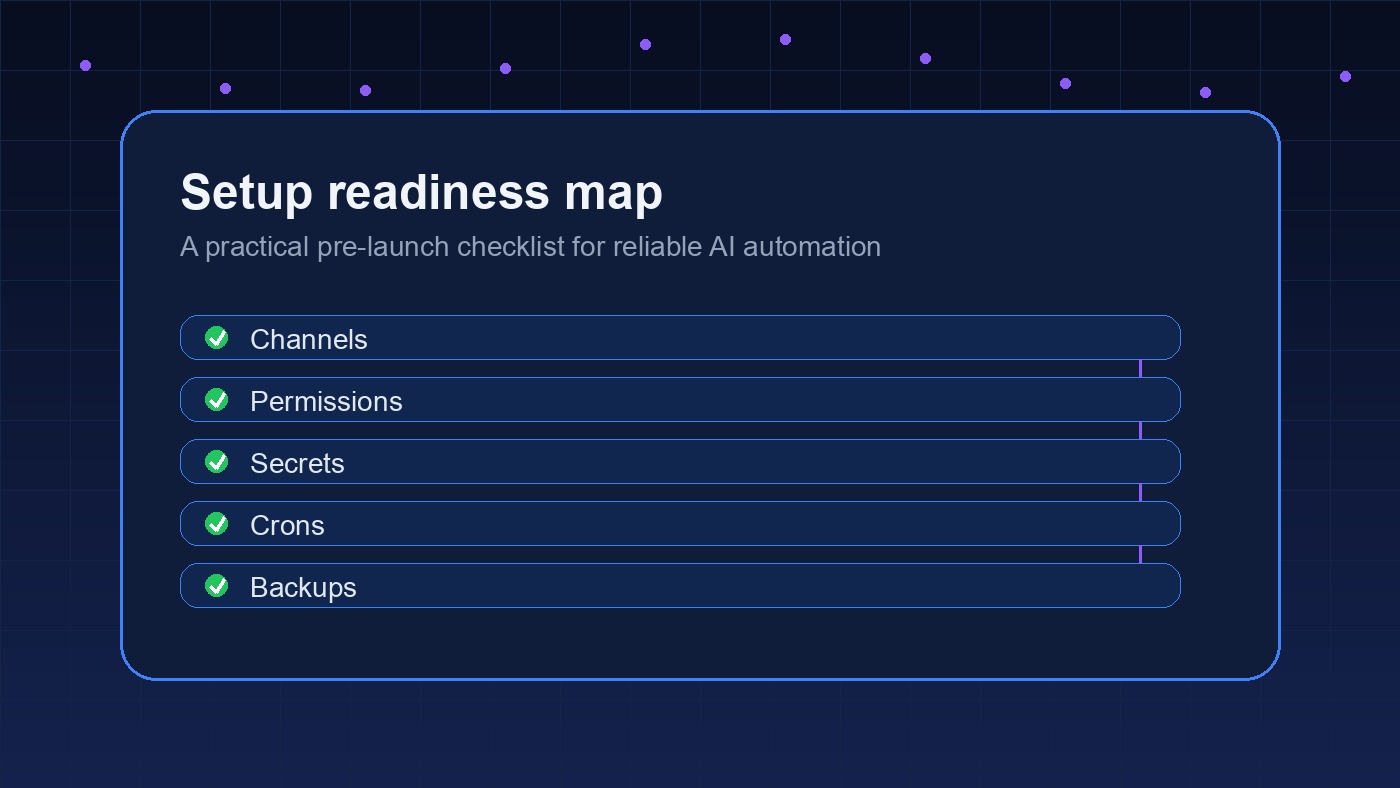
Access is where setup projects slow down. Not because the tool is complicated, but because nobody knows who owns which account. Before onboarding, collect the accounts, permission levels, and approval rules needed for the first workflows.
For most business setups, that means email, calendar, messaging channels, project management, docs, storage, and the main system of record. The system of record might be a CRM, order database, help desk, spreadsheet, or internal dashboard. The exact stack matters less than knowing which app is the source of truth for each workflow.
Use least-privilege access wherever possible. If the agent only needs to read a spreadsheet and write a summary, it should not get broad admin access. If it needs to send messages, define which channels are allowed and which ones are off-limits.
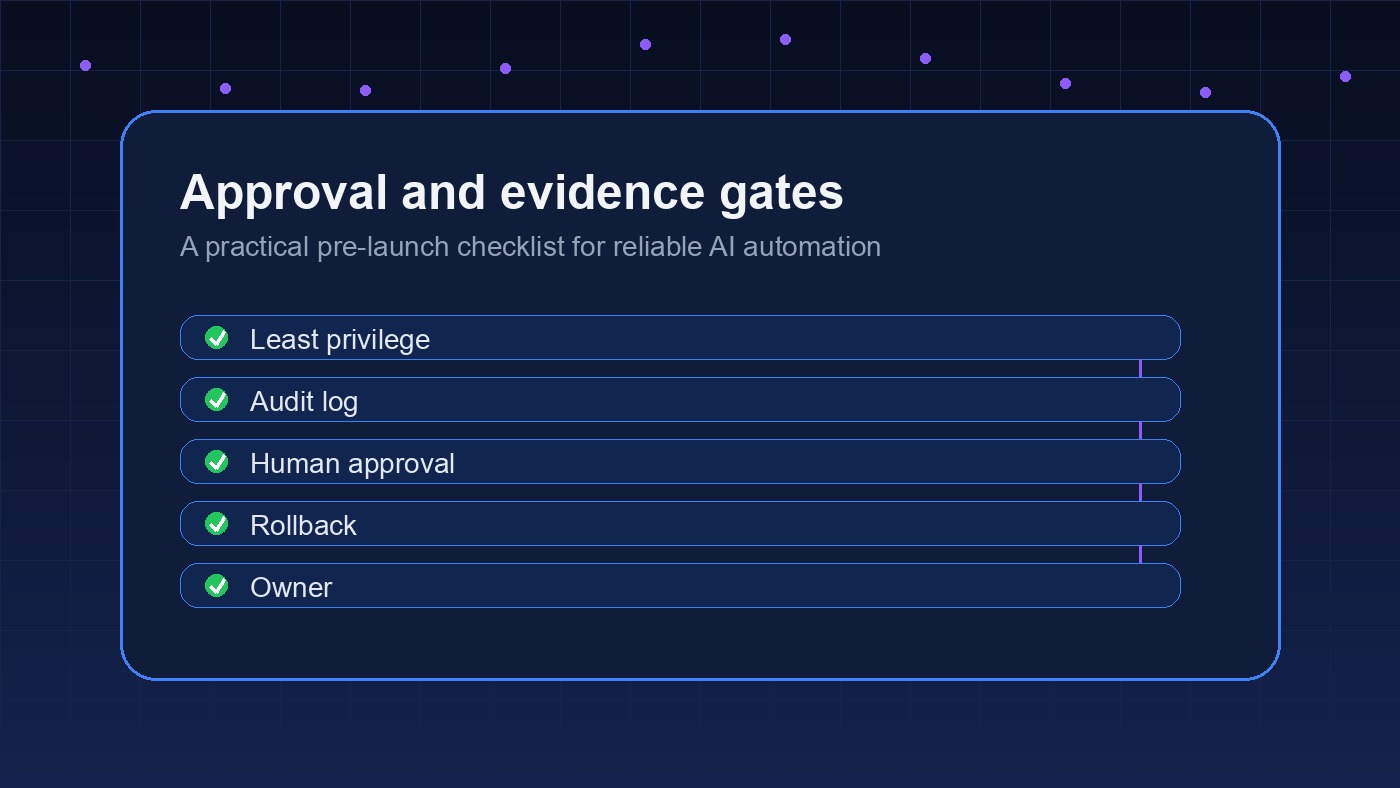
This is also the right time to decide how secrets get stored. API keys, app passwords, webhook URLs, and service account files should not live in random chat threads or loose docs. They need a defined home, with clear ownership and revocation steps.
The OpenClaw setup checklist goes deeper on what to confirm before a setup goes live. Use it as a pre-onboarding pass, especially if multiple people control different parts of the stack.
Choose Automation Candidates With A Buyer’s Eye
Onboarding is partly a prioritization exercise. The best first automation is usually not the flashiest one. It is the workflow with clear inputs, frequent repetition, low edge-case risk, and an obvious review path.
Email triage is a good example. A narrow version might summarize inbound messages and tag them by priority. A riskier version might reply automatically to prospects, customers, or vendors. Both can be useful. But the first version is easier to trust because it helps a human move faster without pretending the agent should own the relationship.
That is the kind of tradeoff a buyer should look for. Ask whether the proposed setup reduces manual work without creating a new babysitting job. Ask where the logs live. Ask who sees failures. Ask what happens when the input is incomplete.
I would be cautious with any onboarding plan that starts by automating outbound messages, financial actions, or customer-facing decisions before the team has seen the agent work in read-only or draft-only mode. Sometimes that caution feels slower. It is usually faster than repairing a trust problem later.
Not sure what to automate first?
A short workflow audit can separate high-value setup work from automations that will create cleanup later.
Prepare Team Rules Before The Setup Call
A good onboarding call should not spend half its time debating basic authority. Decide in advance who can approve tool connections, who can approve agent behavior, and who can approve customer-facing output. Those might be different people.
For a small team, one owner may handle everything. For a larger team, the operator who understands the workflow may not be the person who controls security policy. That is fine. But the setup process needs both perspectives in the room before anything important goes live.
Document these rules before buildout:
- Which tasks can run automatically?
- Which tasks should create drafts only?
- Which tasks require approval every time?
- Which channels or records should never be touched?
- Who gets alerted when a workflow fails?
The goal is not bureaucracy. It is clarity. Agents are most useful when they have firm boundaries. A vague “help with operations” instruction produces weak automation. A specific rule like “draft a daily Slack summary from unresolved support tickets, then wait for manager approval” is much easier to build and test.
Also decide how changes get requested after launch. A small edit to a prompt, schedule, or channel rule can change the behavior of the whole workflow. Put those requests in one place, assign an owner, and keep a short change log. That gives the business a memory of why the agent behaves the way it does.
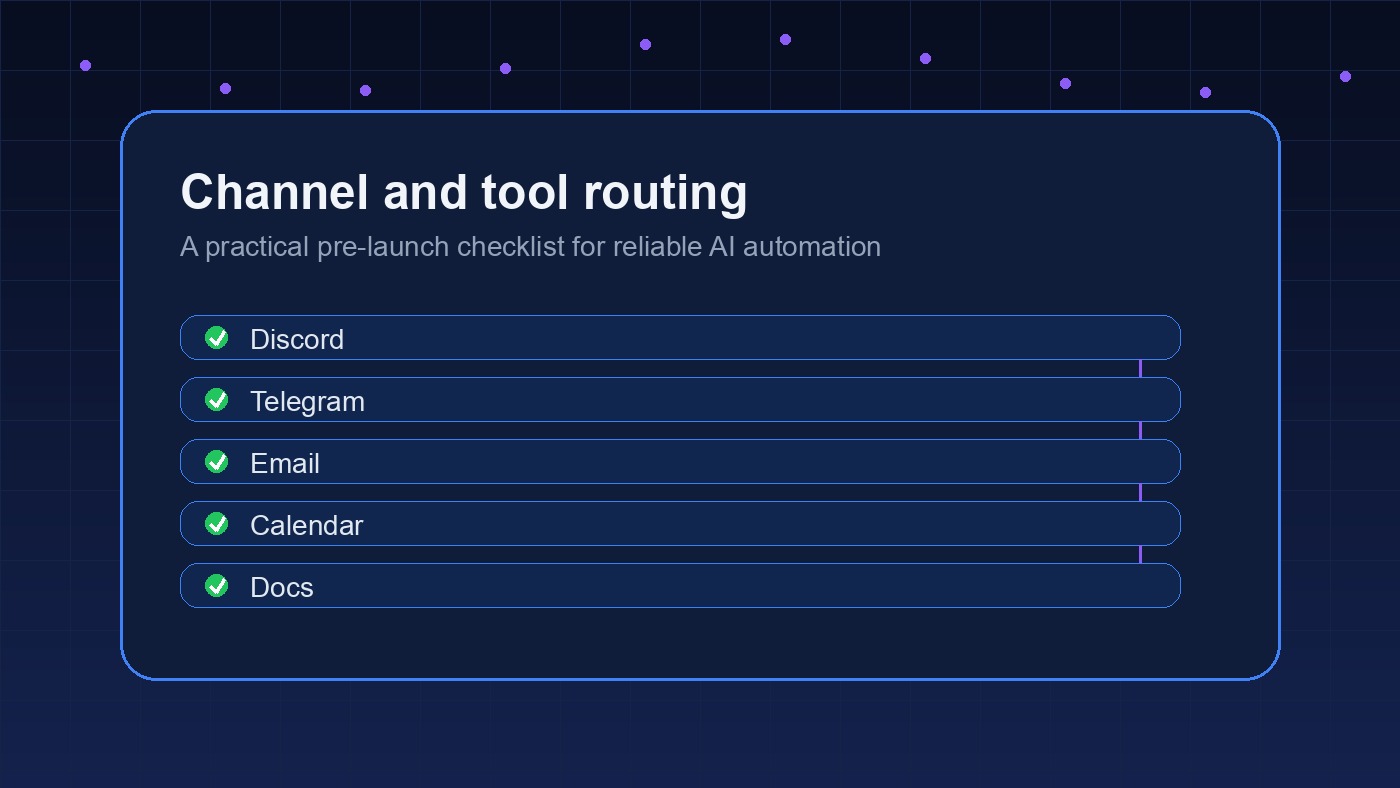
If your first use case involves messaging, read the OpenClaw Slack integration guide or the OpenClaw Discord bot setup guide. Both show why routing rules matter as much as the automation itself.
What A Strong Onboarding Handoff Includes
The handoff is where buyers should be picky. A setup is not complete just because a workflow ran once in a demo. You need enough documentation to understand what was connected, what the agent can do, and how to shut it down if something goes wrong.
Ask for a real test, not a perfect demo. The best test uses ordinary business inputs: a messy email, a half-filled form, an old support thread, or a project update with missing context. Clean samples make every setup look better than it is. Ordinary samples show whether the workflow can handle the way your team actually works.
A clean handoff should include the final workflow map, connected tools, permission notes, run schedule, failure alerts, test cases, known limits, and rollback steps. It should also include a plain-English explanation of how to update the workflow later.
For OpenClawReady onboarding, the best handoff is practical. You should be able to answer these questions after setup:
- What starts each automation?
- Where does the agent read from?
- Where does it write?
- Who gets notified on failure?
- What is the fastest way to pause it?
If those answers are unclear, the project is not really finished. It may be technically connected, but it is not operationally ready.
Common Onboarding Mistakes To Avoid
The most common mistake is starting too broad. “Automate my business” is not a setup brief. Pick one operational workflow, make it reliable, then expand.
The second mistake is skipping test data. Use sample emails, sample tickets, old leads, or copied project tasks before letting an agent touch live work. Test the boring cases first. Then test the weird ones.
The third mistake is treating human review as a failure. It is not. Early review is how you learn what the agent handles well and where the instructions need tightening. The review layer can shrink over time, but it should not disappear before the workflow has earned trust.
And there is one more subtle issue: teams often forget to define what “good” looks like. Faster is not enough. Better onboarding should reduce missed follow-ups, shorten handoff time, improve visibility, or make a repeated task easier to audit.
The OpenClaw setup mistakes guide is worth reading before kickoff if your team has already tried automation and ended up with brittle workflows.
Final OpenClawReady Onboarding Decision Criteria
Use these criteria when comparing setup options. A strong onboarding process should help you define workflows, prepare access, set safe permissions, test before launch, and understand the handoff. A weak one jumps straight into tool connections and leaves the operating model fuzzy.
You do not need a perfect internal process before asking for help. But you do need enough clarity to know what the first win should be. Start with one workflow that matters, keep permissions narrow, and insist on a handoff your team can actually use.
Get OpenClawReady onboarding support
If you want help turning one workflow into a clean setup plan, book a consultation and bring the workflow you want fixed first.