
Want this set up for your business?
If you are searching for an openclawready setup service, you are probably past the curiosity stage. You do not need another vague explanation of what an AI agent can do. You need to know what gets configured, what can break, and how to tell whether a done-for-you setup is worth it before your agent touches real work.
OpenClaw is powerful because it can connect chat, tools, files, skills, automations, and scheduled jobs into one working operator. That is also why setup matters. A simple install can be quick, but a business-ready setup has to answer harder questions: who can trigger the agent, which accounts it can access, what it should refuse to do, and how failures get noticed.
This guide walks through what a practical setup service should cover, where DIY teams often get stuck, and how to prepare before handing over your workflows.
What An OpenClawReady Setup Service Should Actually Do
A serious setup service is not just “install OpenClaw and leave.” The official OpenClaw getting started docs frame the first step as installing OpenClaw, running onboarding, and getting a working Gateway. That is the foundation. Business setup starts after that.
The setup should map your real work first. That means choosing the jobs worth automating, then deciding where the agent should run, which channels it should listen to, and which tools it can call. A solo operator might care most about inbox triage and daily planning. A small team may need Slack routing, calendar prep, CRM updates, or recurring reporting.
Good setup work also separates “can automate” from “should automate.” There is a big difference between an agent drafting a client reply and an agent sending that reply without review. The second version may be useful later. It should not be the first version.
Want OpenClaw configured around real workflows?
We can help turn your use cases into a clean setup plan before anything goes live.
OpenClawReady Setup Service Checklist
The setup checklist should be boring in the best way. Boring means repeatable. Boring means someone can inspect it later without guessing what happened.
1. Install And Onboarding
The first layer is the base OpenClaw install, account authentication, and onboarding. The official install docs describe the recommended installer path for macOS, Linux, and WSL2. That is fine for a personal start, but a business setup should also document the host machine, operating mode, update path, and recovery plan.
For teams, the question is not only “does it run?” It is “will it still run tomorrow morning when the owner is away from the keyboard?”
2. Gateway And Runtime Decisions
OpenClaw cron jobs run inside the Gateway process, according to the OpenClaw automation docs. That detail matters. If the Gateway is not stable, scheduled work is not stable either.
A setup service should confirm how the Gateway starts, where logs live, how restarts are handled, and what happens when a job fails. It should also avoid exposing sensitive runtime surfaces without a clear reason. Remote access may be useful, but it needs authentication, narrow permissions, and a sane network posture.
3. Channels And Tool Permissions
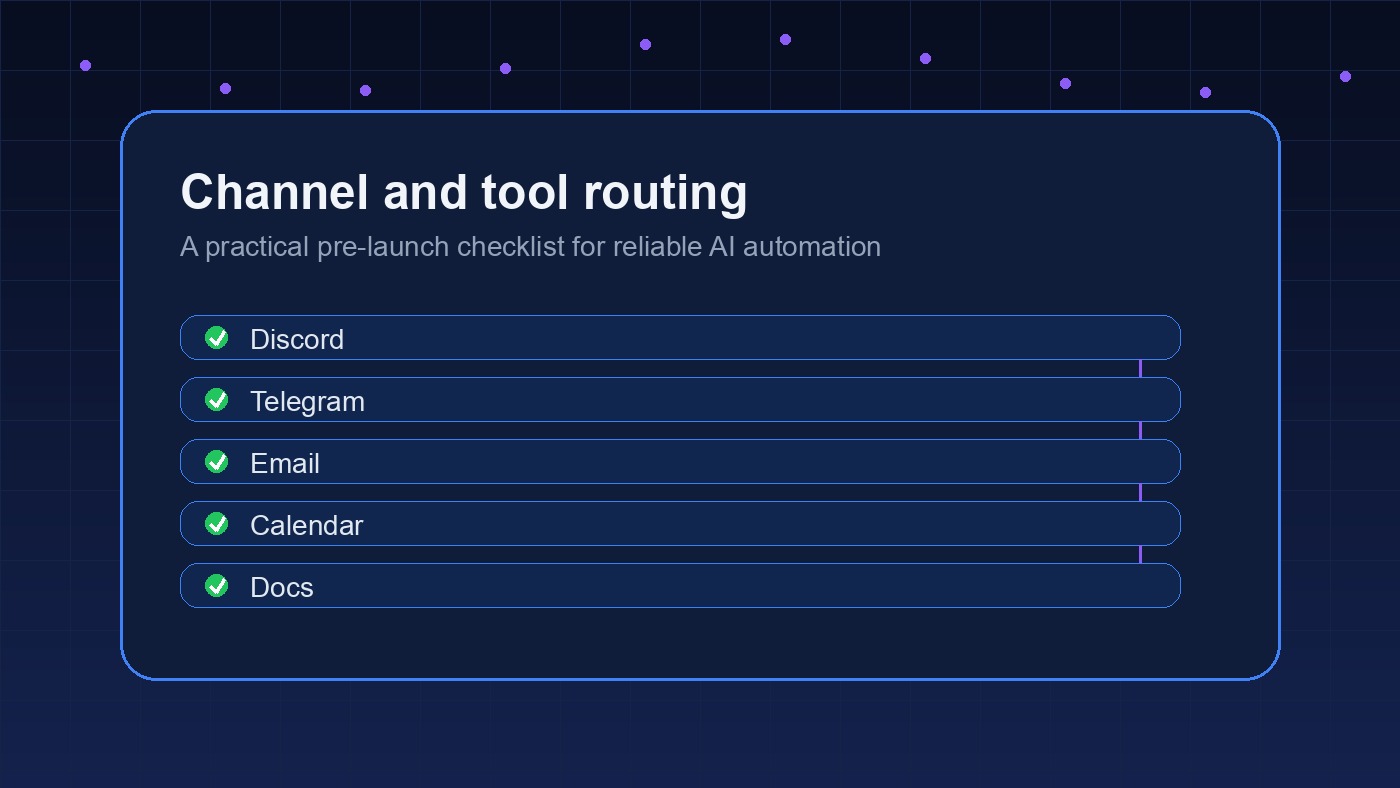
OpenClaw can work through channels like chat apps, local command surfaces, and workspace tools. The risk is permission sprawl. If the agent can read everything and act everywhere, one bad instruction can do more damage than expected.
Start narrow. Give the agent access to one or two high-value workflows, then expand only after the first workflows behave. The OpenClaw setup checklist is a useful companion here because it forces the same question over and over: what should this agent be allowed to do?
4. Skills, Plugins, And Custom Instructions
OpenClaw’s tools and skills model is the reason the system can become more than a chatbot. Tools let the agent act. Skills teach repeatable procedures. Plugins can extend what the runtime can reach.
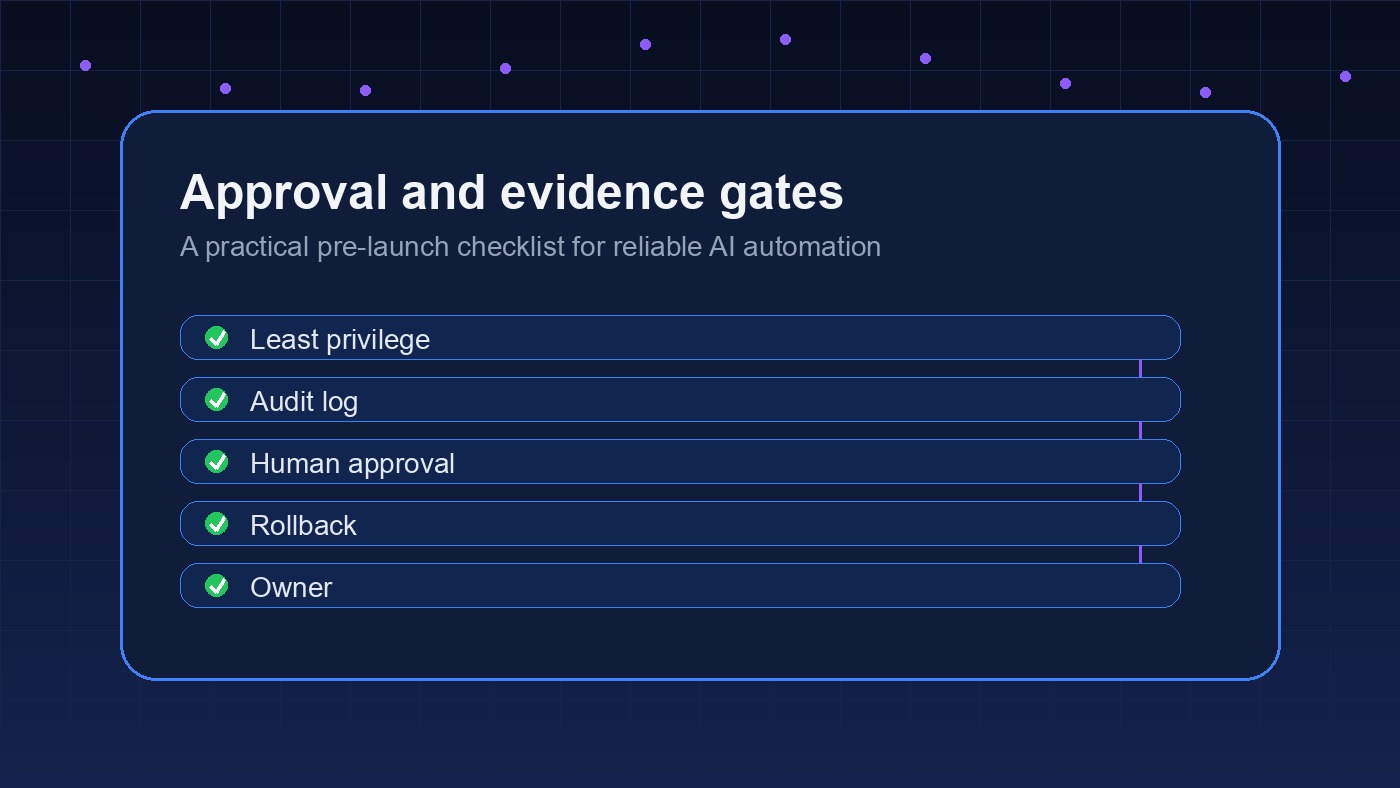
That flexibility is also where messy setups drift. A setup service should review every skill or plugin before it becomes part of the daily workflow. The review does not have to be dramatic. Check what it can access, what commands it runs, what credentials it expects, and whether the workflow needs a human approval point.
Where DIY OpenClaw Setups Usually Break
DIY is not wrong. For technical users, it can be the right starting point. But most messy setups fail for predictable reasons.
The first failure is unclear ownership. Someone installs OpenClaw, tests a few prompts, and calls it done. Then nobody owns monitoring, updates, prompt changes, or tool permission reviews. The agent becomes a clever demo instead of a dependable system.
The second failure is automating the wrong work first. Teams often jump straight to the most visible task, like client email or public replies. That raises the risk quickly. A better first workflow is usually internal: daily summaries, task routing, meeting prep, research briefs, or handoff notes.
The third failure is weak boundaries. The agent needs explicit rules for sensitive actions. Sending emails, deleting files, changing billing settings, modifying production systems, and posting publicly should not be treated the same as drafting a summary.
If you are already seeing brittle behavior, the OpenClaw setup mistakes guide is worth reading before you add more tools. More access rarely fixes a bad foundation.
How The OpenClawReady Setup Service Process Should Flow
A clean setup process usually has five stages.
Discovery comes first. The goal is to understand the actual workflow, not collect a wish list. A useful discovery pass asks what work repeats every week, where information gets stuck, which systems matter, and which actions need approval.
Then comes environment design. This includes where OpenClaw runs, how the Gateway stays online, which accounts connect, where secrets live, and how logs are reviewed. This is less exciting than a flashy demo. It matters more.
Next is workflow buildout. The first version should be narrow enough to test. For example, an inbox workflow might summarize messages, identify next actions, and draft replies for review. It should not immediately send replies without a confidence history.
After that comes validation. The agent should be tested against normal work and ugly edge cases. What happens when a message contains conflicting instructions? What happens when a tool is down? What does the agent do when it is unsure?
Finally, handoff and iteration. The setup should end with clear documentation: what was configured, how to use it, what not to ask it to do, and when to revisit permissions.
Have a workflow you want to automate safely?
Bring the workflow. We will help pressure-test the setup path before you connect production tools.
What To Prepare Before You Book An OpenClawReady Setup Service
You will get more value from setup help if you prepare a few things first.
Write down the top recurring tasks you want handled. Keep it practical. “Make my business run itself” is not a setup brief. “Summarize inbound leads, draft follow-ups, and create CRM notes” is much better.
List the tools involved in those workflows. Include email, calendar, CRM, task manager, chat apps, spreadsheets, documentation, and any internal dashboards. For each one, note whether the agent should read, draft, update, or only notify.
Decide what requires approval. This is where many teams get vague. Be strict at first. If an action affects money, customers, contracts, access, or public communication, approval should probably stay human until the workflow has a track record.
Also gather examples. Real inbox threads, task updates, meeting notes, and reports make setup much easier. Sanitized examples are fine. The point is to teach the agent the shape of the work instead of relying on generic prompts.
When A Setup Service Is Worth It
Not every team needs a setup service. If you are technical, patient, and only experimenting with personal workflows, DIY may be enough. That is the honest answer.
A service starts making sense when OpenClaw will touch business operations. The moment it connects to customer messages, team channels, scheduled reports, or systems with sensitive data, setup quality becomes operational risk. You want guardrails before the agent has enough access to create real cleanup work.
It also makes sense when you know the outcome you want but do not want to burn weeks on configuration. Most business owners do not care which config file holds the perfect setting. They care that the agent runs, follows the rules, and saves time without creating a new supervision job.
If you are comparing options, this guide to hiring an OpenClaw setup expert explains what to look for in more detail.
OpenClawReady Setup Service: The Bottom Line
The best OpenClaw setup is not the most complicated one. It is the one with clear workflows, narrow permissions, reliable runtime behavior, and enough documentation that the owner understands what has been built.
An openclawready setup service should give you more than installation. It should turn OpenClaw into a controlled operating layer for the work you actually do.
Ready to set up OpenClaw with clean guardrails?
Use the consultation to map the workflows, access rules, and first automation targets.