Want this set up for your business?
Hermes agent install work gets risky when you treat it like a quick app download. The installer can get you to a prompt, but the useful setup work starts after that: model provider choice, skill permissions, memory behavior, messaging channels, and the rules that stop the agent from taking bad action in a real business workflow.
That is the gap this guide covers. If you are comparing Hermes with OpenClaw, or moving from a test install into daily operations, the win is not merely getting the agent to answer. The win is getting a setup that can survive normal use without leaking tokens, confusing tools, or creating work you now have to babysit.
Hermes Agent Install: What the Installer Actually Solves
The official Hermes quickstart describes the basic path clearly: install Hermes, choose a provider, verify chat, then troubleshoot anything that breaks. The installation docs say the installer handles dependencies such as Python, Node.js, ripgrep, ffmpeg, the repository clone, the virtual environment, the global hermes command, and LLM provider configuration.
That matters because a lot of early failure happens before a user ever reaches agent design. Missing dependencies, broken shell paths, and half-finished provider setup can make the product feel worse than it is. The installer reduces that friction for the first practical test run.
But it does not decide whether your agent should touch Gmail, Slack, a CRM, the file system, production code, or customer records. That part is still architecture. So the correct question is not “Can I install it?” The better question is “What should this agent be allowed to do once it is installed?”
Setting up Hermes or OpenClaw for real work?
Get a clean setup plan before you connect inboxes, files, calendars, or customer data.
Hermes Agent Install Decisions That Matter Before First Use
Start with the runtime. Hermes can be run locally or on cloud infrastructure, and the public repository positions it as an agent that is not tied to a laptop. That flexibility is useful. It also means you need to decide where secrets live, who can reach the machine, how updates happen, and what happens if the agent gets stuck mid-task.
For a solo technical user, a local install can be fine. For a business workflow, a VPS or dedicated host usually forces better habits: SSH access, environment variables, backups, service restarts, and logs. The tradeoff is exposure. A cloud host needs tighter firewall rules and cleaner credential handling than a private laptop.
Then choose the model provider. Hermes supports provider configuration during setup, and most users treat this as a speed or quality choice. It is also a policy choice. The model provider affects what data leaves your machine, how much context you can send, how tool calls are interpreted, and how predictable the agent feels during longer jobs.
There is no universal right answer here. Some teams need stronger reasoning. Some need lower latency. Some need a provider they already trust legally. That uncertainty is normal. What is not normal is wiring a live workflow to whichever key happened to work during install.
If you are also evaluating OpenClaw, read the broader comparison in Hermes Agent vs OpenClaw. Hermes leans hard into a learning loop and self-improving skills. OpenClaw is often chosen when a team wants broader channel routing, explicit operating rules, and more setup-service support around daily business operations.
Skills Are the Real Setup Surface
Hermes documentation describes a skills system that can install a single-file SKILL.md from a direct URL. It also says Hermes fetches the file, parses YAML frontmatter, scans it for security, and installs it. That is powerful. It is also exactly where teams need discipline.
A skill is not just a prompt. In practice, it is an instruction package that can shape how the agent uses tools, files, external services, and memory. A weak skill can make a capable model behave badly. A strong skill can make an ordinary workflow feel dependable.
Before you install a skill, answer five questions:
- What exact task should this skill handle?
- What tools or accounts does it need?
- What data should it never touch?
- What action requires human confirmation?
- How will you know the skill worked?
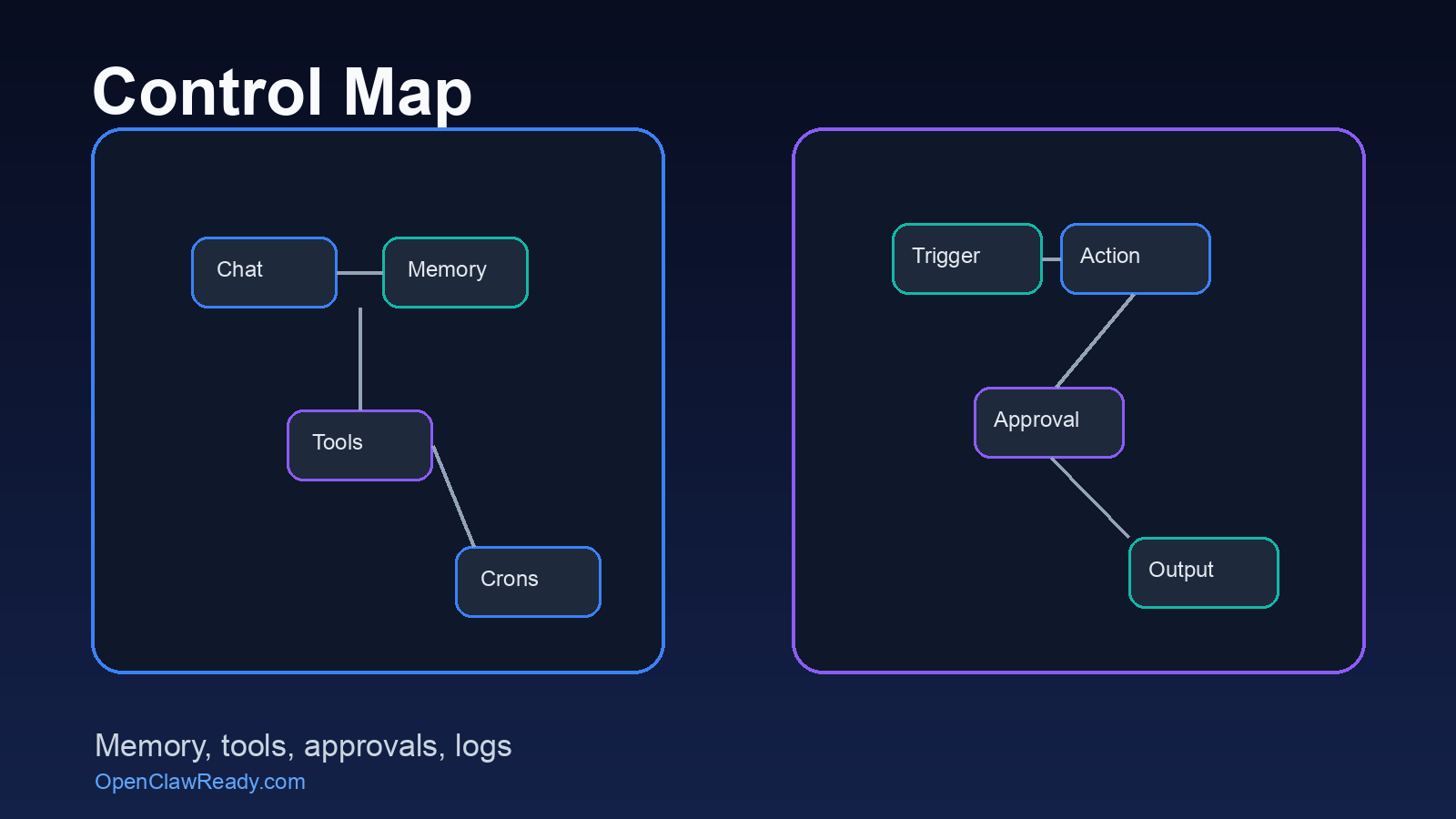
That last question gets skipped too often. If the agent writes a draft, you can inspect it. If it updates a CRM, sends a message, or edits a file, you need an audit trail. Logs are not decoration. They are how you keep automation from turning into mystery work.
For a deeper skills comparison, use Hermes Agent Skills vs OpenClaw Skills. The short version: skill quality matters more than skill count. A smaller set of well-scoped skills beats a huge folder of vague instructions.
Common Hermes Agent Install Mistakes
The first mistake is installing before defining a workflow. “AI assistant” is too broad. Pick one job: summarize support inboxes, prepare meeting briefs, draft follow-ups, monitor a queue, or route internal requests. One job gives the setup a shape.
The second mistake is giving the agent broad permissions too early. A fresh install should start in read-only mode wherever possible. Let it summarize, classify, and recommend. Then add write access only after the output is predictable.
The third mistake is mixing personal and business context. An agent with long-term memory can become useful because it remembers preferences, recurring tasks, and past decisions. But that same memory can become messy if it blends personal notes, client data, internal credentials, and one-off experiments without separation.
The fourth mistake is skipping recovery. If Hermes runs as a background service, you need a restart plan. If it runs from Telegram or another messaging channel, you need to know who can message it and what commands are allowed. If it uses API keys, you need key rotation and a way to revoke access fast.
The fifth mistake is treating migration as cleanup. Hermes documentation says the setup wizard can detect an existing ~/.openclaw directory and offer to migrate settings, memories, skills, and API keys. That can save time. But migration can also carry forward old clutter. Review what moved before you trust it.
Need the setup reviewed before it touches live systems?
A short architecture review can catch permission, memory, and workflow mistakes before they become daily problems.
A Practical Setup Checklist
Use this before your first serious run.
- Define one workflow. Write the trigger, expected output, tools used, and approval rule.
- Pick the hosting model. Decide local, VPS, or serverless based on access needs and risk.
- Choose the model provider deliberately. Match provider choice to data sensitivity, context length, reliability, and cost tolerance.
- Create a secrets policy. Keep API keys out of prompts and shared files. Use environment variables or a dedicated secret store where possible.
- Install only necessary skills. Start with the smallest useful set.
- Set confirmation rules. Require approval before sending messages, deleting files, changing production data, or spending money.
- Test with fake data first. Use sample inboxes, dummy records, and staging projects before live accounts.
- Log results. Capture what the agent received, what it decided, what tool it used, and what changed.
If you prefer OpenClaw for the operational side, the OpenClaw setup checklist covers the same discipline from an OpenClaw-first angle.
When a Managed Setup Makes More Sense
DIY is reasonable when the workflow is personal, reversible, and low-risk. A developer testing Hermes against local files can move fast. A founder experimenting with meeting summaries can learn by doing.
A managed setup makes more sense when the workflow touches revenue, customer communication, client files, legal records, finance systems, or team operations. Those use cases need cleaner boundaries. They also need boring details: backups, permissions, channel routing, update cadence, and written rules for what the agent can do alone.
This is where OpenClawReady fits naturally. The goal is not to talk you out of Hermes. Hermes is interesting, especially if you want a learning-heavy agent with flexible provider choices. The goal is to keep the install from becoming a fragile experiment that someone on the team quietly stops trusting.
If you want someone to design the workflow, configure the permission model, and leave you with a setup that can be maintained, use this guide on hiring OpenClaw setup expert help as a filter. The same standards apply to Hermes work: concrete workflow, limited access, visible logs, and a handoff document a non-builder can understand.
Bottom Line on Hermes Agent Install
A Hermes agent install can be quick. A dependable Hermes setup takes more thought.
Get the basics working, then slow down before you connect real accounts. Decide where it runs, which model provider it uses, what skills it can call, what memory it keeps, and what actions need approval. That is the difference between an agent demo and an automation system people can actually rely on.
Want Hermes or OpenClaw set up with guardrails from day one?
Bring the workflow you want automated. We will map the setup, permissions, and handoff plan.