Want this set up for your business?
SetupClaw pricing is not just a number on a checkout page. It is a decision about how much deployment risk you want to keep inside your own team, how much security work you want someone else to own, and whether your OpenClaw agent is meant to be a weekend experiment or a working business system.
That matters because SetupClaw sells a done-for-you deployment, not the open-source software itself. OpenClaw is open source. The bill is for planning, installation, hardening, integrations, support, and in some cases hardware-specific setup. If you compare it against a DIY install as if both paths include the same work, the math gets muddy fast.
SetupClaw Pricing Starts With the Deployment Model
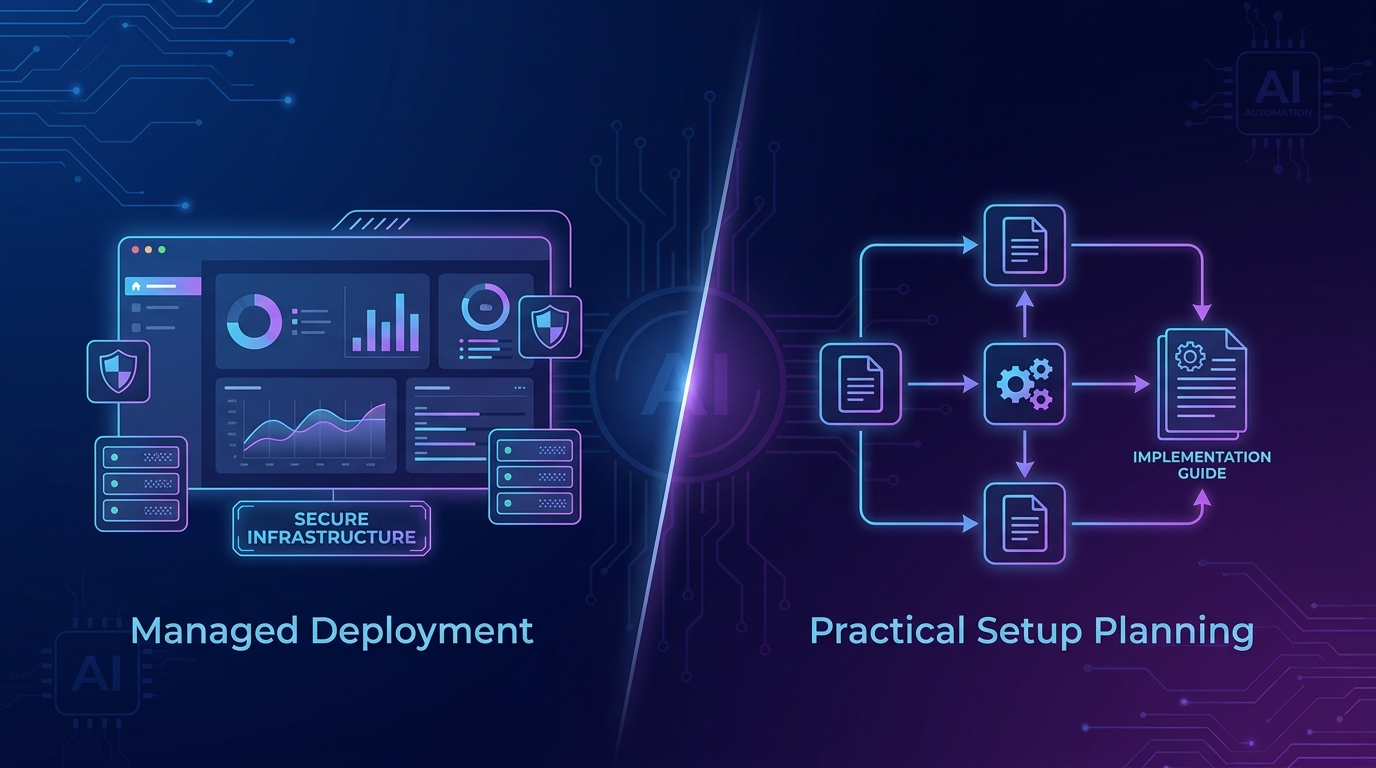
SetupClaw’s public site lists several setup paths: a hosted setup, remote Mac Mini setup, in-person Mac Mini setup in the Bay Area, and extra agent deployments for teams that need more than one assistant identity. The page also says most hosted customers run on a cloud VPS, while Mac Mini setups are mainly for teams that want iMessage or local hardware control.
So the first question is not “Is SetupClaw expensive?” The better question is: what are you asking the provider to take responsibility for?
A hosted deployment usually means the provider handles server provisioning, the OpenClaw install, security hardening, OAuth middleware, cron jobs, and basic workflows. A Mac Mini deployment adds device handling, local configuration, and the iMessage advantage that many cloud installs cannot match cleanly. An in-person setup adds travel and on-site coordination. Those are different jobs.
Need a second opinion on setup scope?
If you are comparing DIY, SetupClaw, and OpenClawReady, map the workflow before you buy.
What SetupClaw Pricing Usually Includes
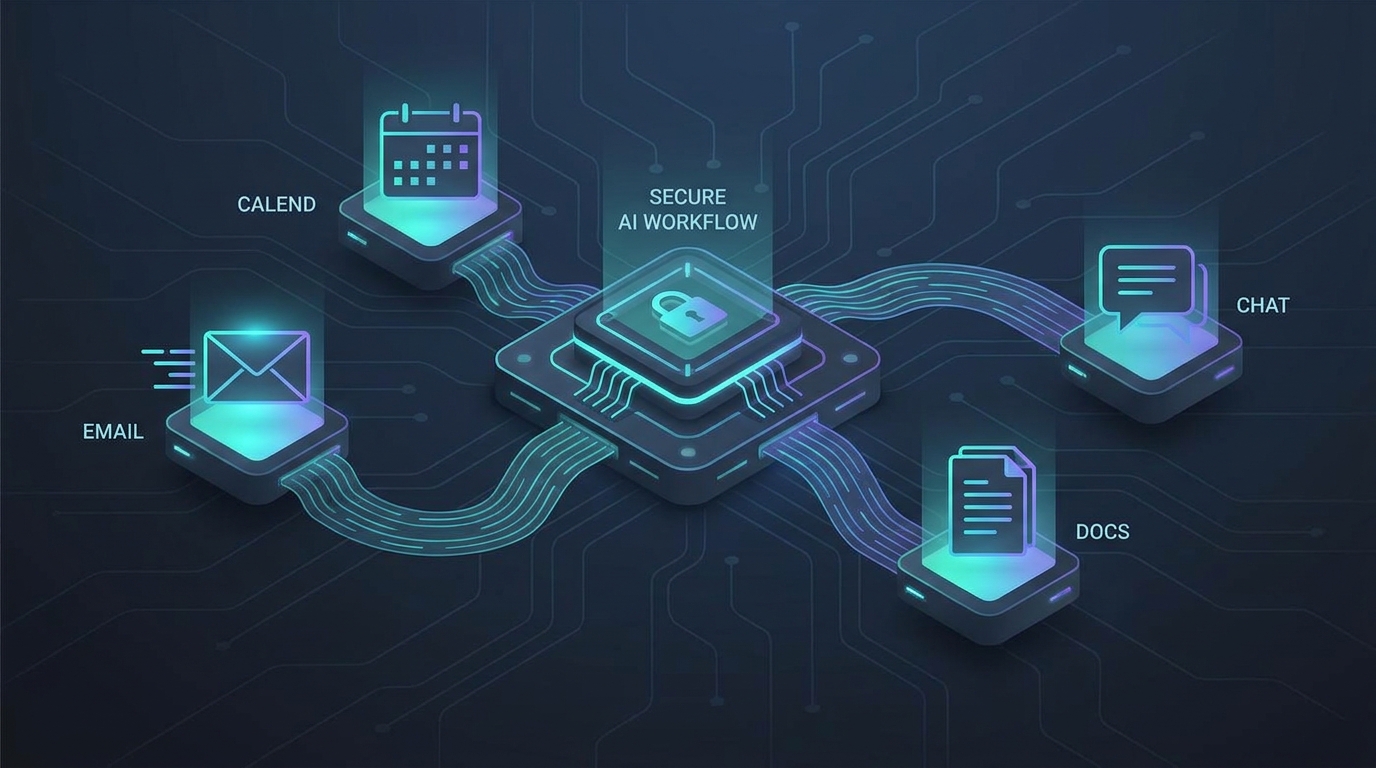
The useful way to evaluate SetupClaw pricing is to break the service into workstreams. Most business buyers are not paying because they cannot run an installer. They are paying because the agent needs access to real accounts: Gmail, calendar, Slack, Notion, Google Drive, CRM data, and sometimes messaging channels.
That access changes the risk profile. A toy agent can break without much consequence. A business agent that can read email, draft replies, summarize meetings, or touch CRM records needs tighter boundaries.
Look for these included pieces before you judge the price:
- Requirements mapping: which workflows the agent should handle, and which ones should stay manual.
- Infrastructure setup: VPS, Mac Mini, Docker, networking, environment variables, and update path.
- Security hardening: OAuth separation, least-privilege permissions, firewall rules, sandboxing, and revocation steps.
- Integration work: email, calendar, Slack, Telegram, CRM, docs, files, or internal tools.
- Workflow tuning: daily briefings, inbox triage, meeting prep, reporting, or escalation rules.
- Support window: post-install fixes, permission adjustments, and handoff documentation.
There is some nuance here. A lean founder who only wants a Telegram-connected agent for reminders may not need a heavy setup package. But a sales team that wants calendar prep, CRM updates, follow-up drafts, and shared context across employees is buying operational reliability. That is a different category.
SetupClaw Pricing vs DIY OpenClaw Setup
DIY has the lowest cash cost. It rarely has the lowest total cost.
With DIY, you own the install, provider keys, runtime hosting, logging, backups, cron behavior, tool permissions, and break-fix work. You also own the judgment calls: whether the agent can send email, which folders it can read, which tools it can call, and what happens when an OAuth token expires at the worst possible time.
The DIY path makes sense when you have a technical owner who wants to learn the system deeply. It also makes sense for a solo operator who can tolerate downtime and does not need many integrations on day one. If that is you, start with a small workflow and read the OpenClawReady cost breakdown before you commit to a setup path.
SetupClaw pricing makes more sense when time, security, or executive bandwidth is the bigger constraint. A founder who spends two full days wrestling with permissions, Docker issues, and half-working automations has paid for the setup in another way. The invoice just did not arrive as a vendor bill.
SetupClaw Pricing vs OpenClawReady Setup Help
SetupClaw and OpenClawReady sit in the same broad category: help getting OpenClaw into a usable state. The difference is how you should evaluate the buying decision.
SetupClaw positions itself as a white-glove deployment option for founders and executive teams. Its public page emphasizes hosted deployment, Mac Mini setup, multiple executive agents, security hardening, and a short hypercare window. OpenClawReady is more useful when you want practical education first, then help choosing the right implementation path without overbuying.
If you are still comparing options, start with SetupClaw alternatives. If you already know you want a done-for-you path, the OpenClawReady setup service guide explains what a practical setup engagement should cover.
The important part is fit. A company with multiple executives, strict security expectations, and a clear need for same-day deployment may prefer a larger done-for-you package. A solo founder or small operator may be better served by a narrower setup, a security audit, or a phased implementation that starts with one workflow.
Compare the setup paths before you spend.
Bring your workflow list and we will help separate must-have setup work from nice-to-have polish.
How to Judge SetupClaw Pricing Without Guesswork
Do not compare setup providers only by the headline fee. Compare them by what happens after the bot turns on.
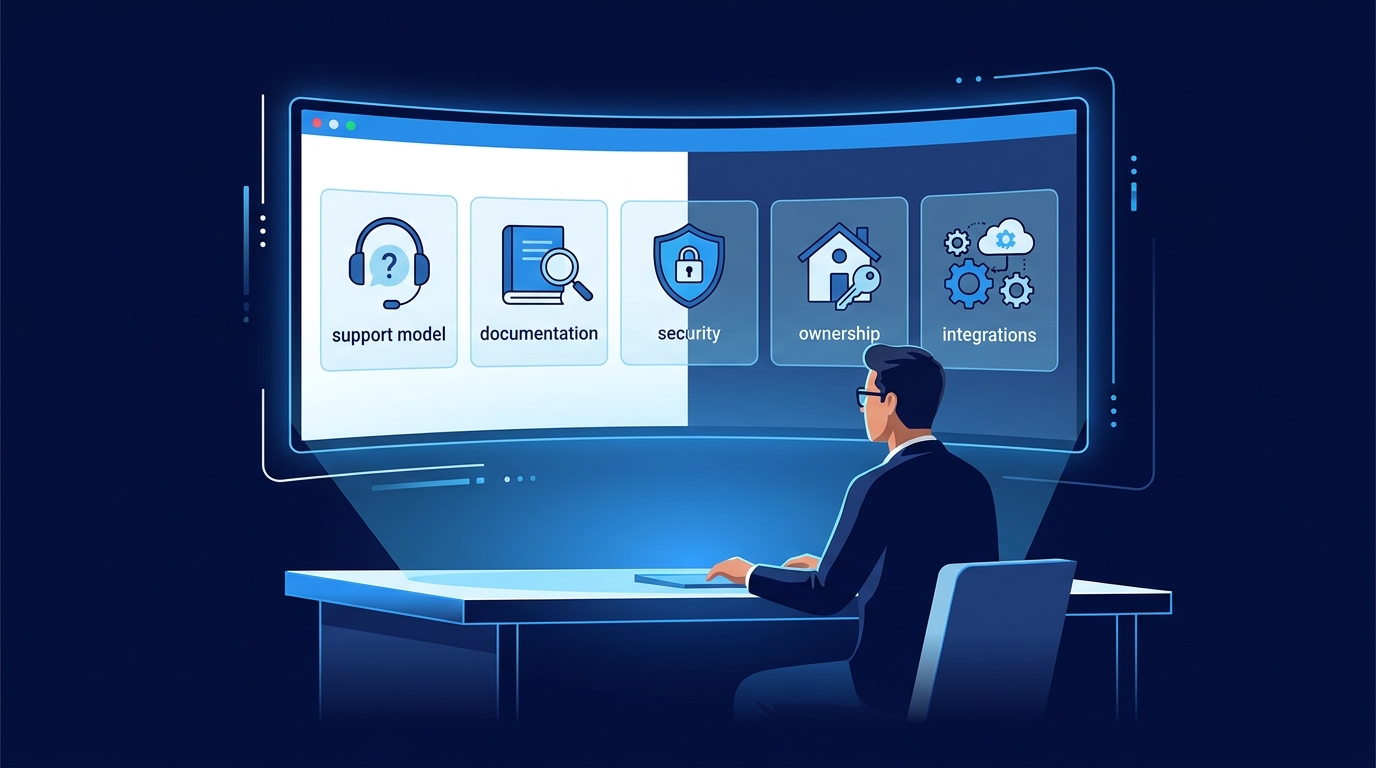
Ask these questions:
- Which accounts will the agent access on day one?
- Are permissions read-only at first, or can the agent send and change things immediately?
- Where are OAuth tokens stored, and how do you revoke access?
- Who owns the VPS, Mac Mini, or cloud account?
- What workflows are included before extra scope begins?
- What happens when an integration breaks two weeks later?
- Will you receive documentation good enough for another technical person to maintain it?
Those answers reveal the real price. A cheaper install that leaves credentials exposed, logging unclear, and permissions too broad can become expensive later. A higher-priced setup that gives you clean ownership, sane defaults, and a known support path can be the better buy.
The Hidden Costs Behind SetupClaw Pricing
The setup fee is only one part of the budget. A real OpenClaw deployment can also include hosting, model usage, hardware, phone or messaging services, OAuth middleware, and the time cost of maintaining workflows after the first week.
Some of those costs are small by themselves. A VPS may be inexpensive. A model provider bill may look harmless during testing. The problem is variance. Agents can run scheduled jobs, retry failed tasks, summarize long threads, and call higher-cost models when the workflow demands better reasoning. Without budgets and logging, a cheap setup can become unpredictable.
Security has its own hidden cost. If the agent can read email and calendar data, you need a clean revoke path. If it can act in Slack or a CRM, you need permission boundaries and a review flow. If it can run tools on a server, you need sandboxing. These pieces are boring until something goes wrong.
That is why a pricing conversation should include operating assumptions, not just setup tasks. Ask how many workflows are included, how usage is monitored, what the support window covers, and who handles updates after the initial build. A clear answer here is more useful than a polished demo.
Also ask what is not included. Some providers include a limited number of workflows, then treat extra automations as new scope. That is fair if it is stated up front. It is painful when the buyer assumes “agent setup” means every system in the company will be wired together on day one.
When SetupClaw Pricing Is Worth It
SetupClaw pricing is easier to justify when the agent has a direct business job. Inbox triage for a busy CEO. Meeting prep for a sales leader. CRM follow-up drafts. Daily internal briefings. Portfolio or client monitoring. These are workflows where saved attention matters.
It is harder to justify if the use case is vague. “We want an AI agent” is not a scope. It is a mood. Before you buy any setup service, write down the first three workflows you expect the agent to handle, the accounts it needs, the actions it can take, and the actions it must never take without review.
That simple worksheet will tell you whether you need a full white-glove deployment, a smaller setup service, or a DIY build with a security review afterward.
The Bottom Line on SetupClaw Pricing
SetupClaw pricing is best understood as implementation pricing. You are not buying OpenClaw. You are buying someone else’s setup judgment, security process, integration work, and post-install support.
If your team has technical capacity and a low-risk first workflow, DIY may be enough. If your agent will touch executive email, calendars, CRM records, client communication, or internal files, professional setup deserves a serious look. The right answer depends on the blast radius of the work, not the hype around the tool.
Want help choosing the right OpenClaw setup path?
We can review your workflows, security needs, and vendor options before you commit.