Want this set up for your business?
OpenClawReady support is most useful when your automation is no longer a toy and the failures start costing real time. A cron does not fire. A connector loses auth. A message goes to the wrong channel. The agent still sounds smart, but the workflow is not reliable enough to trust.
That is the point where support should become more than a quick answer in chat. The right support process looks at the whole system: the task, the tool access, the schedule, the logs, the destination channel, and the rule that tells the agent when to stop.
This guide gives you a practical way to decide what to ask for, what evidence to collect, and when a stuck automation needs a setup review instead of another prompt tweak.
OpenClawReady Support Starts With the Failure Type
The first support mistake is treating every issue like a prompt problem. Sometimes the prompt is weak. Often, the prompt is only where the problem becomes visible.
Sort the failure before you ask anyone to fix it. That saves time and prevents the classic loop where you rewrite instructions for a workflow that is actually missing a permission, a credential, or a reliable trigger.
Use this quick split:
- Instruction failure: the agent runs, but it misunderstands the task or produces the wrong kind of output.
- Tool failure: the agent knows what to do, but cannot access the app, file, API, browser session, or command it needs.
- Schedule failure: the task works manually, but does not fire from cron, heartbeat, webhook, or the expected chat trigger.
- Delivery failure: the task completes, but posts to the wrong place, skips the notification, or sends a confusing result.
- Governance failure: the agent takes action without enough confirmation, review, or rollback protection.
If you can name the failure type, support has something concrete to work with. If you cannot, start with the last known successful run and compare it to the broken one.
Need a Second Set of Eyes on a Stuck Setup?
Bring the workflow, logs, and goal. We can help separate prompt issues from setup issues.
What to Collect Before Asking for OpenClawReady Support
Good support depends on evidence. “It broke” is hard to diagnose. “The 8:00 AM revenue summary ran manually, but the scheduled job did not deliver to Discord after the calendar connector refreshed” is useful.
Before asking for help, collect the smallest packet of context that proves what happened:
- The exact task name or cron name.
- The expected output and where it should have gone.
- The actual output, including silence if nothing was delivered.
- The last successful run time.
- The error message, log snippet, or command output if available.
- Any recent change to credentials, workspace files, installed skills, app permissions, or model routing.
Do not paste secrets into a support thread. Share the shape of the credential problem, not the credential itself. If a token or API key might be exposed, rotate it first and then debug.
For setup-heavy workflows, compare your issue against OpenClawReady setup help. That guide is useful when the real issue is that the DIY setup never had clean boundaries in the first place.
OpenClawReady Support for Cron and Scheduled Tasks
Scheduled tasks are where small mistakes become visible. A manual run can hide missing assumptions because you are present, watching the output, and able to correct the next step. A cron has to wake up cold and still know what matters.
The official OpenClaw docs describe cron as the Gateway scheduler that persists jobs, wakes the agent at the right time, and can deliver results to a chat channel or webhook endpoint. That means support has to check both sides: whether the job fired and whether the result had a valid destination.
When a scheduled task gets stuck, ask these questions in order:
- Did the scheduler run the job at all?
- Did the agent receive the right payload?
- Did the agent have access to the required tools?
- Did the task finish, timeout, or stop after a guardrail?
- Did the final message go to the right channel, app, or webhook?
The answer is not always obvious. A job can run and still look dead if the delivery channel is wrong. A task can fail correctly if a safety rule blocks an external action. That is annoying in the moment, but it is better than silent bad automation.
If most of your pain is around scheduled work, read OpenClaw cron job examples before rebuilding the workflow. The simplest fix is often clearer job scope, not a bigger agent.
When Support Should Review the Whole Setup
Some problems should not be solved one ticket at a time. If the same automation breaks in different ways every week, the issue is probably architectural.
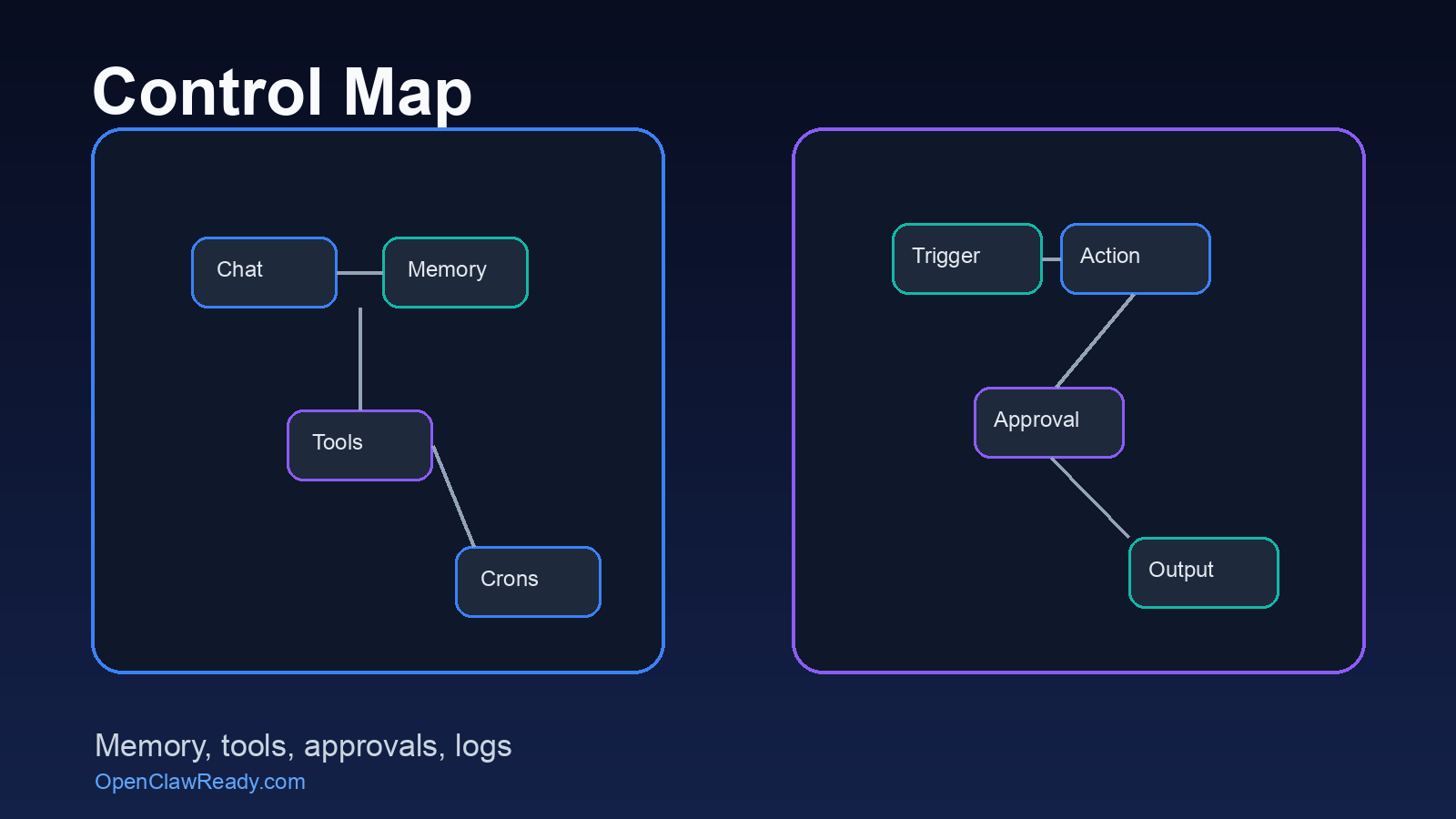
OpenClaw workflows depend on layers: workspace instructions, skills, tools, connectors, cron schedules, memory, delivery channels, and human approval rules. When those layers are patched casually, the agent can still work, but nobody knows why it worked. That is fragile.
A setup review makes sense when you see patterns like these:
- Important tasks depend on one long prompt instead of a saved workflow or skill.
- Multiple crons write to the same channel without clear routing rules.
- The agent can access tools it does not need for a given workflow.
- Failures disappear because logs are scattered across chats, terminals, and files.
- External actions like email, publishing, or client messages do not have explicit approval gates.
This is where OpenClawReady implementation planning matters. Support is faster when the system has names, ownership, and a repeatable way to verify results.
Turn a Broken Workflow Into a Supportable One
A setup review can map the trigger, tools, logs, approvals, and output path before you scale the automation.
Support Questions That Get Better Answers
The best support questions are specific without being overloaded. You do not need to write a novel. You need enough context for someone to reproduce the path.
Use this format:
Goal: What the workflow should accomplish.
Trigger: Manual command, cron schedule, webhook, or chat message.
Expected result: The exact output and delivery location.
Actual result: What happened instead.
Evidence: Log line, screenshot, post ID, channel ID, or error text.
Change history: What changed since the last good run.
Here is the nuance: sometimes the best support answer is “do less.” A business owner may want one agent to watch every inbox, summarize every meeting, draft every reply, update every CRM field, and post a morning report. Technically possible does not mean operationally clean.
Support should push the workflow toward smaller jobs with clearer verification. One automation that works every day is worth more than five ambitious automations that need a human rescue every morning.
How to Decide Between Support, Rebuild, and Training
Not every issue needs the same fix. A one-off permission error needs support. A messy stack needs a rebuild. A team that keeps asking the agent vague questions may need training.
Use this decision rule:
- Ask for support when one workflow worked before and now has a clear failure.
- Ask for a rebuild when the workflow has no stable owner, no logs, no test path, and no clear stop condition.
- Ask for training when the tool works, but the team keeps using it in ways that create messy or unsafe outputs.
OpenClawReady support should help you get back to reliable execution. But the deeper win is knowing which automations deserve to exist, which ones need guardrails, and which ones should stay manual until the business process is clearer.
If you are unsure where your issue fits, start with the evidence packet above. That gives support enough signal to tell whether you need a quick fix or a cleaner setup plan.
OpenClawReady Support Should Leave a Trail
The support work is not finished when the broken task runs once. A real fix leaves a trail that the next person can understand. That might be a short note in the workspace, a cleaner cron name, a saved test command, or a support log that explains what changed.
This matters because business automation usually fails at the handoff point. The person who built the workflow remembers the weird edge case. The person who uses the workflow only sees a missing report. A support trail closes that gap.
At minimum, document the final trigger, the owner, the expected output, the verification step, and the rollback plan. Keep it boring. Boring support notes are useful support notes.
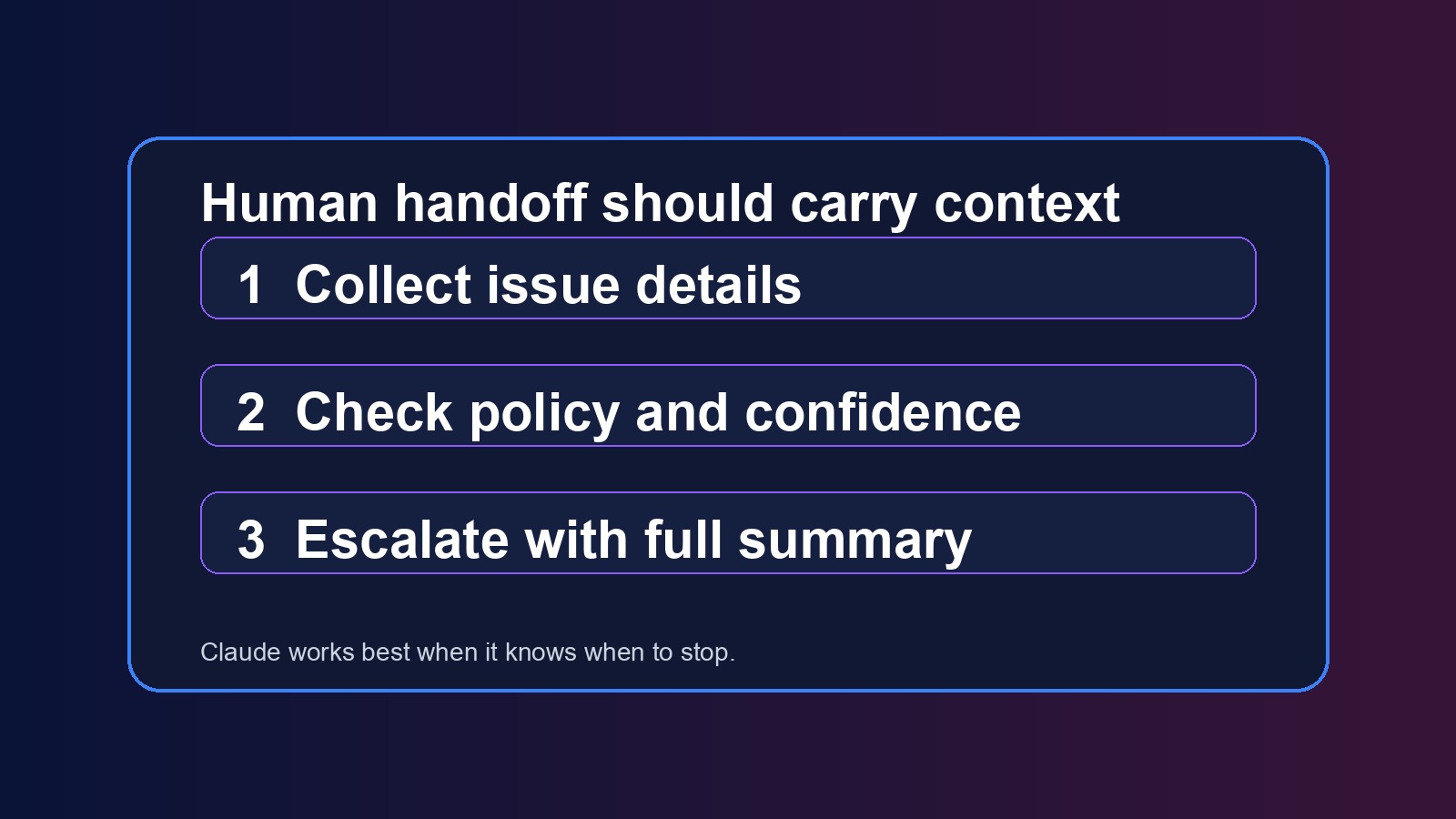
Also decide what should happen after the next failure. Should the agent retry once? Should it notify a human? Should it stop and wait? If the answer is unclear, the automation is still unfinished.
The Bottom Line on OpenClawReady Support
OpenClawReady support is not just about getting a bot unstuck. It is about making sure the automation has a clear job, the right tools, a safe trigger, visible logs, and a clean delivery path.
Start by naming the failure type. Collect evidence before asking for help. Separate prompt issues from setup issues. And when the same workflow keeps breaking, stop patching symptoms and review the architecture.
Get Practical Help With Your OpenClawReady Setup
Bring one stuck workflow. We will help you find the failure point and the cleanest next move.