Want this set up for your business?
If you are searching for clawbot alternatives, you are probably not looking for a random chatbot list. You are trying to understand what happened to the old Clawbot name, whether OpenClaw is the current path, and which setup route gives your business a working assistant without weeks of trial and error.
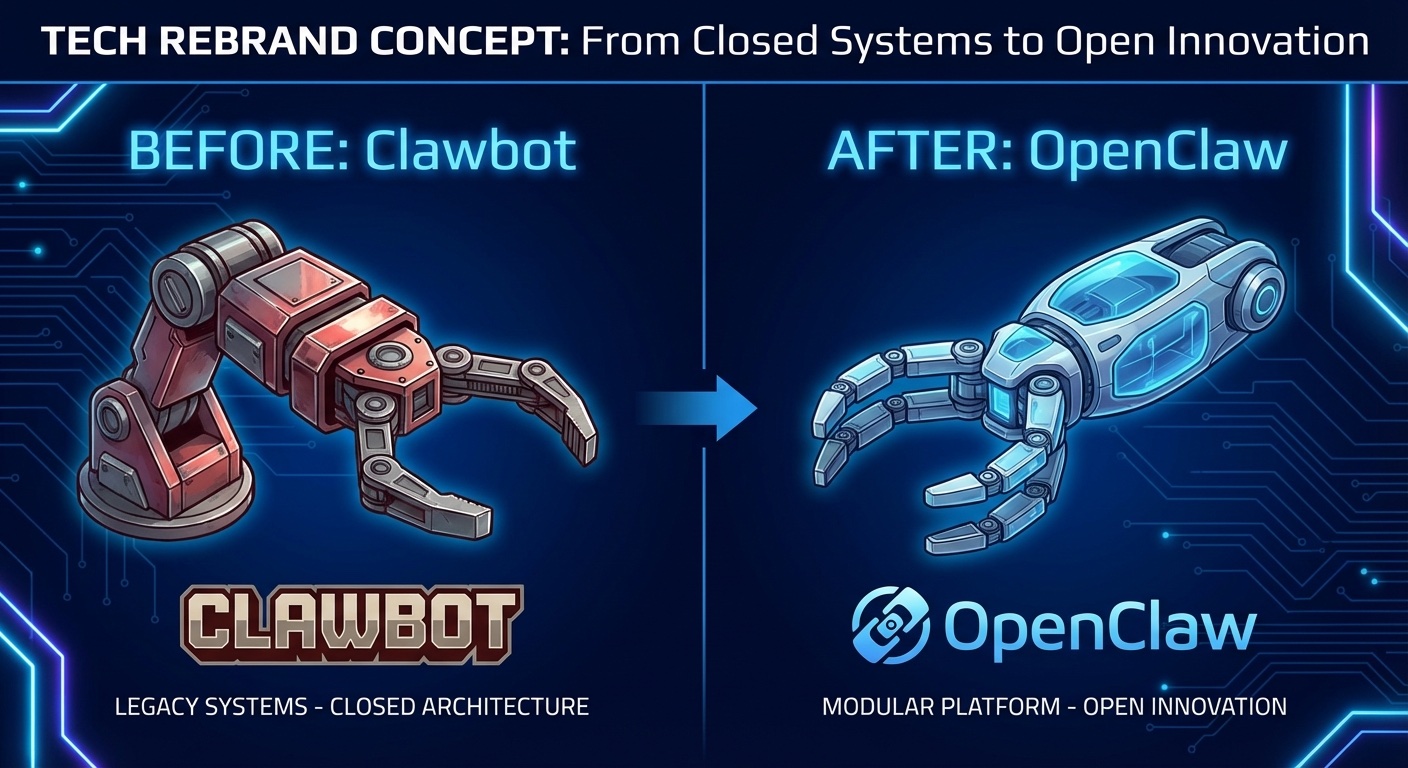
The short version: Clawbot was the old search language many people still use. OpenClaw is the current direction for teams that want a self-hosted AI assistant connected to real work surfaces. OpenClawReady sits on the implementation side: setup, workflow design, guardrails, and cleanup when a DIY install gets messy.
That distinction matters because the wrong comparison wastes time. A business owner does not need a giant matrix of every AI agent project on the internet. He needs to know which option can handle inbox triage, task routing, research, content drafts, follow-up reminders, and controlled tool use without creating a second job.
Why Clawbot Alternatives Searches Point to OpenClaw
Clawbot searches are legacy demand. People saw tutorials, old screenshots, community posts, or earlier branding, then went looking for the next step. In practice, most of those searches now map to OpenClaw, not a separate modern product called Clawbot.
OpenClaw’s own documentation describes it as a self-hosted gateway that connects chat apps and channel surfaces to AI coding agents. That means the practical question is less “which bot has the prettiest chat window?” and more “which system can sit between my existing work channels and the agents doing the work?”
That is where alternatives split into real categories. Some tools are prompt wrappers. Some are no-code automation builders. Some are agent frameworks. Some are setup services around OpenClaw itself. They can all look similar from a search results page, but they solve different problems.
Need the OpenClaw path cleaned up?
If the old Clawbot naming sent you in circles, get a practical setup plan before you wire agents into real business work.
How to Compare Clawbot Alternatives Without Getting Distracted
The best Clawbot alternatives are not always the most powerful ones. They are the ones your team can actually run, understand, audit, and improve.
Start with ownership. OpenClaw appeals to operators who want the assistant running through their own gateway instead of living entirely inside a vendor’s black box. That can be useful when your workflows touch private files, internal messages, calendar context, or code. But ownership also means responsibility. Someone has to maintain the setup.
Then look at channels. If your team lives in Discord, Slack, Telegram, email, or Google Chat, the assistant needs to meet the team there. A tool that only works inside its own dashboard will feel clean during a demo and annoying by week two.
Next, check tool permissions. This is the part people rush. An AI agent with broad file access, shell access, browser control, or email access needs boundaries. It should know when to act, when to draft, when to ask, and when to stop. I am not fully convinced most teams know that line before they see the first bad automation run. So the setup should start narrow.

Clawbot Alternatives for Real Business Workflows
For small business teams, the strongest use cases are usually boring. That is a good thing. Boring workflows have repeatable inputs, visible mistakes, and clear handoff points.
Inbox triage is a common starting point. The assistant can summarize new messages, label urgency, draft replies, or escalate anything sensitive. The safest early version drafts and reports. It does not send customer-facing email without human approval.
Meeting follow-up is another clean use case. The agent can turn notes into tasks, identify missing owners, draft follow-ups, and remind the right person later. This works better than trying to make the agent “run operations” on day one.
Research and content workflows also fit well when the output has review gates. The assistant can collect sources, draft outlines, check internal links, and prepare a publish candidate. But publishing should still have validation. A fast wrong article is not an asset.
If you want deeper examples, the existing OpenClawReady guide to OpenClaw use cases is a good next read. For teams thinking about schedules and recurring work, the guide to OpenClaw cron jobs gives more concrete automation patterns.
Where DIY OpenClaw Setup Usually Breaks
DIY is fine if you have technical patience. The mistake is assuming the install is the whole setup. It is not.
The install gets the system running. The real work is deciding which channels it should watch, which tools it can call, how memory should be organized, which tasks require approval, and what happens when a run fails halfway through. That is where business value either compounds or stalls.
Here is the practical checklist I would use before trusting any alternative:
- Does it connect to the channels where work already happens?
- Can you limit access by workflow instead of giving the agent everything?
- Does it produce logs or summaries you can inspect later?
- Can it draft before it acts on sensitive tasks?
- Is there a clear maintenance path when APIs, prompts, or credentials change?
Those questions are not glamorous. They prevent expensive confusion. An assistant that works for a weekend demo but cannot be debugged on Monday is not ready for client work, sales follow-up, finance documents, or support inboxes.
There is also a naming problem to solve. A teammate may say Clawbot, a tutorial may say ClawdBot, and the current setup work may say OpenClaw. Treat those as breadcrumbs, not separate strategies. Document the final naming in your internal guide so the team knows which app is installed, where credentials live, who owns maintenance, and which workflows are approved.
That small bit of documentation saves future cleanup. When the first automation succeeds, someone will ask for three more. Without a written boundary, the assistant grows by impulse. With a written boundary, each new workflow has to earn its place.
One more test helps: ask what the assistant should never do. Maybe it should never send refunds, delete records, approve invoices, or message prospects without a review. The exact list depends on the business. The point is to write the red lines before the agent has a chance to cross them. Then test those limits with harmless sample tasks before the assistant touches live customer or finance workflows.
Map the workflow before the install
OpenClawReady can help turn a vague AI assistant idea into a narrow, testable workflow with guardrails.
When OpenClawReady Beats Another Tool
OpenClawReady is not the answer for every searcher. If you only need a simple text bot for a narrow FAQ, a lightweight chatbot builder may be enough. If your team already has a mature engineering function, you may want to build directly on OpenClaw and maintain everything yourself.
OpenClawReady makes more sense when the problem is setup quality. Maybe you know the workflows you want, but you do not want to spend weekends fighting environment issues. Maybe the first install works, but the agent is too broad, too slow, or too easy to confuse. Maybe you need a clean handoff from old Clawbot tutorials into the current OpenClaw setup.
This is especially true for businesses that want a practical assistant, not a science project. The first version should handle one or two workflows well. Then it can expand.

Clawbot Alternatives Decision Framework
Use this simple decision path.
Choose a basic chatbot if the work is mostly static answers and you do not need the assistant to touch files, tools, or internal systems.
Choose a no-code automation tool if the workflow is rule-based and predictable. If the same event should trigger the same action every time, traditional automation may be cleaner than an agent.
Choose OpenClaw when you want a self-hosted assistant that can work through real channels and coordinate with coding agents or tools. Choose OpenClawReady when you want that OpenClaw setup planned, configured, and tested without doing all the implementation yourself.
The honest answer is that alternatives are less about brand names and more about operating model. Who maintains it? Who approves sensitive actions? Where does the assistant live? What happens when it is wrong? Those answers matter more than a feature list.
For implementation planning, read the OpenClaw setup checklist before you commit to any path.
The Bottom Line on Clawbot Alternatives
Most Clawbot alternatives searches are really OpenClaw setup questions in disguise. The old name creates confusion, but the buyer intent is clear: people want an AI assistant that can do useful work without becoming fragile, risky, or impossible to maintain.
If you are comparing options, do not start with the longest feature list. Start with the first workflow you would trust an assistant to touch. Define the channel, the permissions, the review gate, and the failure path. Then pick the tool or setup service that makes that workflow real.
Get a clean OpenClaw setup path
Bring the workflow you want automated and leave with a realistic setup plan for OpenClawReady.