
Want this set up for your business?
OpenClawReady setup help becomes necessary after the exciting part is over. The app is installed. A few prompts work. Maybe one simple automation fires correctly. Then the real questions start: which tools should the agent touch, who can approve risky actions, where should context live, and what happens when the workflow runs while nobody is watching?
That is the point where DIY stops being a weekend project and becomes an operations design problem. OpenClaw can be simple at the surface, but a useful business setup has to handle permissions, memory, channels, fallback behavior, and boring failure cases. Boring matters. Boring is where the system either earns trust or gets turned off.
This guide is for operators and founders who understand the promise of an AI assistant but do not want a fragile stack glued together by guesses. Some setups do not need outside help. This shows where setup help actually changes the outcome.
OpenClawReady Setup Help Starts With Workflow Clarity
The first mistake is treating setup as a software install. Installation is only the entry ticket. The useful work starts when you decide what the assistant should actually do each day.
A weak setup starts with vague goals like “help with admin” or “automate my business.” That sounds reasonable until the agent has to choose between summarizing an email, drafting a reply, opening a task, escalating a customer issue, or doing nothing. Without clear boundaries, every action becomes a judgment call.
A cleaner setup starts with one workflow. A team might begin with inbox triage, meeting follow-up, or lead routing. Pick the job where the rules are visible and mistakes are recoverable. Then define the trigger, required context, allowed actions, approval points, and final output.
If you are still mapping the basics, the OpenClaw setup checklist is the right companion piece. It keeps the setup conversation grounded before you add more tools.
Want a second set of eyes on your setup?
Bring one workflow and we can pressure-test the permissions, handoffs, and launch plan.
When OpenClawReady Setup Help Is Worth Getting
You probably do not need help if your agent only summarizes notes for personal use. You can experiment, break things, and rebuild without much risk. That is a good way to learn.
Setup help starts to make sense when the assistant touches real business surfaces: customer messages, calendars, CRM records, support tickets, internal documentation, or anything tied to revenue. At that point, the question is not “Can the agent do it?” The better question is “Can the agent do it safely every week?”
Here are the signals I would take seriously:
- The agent needs access to more than one business tool.
- Multiple people will rely on the output.
- A wrong action could confuse a customer or create extra work.
- You need logging, approvals, or rollback steps.
- You keep rebuilding the same prompt because results drift.
None of those problems are dramatic by themselves. Together, they tell you the setup needs structure. The danger is usually smaller friction: missed context, stale memory, loose permissions, and notifications routed to the wrong place.
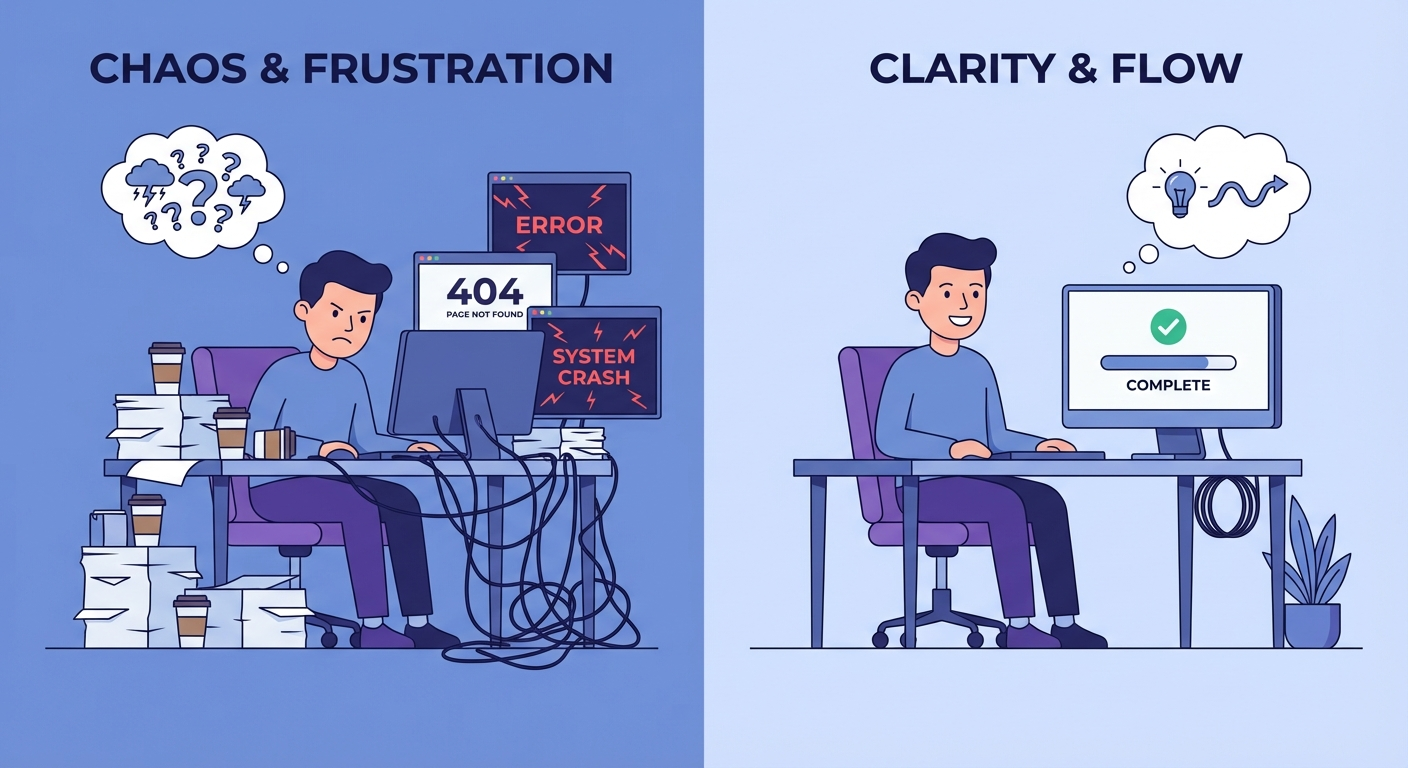
The Setup Areas That Break First
Most broken OpenClaw setups fail in predictable places. The symptoms look different, but the underlying issue is usually one of five setup gaps.
Permissions are too broad
Giving an assistant access to everything feels faster. It is also how teams lose control. A better setup grants the smallest useful access for the workflow and adds approval gates for risky actions. Drafting a reply is different from sending it. Reading a CRM record is different from editing it.
Memory has no rules
Memory is powerful when it stores stable preferences, durable facts, and active project context. It becomes messy when every temporary note gets treated like truth. Good setup separates long-term facts from working notes, then defines when old context should be ignored.
Channels are noisy
An assistant that alerts the wrong channel will get muted. Route routine updates to the right place, reserve urgent alerts for real exceptions, and make sure humans can tell what happened without reading a wall of logs.
Prompts carry too much responsibility
A prompt should not be the only guardrail. For repeat workflows, use a clear operating procedure, structured inputs, tool limits, validation checks, and logs. The prompt can guide behavior, but the system design has to carry part of the load.
No one defines failure
This is the most boring gap and maybe the most useful one to fix. Decide what the assistant should do when a source is unavailable, a result is ambiguous, a tool returns bad data, or approval never arrives. “Stop and ask” is sometimes correct. “Skip and log” is also correct in low-risk cases.
For a deeper breakdown, read OpenClaw setup mistakes. It covers the patterns that make a setup feel fine in testing but unreliable in real use.
Turn a rough workflow into a launch-ready setup
We can help define the access rules, approval steps, and practical fallback behavior.
What Good OpenClawReady Setup Help Should Include
Good setup help should not be a black box. You should understand what changed and why. If someone configures everything without leaving documentation, you have a dependency, not a system.
A practical setup engagement should produce concrete outputs: a workflow map, a permissions plan, a clean configuration, test cases, handoff notes, and a short launch checklist. That is what lets you run the assistant without guessing.
The best setup help also says no. Not every workflow should be automated first. Some jobs have unclear inputs. Some require judgment that should stay with a human. Some are better handled by a simple checklist until the process becomes stable.
I am not completely dogmatic here. A messy internal workflow can still be worth automating if the upside is high and the risk is low. But customer-facing workflows deserve more discipline. If the assistant can affect trust, money, deadlines, or records, slow down and design it properly.

OpenClawReady Setup Help vs Doing It Yourself
DIY is still the right first move for many teams. You learn the product faster when you build a small workflow yourself. You also discover which tasks are actually worth automating.
The limit shows up when setup work starts stealing time from the work the assistant was supposed to protect. If you spend week after week tuning prompts, fixing broken handoffs, and wondering whether the agent has the right context, the cost is not just technical. It is attention.
A good middle path is simple: build the first draft yourself, then get help before launch. Bring the messy workflow, the tools involved, and the places where you do not trust the output yet.
If you are comparing support options, hire OpenClaw setup expert help explains what to look for before you hand over access or implementation decisions.
A Simple Setup Help Checklist
Before you ask anyone for OpenClawReady setup help, prepare the basics. You will get better advice and waste less time.
- Write the exact workflow in plain English.
- List the tools the assistant needs to read or update.
- Mark which actions require human approval.
- Define what a successful run looks like.
- Decide where logs and exceptions should go.
- Pick one low-risk test case before expanding.
That last point matters. Launch one useful workflow before you turn the assistant loose on five half-designed ones. Momentum comes from reliability, not scope.
Need help deciding what to automate first?
Bring your rough setup plan and we will identify the cleanest first workflow.
How To Prepare Before You Ask For Setup Help
The best setup calls are practical. Bring access notes, current workflow screenshots, a list of tools involved, and the exact place where the current setup stops making sense. If the agent gives different answers depending on the day, bring examples. If a tool connection fails, bring the error text. Small details save a lot of guessing.
Also decide who owns the workflow after launch. Setup help can build the first version, but someone inside the business should know how to review logs, update context, and pause the assistant if the inputs change. That owner does not need to be a developer. They do need enough confidence to spot drift before it becomes noise.
One more thing: write down the decisions you make during setup. Future you will forget why the assistant can read one channel but not another, or why a certain approval step exists. A short setup note prevents accidental changes later, especially when a workflow expands to new tools or a new teammate inherits the system.
Bottom Line
OpenClawReady setup help is most useful when the assistant is moving from personal experimentation into real operations. If the workflow touches customers, team accountability, business records, or revenue follow-up, setup quality matters more than clever prompting.
Start small. Define the workflow. Lock down access. Test failure paths. Then expand only after the system behaves well. That is how an AI assistant becomes useful instead of becoming another thing you have to manage.