Want this set up for your business?
OpenClawReady implementation usually breaks for a boring reason: the team starts with tools before it defines the job. OpenClaw can run agents, skills, channels, memory, scheduled work, and connected actions, but the setup only becomes useful when each part is tied to a real business workflow.
This guide is for small business owners, operators, and lean teams that want OpenClaw running as dependable work infrastructure, not a weekend experiment. The goal is simple. Pick the right first workflow, build the guardrails around it, then expand once the system has earned trust.
OpenClawReady Implementation Starts With One Workflow
The first implementation decision is not which model to use. It is which recurring job should be handled better than it is handled today.
Good first workflows have a clear input, a repeatable output, and a human who can quickly judge whether the work is correct. Inbox triage, morning briefings, lead research, meeting follow-up, support routing, and CRM hygiene all fit that pattern. Vague goals like “make the business more automated” do not.
Write the first workflow as a short operating brief:
- What triggers the work?
- What source data can the agent read?
- What output should it produce?
- Who reviews the output before anything external happens?
- What should the agent never do?
That last question matters more than most teams expect. OpenClaw is powerful because it can act across channels and tools. But that same power creates risk if the boundaries are vague.
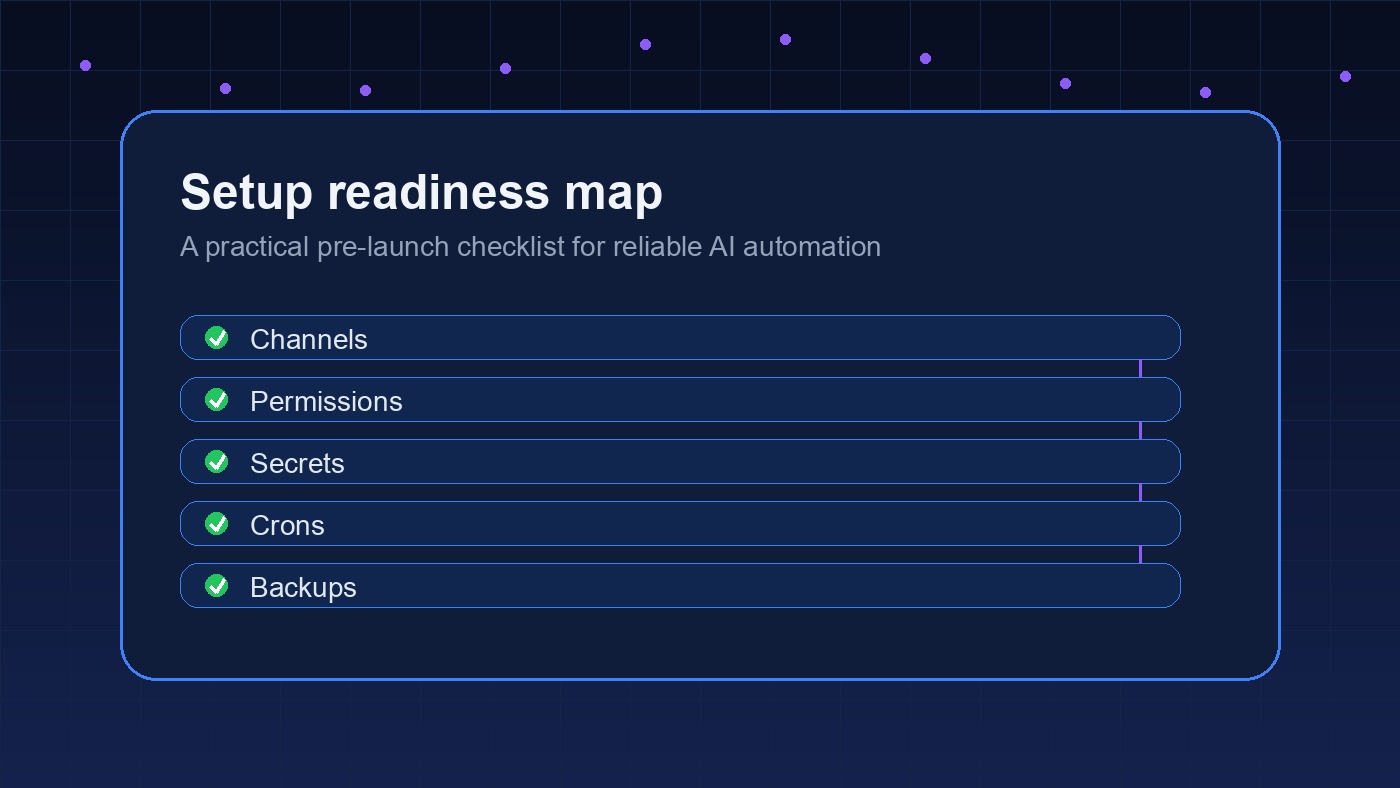
For a deeper setup baseline, read the OpenClawReady setup service guide. It explains what a done-for-you setup should include before anyone talks about advanced automation.
Want the first workflow mapped before setup?
I can help turn the messy version of your workflow into a clean OpenClaw implementation plan.
OpenClawReady Implementation Needs Clear System Boundaries
OpenClaw has several surfaces that people mix together too quickly. Tools are callable actions. Skills teach an agent how to do a specific kind of work. Plugins add runtime capabilities. Channels decide where the agent talks. Crons schedule recurring work. Memory and workspace files preserve context.
The implementation gets cleaner when each surface has a job. A skill should not become a junk drawer for every instruction the business has. A cron should not be trusted with external publishing, email, or client messaging until the same workflow has passed manual test runs. And a tool with write access should not be available to every agent by default.
OpenClaw’s own cron documentation says scheduled jobs run inside the Gateway process and keep job state in shared SQLite storage. That is useful because schedules survive restarts, but it also means bad instructions can repeat reliably. Reliability helps good systems. It also repeats bad ones.
So before the first live cron, define these boundaries:
- Read-only versus write-capable tools
- Internal-only outputs versus client-facing outputs
- Approval-required actions versus autonomous actions
- Private data the agent may summarize but never send
- Failure messages that should wake a human up
There is some nuance here. Too many approval gates make the agent useless. Too few make it dangerous. The right line depends on the workflow, but anything involving money, legal commitments, public publishing, or outbound client messages should start with human approval.
Build The OpenClawReady Implementation Stack In Layers
A clean rollout usually follows the same sequence. First, get the workspace and identity files right. Then connect channels. Then add skills. Then add tool access. Then schedule work. That order keeps the system understandable while you test it.
Layer 1: Workspace And Operating Instructions
Start with the agent’s workspace, default instructions, and durable memory. This is where the business rules live: tone, escalation rules, source-of-truth files, tool preferences, and private data boundaries. Keep these instructions short enough that they can actually be followed.
The OpenClaw setup checklist is useful here because it forces basic decisions before the workflow gets complicated.
Layer 2: Channels And Human Review
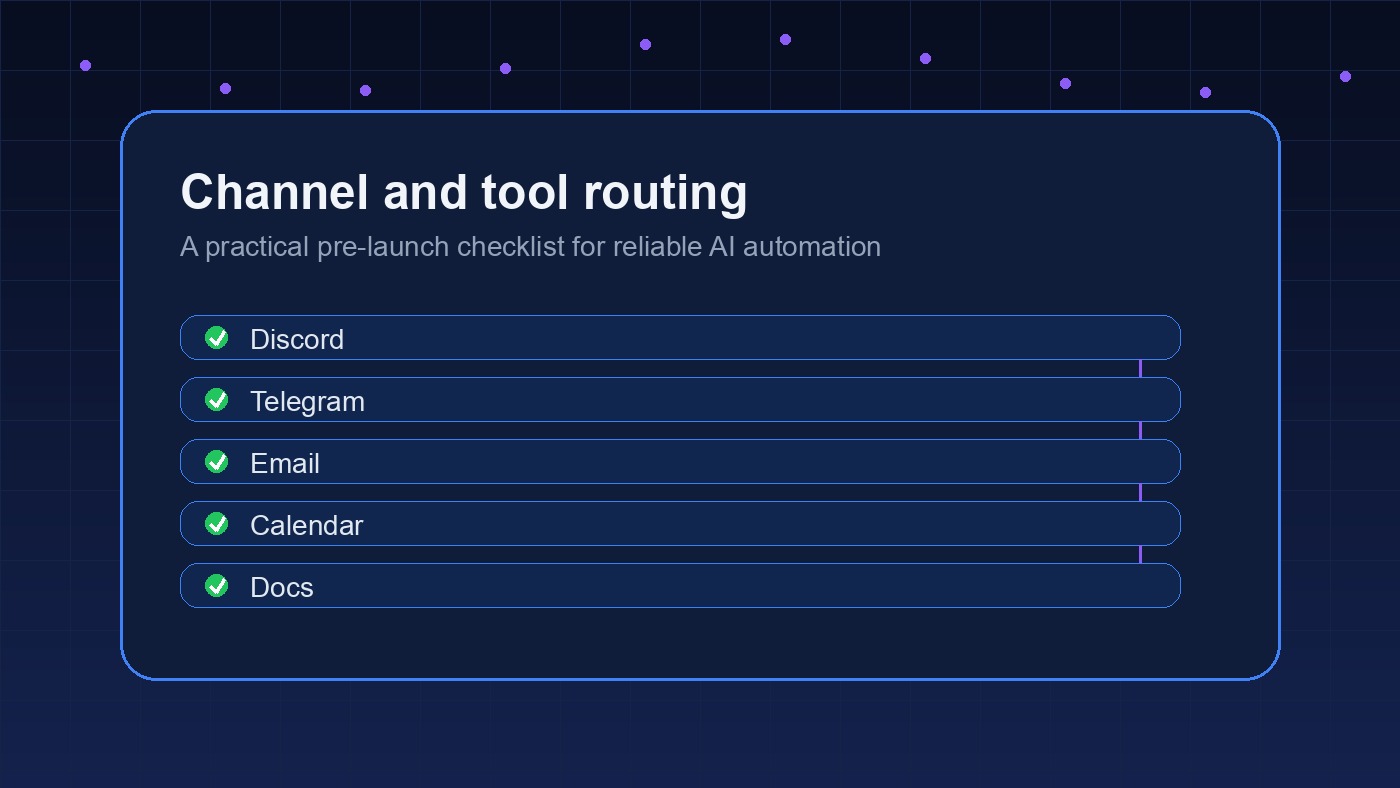
Next, decide where the agent should talk. A private operator channel is different from a client-facing inbox. A daily report channel is different from a high-priority alert channel. If every result lands in one place, people stop reading it.
For most teams, the first implementation should send drafts, summaries, and review-ready outputs to an internal channel. Let the team correct the format before giving the agent more autonomy.
Layer 3: Skills And Repeatable Procedures
Skills are where OpenClaw starts to feel different from a generic chatbot. Instead of re-explaining the workflow every time, you give the agent a reusable procedure. Good skills are narrow. A “sales follow-up audit” skill is easier to trust than a broad “sales automation” skill.
Layer 4: Tool Access And Execution
Only after the workflow and review path are clear should you add tools that can change outside systems. Start with read access when possible. Then add write access for one controlled action at a time.
This is where many teams rush. They connect Gmail, CRM, calendar, Slack, project management, and spreadsheets in one setup pass, then wonder why debugging is painful. A slower rollout is usually faster by week two.
Need a practical rollout plan?
I can help decide which tools, channels, skills, and approvals belong in your first version.
Use Guardrails Before You Automate Live Work
Guardrails are not abstract policy language. They are implementation details that stop bad output from becoming a business problem.
A useful guardrail is specific enough to test. For example: “Never send an email without approval” is testable. “Be careful with customers” is not. “If a calendar conflict exists, ask before rescheduling” is testable. “Manage the calendar responsibly” is not.
For OpenClawReady implementation, the first guardrails should cover five areas:
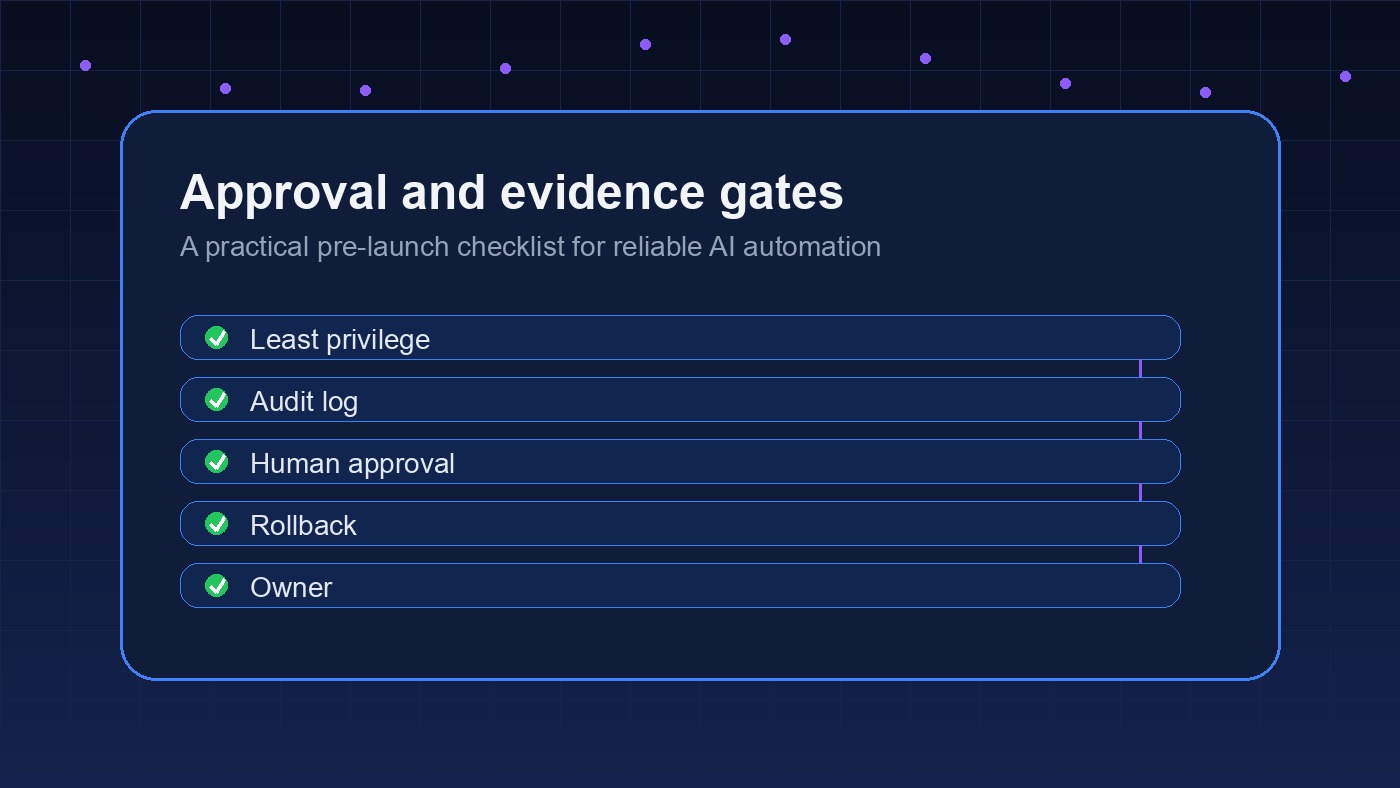
- Permissions: which tools can read, draft, edit, send, publish, or delete
- Data scope: which folders, inboxes, projects, and files are allowed
- Escalation: which failures require a human response
- Logging: what the agent records after important actions
- Rollback: how to undo or pause a workflow if it behaves badly
Business teams also need an honest test plan. Run the workflow manually with old data. Then run it with live data in draft mode. Then let it act on low-risk work. Only after that should it touch high-risk workflows.
One practical test is the “bad input” run. Give the agent an incomplete customer note, a conflicting calendar request, a stale CRM record, or a support message with missing context. A useful implementation does not pretend the missing detail is there. It asks, flags the gap, or routes the item for review.
Another test is the “wrong channel” run. If a private internal note accidentally appears in a customer-facing draft, the implementation is not ready. This sounds obvious, but channel separation is where many early agent setups get sloppy. The agent needs to know where work should be discussed, where it should be drafted, and where it should never speak.
If your setup is already acting strangely, use the OpenClaw setup mistakes guide to diagnose the usual problems before rebuilding everything.
Measure The Rollout Like An Operations System
Do not measure OpenClaw implementation by how impressive the demo feels. Measure whether the workflow is becoming easier to run.
Useful signals include fewer manual handoffs, faster response time, fewer missed follow-ups, cleaner task capture, fewer repeated questions, and better visibility into what happened. If nobody can tell whether the agent helped, the workflow was probably too vague.
Keep the review cycle simple. Once a week, ask:
- Which outputs were accepted without edits?
- Which outputs needed correction?
- Which failures were caused by bad instructions?
- Which failures were caused by missing access or bad source data?
- Which action is now safe to automate further?
That review turns implementation into a product loop. The agent gets better because the system around it gets clearer.
A Simple OpenClawReady Implementation Roadmap
If you want a practical order of operations, use this roadmap:
- Pick one workflow with clear inputs and outputs.
- Write the operating brief and failure rules.
- Set up workspace instructions, memory boundaries, and source-of-truth files.
- Connect one internal review channel.
- Create one narrow skill for the workflow.
- Run manual tests with sample data.
- Add read-only tool access.
- Move to draft-mode work with live data.
- Add one write-capable action after review quality is stable.
- Schedule the workflow only after manual runs are boring.
Boring is the signal you want. A good OpenClaw setup should not feel like magic every morning. It should feel like a reliable operator that knows its lane, asks for help when needed, and keeps the business from dropping routine work without creating new cleanup tasks.
The best first version will probably feel smaller than the version you had in your head. That is fine. A narrow workflow with clean logs, clear approvals, and predictable handoffs is more valuable than a broad agent that surprises the team twice a week. Start where trust can be earned quickly, then expand from there.
Ready to implement OpenClaw without guesswork?
Bring the workflow you want automated. I will help map the setup, guardrails, and rollout path.