Want this set up for your business?
openclaw meeting notes automation is the difference between a meeting recap that sits in someone’s inbox and a working system that captures decisions, assigns owners, and reminds people what has to happen next. Most teams do not lose time because nobody took notes. They lose time because the notes never become action.
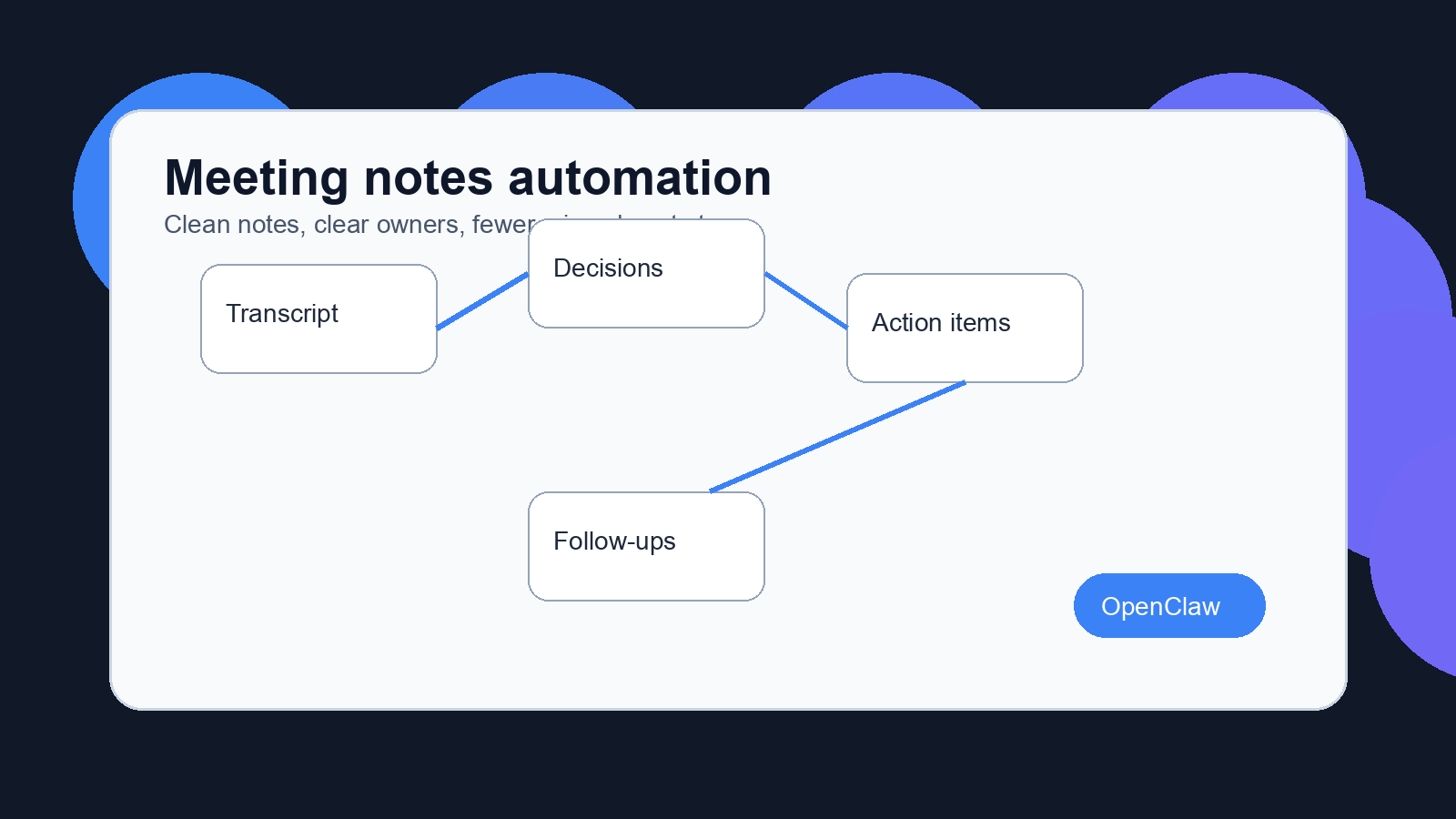
The basic pattern is simple. A call gets transcribed, summarized, reviewed, and routed into the places where work already happens. The hard part is not the AI summary. The hard part is deciding what counts as a decision, what needs an owner, what should stay private, and what should trigger a follow-up.
That is where OpenClaw can be useful. Instead of treating notes as a document, you can treat every meeting as an intake event. The transcript is raw material. The output is a small set of records your business can trust.
Why openclaw meeting notes automation matters after the call ends
Meeting note tools usually promise cleaner summaries. That helps, but it is not enough. A summary still asks a human to read, interpret, copy, paste, tag, assign, and remember. If that happens once a week, fine. If it happens across sales calls, client check-ins, internal planning, support escalations, and vendor calls, the manual work piles up fast.
OpenClaw meeting notes automation works better when the goal is follow-through, not prettier notes. The output should answer four questions: what was decided, who owns the next step, when it should happen, and where that record belongs.
For a solopreneur, that might mean turning a prospect call into a CRM note, a draft follow-up email, and one task for the proposal. For a small business, it might mean routing customer requests into Slack, adding renewal risks to the CRM, and logging product feedback in a project board.
Want meeting notes to turn into real work?
OpenClaw Ready can help map your meeting flow, connect the right apps, and add the human review points that keep automation safe.
There is a catch. You should not automate every sentence. A transcript can include side comments, sensitive details, jokes, incomplete thoughts, and ideas nobody agreed to. A good workflow filters hard. It captures useful work, then leaves room for a human to approve anything that could create risk.
The meeting notes workflow OpenClaw should follow
A clean workflow starts before the meeting. If every call uses a different title, attendee list, agenda format, and follow-up habit, your automation will have to guess. Guessing is where messy systems break.
Start with a simple meeting type. Sales discovery is different from a weekly operations meeting. A client status call is different from a hiring screen. Each one needs its own extraction rules.
For sales calls, the useful fields might be company, pain point, budget signal, promised asset, objection, next step, and follow-up date. For internal meetings, the fields may be decision, owner, deadline, blocker, and related project. For client calls, the system may need account name, requested change, approval needed, and next check-in.
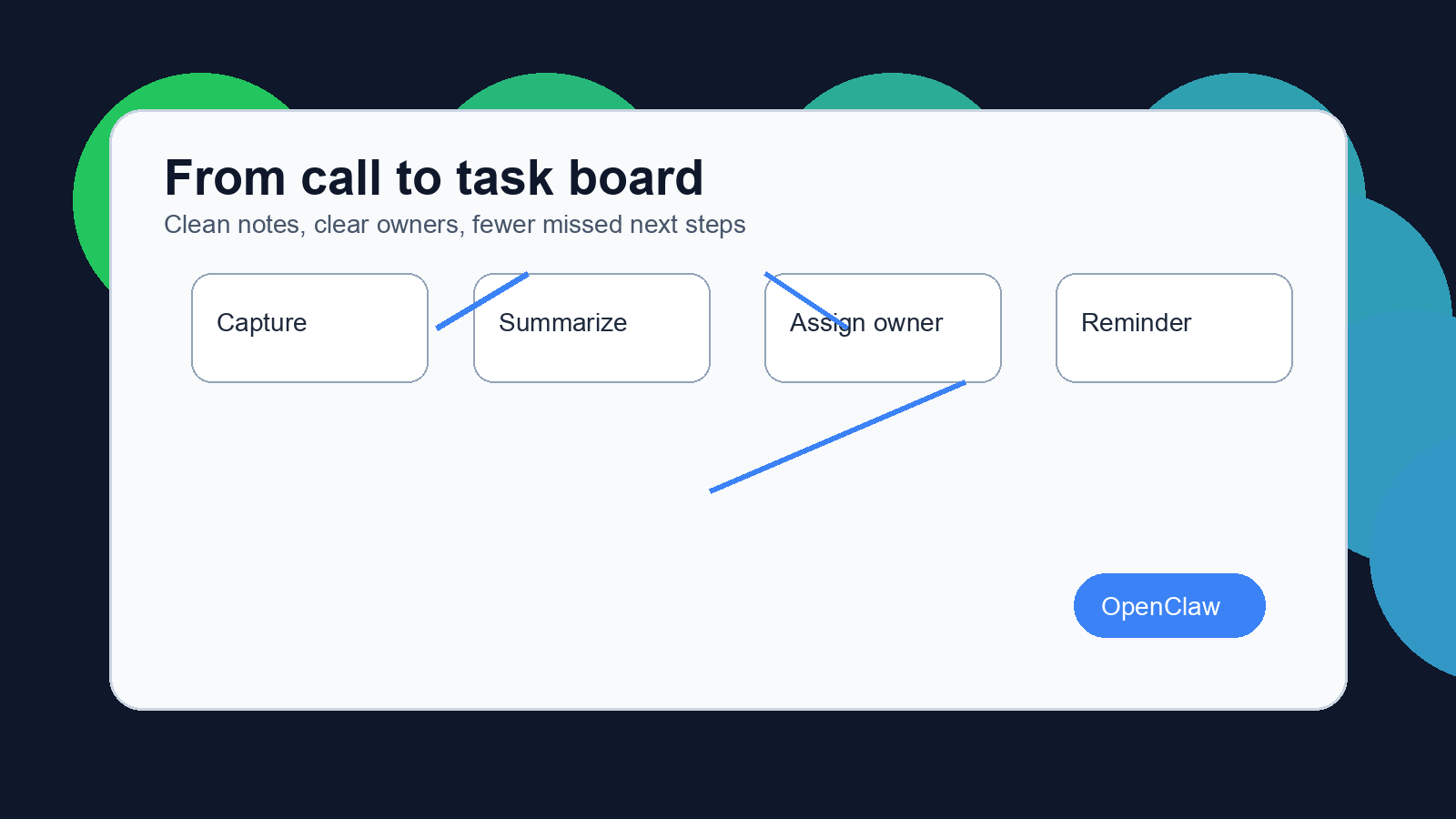
Once the meeting ends, OpenClaw can receive the transcript or summary from the source tool. Atlassian describes AI meeting note systems as tools that record audio, transcribe speech, and identify discussion points, action items, and decisions. Products such as Otter, Fathom, Zoom AI Companion, and tl;dv describe similar flows, often with automatic summaries and follow-up drafting.
OpenClaw should sit after that capture layer. It can classify the meeting, extract the pieces that matter, create draft tasks, and send the result to the right destination. For routing, a setup can connect with a CRM through an OpenClaw CRM integration, send team updates with an OpenClaw Slack integration, or trigger other systems through an OpenClaw webhook setup.
What to automate first
The safest first target is the recap. Not the whole meeting. Not every possible task. Just the short version a responsible human would have written anyway.
A useful recap has a tight structure:
- Meeting name, date, and attendees
- Confirmed decisions
- Open questions
- Action items with owners
- Follow-up date or reminder
- Links to the source transcript and related records
That format keeps the automation honest. If the meeting did not produce a decision, the decision section can say none confirmed. If a task has no clear owner, it should be flagged for review instead of assigned to the wrong person.
After recaps are stable, automate task creation. This is where many teams move too fast. They let the system create tasks from vague phrases like “we should look into that” or “maybe follow up next month.” Those are not tasks yet. They are weak signals.
A better rule is stricter. Create a task only when the transcript includes an action verb, a likely owner, and a business object. Send weak items to a review queue. That keeps the task manager clean.
Build the workflow before you automate the recap.
A clean setup can route notes into your CRM, Slack, task manager, or project board without turning every call into notification noise.
OpenClaw meeting notes automation rules that prevent bad follow-ups
Bad automation usually feels productive for about a week. Then people stop trusting it. The task board fills with duplicates. Follow-up emails go out with missing context. A private comment lands in a public channel. Someone has to clean it up by hand.
The fix is boring, but it works. Add rules.
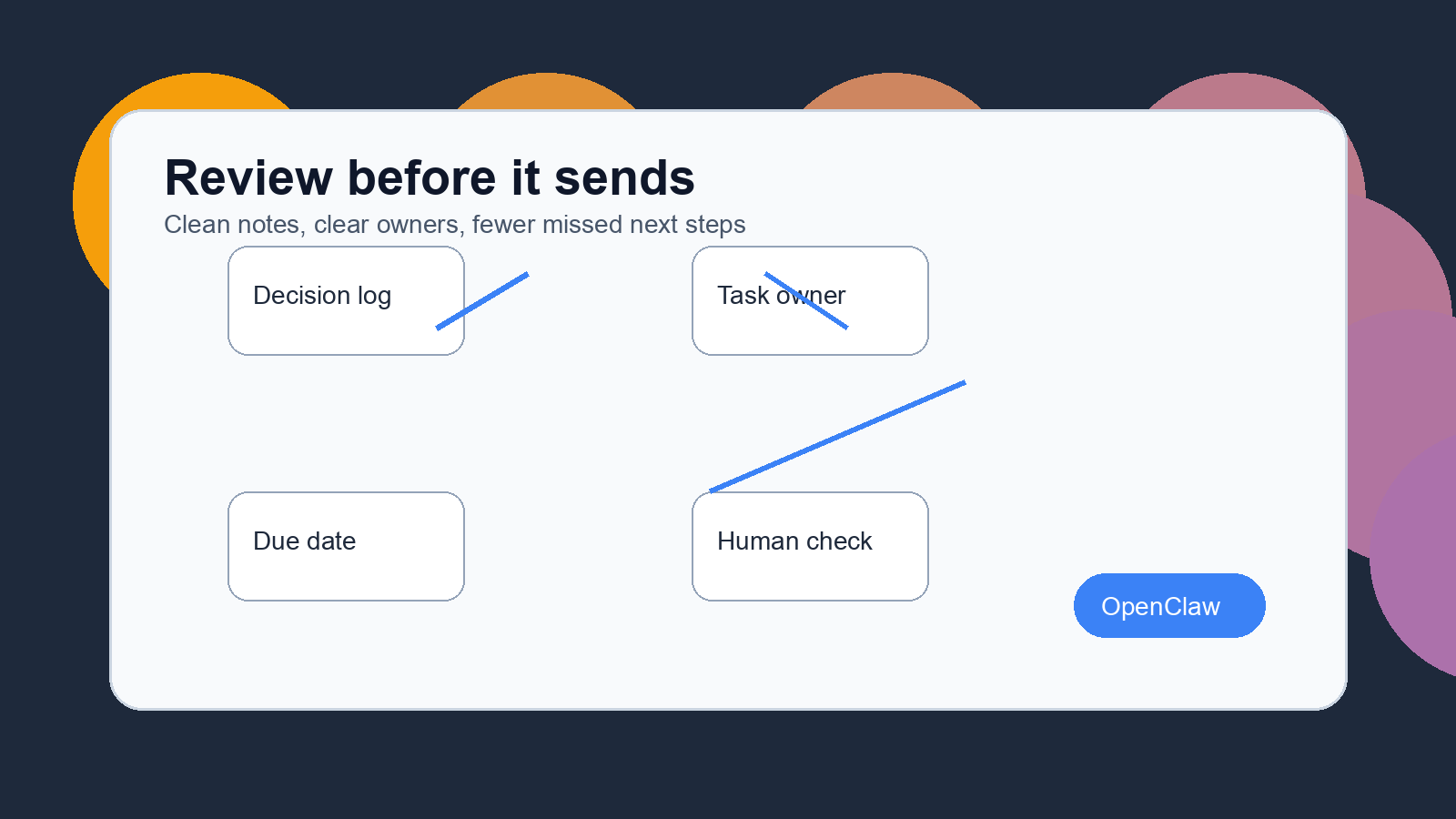
First, separate internal notes from external messages. A meeting recap can be useful for the team, but that does not mean it should become a client email. Any external follow-up should be drafted, not sent, unless the content is routine and low risk.
Second, require confidence checks. If the model is unsure about the owner, due date, or decision, the workflow should ask for review. It should not pretend uncertainty is certainty.
Third, keep a source link. Every task or CRM note should link back to the original meeting record. That makes audits easier and gives the owner a way to check context before acting.
Fourth, limit where notifications go. A Slack channel full of every extracted note is worse than no automation. Send only the record that belongs there. A customer risk can go to the account channel. A bug can go to the product board. A personal reminder can stay private.
Common implementation mistakes
The first mistake is starting with too many meeting types. Pick one repeatable call and make it reliable. Sales discovery, client check-ins, or weekly operations meetings are good candidates because they have recurring patterns.
The second mistake is trusting the transcript too much. Transcription is useful, but it can miss names, confuse speakers, or flatten nuance. If a wrong name creates a wrong task, the system creates work instead of saving it.
The third mistake is skipping permissions. Meeting notes can contain sensitive data. Before connecting OpenClaw to your CRM, Slack, or task manager, decide who can see transcripts, summaries, and extracted action items.
The fourth mistake is measuring the wrong thing. Do not judge the setup by how many notes it creates. Judge it by how many next steps get captured correctly, how many follow-ups need manual rewriting, and how often people trust the output without redoing the whole thing.
I would be careful with fully automatic email sending here. Some teams can use it for simple confirmations, but most teams should start with drafts. The cost of one weird follow-up is higher than the few seconds saved by skipping review.
A practical setup plan
Start by choosing one meeting type and writing the desired output by hand. Do this before building anything. If the ideal recap is unclear to a person, it will be unclear to the automation.
Then define the fields. Keep them plain: decision, owner, deadline, open question, follow-up, source link. Add more only when a real workflow needs them.
Next, connect the capture source. That could be a transcript exported from your meeting tool, a summary from an AI notetaker, or a record placed in a shared folder. OpenClaw does not need to be the transcription tool. It needs reliable input and clear routing rules.
After that, build the review step. Draft recaps can go to a private channel, inbox, or approval queue. The reviewer should be able to approve, edit, or reject the output. This gives the system feedback without forcing the team to rebuild the process each time something is off.
Finally, route approved items. CRM notes go to the account. Tasks go to the right project. Follow-up reminders go to the owner. If your team already uses GitHub for technical work, an OpenClaw GitHub integration can help move engineering-related action items into issues or pull request notes.
How to know the system is working
A working setup feels quiet. Meetings end, a clean recap appears, the right people get the right tasks, and nobody has to ask where the notes went.
Track a few simple signals during the first month. How many tasks needed correction? How many follow-ups were sent late? How often did the reviewer reject the summary? Which meeting type produced the most noise?
If the numbers look messy, narrow the workflow. Fewer fields, fewer destinations, stricter task rules. The point is not to automate every possible note. The point is to make the next step obvious.
OpenClaw meeting notes automation is strongest when it behaves like a disciplined operations assistant. It listens after the meeting, extracts what matters, asks for review when the stakes are higher, and moves approved work into the tools your team already uses.
Need a safer OpenClaw meeting notes setup?
OpenClaw Ready can help design the capture, review, and follow-up system around the way your team already works.
{“@context”:”https://schema.org”,”@type”:”Article”,”headline”:”OpenClaw Meeting Notes Automation: Capture Decisions, Tasks, and Follow-Ups Automatically”,”author”:{“@type”:”Organization”,”name”:”OpenClaw Ready”},”publisher”:{“@type”:”Organization”,”name”:”OpenClaw Ready”,”logo”:{“@type”:”ImageObject”,”url”:”https://openclawready.com/wp-content/uploads/2026/02/openclawready-logo.png”}},”datePublished”:”2026-05-01T10:15:00+00:00″,”dateModified”:”2026-05-01T10:15:00+00:00″,”mainEntityOfPage”:{“@type”:”WebPage”,”@id”:”https://openclawready.com/blog/openclaw-meeting-notes-automation/”},”url”:”https://openclawready.com/blog/openclaw-meeting-notes-automation/”,”description”:”OpenClaw meeting notes automation turns calls into decisions, assigned tasks, and follow-ups without messy manual recaps.”,”image”:”https://openclawready.com/wp-content/uploads/2026/05/openclaw-meeting-notes-automation-hero.png”}