Want this set up for your business?
An openclaw stripe integration can turn payment activity into follow-up your team can actually use. Stripe already knows when a checkout finishes, an invoice fails, a subscription changes, or a dispute lands. The job is to pass those events into OpenClaw without creating noisy alerts, duplicate tasks, or risky shortcuts around customer data.
The best setup is boring in a good way. Pick the few payment moments that deserve action. Verify every webhook. Store enough event history to avoid repeat work. Then let OpenClaw route the right message to the right place.
What an openclaw stripe integration should do first
Stripe webhooks are built for asynchronous events. Stripe describes them as JSON event payloads sent to an HTTPS endpoint when something changes in your account, such as a bank confirming a payment, a recurring charge succeeding, or a dispute appearing. That is useful because many payment events do not happen while a person is sitting on your checkout page.
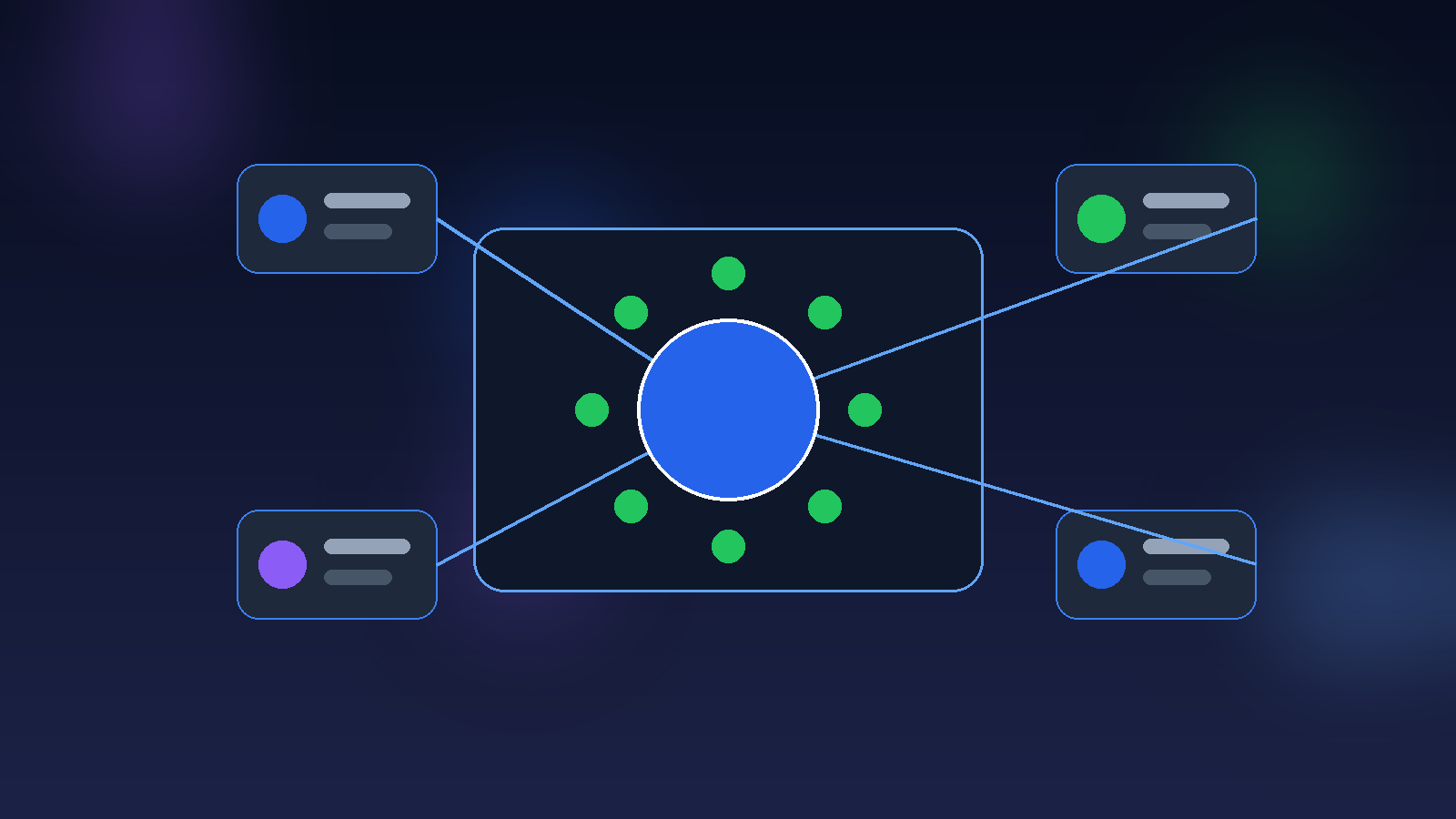
For OpenClaw, that means Stripe should not be treated as another notification feed. It should be treated as a source of operational triggers. A paid invoice might create an onboarding task. A failed renewal might send an internal Slack or Discord alert. A high-value payment might update a CRM record. A refund might create a support review before anyone responds to the customer.
Want Stripe events to trigger the right OpenClaw actions?
OpenClaw Ready can help map your payment events, alerts, and follow-up rules before anything touches live customers.
OpenClaw Stripe integration workflows that are worth building
A useful payment workflow has a clear business reason behind it. If the event does not change what someone should do next, it probably does not need an automation yet.
1. Paid invoice to onboarding checklist
When Stripe reports a successful payment or completed checkout, OpenClaw can create an onboarding checklist, notify the delivery owner, and attach the customer details your team needs. This works especially well for service businesses where payment starts a setup process.
Keep this narrow. The automation should not promise delivery dates, assign complex work, or contact the customer unless those steps are already defined. A safer first version creates the internal task and lets a human approve the customer-facing message.
2. Failed payment to recovery queue
Failed payments are easy to miss when they live only inside Stripe. With an OpenClaw workflow, a failed invoice can create a recovery item, tag the account, and alert the owner responsible for follow-up.
3. Subscription change to CRM update
When a customer upgrades, downgrades, pauses, or cancels, Stripe can send a subscription event. OpenClaw can use that event to update a CRM, create a save task, or log the change in a team channel.
This connects naturally with an OpenClaw CRM integration. Payment data tells you what changed. CRM context tells you who owns the relationship.
4. Dispute or refund to support review
Refunds and disputes should not be buried in a dashboard. They usually need a fast look from support, finance, or the owner. OpenClaw can route the event to the right person with the payment ID, customer ID, and a short summary.
How Stripe webhooks fit into OpenClaw automation
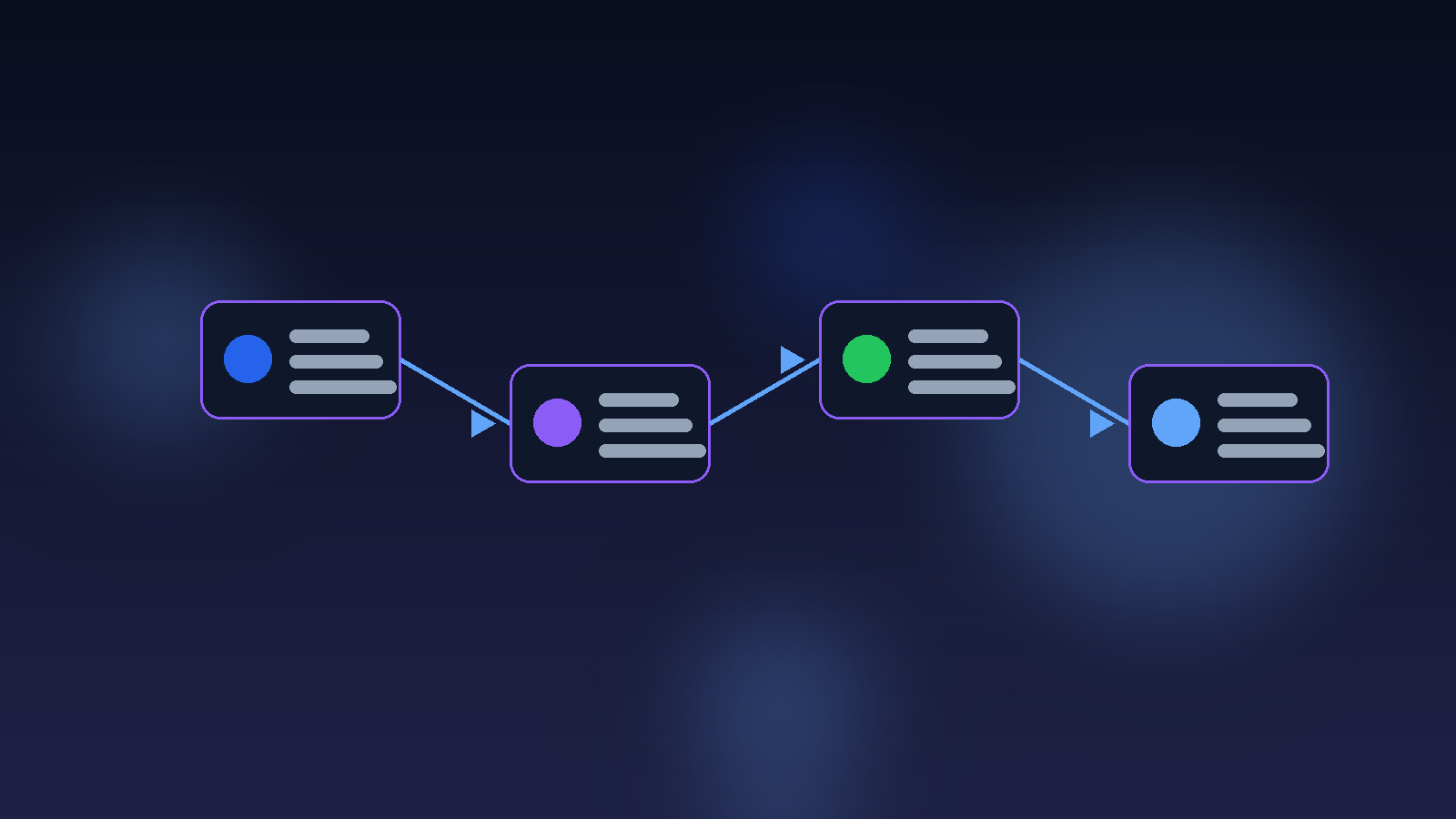
A Stripe integration usually has four layers: the Stripe event, the webhook endpoint, the processing logic, and the OpenClaw action. Mixing those layers is how simple workflows become brittle.
The webhook endpoint should receive the event and confirm it came from Stripe. Stripe recommends verifying webhook signatures with the official libraries, using the raw request body, the Stripe-Signature header, and the endpoint secret. That raw body detail matters because some frameworks change the request body before your code sees it. If the body changes, signature verification can fail.
After verification, the integration should decide whether the event has already been processed. Stripe may retry deliveries, and manual recovery scripts can process older events too. Stripe’s own guidance for undelivered events includes tracking whether an event is processing or processed, then skipping it if it has already been handled. That same idea belongs in your OpenClaw workflow.
Only then should the setup trigger OpenClaw. The action might be a Discord message, a CRM note, a ticket, a task, a Google Sheet row, or a draft email. If you are already using OpenClaw webhook setup for other tools, Stripe should follow the same pattern: validate first, deduplicate second, act third.
Keep the workflow simple before you automate more
A clean Stripe integration usually starts with a few high-value events, clear owners, and safe retry rules.
Security rules for an openclaw stripe integration
Payment automation touches sensitive data. That does not mean you should avoid it. It means the setup needs boundaries.
First, verify webhook signatures. Do not accept any public POST request as real payment data. Stripe’s signature flow exists because anyone can send traffic to an exposed endpoint.
Second, keep secrets out of prompts, notes, and channel messages. Your endpoint secret, API keys, and customer payment details do not belong in OpenClaw memory or routine notifications. Send IDs and summaries instead. Let authorized systems hold the sensitive records.
Third, avoid full customer data dumps. A task that says “invoice payment failed for customer cus_123, owner review needed” is usually enough. A message that includes billing address, card details, and private notes creates unnecessary risk.
Fourth, separate test mode from live mode. Stripe CLI forwarding and Dashboard endpoints can use different webhook secrets. Stripe’s signature troubleshooting docs call out that the CLI secret and Dashboard endpoint secret are not interchangeable. That one detail causes a lot of setup confusion.
Common setup mistakes that create payment automation noise
The first mistake is routing every event to a team channel. People ignore noisy channels. If OpenClaw posts every invoice update, trial event, customer edit, and checkout session, the important alerts disappear inside the stream.
The second mistake is skipping idempotency. If the same event arrives twice, you do not want duplicate onboarding tasks or two recovery messages. Store the Stripe event ID and check it before taking action.
The third mistake is making customer-facing responses too automatic. Failed payments, refunds, and cancellations can be emotional. Start with internal alerts and drafts. Move to direct customer messages only after the rules are stable.

A practical build plan for your first Stripe workflow
Here is the simplest path I would use for a small business that wants value without turning payments into a science project.
Step 1: Pick one revenue moment. Start with completed checkout, failed invoice, or subscription cancellation. Do not bundle all three into the first release.
Step 2: Define the owner. Every triggered action needs a person or system that receives it. If nobody owns the alert, it is decoration.
Step 3: Choose the minimum payload. Include the Stripe event ID, customer ID, event type, amount if needed, timestamp, and a link back to Stripe. Leave private payment details inside Stripe.
Step 4: Add duplicate protection. Save processed event IDs. If the same ID appears again, return success and do nothing else.
Step 5: Test with Stripe CLI or test-mode events. Confirm the action fires once, reaches the right channel, and includes enough context for a human to act.
Step 6: Add a failure path. If OpenClaw cannot create the task or send the alert, log the failure and notify an admin. Silent failure is worse than no automation.
For most teams, the right first win is a small alert that saves a missed handoff. If the alert proves useful for two weeks, turn it into a task, CRM update, or customer draft. That keeps the system honest and easier to debug later.
Where OpenClaw fits with sales and support follow-up
Stripe tells you what happened financially. OpenClaw can connect that moment to the work around it. That is the real benefit.
A paid invoice can trigger onboarding. A payment failure can create a retention task. A subscription downgrade can notify the account owner. A refund can open a support review. None of those workflows need to be complicated.
If your team already uses OpenClaw sales follow up automation, Stripe events can make the follow-up more timely. The payment event becomes the signal. OpenClaw handles the routing.
The boundary is important. OpenClaw should not become your payment processor, source of financial truth, or place where sensitive billing data lives. Stripe remains the payment system. OpenClaw is the operator that turns approved events into useful work.
Final take on openclaw stripe integration
An openclaw stripe integration is most useful when it stays focused. Do not chase every event. Build around the payment moments that change what your team should do next.
Start with clean webhook handling, signature checks, duplicate protection, and a small number of high-signal actions. Then expand only when the workflow earns trust.
Need the Stripe side of OpenClaw set up safely?
Get help building a setup that respects webhooks, customer data, and the way your team actually works.
{
“@context”: “https://schema.org”,
“@type”: “Article”,
“headline”: “OpenClaw Stripe Integration: Turn Payment Events Into Useful Business Follow-Up”,
“author”: {
“@type”: “Organization”,
“name”: “OpenClaw Ready”
},
“publisher”: {
“@type”: “Organization”,
“name”: “OpenClaw Ready”,
“logo”: {
“@type”: “ImageObject”,
“url”: “https://openclawready.com/wp-content/uploads/2026/02/openclawready-logo.png”
}
},
“datePublished”: “2026-05-12T10:21:15+00:00”,
“dateModified”: “2026-05-12T10:21:15+00:00”,
“mainEntityOfPage”: {
“@type”: “WebPage”,
“@id”: “https://openclawready.com/blog/openclaw-stripe-integration/”
},
“url”: “https://openclawready.com/blog/openclaw-stripe-integration/”,
“description”: “OpenClaw Stripe integration guide for webhook alerts, failed payments, onboarding, and safer revenue workflows.”,
“image”: “https://openclawready.com/wp-content/uploads/2026/05/openclaw-stripe-hero.png”
}