Want this set up for your business?
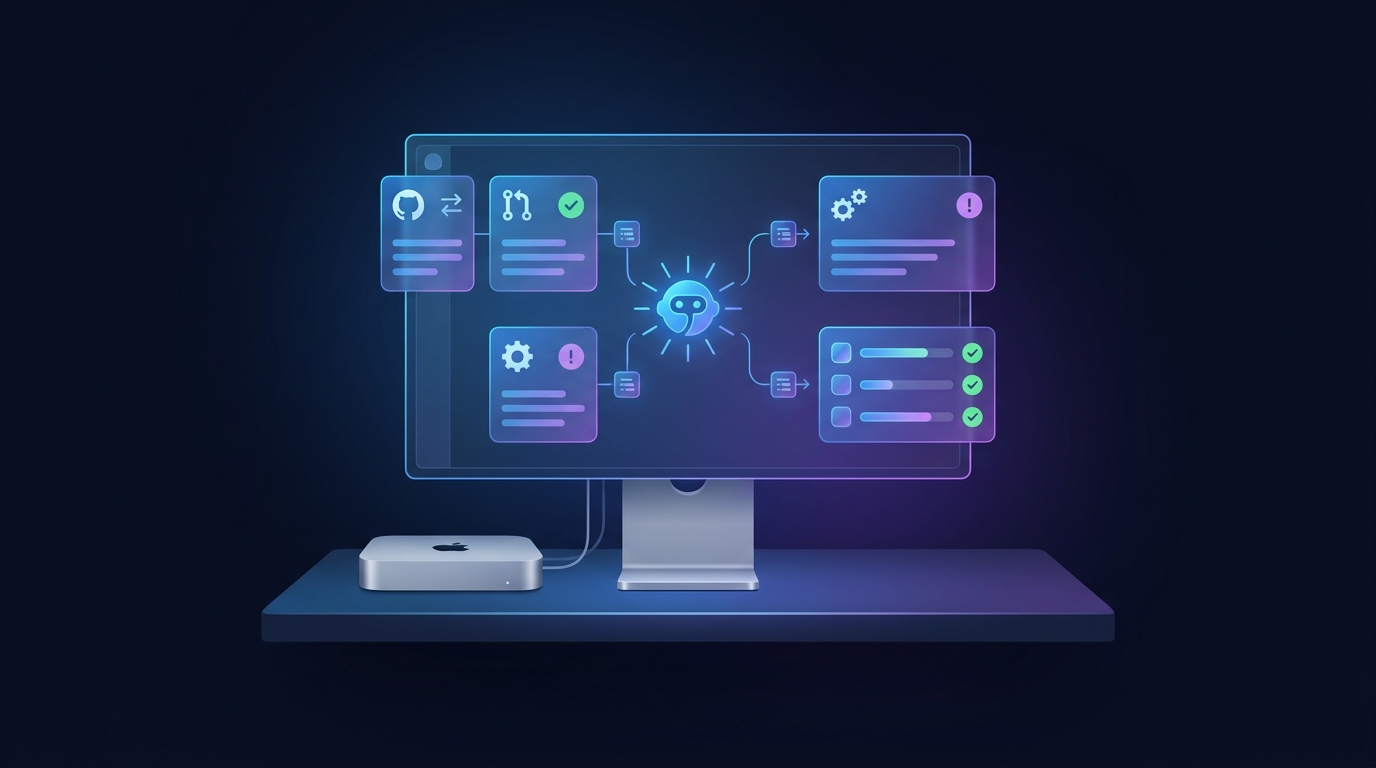
OpenClaw GitHub integration is most useful when it handles the operational layer around development: issue triage, pull request summaries, failed CI alerts, release notes, and dev handoffs. The goal is not to let an agent blindly push code into your repo. The better use is to keep humans from missing the status, context, or blocker that slows a project down.
That sounds simple until you wire it up. GitHub has issues, pull requests, Actions, webhooks, branch rules, tokens, teams, labels, review comments, and security boundaries. OpenClaw can work with all of it, but the setup has to be deliberate. If you give the agent too little access, it becomes a glorified notification feed. If you give it too much, you create a risk no sane dev team wants.
This guide is for founders, operators, and small dev teams that want useful GitHub automation without building a fragile monster. It covers what to automate first, where most setups break, and how to keep the integration safe enough to trust.
What an OpenClaw GitHub integration should actually do
A good OpenClaw GitHub integration starts with visibility. Before the agent comments, assigns, edits, or triggers anything, it should understand what changed and why it matters.
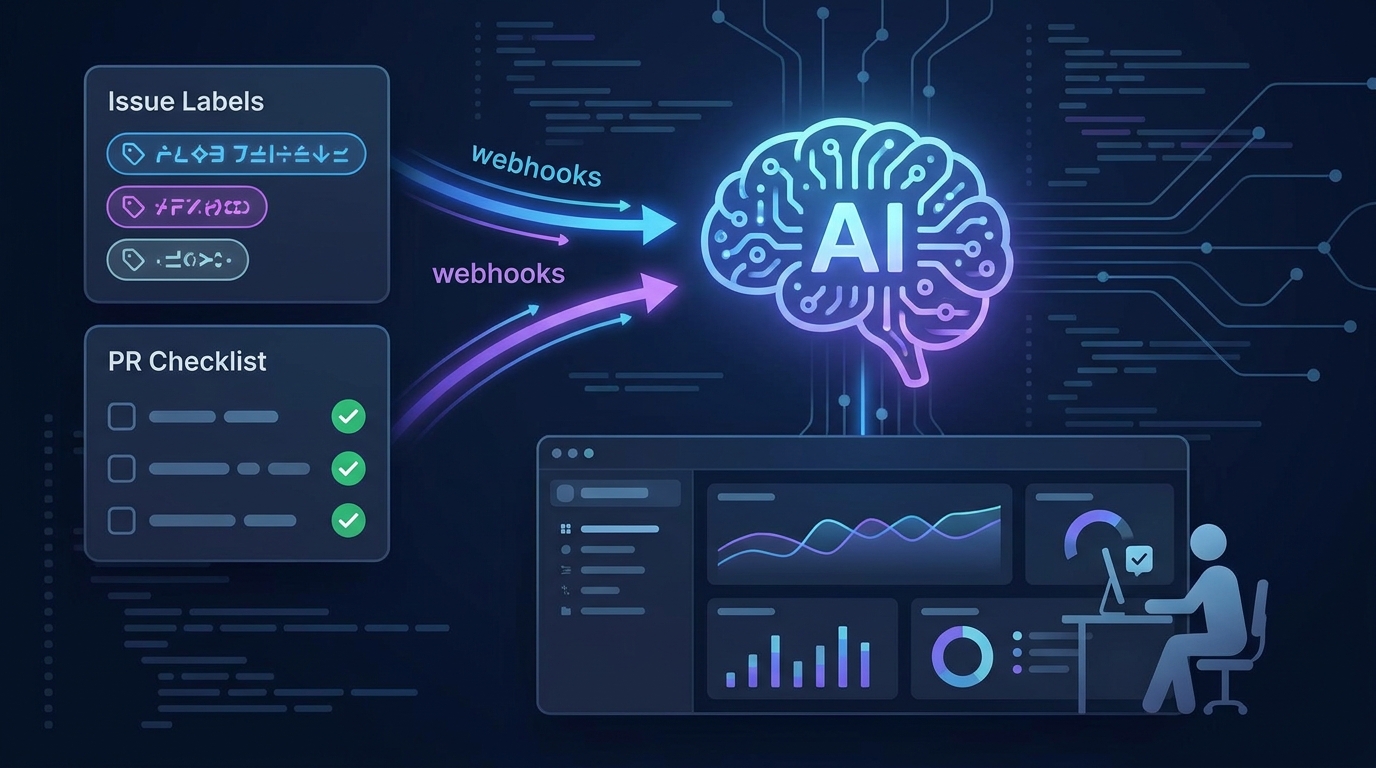
The first useful layer is issue triage. OpenClaw can read new issues, classify them by type, flag missing context, and route them to the right channel. For example, a vague bug report can become a short internal note: affected feature, missing reproduction steps, likely owner, and whether it blocks a release.
The second layer is pull request summarization. Most teams do not need another reviewer pretending to be a senior engineer. They need a fast briefing before a human opens the PR: changed files, test impact, risk areas, linked issues, and whether CI passed. GitHub’s REST API treats pull requests partly through the issues system, so your setup needs to separate real issues from PRs instead of treating every item the same.
The third layer is CI monitoring. GitHub Actions can run workflows from repository activity, schedules, or external events, and many events have specific activity types. OpenClaw should not yell every time a workflow runs. It should summarize failed checks, identify the failing job, connect it to the PR, and notify the person who can act.
Want GitHub connected without opening up the whole repo?
OpenClaw Ready can help you map the workflow, set safe permissions, and connect the right alerts.
Openclaw github integration workflows worth building first
Start with workflows that reduce coordination drag. Do not start with autonomous commits. That is the flashy path, but it is usually not the best first path.
Issue intake and cleanup
When a new issue opens, OpenClaw can check whether it has a clear title, steps to reproduce, expected behavior, screenshots, labels, and affected environment. If details are missing, the agent can draft a suggested response for a human to approve or post a structured internal note.
This is especially useful for teams that get bug reports from support, Discord, Slack, or client channels. The agent can connect the messy outside request to a clean GitHub issue without losing the human context.
Pull request briefings
A PR summary should answer five questions fast: what changed, why it changed, what files matter, what tests ran, and what a reviewer should inspect manually. Keep it short. Nobody wants a 900-word essay on a 40-line change.
For larger PRs, the agent can create a risk note. Authentication changes, payment logic, database migrations, permission checks, and webhook handlers deserve more attention than copy tweaks. The agent should say that plainly.
Release handoffs
OpenClaw can watch merged PRs, group them by release, and draft a handoff for the operator or founder who needs to know what shipped. That handoff can include user-facing changes, internal-only changes, migration notes, and follow-up tasks.
This pairs well with a broader developer setup. If you are already using OpenClaw for agent workflows, read the OpenClaw for developers guide before you wire GitHub into every channel.
One more filter helps: ask whether the alert changes someone’s next action. If the answer is no, it probably belongs in a daily digest instead of a real-time channel. OpenClaw becomes much more useful when it separates urgent developer work from background repository movement.
How to set up OpenClaw GitHub integration without creating security problems
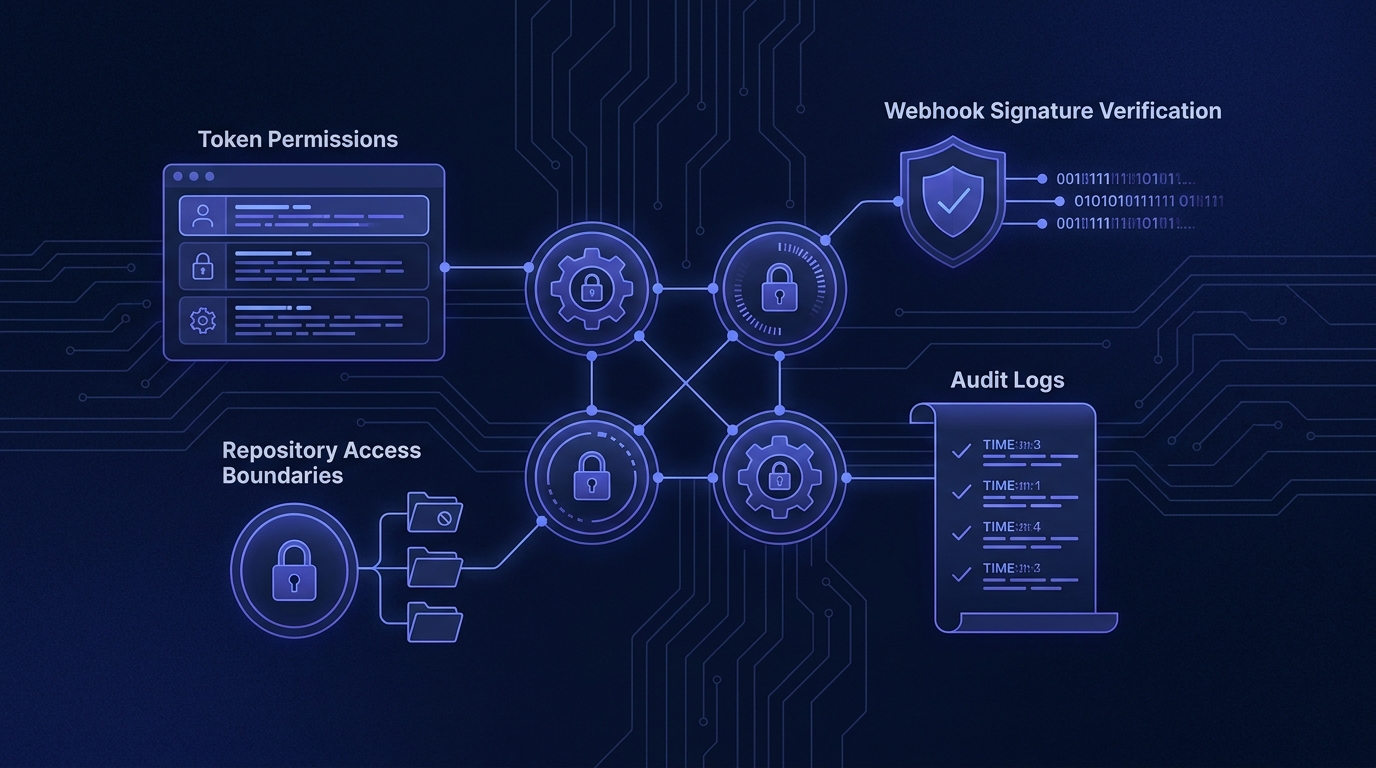
The security model matters more than the automation trick. GitHub fine-grained personal access tokens let you choose specific permissions, and GitHub documents which API endpoints require which access. Use that. Do not hand OpenClaw a broad classic token because it feels faster at 11 PM.
For most teams, the first version should be read-heavy. Let OpenClaw read issues, PR metadata, comments, workflow status, and repository files where needed. Give write access only when there is a defined action, such as adding a label, posting a comment, or opening a draft issue.
Webhooks need the same discipline. GitHub webhook deliveries include headers such as X-GitHub-Event, X-GitHub-Delivery, and signature headers. GitHub recommends the SHA-256 signature header when a secret is configured. Your receiver should validate the signature before trusting the payload.
There is a small nuance here. Polling is simpler to debug, but webhooks feel faster and waste less work once they are stable. I usually prefer polling for the first clean prototype, then webhooks after the team knows exactly which events matter.
Common OpenClaw GitHub integration mistakes
The most common mistake is connecting everything. Every repo, every event, every label, every CI run. That produces noise. Useful automation starts with a narrow lane.
Another mistake is skipping branch protection context. If OpenClaw is summarizing PRs but does not understand required checks, review rules, or protected branches, the summary can miss the real blocker. It might say a PR is ready when it still needs an approval or a required workflow.
Teams also over-automate comments. A bot that comments on every issue or PR quickly becomes background noise. Put the most useful updates in the place people already watch, then save GitHub comments for moments that need to live with the repo record.
The last big mistake is letting the agent act without a fallback path. If the GitHub token expires, a webhook payload is too large, or CI data is unavailable, OpenClaw should say what it could not verify. GitHub notes that webhook payloads are capped at 25 MB, so large events can fail to deliver. Your setup should handle that gracefully.
Build the handoff before you automate the action
A clean setup keeps OpenClaw useful without letting it spam issues, misread PRs, or touch risky branches.
A practical setup plan for small teams
Keep the first version boring. That is a compliment. Boring integrations are easier to trust.
- Pick one repository. Choose the repo where missed handoffs cost the most time.
- Choose two events. Start with new issues and pull request updates, not the full GitHub event menu.
- Create a least-privilege token. Prefer fine-grained access. Give read permissions first, then add narrow write permissions only if needed.
- Define the output format. A good PR brief has a consistent structure. A good issue triage note has clear fields.
- Route alerts to one channel. Do not scatter summaries across Discord, Slack, email, and GitHub comments on day one.
- Add a human approval step. For labels, comments, issue creation, or workflow dispatches, require approval until the system earns trust.
- Review the logs weekly. Cut noisy alerts. Add missing context. Remove permissions you did not use.
If your setup also touches Slack or Discord, keep the routing clean. The OpenClaw Slack integration guide covers the notification side, and the OpenClaw Discord bot setup guide shows how to avoid channel chaos.
When OpenClaw should trigger GitHub Actions
Triggering workflows can be powerful, but this is where teams should slow down. GitHub Actions supports many workflow triggers, including repository activity, schedules, and external events. OpenClaw should only trigger actions with clear guardrails.
Good candidates include regenerating documentation, running a targeted test suite, opening a maintenance checklist, or kicking off a preview build after a human confirms the request. Riskier candidates include deployment workflows, database migrations, and anything that changes production state.
The rule is simple: OpenClaw can recommend more than it can execute. Execution needs tighter permissions, clearer logging, and a rollback plan.
The best version feels like a calm technical operator
The best OpenClaw GitHub integration does not try to replace developers. It reduces the small coordination tax that burns hours every week.
It tells the founder which PR needs a decision. It tells the engineer which issue is missing reproduction steps. It tells the operator why the build failed without making them click through five screens. And it does all of that with scoped access, verified webhooks, and a clear human handoff.
That is the bar. Not magic. Just a cleaner loop between GitHub activity and the people responsible for acting on it.
If your GitHub workflow is already messy, do not automate the mess
OpenClaw Ready can help turn your repo activity into clear alerts, summaries, and handoffs.
{“@context”: “https://schema.org”, “@type”: “Article”, “headline”: “OpenClaw GitHub Integration: Automate Issues, PR Summaries, and Dev Handoffs”, “author”: {“@type”: “Organization”, “name”: “OpenClaw Ready”}, “publisher”: {“@type”: “Organization”, “name”: “OpenClaw Ready”, “logo”: {“@type”: “ImageObject”, “url”: “https://openclawready.com/wp-content/uploads/2026/01/openclawready-logo.png”}}, “datePublished”: “2026-04-28T10:15:00+00:00”, “dateModified”: “2026-04-28T10:15:00+00:00”, “mainEntityOfPage”: {“@type”: “WebPage”, “@id”: “https://openclawready.com/blog/openclaw-github-integration/”}, “url”: “https://openclawready.com/blog/openclaw-github-integration/”, “description”: “OpenClaw GitHub integration guide for issues, PR summaries, CI alerts, permissions, and safer dev handoffs.”, “image”: “https://openclawready.com/wp-content/uploads/2026/04/openclaw-github-integration-hero.jpg”}