Want this set up for your business?
An openclaw jira integration sounds simple until the first messy handoff hits the board. A support thread becomes a bug. A sales note becomes a feature request. A product decision becomes five half-written tasks. Jira can handle the work, but only if OpenClaw sends the right signal in the right shape.
This buyer’s guide is for small teams, operators, and technical founders who want AI-assisted workflows without turning Jira into a dumping ground. The goal is not to automate every message into a ticket. The goal is to create fewer, better issues that engineers can trust.
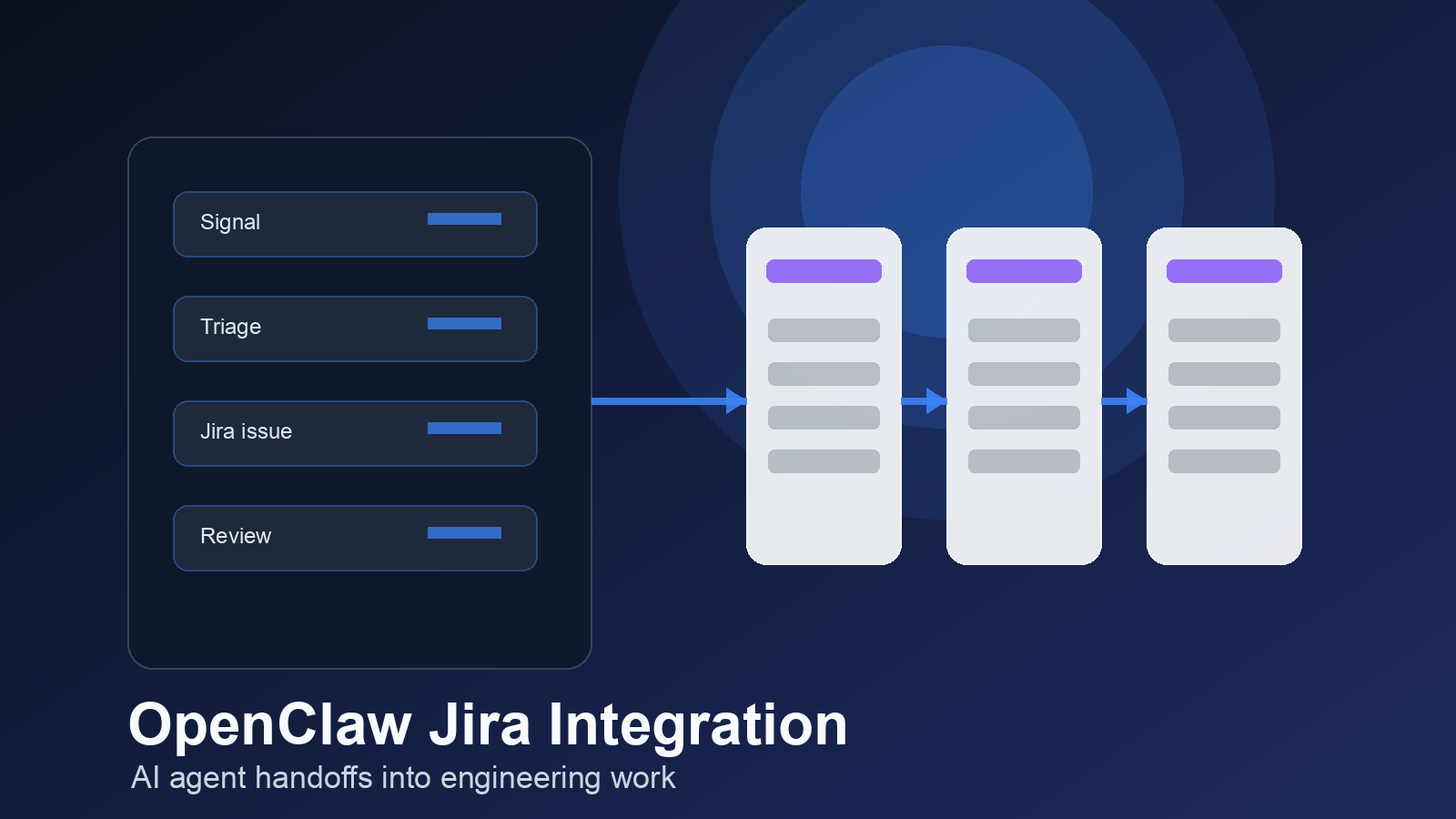
What an openclaw jira integration should actually do
A good Jira connection does more than create issues. It decides when a conversation deserves engineering attention, extracts the useful details, checks for related work, and routes the item to the right project or backlog.
That matters because Jira is usually the system engineers treat as real. Slack, email, meeting notes, and CRM updates are noisy by design. Jira is where the work gets scoped, assigned, discussed, shipped, and closed. If OpenClaw pushes bad tickets into that system, the team will stop trusting the automation fast.
The clean version has a simple shape. OpenClaw watches selected inputs, classifies the request, enriches it with context, creates or updates a Jira issue, then reports back to the channel where the request started. The feedback loop is just as important as the ticket itself. People need to know whether the work was logged, rejected, merged into an existing issue, or sent for human review.
If your team already uses OpenClaw GitHub integration for developer handoffs, Jira should not compete with it. GitHub is usually closer to code. Jira is usually closer to planning. The best setup respects that split.
Want the Jira handoff mapped before you connect anything?
OpenClaw Ready can help plan the fields, permissions, and routing logic so your setup starts clean.
OpenClaw Jira integration criteria for buyers
Before choosing a setup path, define what the integration is allowed to touch. This is where a lot of teams rush. They connect the API, test one issue creation flow, and assume the hard part is done. It is not.
Start with authentication. Atlassian’s Jira Cloud REST API supports email plus API token for simple scripts, but Atlassian’s own developer guidance says API tokens and basic auth are best kept to simple scripts or manual API calls. For distributable integrations, OAuth 2.0 is the cleaner path because access is granted through scoped authorization instead of a shared token.
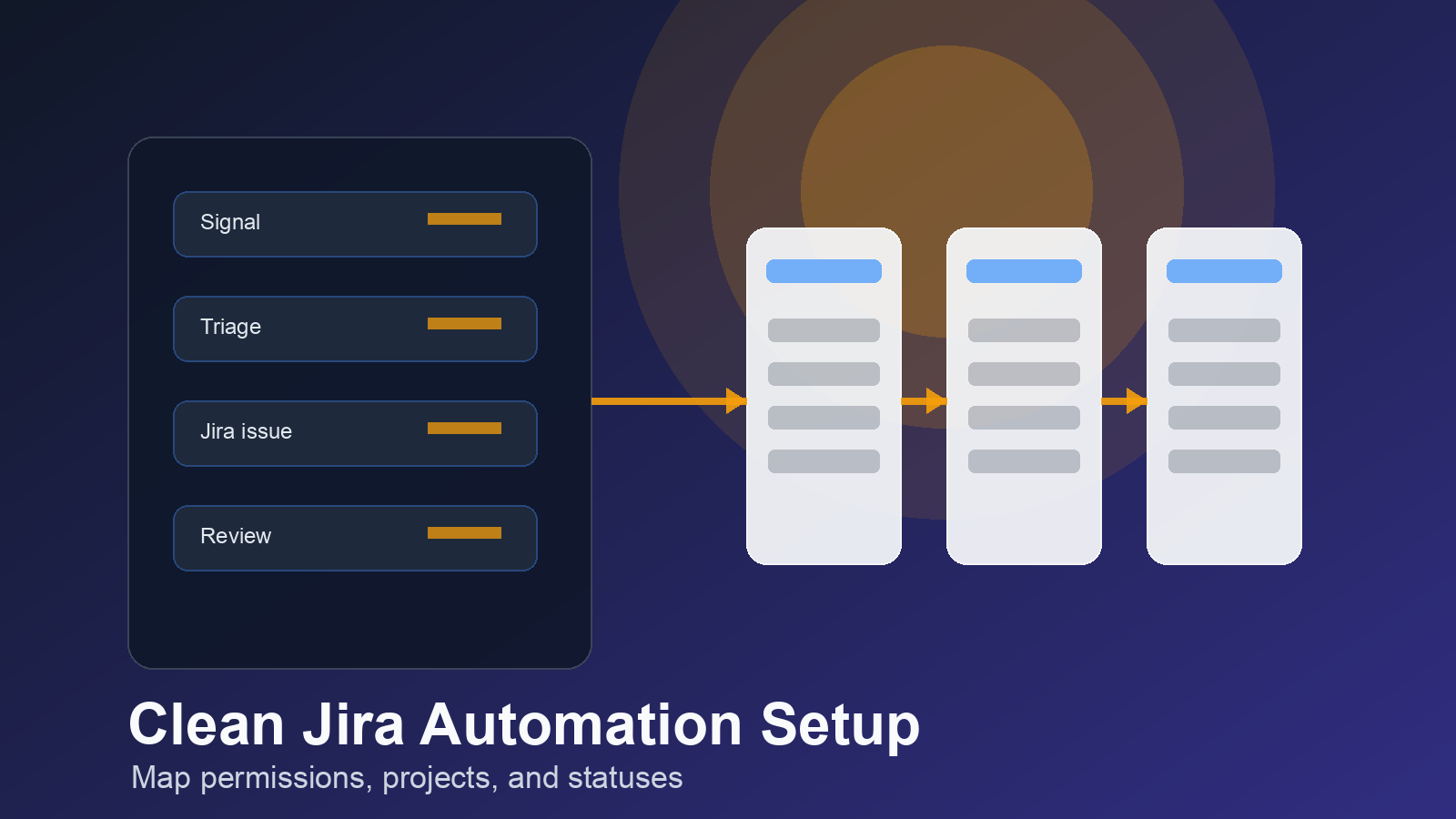
Permissions also matter. Jira’s REST API follows the same permission limits as the Jira web app. If the connected user cannot see a project, create an issue type, or transition a status in Jira, the API should not be expected to bypass that. This is good for security, but it can surprise teams that test with an admin account and then switch to a narrower service account later.
Use this buyer checklist before implementation:
- Project scope: Which Jira projects can OpenClaw read or write to?
- Issue types: Should it create bugs, tasks, stories, or only intake tickets?
- Field mapping: Which fields are required by each project screen?
- Status rules: Can OpenClaw move work through workflow states, or only create items?
- Human review: Which requests need approval before Jira is touched?
- Deduplication: How will OpenClaw check for existing issues before creating a new one?
The uncertain part is how much autonomy to allow on day one. Some teams can let OpenClaw create well-formed intake issues immediately. Others should start with draft summaries and manual approval. Both are valid. The right answer depends on how strict your Jira workflows are and how much noise the engineering team already carries.
Map fields before you automate tickets
Jira issue creation breaks when required fields are missing. That sounds obvious, but it is one of the most common implementation problems. A team may require component, priority, sprint, customer impact, environment, or custom product area fields. OpenClaw needs those rules before it can produce a useful issue.
Build a field map for each issue type. Keep it boring and explicit. Source, summary, description, acceptance notes, severity, owner, labels, customer reference, and related links should all have a clear rule. If the input does not contain enough information, OpenClaw should ask for it or route the request to review instead of guessing.
For bug reports, the description should separate observed behavior, expected behavior, reproduction notes, environment details, screenshots or logs, and customer impact. For feature requests, the ticket should explain the user problem, the current workaround, likely business value, and open questions. Engineers do not need a polished essay. They need a ticket they can triage in under a minute.
Teams using task tools outside Jira should also define boundaries. If work already starts in Asana or ClickUp, Jira may only need engineering items. OpenClaw can help route business tasks into Asana or ClickUp, while reserving Jira for technical work that needs backlog visibility.
How to avoid duplicate Jira issues
Duplicate tickets are the fastest way to make automation feel careless. A customer mentions the same bug twice. A sales rep forwards a complaint that support already logged. A meeting transcript repeats an old feature request. If OpenClaw creates a fresh Jira issue every time, the backlog gets noisy.
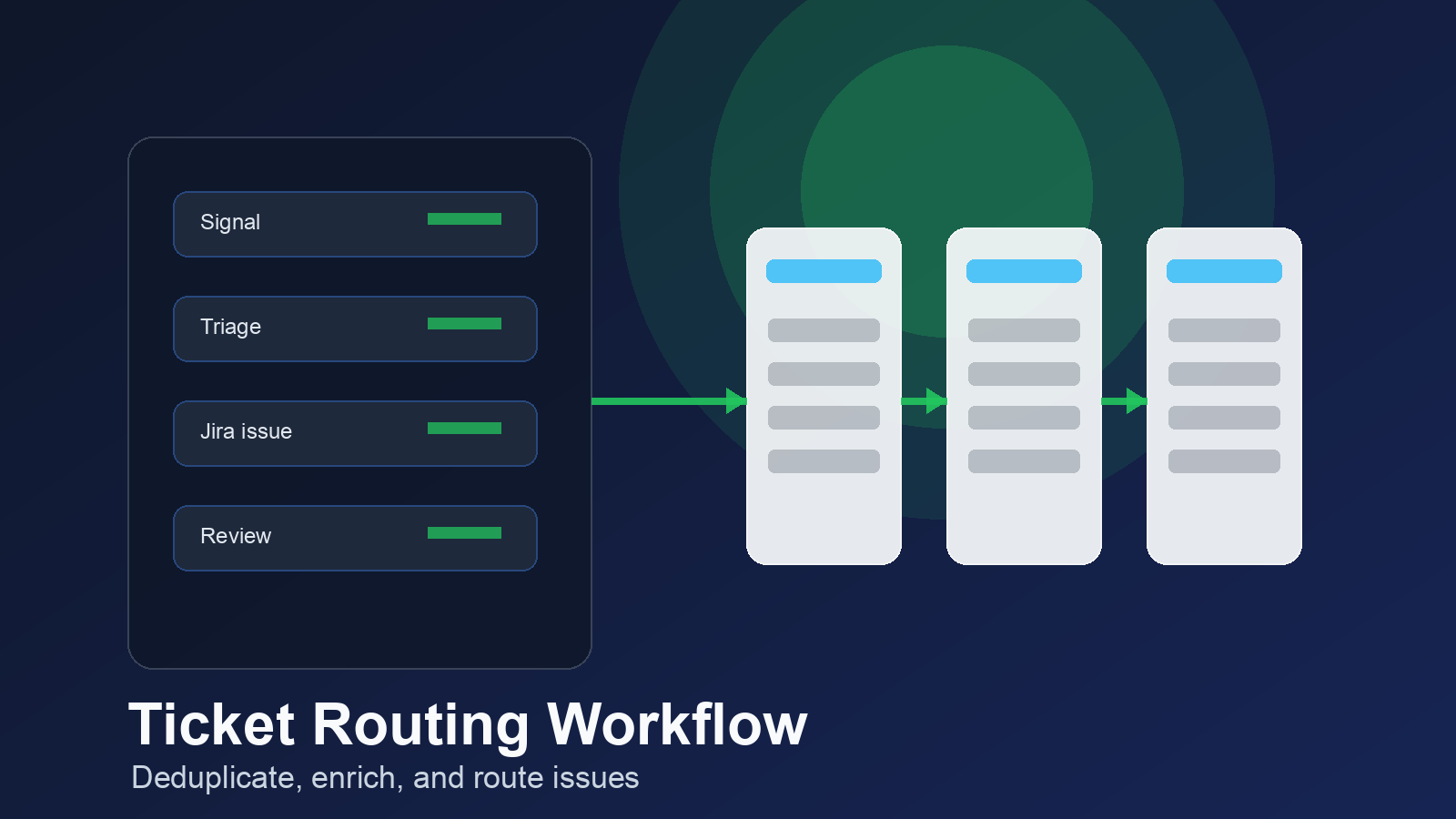
The fix is a dedupe step before creation. OpenClaw should search Jira for similar summaries, labels, customer references, product areas, and recent linked sources. If a likely match exists, it can append a comment, update a custom field, or ask a human to choose between updating and creating.
Use conservative rules at first. It is better to send a possible duplicate to review than to merge two separate bugs incorrectly. Over time, the matching logic can improve as the team sees which signals are reliable.
Auditability is part of this. Every automated Jira action should leave a clear trail: source channel, source message or document, timestamp, actor, and reason for the decision. If OpenClaw updates an issue instead of creating one, the comment should explain why. This protects the team when someone asks, “Where did this ticket come from?”
Need Jira automation without ticket noise?
A focused setup can connect OpenClaw to Jira while keeping your board readable for engineers.
OpenClaw Jira integration workflow design
The workflow should start narrow. Pick one high-value intake path rather than connecting every channel at once. A strong first use case is support-to-engineering escalation, product feedback triage, or meeting-notes-to-backlog capture.
For support escalation, OpenClaw can look for confirmed bugs, affected customers, severity clues, and reproduction details. If the report is complete, it creates a Jira issue in the right project. If it is incomplete, it asks for the missing detail before creating work for engineering.
For product feedback, OpenClaw should usually avoid creating immediate engineering tasks. A better pattern is to collect related requests into a product intake project or update an existing discovery issue. Feature requests need judgment. Treating every request as a build task creates false urgency.
For meeting notes, the integration should distinguish decisions from action items. A decision might become a Jira comment on an existing epic. An action item might become a task. A vague idea should stay in notes until someone clarifies it.
Workflow status mapping deserves special care. Do not let OpenClaw move issues into active development unless your team has a clear approval step. Creating intake tickets is low risk. Moving work into an active sprint is a bigger operational decision.
Security, permissions, and API choices
For a private internal setup, a service account with an API token may be enough for basic REST calls. Keep the account narrow. It should only have access to the projects and actions the workflow needs. Avoid using a personal admin account for production automation.
For a broader app-style integration, OAuth 2.0 is usually the better pattern. Atlassian’s OAuth flow lets users grant access through defined scopes, and the app acts within both its scopes and the user’s Jira permissions. That gives you a cleaner security model than passing around long-lived personal tokens.
Either way, store secrets outside the prompt layer. Rotate credentials when team members change roles. Log failures without exposing tokens. And test permission errors on purpose before launch. A setup that only works when everything is perfect will fail the first week it meets real operations.
Rate limits and retries also need a plan. If Jira is unavailable or rejects a request, OpenClaw should not silently drop the work. It should queue the action, retry safely, and alert the right person if the failure needs attention.
Implementation plan for a clean launch
Use a staged rollout. First, document the intake sources and Jira destinations. Next, build the field map. Then test issue creation in a sandbox or low-risk project. Only after that should you connect live inputs.
A practical launch sequence looks like this:
- Choose one workflow, such as support escalation to Jira.
- Define the exact trigger conditions for creating an issue.
- Map required Jira fields for the target project and issue type.
- Create a review mode where OpenClaw drafts the ticket but does not publish it.
- Run real examples through review mode for a week.
- Turn on auto-create only for requests that meet strict completeness rules.
- Review duplicates, failed actions, and engineer feedback every few days.
The review mode is not busywork. It is where you catch vague summaries, missing fields, bad labels, and status mistakes before they hit the backlog. After the rules are stable, automation can take over the repetitive parts.
If your workflow depends on webhooks, read the OpenClaw webhook setup guide before wiring events into Jira. Webhooks are useful, but they need retries, signing, and clear failure handling.
When the openclaw jira integration is worth it
An openclaw jira integration is worth building when engineering loses time translating scattered context into workable tickets. It is also worth it when customer-facing teams keep asking whether a bug or feature request was logged.
It is not worth overbuilding if your team has five tickets a month and a simple manual process works. Automation should remove repeated handoff work, not add a fragile system for its own sake.
The best version is quiet. Good inputs become good Jira issues. Weak inputs get routed for clarification. Duplicates update existing work. Engineers see better tickets, not more tickets. That is the bar.
Build the Jira connection once, then let the process breathe.
OpenClaw Ready can help turn the plan into a working setup with clean handoffs.
{
“@context”: “https://schema.org”,
“@type”: “Article”,
“headline”: “OpenClaw Jira Integration: A Buyer’s Guide to Cleaner Engineering Handoffs”,
“author”: {
“@type”: “Organization”,
“name”: “OpenClaw Ready”
},
“publisher”: {
“@type”: “Organization”,
“name”: “OpenClaw Ready”,
“logo”: {
“@type”: “ImageObject”,
“url”: “https://openclawready.com/wp-content/uploads/2026/02/openclaw-ready-logo.png”
}
},
“datePublished”: “2026-05-14T10:20:00+00:00”,
“dateModified”: “2026-05-14T10:20:00+00:00”,
“mainEntityOfPage”: {
“@type”: “WebPage”,
“@id”: “https://openclawready.com/blog/openclaw-jira-integration/”
},
“url”: “https://openclawready.com/blog/openclaw-jira-integration/”,
“description”: “OpenClaw Jira integration guide for cleaner tickets, safer permissions, workflow mapping, and better engineering handoffs.”,
“image”: “https://openclawready.com/wp-content/uploads/2026/05/openclaw-jira-1.png”
}