Want this set up for your business?
openclaw asana integration is worth setting up when Asana is already where your team tracks work, but messages, meeting notes, and follow-ups still live everywhere else. The goal is simple: OpenClaw should catch the work signal, shape it into a clear task, and send it into Asana with enough context that a human can act.
This buyer’s guide is for solopreneurs and small teams deciding how an OpenClaw Asana setup should work before they connect anything. It is not about adding every possible automation. It is about choosing the few automations that make Asana cleaner instead of louder.
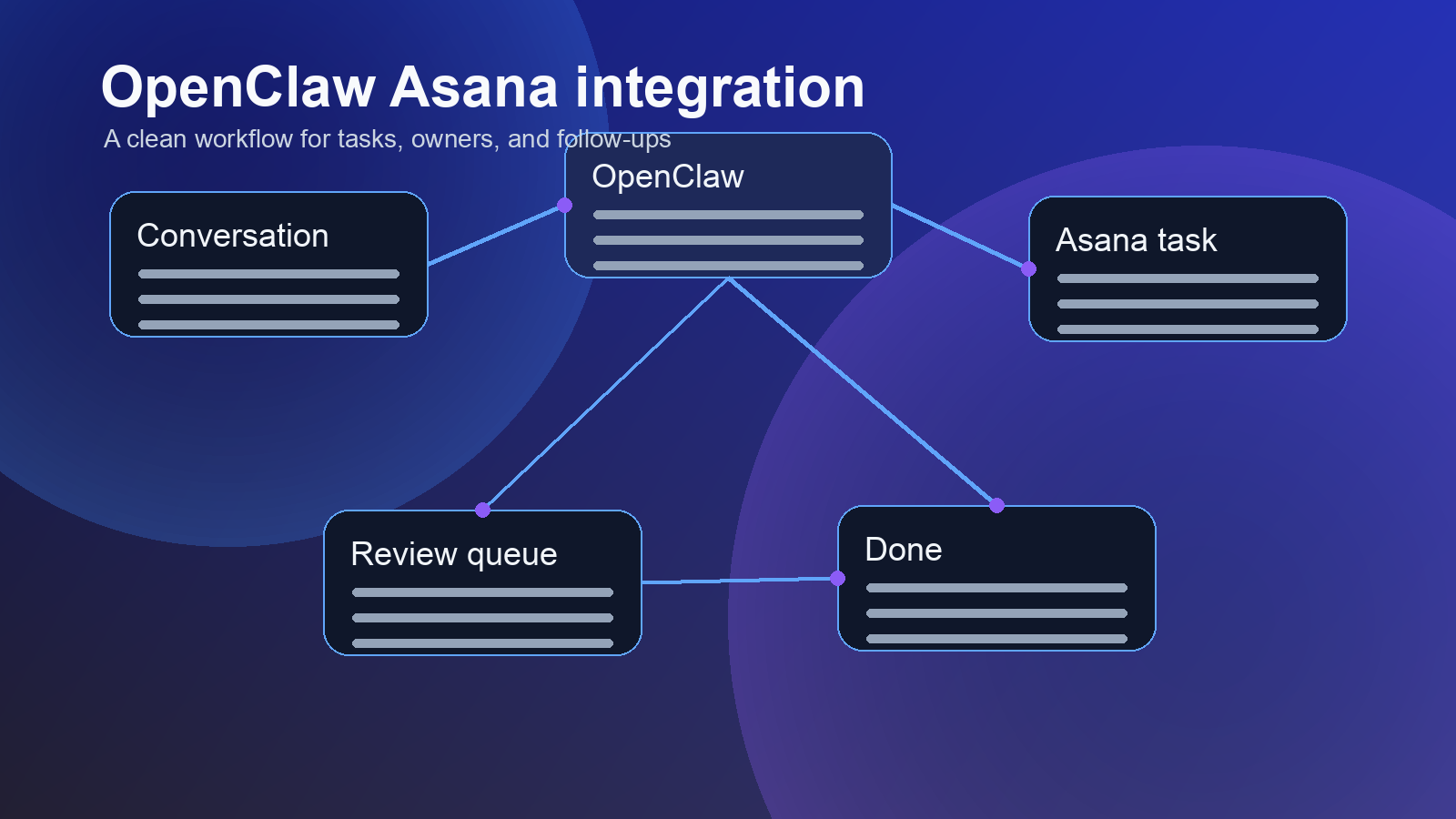
OpenClaw Asana integration starts with the job Asana already does
Asana is strongest when it has one clear purpose: track work from request to completion. OpenClaw is useful when it can watch the places where work starts, then help move that work into the system of record.
According to Asana’s own integrations directory, Asana can connect with tools such as Gmail, Slack, Google Calendar, Jira, ChatGPT, Claude, Microsoft Teams, and Salesforce. That matters because most teams do not have a task problem in one app. They have work scattered across inboxes, chats, calls, forms, and notes.
The mistake is treating integration as a pipe. If every message becomes a task, Asana turns into a junk drawer. The better path is a filter: OpenClaw watches for action signals, adds context, and routes them into the right Asana project.
Want the workflow mapped before tools get connected?
OpenClaw Ready can help turn your Asana process into a safer automation plan.
OpenClaw Asana integration criteria: what should become a task?
Before you compare tools or build rules, decide what qualifies as work. This is where most messy setups go wrong. They automate too early.
A good task candidate usually has an action, an owner, a due date or timing cue, and enough context to know why it matters. A weak candidate is just information. For example, “Can someone check the landing page form?” is a task. “The landing page might need work” is probably a note until someone defines the next action.
OpenClaw can help by turning loose language into a structured draft. But I would still keep a review step for anything ambiguous. There is no shame in that. Some messages are messy because the business process behind them is messy, not because the assistant failed.
Use a simple test. Customer requests should become tasks when they need follow-up. Meeting notes should become tasks when they have an owner or next action. Recurring checks should create tasks when the result falls outside the expected state. Team chat should usually draft tasks for approval unless the trigger is narrow.
This is also where internal OpenClaw patterns matter. If you already use OpenClaw for team communication, the ideas in OpenClaw Slack integration translate well: route fewer alerts, but make the alerts that remain easier to act on.
Choose the Asana fields before you automate
Asana rules can assign tasks, move work between projects, send reminders, update custom fields, and trigger actions in connected tools. Asana’s rules documentation also points to forms, templates, and custom fields as the building blocks around automation.
That is the part to slow down on. If the fields are unclear, the automation has nowhere useful to put the answer.
At minimum, define request source, work type, priority, owner, and review status before OpenClaw starts creating Asana tasks. Use plain labels people already understand.
Keep the first version small. A setup with five fields that people trust beats a setup with twenty fields nobody fills out. Add detail only after the team proves the routing pattern works.
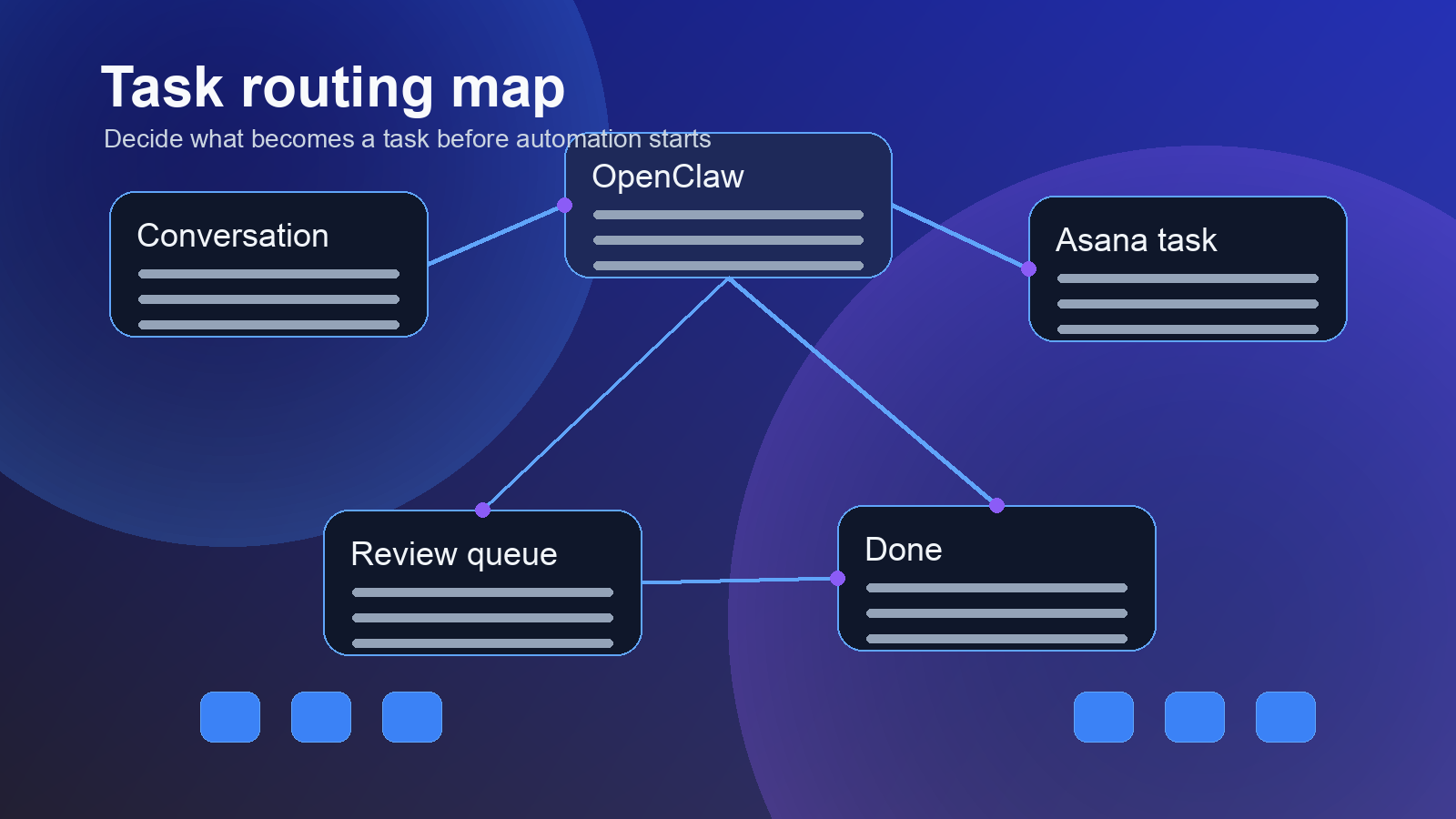
Permissions are part of the OpenClaw Asana integration decision
Asana’s permissions model lets teams control public projects, private projects, comment-only access, guest access, organization membership, and admin controls. That is not paperwork. It decides what OpenClaw can read, what it can create, and where it should stop.
For a small business, the safest practical setup is usually narrow access first. Give OpenClaw access to the specific projects it needs. Use an intake project for new AI-created tasks. Move sensitive work into private projects only after a human approves the task.
Comment-only projects can also be useful when stakeholders need visibility without the ability to change task details. Guest access needs extra care. A guest may only need one project, not the full internal workspace.
The permission question is not “Can OpenClaw do this?” The better question is “Should OpenClaw be allowed to do this without a person checking it?” For customer data, finance tasks, legal work, hiring, or anything involving private notes, the answer may be no.
Need OpenClaw and Asana to match how your team already works?
A clean setup starts with fields, owners, permissions, and handoff rules, not random automations.
Where this setup helps most
The strongest use cases are boring. That is a good sign.
Meeting follow-ups are a natural fit. OpenClaw can read a summary, identify action items, draft Asana tasks, attach the source note, and flag anything missing an owner. The same logic appears in OpenClaw meeting notes automation.
Sales handoffs are another fit. A prospect asks for a proposal, a demo follow-up, or a technical answer. OpenClaw can draft the task, add the account name, include the source message, and assign it. If your CRM is involved, pair this with OpenClaw CRM integration so Asana does not become a second messy database.
Support escalation also works well. Not every support message needs an Asana task. But messages with product bugs, refund reviews, enterprise requests, or repeated complaints probably do. OpenClaw can sort the difference if the trigger rules are specific enough.
Where OpenClaw Asana integration can go wrong
The first failure mode is task spam. If the setup creates too many low-quality tasks, people stop trusting Asana. Then the team goes back to direct messages, and the integration becomes decoration.
The second failure mode is missing context. A task that says “Follow up with Sarah” is almost useless. A task that includes the source message, account name, requested outcome, deadline cue, and suggested owner is much easier to act on.
The third failure mode is hidden ownership. Automation should not blur responsibility. If OpenClaw drafts a task, the owner still needs to be a person or a queue with a human review habit. Otherwise, tasks pile up under a bot account and nobody feels accountable.
The fourth failure mode is over-trusting summaries. AI summaries are helpful, but they can compress away important details. For sensitive workflows, include the original source link or excerpt inside the task. Let the summary speed up the review, not replace it.
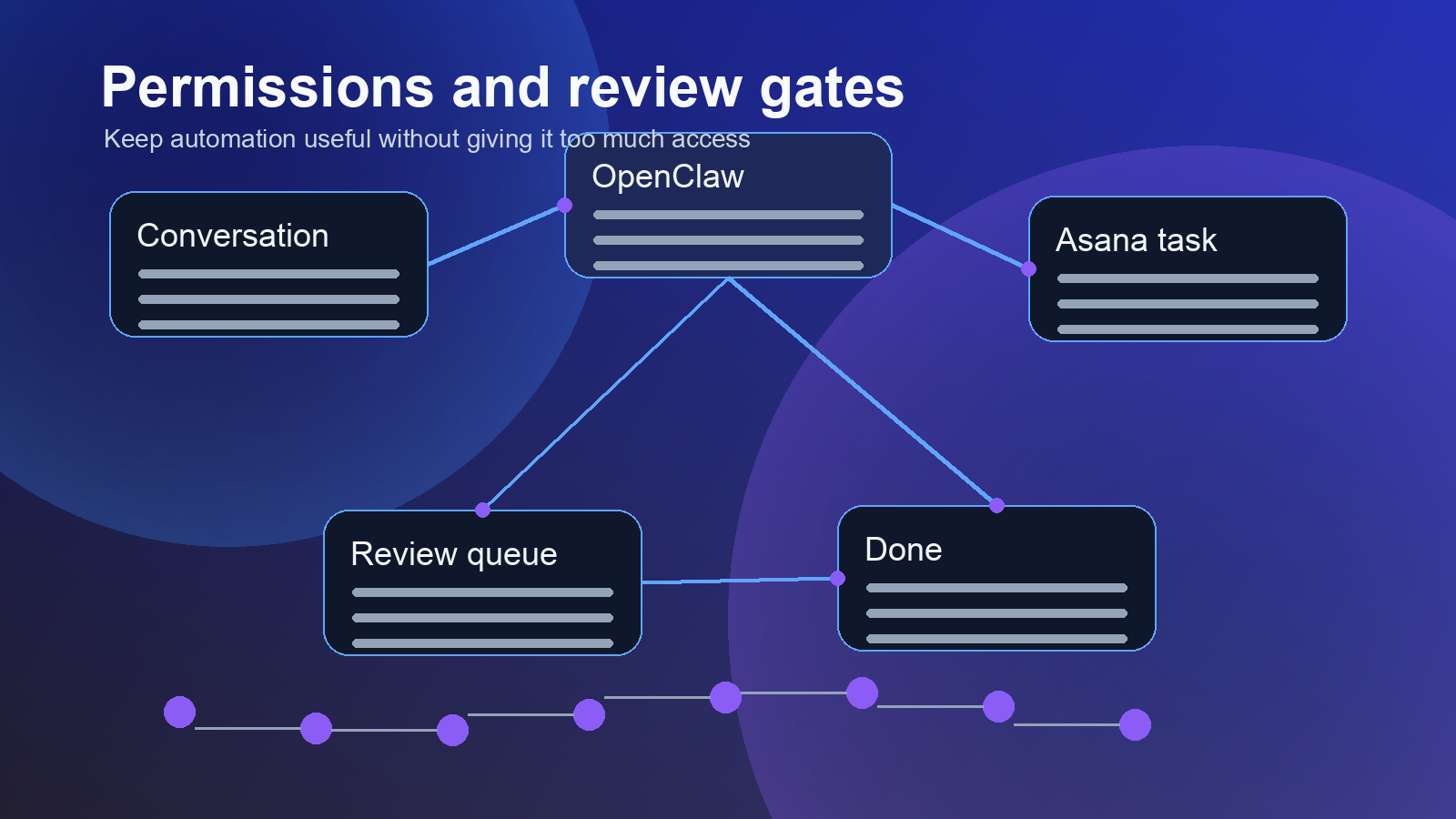
A practical setup plan for small teams
Start with one workflow. Pick the workflow that already causes visible drag. Meeting action items, sales follow-ups, support escalations, and recurring operations checks are usually better first choices than broad team-wide automation.
Map the source, trigger, task shape, owner, project, fields, and review step. Write it down in plain English before building. If the process cannot be described clearly, the automation will not fix it.
Then build the smallest useful path. OpenClaw detects a narrow trigger, drafts the Asana task with source and owner, sends it to intake, and waits for a human to approve, edit, or reject it. Only approved tasks move into the working project.
Once that works, add one more source or one more action. Do not connect every channel at once. The right pace is boring because boring workflows survive.
How to judge vendors or setup help
If you hire help for an OpenClaw Asana integration, judge the person by their questions, not their confidence. A good setup partner should ask where work starts, who owns decisions, which Asana projects are sensitive, which fields matter, and what should never be automated.
They should also talk about failure handling. What happens when OpenClaw cannot identify an owner? What happens when a due date is unclear? What happens when Asana rejects a task or an API call fails? These are not edge cases. They are normal business mess.
Ask for documentation too. You want a simple map of sources, triggers, fields, permissions, review steps, and rollback instructions. If nobody can explain the setup after it is built, the business becomes dependent on mystery glue.
Final take on OpenClaw Asana integration
An OpenClaw Asana integration is worth building when it protects Asana from chaos. The best version does not create more work. It catches real action items, adds context, assigns ownership, and keeps humans in the loop where judgment matters.
Start with one workflow. Keep permissions narrow. Use review gates before tasks hit live projects. Then expand only after the team trusts the output.
That is the difference between automation that looks impressive in a demo and automation people actually use on a normal Tuesday.
Prefer a finished setup over another half-built automation?
OpenClaw Ready can help design, connect, test, and document the workflow.
{“@context”: “https://schema.org”, “@type”: “Article”, “headline”: “OpenClaw Asana Integration: A Buyer’s Guide to Clean Task Automation”, “author”: {“@type”: “Organization”, “name”: “OpenClaw Ready”}, “publisher”: {“@type”: “Organization”, “name”: “OpenClaw Ready”, “logo”: {“@type”: “ImageObject”, “url”: “https://openclawready.com/wp-content/uploads/2026/02/cropped-openclawready-logo.png”}}, “datePublished”: “2026-05-07T10:17:52+00:00”, “dateModified”: “2026-05-07T10:17:52+00:00”, “mainEntityOfPage”: {“@type”: “WebPage”, “@id”: “https://openclawready.com/blog/openclaw-asana-integration/”}, “url”: “https://openclawready.com/blog/openclaw-asana-integration/”, “description”: “OpenClaw Asana integration guide for cleaner task routing, owners, permissions, and follow-ups.”, “image”: “https://openclawready.com/wp-content/uploads/2026/05/openclaw-asana-integration-hero.png”}