Want this set up for your business?
Hermes Agent vs Cursor is the wrong question if you treat both tools as interchangeable coding assistants. They solve different jobs. Cursor is built around the editor. Hermes Agent is built around persistent agent work that can keep context, run tasks, and improve its own workflows over time.
That difference matters for business teams. A developer may want faster code edits. An operations lead may want research, monitoring, follow-up, or workflow execution that does not depend on one person sitting inside an IDE all day. Both can be useful. But they should not be bought, installed, or delegated the same way.
Hermes Agent vs Cursor: The Short Version
Cursor is strongest when the work lives inside a codebase. Its public positioning is direct: it is an AI coding agent for building software. The practical value is in code-aware chat, edits, multi-file changes, and developer workflow speed inside an editor.
Hermes Agent is closer to an agent harness. The Hermes Agent GitHub project describes a self-improving AI agent with a built-in learning loop, memory, skill creation, and persistent operation across sessions. That is a different category of work. It is less about autocomplete and more about giving an agent a repeatable operating environment.
So the practical split is simple: use Cursor when the main job is software development. Consider Hermes Agent when the main job is ongoing automation, repeatable research, long-running background tasks, or agent behavior that needs to learn from prior runs.
Choosing an agent stack for real work?
I can help map the workflow, permissions, and setup path before you wire tools into production.
Where Cursor Fits Best
Cursor is a better fit when the user is a developer or technical operator who spends most of the day in code. The benefit is immediate because the tool sits where the work already happens. You can ask questions about the repo, request a refactor, generate tests, inspect errors, and keep the loop tight.
This is where IDE-native tools have an edge. They can see files, understand code context, and keep the human close to review. That last part is not a small detail. For business code, the biggest risk is often not that the AI writes nothing. The risk is that it writes something plausible that quietly changes behavior.
Cursor also makes sense for teams that already have a pull request process, CI checks, and engineers who can judge output. In that environment, AI-assisted edits can speed up boring implementation work without handing the whole company workflow to an unattended agent.
Where Hermes Agent Fits Best
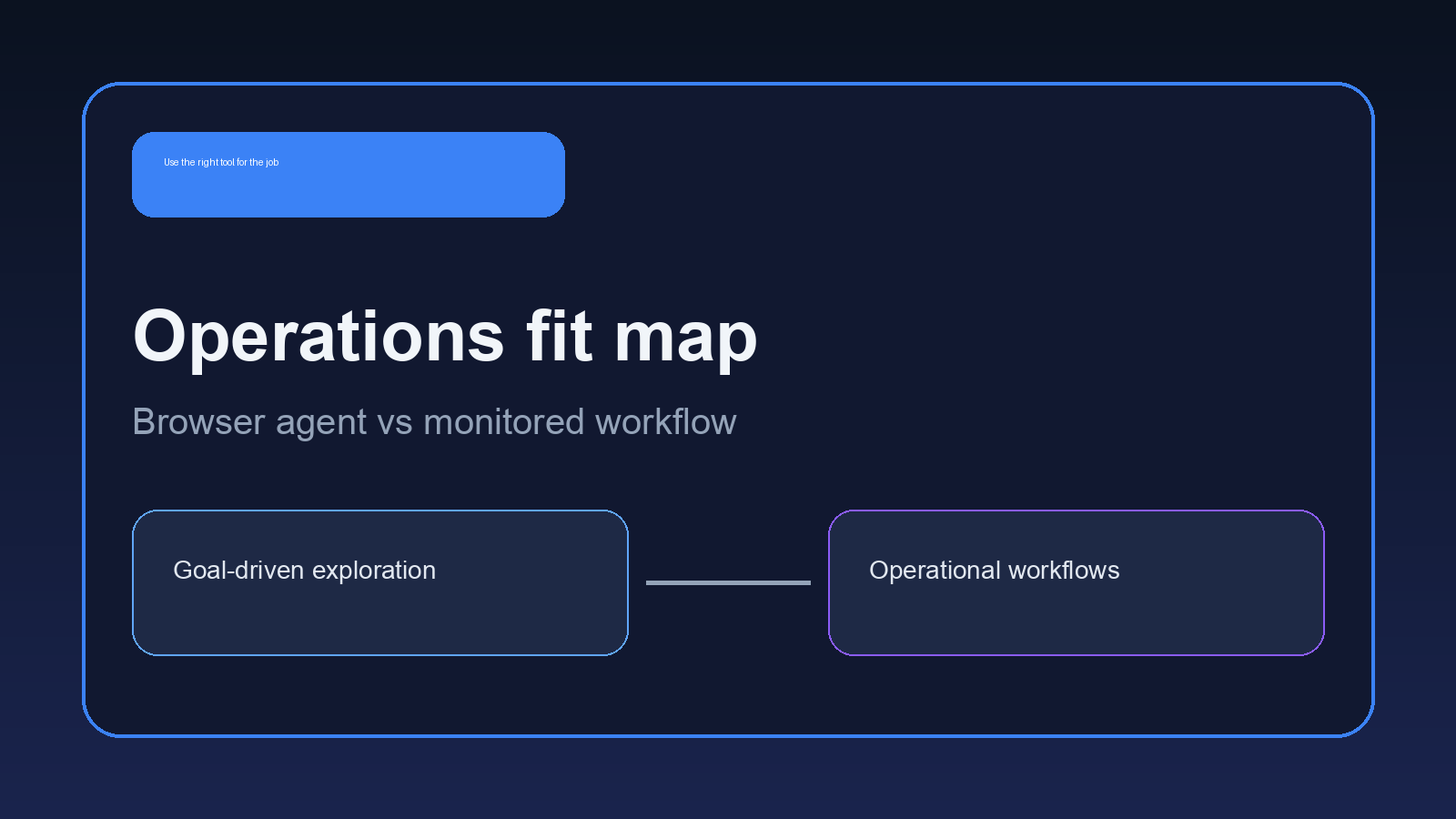
Hermes Agent makes more sense when the work needs continuity. Think scheduled research, monitoring, inbox-style triage, report drafting, knowledge capture, or agent tasks that improve after repeated use. Those workflows do not naturally live inside a code editor.
The interesting part of Hermes is the learning loop. In plain English, the agent can turn repeated experience into reusable skills and memory. That is powerful if the job is stable enough to repeat, but messy if the first setup is vague. Agents do not magically become useful because they have memory. They become useful when the workflow has a clear boundary.
That is why setup matters so much. A persistent agent needs defined tools, scoped credentials, a way to recover from errors, and a clear human handoff. Without that, the learning loop can preserve bad habits just as easily as good ones.
For teams comparing Hermes with OpenClaw, this is also where the decision gets more specific. OpenClaw is usually stronger for multi-channel operator workflows, cron jobs, and controlled business automations. The Hermes Agent vs OpenClaw comparison goes deeper on that split.
Hermes Agent vs Cursor for Business Workflows
If the business workflow starts with “change this code,” Cursor belongs in the conversation first. If the workflow starts with “watch this, summarize this, follow up on this, and remember what happened,” Hermes Agent is closer to the target.
Here is the test I would use before installing either one: where does the task begin and end?
If the answer is a repository, Cursor is probably the cleaner choice. If the answer is a queue of recurring work across tools, Hermes Agent may fit better. If the answer spans Discord, Telegram, email, browser work, scheduled checks, and human review, you may want an OpenClaw-style setup instead of forcing everything through a coding product.
Need the workflow translated into a real setup?
The first step is deciding what should run in an IDE, what should run as an agent, and what should stay manual.
Setup Mistakes That Make Both Tools Look Bad
The common mistake is giving the tool an unclear job. “Help with engineering” is too broad. “Review failed CI logs, summarize the likely cause, and draft a fix plan” is workable. The same rule applies outside engineering. “Handle operations” is vague. “Check new support tickets every morning and prepare a priority brief” is much easier to evaluate.
Another mistake is skipping permissions. Cursor usually inherits a developer’s local environment and repo access. Hermes Agent may need server access, messaging access, browser access, or API credentials. That deserves a slower setup. Start with read-only access when possible. Add write actions only after the agent proves it can produce useful drafts.
Teams also underestimate maintenance. Agent tools change quickly. Plugins break. Auth expires. Model behavior shifts. I do not think that means these tools are too risky to use. It means the owner needs a maintenance plan before the first real automation goes live.
The Hermes Agent setup guide covers more of the configuration side, and the OpenClawReady implementation roadmap is useful if you want a staged rollout instead of a weekend experiment that becomes business infrastructure by accident.
What to Test Before You Commit
Before you make the tool decision, run a small test with real work. Do not use a toy prompt. Pick one task that already causes friction and measure whether the output reduces review time.
For Cursor, that test might be a bug fix in a contained part of the codebase. Give it the error, the relevant files, and the expected behavior. Then judge the result by the diff, the tests, and how much cleanup the developer still had to do.
For Hermes Agent, use a recurring task with a clear start and finish. A good pilot could be a daily research brief, a monitoring summary, or a draft follow-up based on a known source. The point is not to see whether the agent sounds smart. The point is to see whether it can repeat the job without drifting.
There is one nuance here: the better long-term tool may look worse in the first hour. Persistent agents need more setup because they touch more surface area. That is not a flaw by itself. But if nobody on the team can explain the workflow boundary after the pilot, the setup is not ready.
Also check who will own the tool after the pilot. Cursor ownership is usually obvious because engineering already owns the repo. Hermes Agent ownership can be less clear. If it touches operations, support, marketing, and internal systems, someone has to own prompts, credentials, logs, and escalation rules. Without that owner, the agent becomes another half-maintained system.
How to Choose Without Overbuying
Start with the job, not the tool. A product demo can make every agent look like it belongs everywhere. Real work is less forgiving.
Choose Cursor when the work is code-first
Cursor is the practical choice for feature work, refactors, tests, debugging, and repo understanding. It keeps the developer in the review loop. That makes it easier to catch bad assumptions before they ship.
Choose Hermes Agent when the work needs persistence
Hermes Agent is better when the value comes from continuity. If the agent should remember previous work, improve a repeated workflow, or run away from the editor, Hermes is worth a look.
Choose a managed OpenClaw setup when the workflow crosses tools
Some teams do not need another coding environment. They need an operator that can live across channels, schedules, internal notes, and approvals. That is where a planned OpenClaw setup can be cleaner than bending Cursor or Hermes into a job they were not built to own.

Bottom Line: Match the Agent to the Work
The honest answer on Hermes Agent vs Cursor is that many teams should use both, but for different lanes. Cursor belongs close to code. Hermes Agent belongs closer to persistent agent work. OpenClaw belongs in the conversation when the work spans business tools, recurring schedules, and human approval paths.
But do not start by installing all of them. Pick one workflow that wastes time every week. Define the input, the expected output, the permission boundary, and the review step. Then choose the tool that fits that shape.
Want help choosing the right lane?
I can help scope the first workflow, pick the right setup path, and keep the agent from getting too much access too early.