Want this set up for your business?
If you are comparing SetupClaw vs OpenClawReady, you are probably past the curiosity stage. You already know OpenClaw can automate real work. The question now is simpler: who should help you get it live without creating a mess you regret later?
That is the right question to ask. OpenClaw can be powerful, but the setup has real moving parts. You are dealing with models, credentials, integrations, routing, memory, permissions, and the basic reality that one weak configuration choice can make the whole system fragile.
This guide breaks down SetupClaw vs OpenClawReady in plain English so you can choose the path that matches your business, team, and risk tolerance.
SetupClaw vs OpenClawReady starts with the kind of help you actually need
Most buyers are not choosing between two logos. They are choosing between two implementation styles.
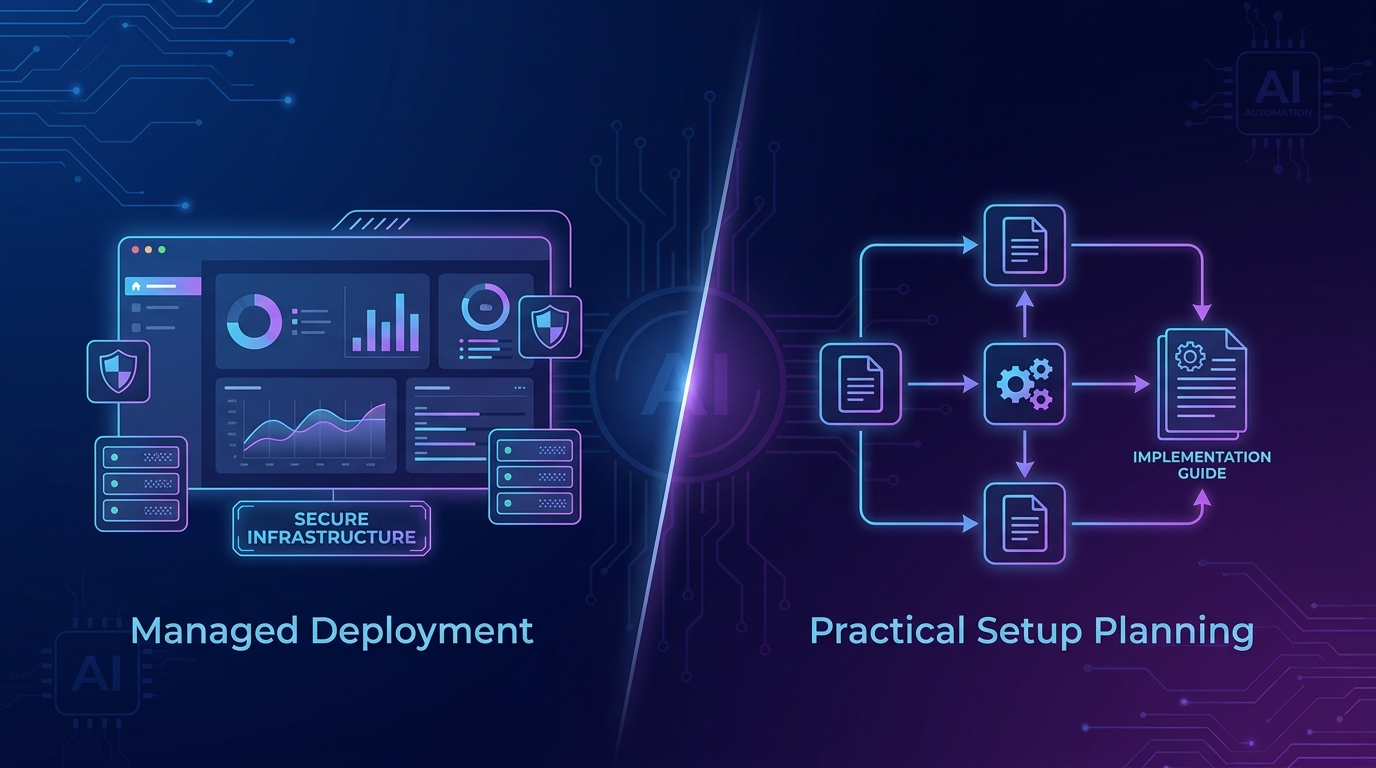
From its public site, SetupClaw positions itself as a white-glove managed OpenClaw deployment service. It emphasizes private infrastructure, encrypted credentials, approved integrations, monitoring, backups, and ongoing maintenance. That will appeal to teams that want a provider to own most of the technical heavy lifting.
OpenClawReady is better understood as setup help built around practical implementation, education, and safer rollout decisions. For some buyers, that matters more than a polished managed-service promise. They do not just want an agent online. They want to understand what was configured, what can break, and what the next layer of automation should look like.
Need help choosing the right OpenClaw setup path?
If you want a second set of eyes on scope, integrations, and rollout risk, OpenClawReady can help map it out.
SetupClaw vs OpenClawReady on scope and ownership
This is where buyers often get tripped up. A setup service is not just a setup service.
Some providers are mainly selling deployment. They install the system, connect a few tools, and keep it running. Others go deeper into workflow design, prompt structure, skill selection, cron logic, failover thinking, and the less glamorous details that make an assistant useful in the real world.
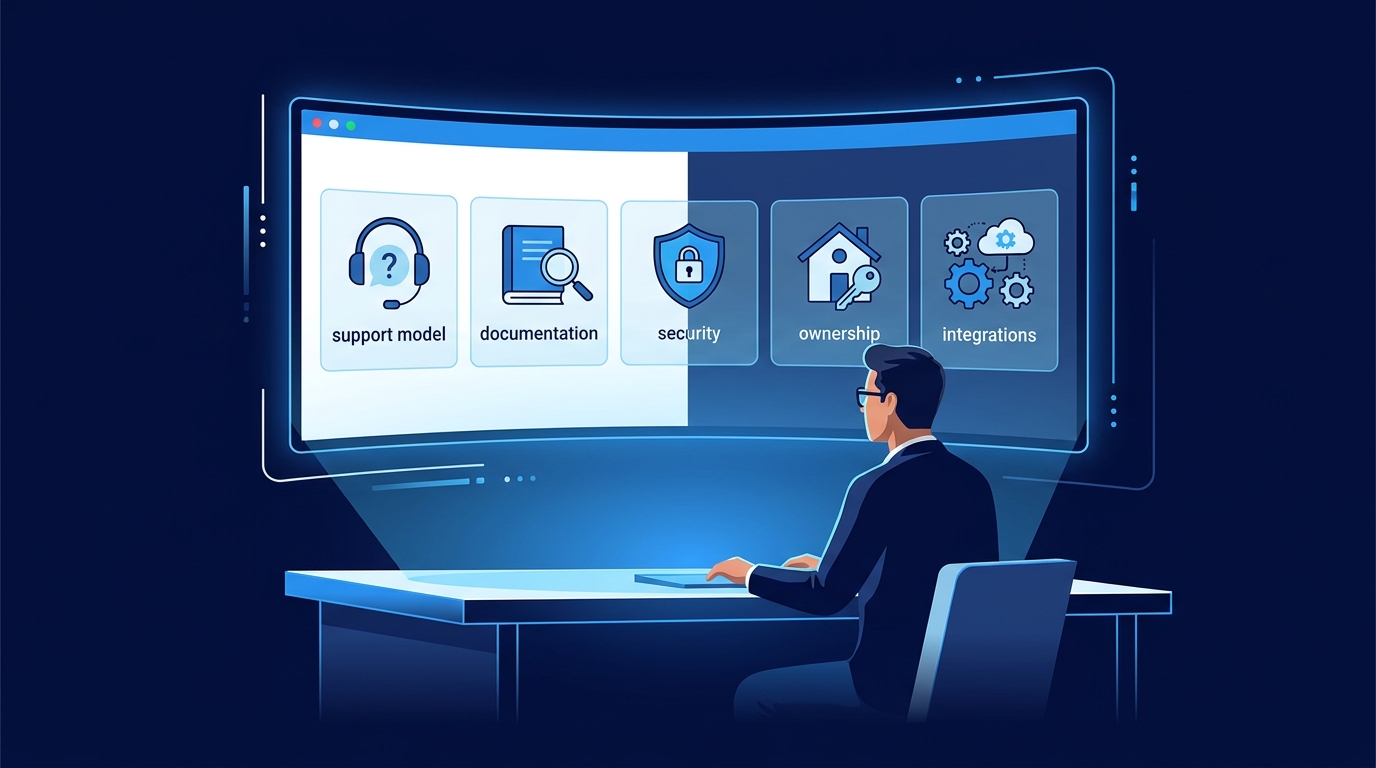
When you compare options, ask who owns these pieces:
- initial architecture and environment choice
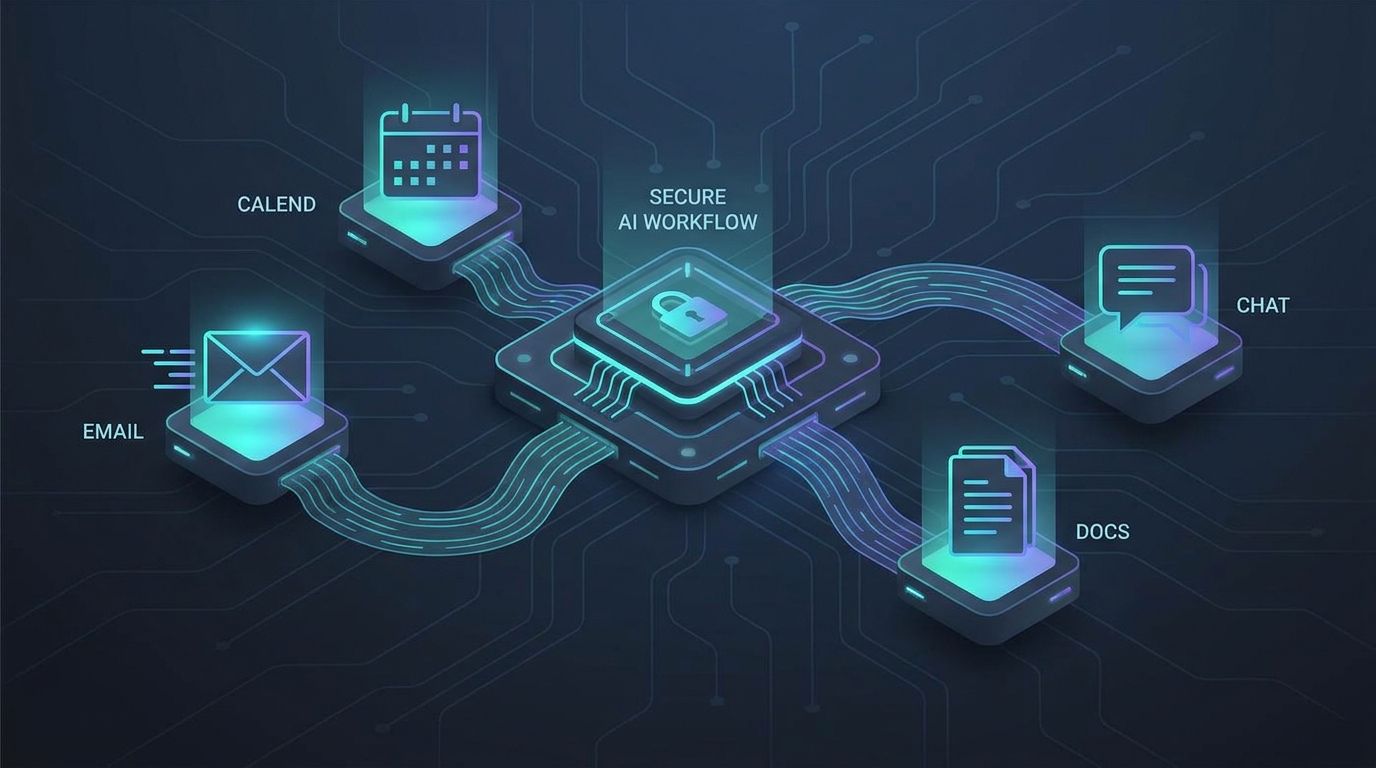
- integration planning across email, messaging, calendar, and docs
- credential handling and access boundaries
- testing, rollback, and failure recovery
- handoff documentation for future changes
If the answer is vague, that is a warning sign. A business-grade OpenClaw setup needs clear ownership. Otherwise support gets fuzzy fast.
If you are still deciding whether outside help makes sense at all, read this OpenClaw setup service guide. And if your main concern is whether you should hire help or build internally, this breakdown on hiring someone to set up OpenClaw covers the tradeoffs well.
SetupClaw vs OpenClawReady on control, customization, and long-term flexibility
OpenClaw is not a plug-and-play chatbot. It is an agent framework. That means implementation quality matters more than surface-level convenience.
A highly managed path may be attractive if you want speed and minimal involvement. But there is a tradeoff. The more abstracted the setup is, the easier it becomes to lose visibility into what is actually running, how credentials are stored, and how future changes will be made.
OpenClawReady is a better fit when you care about practical control. That does not mean you want to self-host every detail alone. It means you want cleaner reasoning behind the setup, a clearer understanding of the moving parts, and a path to adapt the system as your business changes.
That matters if you expect your assistant to evolve from simple tasks into deeper workflows like inbox management, content operations, client onboarding, or internal triage. What works for a lightweight first install can become a bottleneck later.
Want an OpenClaw setup you can actually grow with?
A clean initial setup makes future automation cheaper, safer, and much less frustrating.
SetupClaw vs OpenClawReady on security and operational risk
Security claims are easy to make in this category. The harder question is whether the setup process reduces real risk.
SetupClaw’s public materials talk about private infrastructure, encrypted credentials, daily backups, and managed monitoring. Those are all positive signals. But a buyer should still ask how access is segmented, who can reach production systems, how secrets rotate, and what the support boundary looks like after launch.
OpenClawReady makes more sense for buyers who want to slow down and pressure-test the design before they trust it. That includes questions around least-privilege access, plugin scope, approval flows, backup routines, and what happens when an automation misfires at 2 a.m.
And here is the nuance many buyers miss: the safest setup is not always the one with the most impressive security language. Sometimes it is the one with the clearest documentation, the smallest blast radius, and the easiest recovery path when something breaks.
If security is your biggest concern, start with this guide on whether OpenClaw is safe. If you are already troubleshooting a rough implementation, this post on why OpenClaw setups fail in business use is also worth reading.
SetupClaw vs OpenClawReady on who each option fits best
SetupClaw is likely the better fit if you want a managed experience, prefer minimal internal involvement, and are comfortable letting a provider define most of the technical path. That can be perfectly reasonable for executive teams that care more about speed than internal understanding.
OpenClawReady is likely the better fit if you want support with judgment built in. That usually means you care about rollout choices, operating limits, maintenance realities, and whether the setup still makes sense six months from now.
There is no universal winner here. I would not treat this as a simple feature checklist. The better option depends on whether you value provider ownership more than implementation clarity.
Where self-install still makes sense
There is a third path worth mentioning. Some teams should skip both services and install OpenClaw themselves.
That usually makes sense when you already have an operator who is comfortable with command line setup, secrets management, and ongoing maintenance. The official docs make the onboarding path much easier than older agent stacks. But easier does not mean trivial. You still need to think through permissions, update habits, failure alerts, and who owns the system after day one.
So if your team is technical and actually has time to maintain the environment, a self-install can be the cheapest path. If not, the apparent savings disappear fast.
Questions to ask before you choose any OpenClaw setup service
Before signing with any provider, ask these questions directly:
- What exactly is included in setup, and what counts as out of scope?
- How are credentials stored, rotated, and restricted?
- Will I receive documentation for integrations, prompts, and workflows?
- What happens if I want to move the setup later?
- How are updates, incidents, and failed automations handled?
- Who is responsible for testing before anything touches live business workflows?
If a provider answers those questions clearly, that is a good sign. If the answers drift into buzzwords, I would be cautious.
Common comparison mistakes buyers make
The biggest mistake is choosing based on surface confidence. A polished landing page can make a service feel safer than it is. A more technical consultant can sound messy even when the implementation quality is better.
Another mistake is overvaluing speed. Yes, fast setup matters. But speed without process usually means you discover the real problems later, after the assistant is already touching live workflows.
Buyers also underestimate handoff quality. If your provider cannot explain the environment, integrations, prompts, and maintenance plan in plain language, you do not have a strong setup. You have dependency.
And one more thing. Businesses often compare setup services without deciding what success even means. Is the goal to launch one assistant quickly? Reduce admin drag? Build a stable ops layer you can expand over time? The right choice changes depending on that answer.
How to evaluate the first 30 days after launch
No matter which provider you choose, the first month tells you a lot. Watch how quickly issues get diagnosed, how often workflows need manual rescue, and whether your team trusts the system enough to use it consistently.
A good setup should feel more stable over time, not more mysterious. You should see clearer documentation, better boundaries, and fewer surprise behaviors as the system settles in.
If the opposite happens, that is useful information. It usually means the setup was rushed, the scope was too loose, or the support model was not built for how your business actually runs.
Final take on SetupClaw vs OpenClawReady
In a straight SetupClaw vs OpenClawReady comparison, SetupClaw appears to lean harder into full-service managed deployment, while OpenClawReady is the better fit for buyers who want thoughtful setup help, educational clarity, and a system they can still understand after it goes live.
That distinction matters. OpenClaw is powerful, but power is not the hard part. Clean implementation is. A rushed setup can leave you with brittle automations, fuzzy permissions, and a tool nobody on your team trusts enough to use.
So pick the option that matches how your business actually operates. If you want a provider to own more of the stack, a managed service may fit. If you want clearer setup judgment and a stronger foundation for long-term use, OpenClawReady is the better path.
Need help getting OpenClaw live without the usual setup mistakes?
OpenClawReady can help you plan, configure, and launch a setup that fits the way your business actually works.
{“@context”: “https://schema.org”, “@type”: “Article”, “headline”: “SetupClaw vs OpenClawReady: Which OpenClaw Setup Service Fits Your Business?”, “author”: {“@type”: “Organization”, “name”: “OpenClaw Ready”}, “publisher”: {“@type”: “Organization”, “name”: “OpenClaw Ready”, “logo”: {“@type”: “ImageObject”, “url”: “https://openclawready.com/wp-content/uploads/2026/02/openclaw-ready-logo.png”}}, “datePublished”: “2026-04-18T10:17:59+00:00”, “dateModified”: “2026-04-18T10:17:59+00:00”, “mainEntityOfPage”: {“@type”: “WebPage”, “@id”: “https://openclawready.com/blog/setupclaw-vs-openclawready/”}, “url”: “https://openclawready.com/blog/setupclaw-vs-openclawready/”, “description”: “SetupClaw vs OpenClawReady: compare setup scope, support, control, and risks before choosing OpenClaw help.”, “image”: “https://openclawready.com/wp-content/uploads/2026/04/setupclaw-vs-openclawready-featured.png”}