Want this set up for your business?
Claude AI for lead generation sounds simple when people pitch it. Plug in a model, write a few prompts, and let automation fill the pipeline. In practice, most small businesses do not have a lead problem as much as a workflow problem. Leads come in from forms, chat, email, and DMs. Nobody replies fast enough. Notes get lost. Salespeople follow up without context. Then the business blames the tool.
That is why Claude AI for lead generation works best when you treat it like part of an operating system, not a magic inbox assistant. The goal is not more messages. The goal is better qualification, faster routing, and follow-up that still feels human.
Why Claude AI for lead generation breaks down in small teams
Most small businesses have the same weak spots. New inquiries land in a shared inbox. Website forms do not ask enough qualifying questions. Leads sit untouched for hours while the owner is in meetings or doing fulfillment. By the time someone replies, the buyer has already moved on or forgotten why they reached out.
Research shared by HubSpot and older lead response studies tied to MIT and InsideSales still points to the same pattern: fast follow-up matters a lot, and delays crush qualification rates. The exact multiplier gets quoted in different ways across sales blogs, so I would not build the whole article around one stat. But the core point is solid. A quick, relevant reply beats a generic follow-up sent tomorrow.
Need help turning Claude AI for lead generation into a working system?
I can help map the forms, routing rules, and follow-up logic so your team gets cleaner leads without adding another fragile tool stack.
Claude can help here because it is good at reading context and producing natural language that does not immediately sound robotic. But that strength becomes a liability if you skip system design. If the model is writing replies before your team defines what counts as a qualified lead, what gets escalated, and what should wait, you just automate confusion.
How Claude AI for lead generation should handle qualification
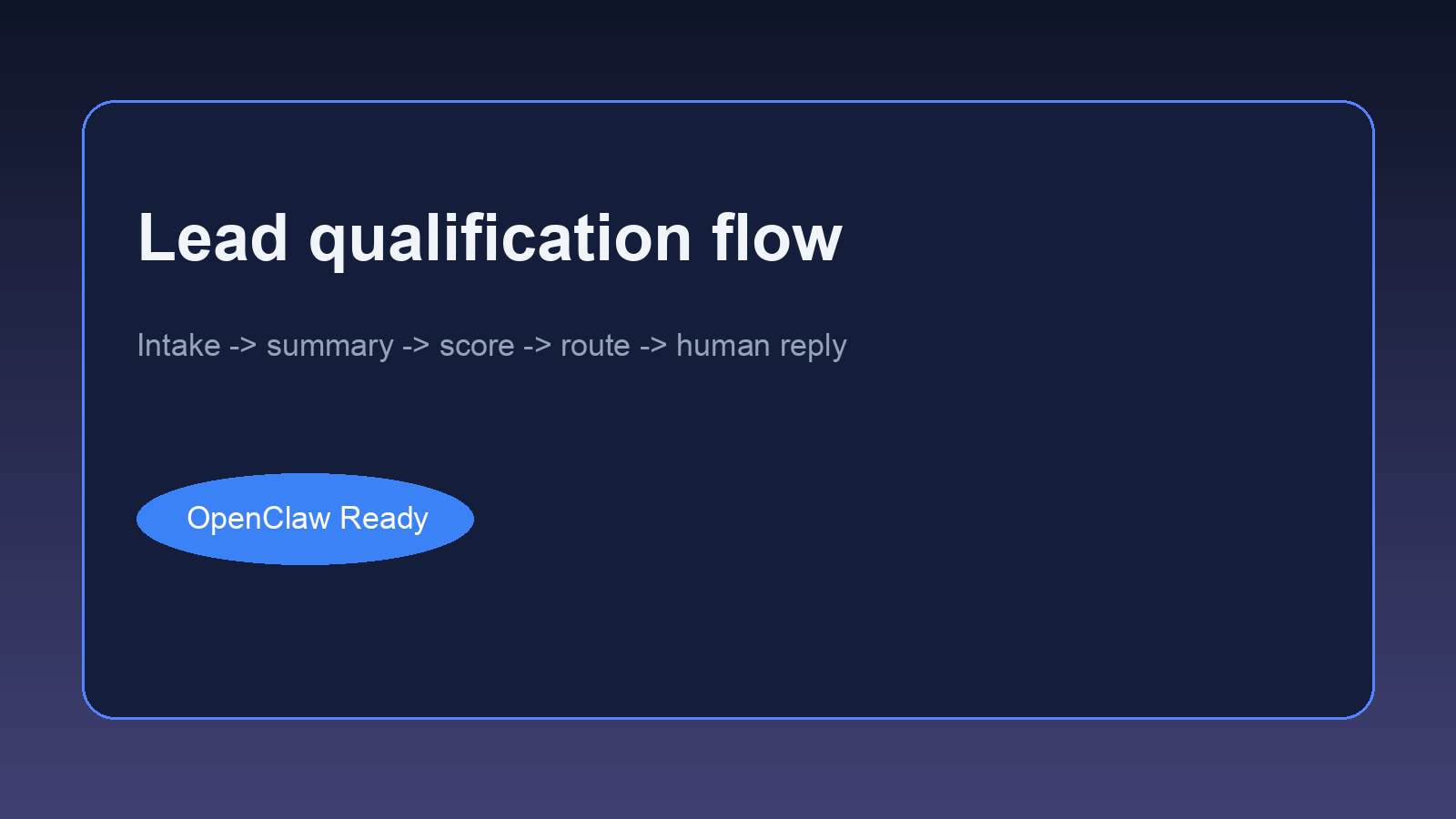
The cleanest use case is front-end qualification. A lead fills out a form, starts a chat, or sends an email. Claude reads the inquiry, extracts the important details, and tags the lead based on rules you already set. That usually includes company size, use case, urgency, budget range, platform fit, or service region.
For example, a marketing agency might want to separate local service businesses from SaaS founders. A consultant might want to prioritize leads that mention revenue, timeline, and current tools. An ecommerce brand might care whether the lead is asking about support automation, order status, or post-purchase messaging. Claude can summarize all of that quickly, but only if you feed it the right intake fields and routing logic.
A good scoring setup is boring on purpose. It does not try to predict the future with black-box magic. It answers practical questions. Is this person a fit? Should a human respond now? Should this lead go to sales, support, or nurture? Should the next step be a call, a case study, or a short clarifying email?
If you want a foundation for that workflow, the posts on client onboarding automation and calendar and inbox management show the same pattern. Capture the signal first. Then automate the handoff.
How Claude AI for lead generation should handle follow-up
Follow-up is where most teams get sloppy. They either send nothing, or they send canned sequences that sound like a template with the name field swapped in. Claude is useful because it can generate replies from real context, not just token-level personalization.
Say someone visits your pricing page, fills out a consultation form, and mentions that they already tried Zapier but hit limits. A decent Claude workflow can summarize that behavior, flag the integration pain point, and draft a reply that addresses the actual issue. That is very different from blasting everyone with the same “just checking in” sequence three times in a week.
The key is restraint. Do not let the model write long nurturing essays. Do not have it send seven-touch campaigns without a human ever looking at the pattern. And do not pretend every lead wants a meeting right away. Sometimes the best follow-up is a short answer, one useful resource, and a clear next step.
If your follow-up chain is messy, fix the workflow before you add more prompts
A clean OpenClaw setup can route new leads, log context to your CRM, and trigger useful outreach without turning every reply into canned spam.
Behavior-based triggers help here. If a lead opens a proposal, revisits a service page, or replies with a specific objection, Claude can draft the next message based on that action. If there is no new signal, it may be better to wait. More automation is not always better automation.
Best workflow for Claude AI for lead generation with OpenClaw
For most small businesses, I would use a workflow with five stages.
1. Capture
Collect leads from forms, chat widgets, email, and messaging apps into one intake layer. Standardize fields so the model is not guessing what matters.
2. Summarize
Claude creates a short internal summary with the source, problem, urgency, and likely next step. This summary should go to your CRM or task system, not live only inside a chat thread.
3. Score and route
Use simple rules plus model judgment. If the lead matches your ICP and asks for help now, route to a human quickly. If the fit is weak, send a lighter response or push them into a lower-touch nurture path.
4. Draft the reply
Have Claude draft a response that references the real context. Keep it short. The best lead replies feel clear and useful, not impressive.
5. Log and review
Store what happened. Which leads converted? Which prompts created awkward replies? Which intake questions improved quality? If you skip review, the workflow will decay.
What to ask before you automate Claude AI for lead generation
Before you automate anything, answer four questions. What counts as a qualified lead in plain language? What details should be collected before a rep gets involved? Which sources deserve an immediate reply? And what should happen when the model is unsure?
That last question matters more than most teams expect. Some leads sound promising but do not give enough detail to route cleanly. Others look weak at first and turn out to be serious buyers. A good system has an uncertainty lane. Claude can flag missing information and ask one clarifying question instead of forcing a confident guess.
You also need message boundaries. Decide what the model can send on its own, what needs review, and when a human should take over. If your offer is high-ticket, technical, or custom, that handoff should happen earlier than most SaaS templates suggest.
This is where many businesses get better results from OpenClaw than from a pile of disconnected tools. You can keep the prompts, routing rules, and escalation steps in one place instead of stitching together form tools, inbox rules, and random automation zaps.
How to measure whether Claude AI for lead generation is actually working
Look at the operational metrics first. Measure time to first response, percentage of leads tagged correctly, and how often a rep has to rewrite the AI draft from scratch. If those numbers improve, the workflow is probably getting healthier.
Then look at sales outcomes. Are qualified calls increasing? Are fewer good leads getting lost between intake and follow-up? Are owners spending less time triaging inbox clutter? That is the real test. A workflow can look clever in a demo and still fail quietly in daily use.
I would also review transcripts every week at the start. Not forever. Just long enough to see where the model is overconfident, too vague, or too eager to push for a meeting. Small edits to prompts and routing rules usually outperform big system rebuilds.
Common mistakes when teams use Claude AI for lead generation
The first mistake is bad source data. If form submissions are vague, CRM records are outdated, or contact owners are wrong, the model will still produce confident output. It just will not be useful output.
The second mistake is over-automation. Businesses get excited about AI and try to automate qualification, follow-up, scheduling, objection handling, and reactivation all at once. That sounds efficient. Usually it creates a system nobody trusts.
The third mistake is forgetting the human handoff. A lead might be qualified on paper and still need nuance. Maybe the account is valuable but the use case is unusual. Maybe the buyer sounds interested but hesitant. Claude can help identify that tension, but a real person should own the moment where deal context matters most.
The last mistake is measuring the wrong thing. Open rates can look fine while close rates stay flat. Track speed to first response, qualified meetings booked, and conversion by lead source. Those numbers tell you if the system is helping.
When Claude AI for lead generation is worth it
It is worth it when your team already has lead flow and keeps missing on response time or triage. It also helps when different lead sources create chaos and you need one layer to interpret what is coming in.
It is probably not the first thing to fix if you barely get any inbound demand, do not know your ideal buyer, or have no clear offer. AI can improve a working process. It usually does not rescue a broken one.
So the smart play is simple. Use Claude to compress response time, clean up qualification, and draft better follow-up. Keep the rules transparent. Keep a human close to the handoff. And build the workflow in a way your team can still understand three months from now.
Want Claude AI for lead generation set up the right way?
I can help you connect intake, scoring, follow-up, and human handoff into one system that your team can actually maintain.
{“@context”: “https://schema.org”, “@type”: “Article”, “headline”: “Claude AI for Lead Generation: How to Qualify and Follow Up Automatically”, “author”: {“@type”: “Organization”, “name”: “OpenClaw Ready”}, “publisher”: {“@type”: “Organization”, “name”: “OpenClaw Ready”, “logo”: {“@type”: “ImageObject”, “url”: “https://openclawready.com/wp-content/uploads/2026/02/openclaw-ready-logo.png”}}, “datePublished”: “2026-04-19T10:15:00+00:00”, “dateModified”: “2026-04-19T10:15:00+00:00”, “mainEntityOfPage”: {“@type”: “WebPage”, “@id”: “https://openclawready.com/blog/claude-ai-for-lead-generation/”}, “url”: “https://openclawready.com/blog/claude-ai-for-lead-generation/”, “description”: “Claude AI for lead generation can speed up qualification and follow-up. Here is how to build a workflow that stays useful and does not feel spammy.”, “image”: “https://openclawready.com/wp-content/uploads/2026/04/claude-ai-lead-generation-featured.png”}