Want this set up for your business?
Claude AI for customer support automation can cut response time, reduce repetitive queue work, and help small teams stay consistent. But the upside only shows up when the setup is tight. If you point an AI assistant at your inbox or chat widget without clear rules, the result is usually vague answers, weak escalation logic, and support experiences that feel colder instead of faster.
For most businesses, the real question is not whether Claude can help with support. It can. The question is which parts of customer support automation Claude should handle, which parts need a human, and how to build a workflow that does not become a liability after the first edge case hits production.
Where Claude AI for Customer Support Automation Works Best
Claude is strongest when the work is repetitive, language-heavy, and grounded in clear source material. That makes it a good fit for first-response support, ticket triage, answer drafting, and knowledge-base lookups. It is less reliable when the task depends on hidden account context, judgment calls around refunds, or policy exceptions that change week to week.
A practical support workflow often starts with four jobs:
- classifying incoming requests by intent, urgency, or product area
- drafting replies for common questions using approved help content
- collecting missing details before a human agent steps in
- routing edge cases to the right person or system
Need Claude support automation set up the right way?
If you want help connecting channels, prompts, routing, and guardrails without building a fragile mess, OpenClaw Ready can help.
That sounds straightforward. But the quality depends on the system around Claude, not the model alone. Your prompt, source documents, escalation rules, and channel integrations matter more than people expect. This is why teams that rush into AI support often blame the model when the real problem is workflow design.
Claude AI for Customer Support Automation Needs Clean Source Material
If your documentation is stale, contradictory, or scattered across Slack threads, Claude will not magically repair that. It will produce confident language on top of weak inputs. So before you automate anything, tighten the underlying support assets: FAQs, policy notes, return rules, troubleshooting trees, and escalation paths.
A simple rule helps here. Claude should answer only from approved sources, not from raw guesswork. That usually means feeding it a maintained knowledge base, internal docs, and structured decision rules. If the answer is missing or uncertain, the workflow should say so and hand off.
This is the same reason a broader customer service automation setup needs more than clever prompts. Good support automation is really a systems problem: data hygiene, permission boundaries, routing logic, and human review.
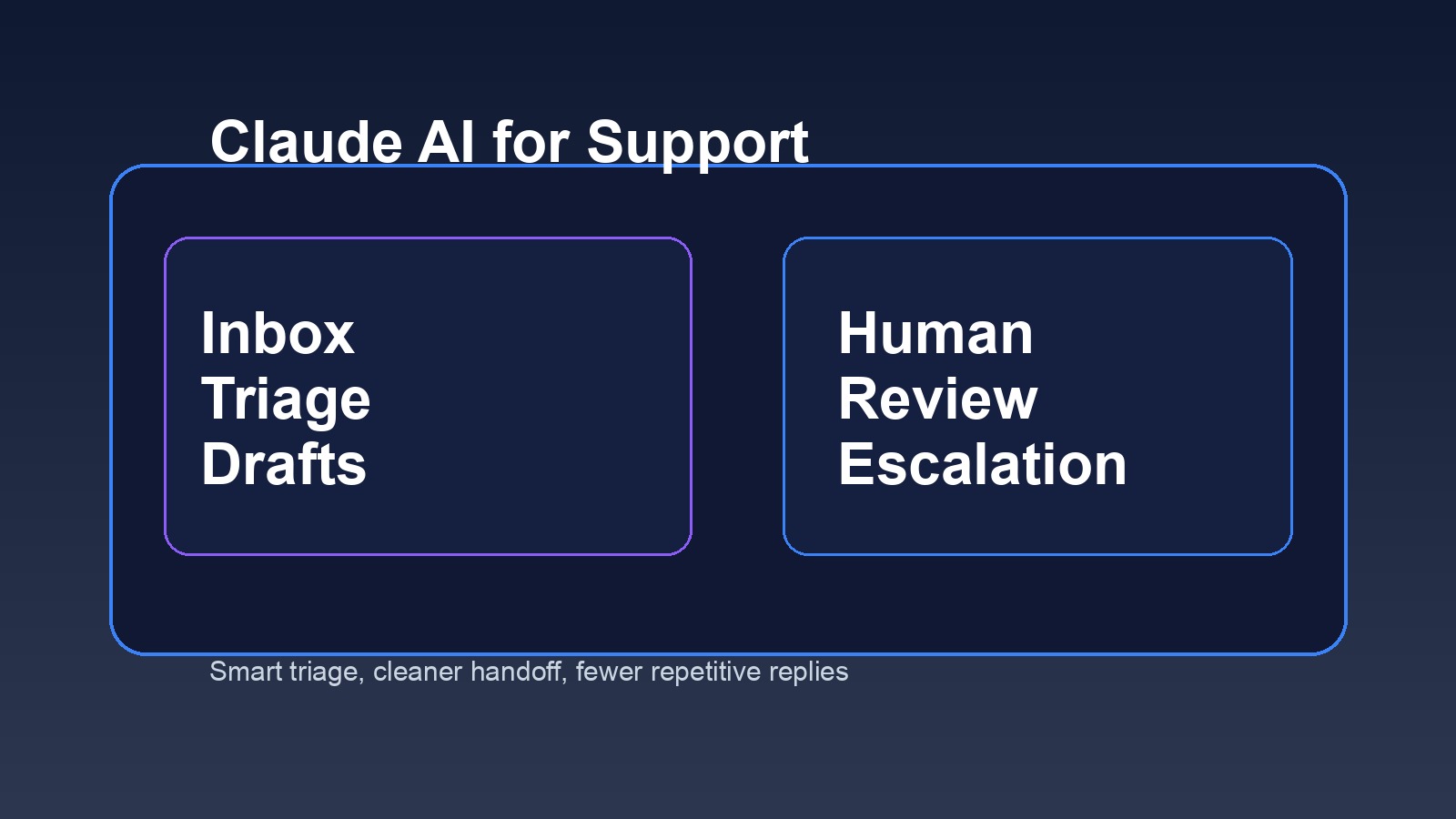
What to automate first, and what to leave with a human
The safest path is to automate low-risk support motions first. Start where consistency matters more than discretion.
Good early use cases
- order status or appointment confirmation replies
- FAQ responses about hours, shipping windows, onboarding steps, or basic setup
- tagging and summarizing tickets before they hit the queue
- collecting screenshots, account IDs, or error details from the customer
- drafting agent replies for review instead of sending them automatically
Keep a human in the loop for these
- refund disputes, billing adjustments, or contract changes
- messages involving frustration, legal risk, or sensitive personal data
- cases where the model has low confidence or missing context
- high-value accounts that expect tailored handling
- policy exceptions that depend on managerial judgment
That split matters. Claude AI for customer support automation works best as a filter and drafting layer before it becomes a fully autonomous responder. Some companies can push further. But if your support process is still messy, full automation usually creates more cleanup than benefit.
Common Failure Points in Claude AI for Customer Support Automation
Most failures are boring. And that is useful, because boring failures are fixable.
The first problem is over-automation. Teams try to automate the entire queue before they understand their own support categories. The second is missing business context. Claude may know how to write a polished answer, but that does not mean it knows which warehouse is delayed, which customer has VIP status, or whether a refund was already approved. The third is bad escalation design. If the workflow does not know when to stop, customers get trapped in circular conversations.
Another issue is tone drift. Claude can sound strong in one reply and oddly generic in the next if prompts are weak or support content is inconsistent. That is why style guidance matters. If you already use Claude elsewhere, this matters there too. A more general Claude AI setup for business needs role definitions, approved actions, and clear boundaries, not just natural language instructions.
Want the routing and handoff logic mapped for you?
A good setup connects Claude to your channels, support docs, and escalation rules so customers do not get stuck in AI loops.
How to design human handoff so the experience does not break
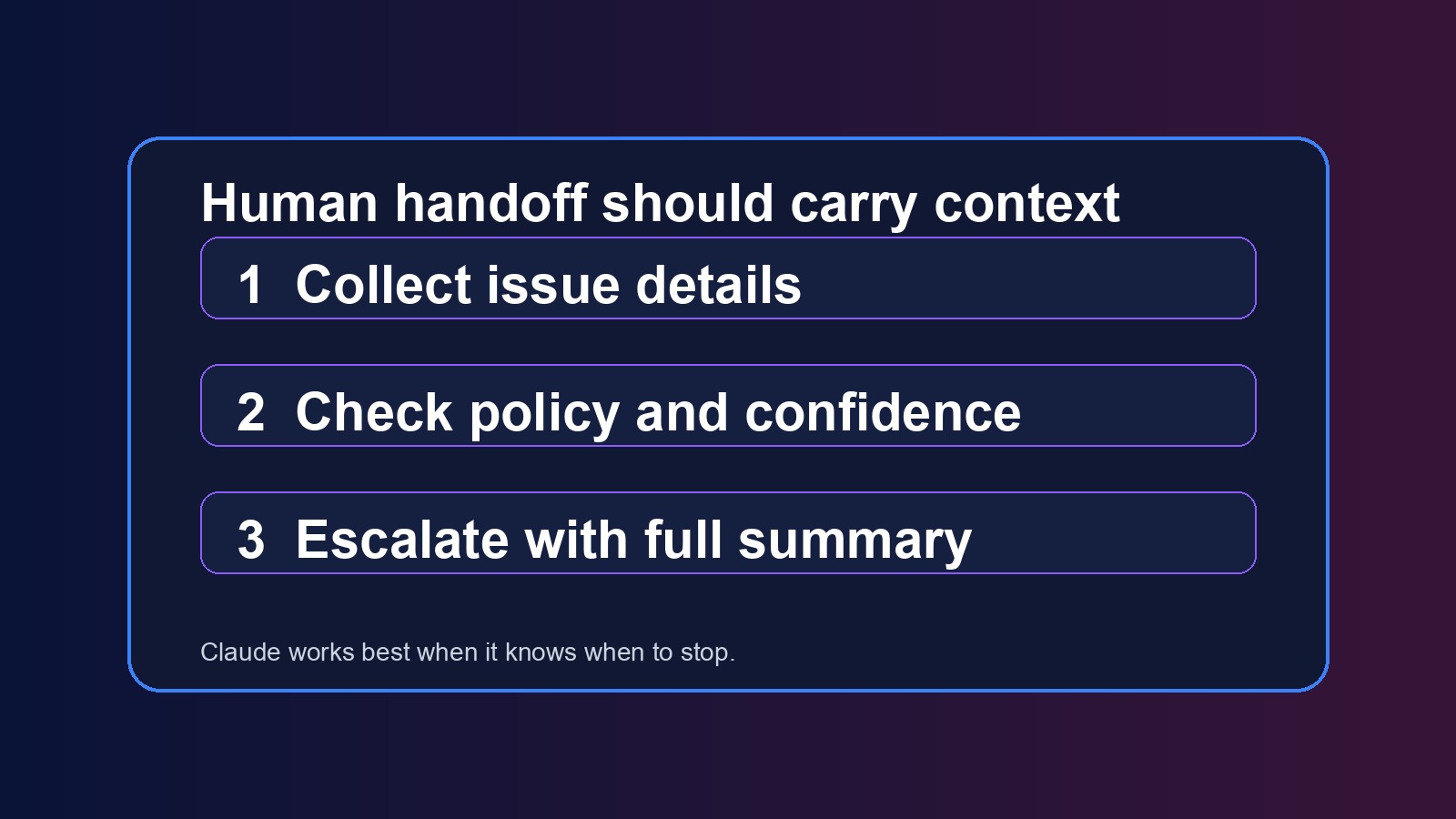
Handoff is where many AI support workflows fall apart. The bot recognizes confusion, but the transfer is clumsy. The agent receives no summary. The customer has to repeat everything. That is where trust drops.
A better pattern looks like this:
- Claude identifies the issue type and gathers the missing basics
- the workflow checks risk rules, confidence, and account context
- if escalation is needed, Claude summarizes the conversation for the human agent
- the customer gets a plain message that a person is stepping in, with realistic timing
Short version: do not just hand off the conversation, hand off the context. That can make AI support feel useful instead of evasive.
This is also where platform choice matters. If you are comparing orchestration options, a post like OpenClaw vs Zapier is useful because support automation often needs branching logic, memory, and multi-step actions that go beyond one simple trigger.
Privacy, governance, and approval rules matter more than the first demo
Customer support data is sensitive by default. Even when you are not handling medical or legal information, you are still often dealing with names, email addresses, order details, invoices, or internal notes. So the workflow needs permission control, retention rules, and a clear map of what Claude can and cannot access.
At minimum, define:
- which systems Claude can read from
- which actions it can take automatically
- which actions require agent approval
- what gets logged for audit and review
- what data should be masked, excluded, or time-limited
There is some nuance here. A small team with a narrow support scope may safely automate more than a larger company with multiple product lines and stricter policy complexity. But even small teams should start with reviewable actions, not invisible ones.
Best practices for Claude AI for customer support automation in 2026
The strongest setups in 2026 are not trying to replace the whole support team. They are building AI into the queue where it improves speed, consistency, and preparation.
Here is what that usually looks like in practice:
- AI drafts replies, but high-risk replies need approval
- support knowledge is maintained like product documentation, not as scattered notes
- prompts are written around policies and workflows, not generic brand voice alone
- handoff rules use confidence thresholds and risk tags
- teams review transcripts weekly to tighten prompts and source content
- automation expands gradually after low-risk categories perform well
So yes, Claude AI for customer support automation can be a real advantage for small businesses. But only if the system knows its limits. The point is not to make support feel robotic. It is to remove repetitive work so humans can focus on the cases that actually need judgment.
How to roll out Claude AI for customer support automation without creating a support mess
The rollout sequence matters almost as much as the prompt. A smart first phase is one channel, one issue type, one approval rule. For example, email triage for shipping questions or intake questions for a service business. That gives you a narrow place to measure response speed, escalation quality, and customer friction before you expand.
Track a few simple metrics at the start: first-response time, resolution time for AI-assisted tickets, escalation rate, and how often agents have to rewrite the draft. If the system is producing fast replies that agents keep fixing, that is not a win. It means the automation is creating hidden work.
Review transcripts every week in the first month. Look for repeated misses, policy confusion, and questions the workflow should have escalated sooner. Those reviews usually reveal the same thing: most support problems are not model problems, they are operations problems wearing an AI costume.
And keep the customer view simple. Tell them when automation is helping, give them an easy path to a human, and avoid pretending the system knows more than it does. Customers are usually fine with AI support when it is fast and honest. They get annoyed when it wastes time.
Need a real Claude support workflow, not just a prompt?
OpenClaw Ready helps businesses build support automations with routing, memory, review steps, and clean human handoff.
If your goal is faster support without broken customer experiences, start small. Pick a narrow queue. Use approved knowledge sources. Add escalation rules early. Then expand from there. That is usually the difference between support automation that saves time and support automation that quietly creates new fires.
{“@context”: “https://schema.org”, “@type”: “Article”, “headline”: “Claude AI for Customer Support Automation: How to Automate Replies Without Losing the Human Touch”, “author”: {“@type”: “Organization”, “name”: “OpenClaw Ready”}, “publisher”: {“@type”: “Organization”, “name”: “OpenClaw Ready”, “logo”: {“@type”: “ImageObject”, “url”: “https://openclawready.com/wp-content/uploads/2026/02/openclaw-ready-logo.png”}}, “datePublished”: “2026-04-20T10:15:49+00:00”, “dateModified”: “2026-04-20T10:15:49+00:00”, “mainEntityOfPage”: {“@type”: “WebPage”, “@id”: “https://openclawready.com/blog/claude-ai-for-customer-support-automation/”}, “url”: “https://openclawready.com/blog/claude-ai-for-customer-support-automation/”, “description”: “Claude AI for customer support automation can speed up support, if you design triage, handoff, and guardrails the right way.”, “image”: “https://openclawready.com/wp-content/uploads/2026/04/ocr-claude-support-inline1.jpg”}