
Want this set up for your business?
If openclaw not working for my business is what your team keeps saying, the problem usually is not one big fatal flaw. It is usually one broken layer hiding inside a setup that looked fine during onboarding. OpenClaw can seem unreliable when the real issue is a dead gateway, a blocked channel policy, a drifted model credential, or a workflow that was never ready for automation in the first place.
That is why random tinkering rarely helps. You need to isolate the layer that failed and fix that one first.
Why openclaw not working for my business usually points to a setup mismatch
Businesses say “not working” to describe a lot of different failures. Sometimes nothing replies. Sometimes only one channel breaks. Sometimes short prompts work but real tasks fail. Sometimes the AI answers, but the result is so inconsistent that the business treats it as broken anyway.
Those are different problems. And each one points to a different fix path.
Need help figuring out which layer failed?
A focused setup review can usually tell whether the problem is gateway health, routing, auth, or workflow design before you waste another week chasing the wrong thing.
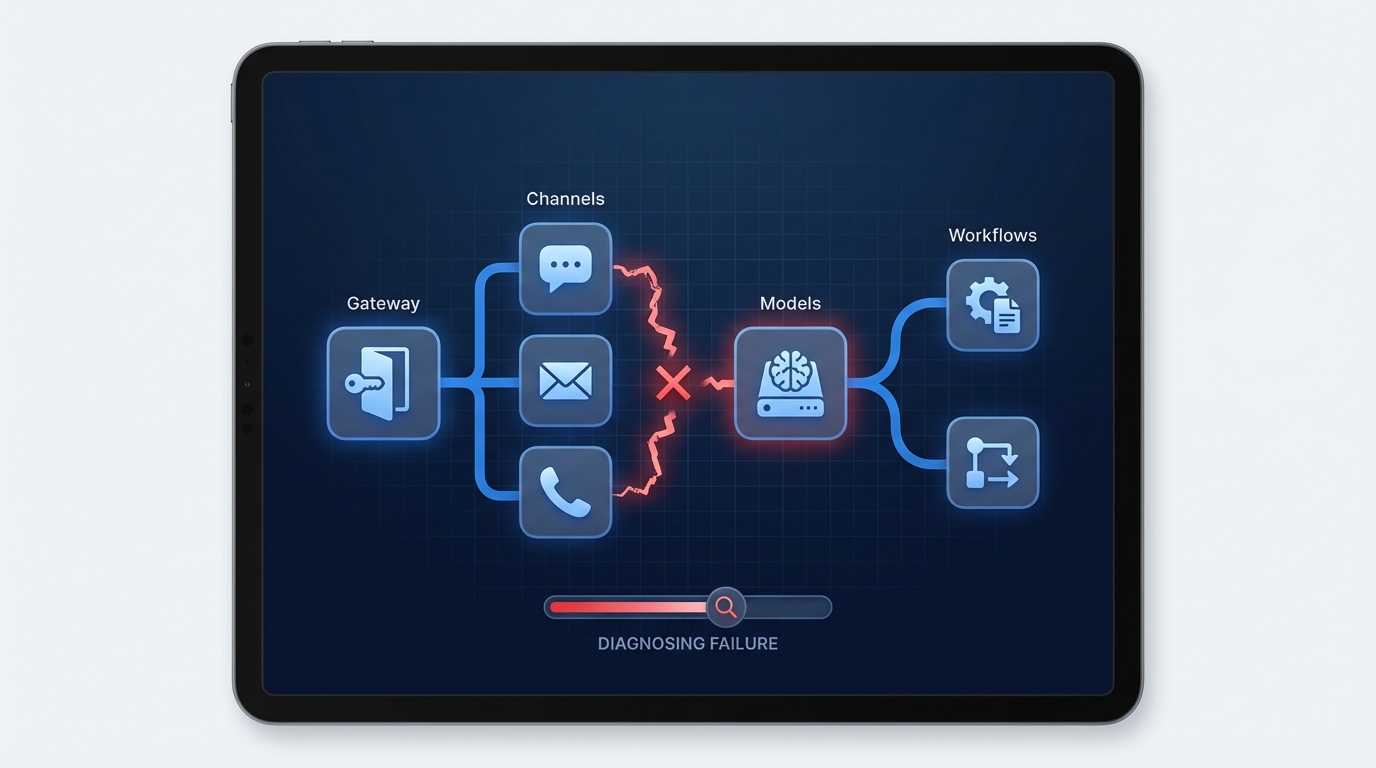
Gateway health comes first when openclaw not working for my business keeps coming up
OpenClaw’s troubleshooting docs start with the same ladder every time: openclaw status, openclaw gateway status, openclaw logs --follow, openclaw doctor, and openclaw channels status --probe. That order matters because the gateway is the control plane. If it is stopped, unhealthy, or pointed at the wrong service config, everything above it can look random.
This is where businesses run into delayed replies, missing responses, stale sessions, or a dashboard that looks live while real work fails underneath. If that sounds familiar, start with our guide on OpenClaw gateway errors before you rebuild anything.
The thing to verify here is simple. Is the runtime healthy, and is it reading the config you think it is reading? A mismatch between CLI config and service config can waste hours because the system appears to ignore recent changes when it is actually using an older file.
Channel policy problems can make a healthy setup look dead
A lot of businesses think the assistant stopped working when the real issue is routing policy. OpenClaw defaults to safer behavior in DMs and group spaces. Unknown senders may need pairing approval. Group channels may require mentions. Allowlists can block traffic quietly if they are too strict.
The official troubleshooting docs call out the usual clues: pending pairing requests, mention-required drops, and allowlist blocks. So a bot can be online and still look dead to the team using it.
If this feels close to your issue, compare it with our breakdown of OpenClaw not connecting. The underlying checks are similar.
There is also a practical business mistake here. Teams test in one direct message, move into a shared channel, then expect identical behavior. That is rarely how a production-safe setup behaves. Group rules are usually tighter for good reason.
When replies disappear, check routing before rewriting prompts
Most silent-failure setups need a pairing, allowlist, or mention-policy fix, not a full reinstall.
Model access can fail even when the rest of the setup looks fine
Some OpenClaw failures look like workflow bugs, but they are really provider or auth issues. The docs mention Anthropic long-context 429 errors, token mismatches, and local OpenAI-compatible backends that pass tiny direct tests but fail under normal agent turns. That last case is more common than people expect. A simple prompt can work while a real business task crashes because the runtime prompt is larger and uses more structured content.
If OpenClaw worked during setup but starts failing on longer tasks, certain agents, or more realistic workloads, check the model layer next. Do not assume the automation logic is the main culprit.
And there is nuance here. Sometimes the OpenClaw setup is correct and the upstream model server is the weak point. If the logs keep pointing upstream, believe them.
Broken business processes create bad automation outcomes
This is the part people want to skip. OpenClaw can be technically healthy and still feel broken because the workflow around it is messy. If there is no clean owner, no approval boundary, and no rule for what happens when the AI is unsure, the business will experience the system as unreliable even when the software is doing what it was told.
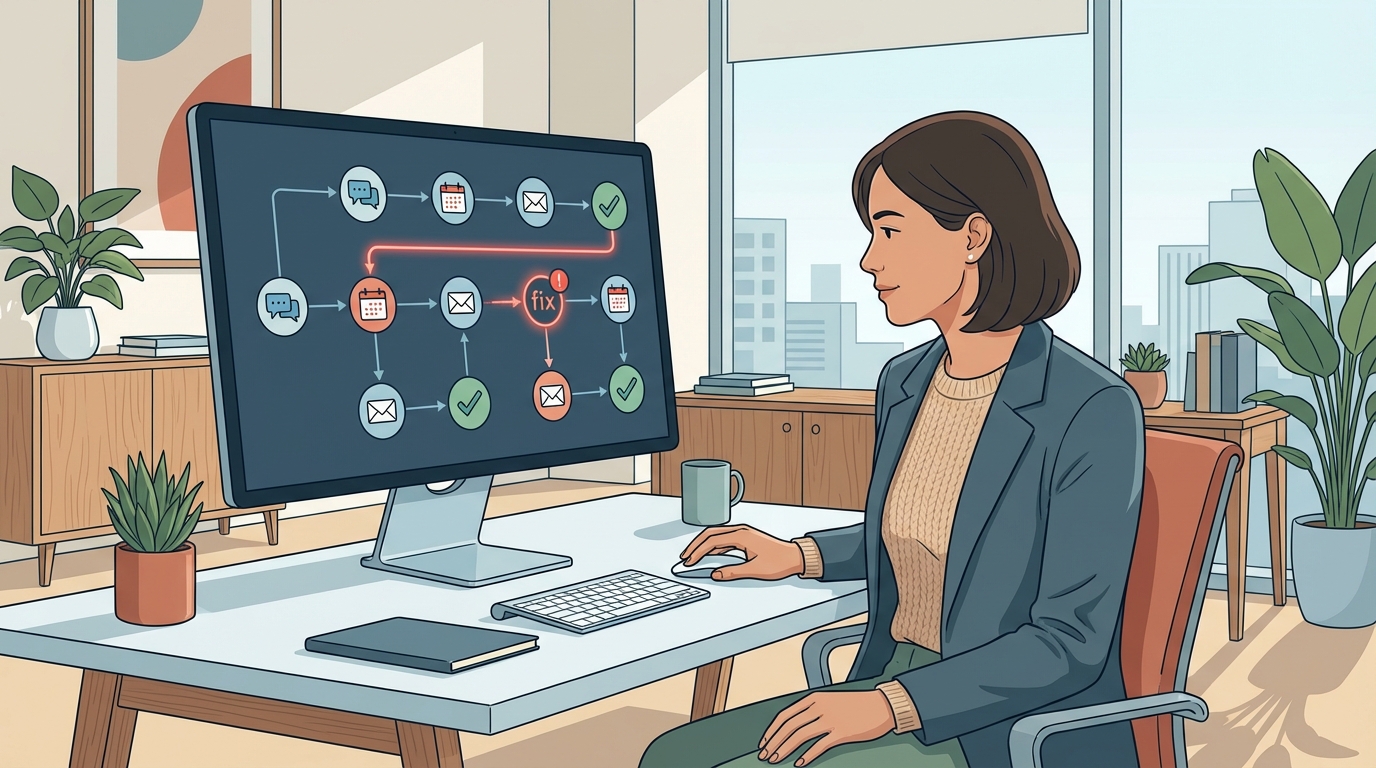
A weak intake process, vague escalation path, or sloppy tool handoff creates constant friction. For example, onboarding flows that touch email, calendar, docs, and chat need explicit checkpoints. Otherwise the AI ends up waiting for context that never arrives or pushes work into the wrong lane.
This is one reason OpenClaw automate client onboarding works better when the human checkpoints are defined before automation starts.
Loose permissions and account sprawl break setups quietly
Business installs often depend on Gmail, Google Calendar, Slack, Discord, WhatsApp, or browser sessions that are tied to one person or device. One expired token, one mismatched account, or one hidden browser-profile assumption can make the whole system feel unstable.
The pattern is familiar. One integration works on day one. A week later the permission scope changes, another team member tries to use it, or the owning account gets re-authenticated somewhere else. Now the business thinks OpenClaw is inconsistent.
The fix here is not glamorous. List every dependency, the account that owns it, the credential that powers it, and whether the workflow assumes pairing, a browser profile, or a specific approved sender. Businesses often discover the fragile part was not the AI at all. It was the credential layout.
Sometimes the machine is just undersized for the workload
OpenClaw can run on modest hardware, but not every business workload is modest. More channels, longer histories, browser actions, image tasks, and multiple agents all add pressure. If you deploy a broad setup on lightweight infrastructure and expect instant performance, slow responses and failed tool runs are not shocking.
That does not automatically mean you need bigger infrastructure. But you do need a setup that matches the workload. A founder running one Telegram workflow has very different needs from a team running Discord, browser control, and always-on cron jobs.
Look at where the slowdown starts. If the system struggles only at peak times, capacity may be the issue. If it feels bad all the time, config bloat or a weak provider choice may be a better explanation.
A better way to diagnose why OpenClaw is not working for your business
Start with four checks, in order.
- Is the gateway healthy and using the right config?
- Are pairing, allowlists, mentions, or routing rules blocking traffic?
- Are model credentials and provider settings still valid for real workloads?
- Is the workflow itself clear enough to automate without constant human rescue?
If you answer those honestly, most setups become easier to debug. And if the last answer is no, stop there. No technical cleanup can rescue a process that was never defined well enough to automate.
openclaw not working for my business is usually the wrong diagnosis. But it is still useful. It tells you something important is failing. Once you break the problem into gateway health, routing, auth, workflow, and infrastructure, the fix usually gets much clearer.
What a business owner should do in the first 30 minutes
If you need a practical triage plan, keep it tight. First, confirm the gateway is live and the logs are readable. Second, test the exact channel and account that is failing instead of using a different environment. Third, run one realistic workflow from start to finish and note the first point where it breaks.
That matters because businesses often test the wrong thing. They prove that one small action works, then assume the full production flow is healthy. It is not the same test.
Also decide whether the failure is operational or strategic. An operational issue is something like pairing, auth, or routing. A strategic issue is when the workflow itself is too vague to automate safely. You solve those in different ways.
What not to do when OpenClaw feels broken
Do not keep layering new prompts onto a failing setup. Do not reconnect every integration at once. And do not let three team members change settings at the same time. Those moves create noise and make the real cause harder to find.
A calmer path works better. Freeze the setup, capture the error pattern, check one layer at a time, and only change what the evidence points to. It is slower for ten minutes and faster for the rest of the week.
If your setup feels unreliable, tighten the scope first
A smaller, cleaner automation stack with clear success rules usually works better than a broad setup full of hidden edge cases.
One more thing, document the final fix after you find it. Businesses that skip that step end up treating the same issue as a new emergency a month later.
{“@context”: “https://schema.org”, “@type”: “Article”, “headline”: “OpenClaw Not Working for My Business? What Usually Breaks and How to Fix It”, “author”: {“@type”: “Organization”, “name”: “OpenClaw Ready”}, “publisher”: {“@type”: “Organization”, “name”: “OpenClaw Ready”, “logo”: {“@type”: “ImageObject”, “url”: “https://openclawready.com/wp-content/uploads/2026/02/openclaw-ready-logo.png”}}, “datePublished”: “2026-04-14T10:15:00+00:00”, “dateModified”: “2026-04-14T10:15:00+00:00”, “mainEntityOfPage”: {“@type”: “WebPage”, “@id”: “https://openclawready.com/blog/openclaw-not-working-for-my-business/”}, “url”: “https://openclawready.com/blog/openclaw-not-working-for-my-business/”, “description”: “OpenClaw not working for my business? Here are the most common setup, routing, auth, and workflow failures, plus the fixes that usually solve them.”, “image”: “https://openclawready.com/wp-content/uploads/2026/04/openclaw-not-working-business-hero.jpg”}