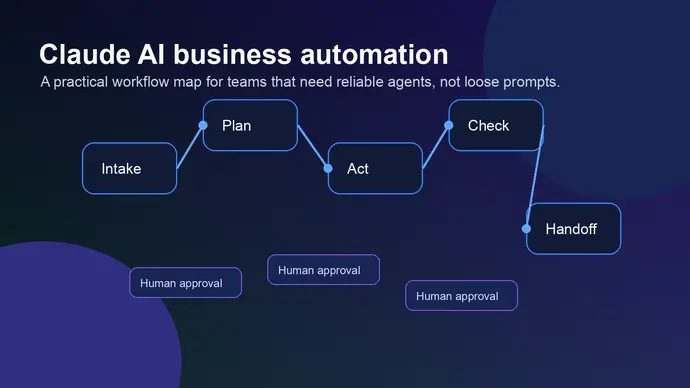
Claude vs ChatGPT for business is no longer a simple model-quality debate. For a business owner or operator, the real question is which assistant can sit inside repeatable work without creating a mess: sales follow-up, meeting prep, internal research, client onboarding, reporting, task routing, and the dozen tiny decisions that usually live in someone’s head.
Both tools are useful. Neither one is magic. ChatGPT tends to feel broader as a workspace because of Projects, apps, data analysis, Canvas, workspace agents, and a large connected-tool ecosystem. Claude often feels calmer for long-form reasoning, document-heavy review, artifacts, team knowledge projects, and careful operational writing.
Claude vs ChatGPT for Business: Start With the Workflow, Not the Logo
Most teams pick an AI assistant backward. They test a few prompts, choose the answer that sounds better, and then try to bolt that tool onto operations. That breaks down when the assistant needs to touch files, remember rules, produce reusable outputs, or coordinate across tools.
Start with the job. A founder who wants weekly KPI summaries from spreadsheets has a different problem than a law office that wants safer intake drafts from long documents. A recruiting team that needs candidate updates has a different risk profile than a developer who wants coding help in a terminal.
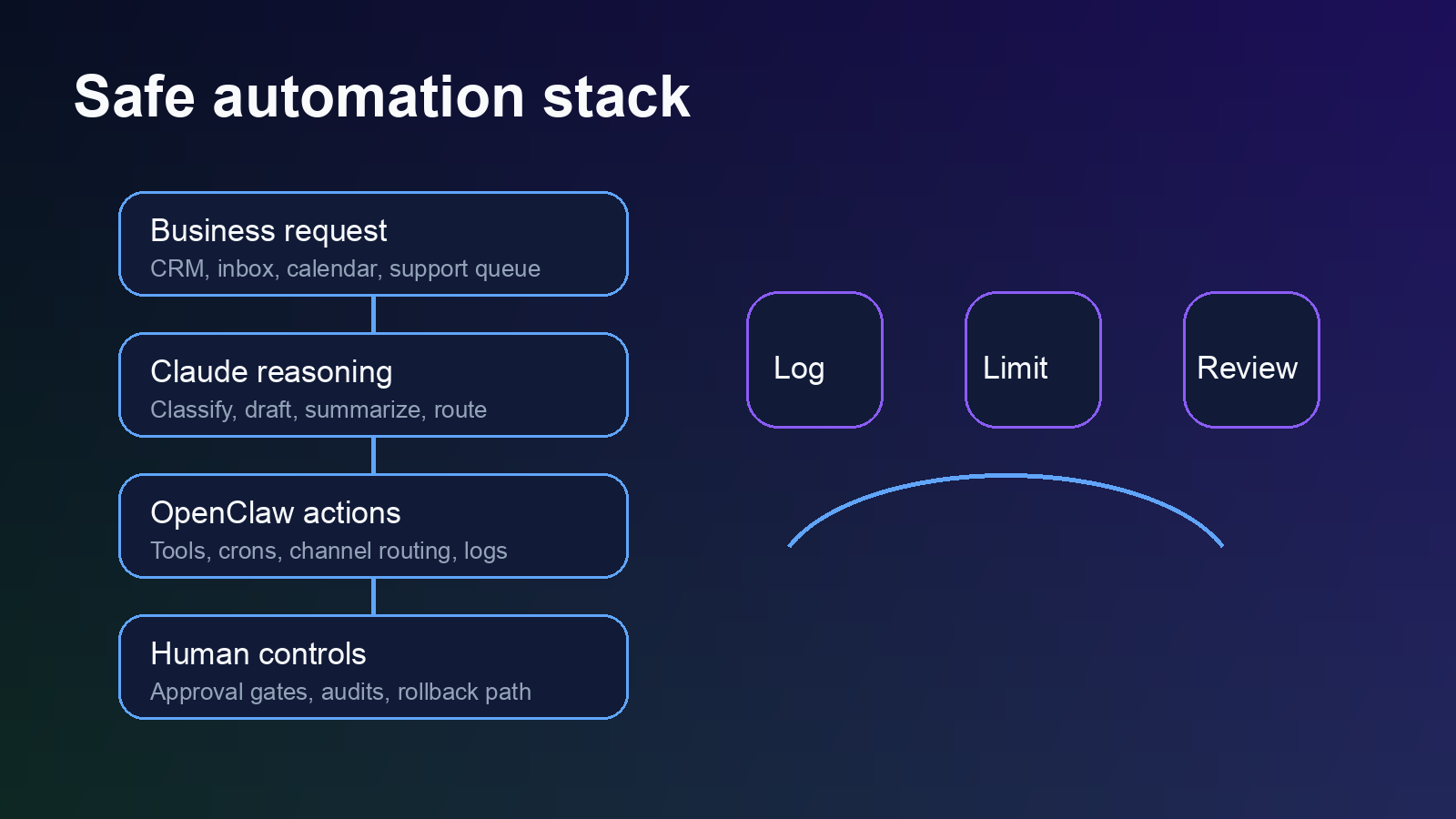
For businesses using OpenClaw, this is where the setup matters. ChatGPT or Claude can be the reasoning layer, but OpenClaw can wrap that reasoning with schedules, routing, memory, channel rules, approvals, and handoff steps.
Need a Cleaner AI Operations Setup?
If your team knows what should be automated but the setup keeps getting messy, we can map the workflow and build the guardrails around it.
Where ChatGPT Fits Better for Business Operations
ChatGPT is strong when the work needs a broad operating workspace. OpenAI’s help docs describe Projects as shared workspaces where Business, Enterprise, and Edu users can group chats, files, instructions, memory, and teammate collaboration. That makes ChatGPT useful for ongoing workstreams like marketing planning, quarterly reporting, customer research, and internal policy drafts.
Its data analysis tools are also practical for nontechnical teams. ChatGPT can inspect uploaded files, produce tables or charts, and work with common formats such as spreadsheets, PDFs, JSON, XML, YAML, text, and Markdown when those capabilities are available for the workspace. For a small business, that means a weekly CSV export can become a summary, anomaly check, or chart without waiting on a developer.
The connected-app side is where ChatGPT becomes especially interesting for operations. OpenAI now describes connectors as apps, including tools that can search company information, reference external systems, support deep research with citations, and in some cases take supported actions. Recent ChatGPT Business release notes also mention workspace agents that can connect to tools, then run repeatable tasks or scheduled workflows inside ChatGPT and Slack.
That does not mean you should let it loose everywhere. More connectivity means more permission design. Someone still has to decide which apps are enabled, which data sources are indexed, which actions are allowed, and what needs approval before anything changes in a CRM, ticketing system, or client channel.
For related setup detail, see the OpenClaw guide on Claude AI business automation and the broader OpenClaw CRM integration walkthrough.
Where Claude vs ChatGPT for Business Tilts Toward Claude
Claude is often the better fit when the work is document-heavy, careful, and language-sensitive. Anthropic’s project docs describe Claude Projects as self-contained workspaces with chat histories, knowledge bases, uploaded files, and project instructions. For Claude for Work teams, projects can be shared across an organization with permission levels, which is useful when a team wants a shared context without everyone copying the same prompt.
Claude also has a large context window in its Team plan documentation. Anthropic lists a 200k context window for Claude’s paid work experience, which matters when the job involves long transcripts, contracts, SOPs, or product docs.
Artifacts are another reason some teams prefer Claude. Anthropic describes artifacts as a separate workspace for substantial outputs such as documents, code snippets, single-page websites, diagrams, flowcharts, SVGs, and interactive React components. In plain English: Claude is good at making a reusable thing you can edit beside the conversation instead of burying it in a chat thread.
There is nuance here. Claude can feel better for judgment-heavy drafts, but that does not automatically make it safer. If you connect it to real business systems, the same boring controls still matter: access scope, logs, test runs, fallback behavior, and human review for sensitive actions.
How to Compare Claude vs ChatGPT for Business by Use Case
Use cases reveal the winner faster than feature lists.
Internal Knowledge Search
ChatGPT is compelling when your company knowledge is already spread across connected apps and your workspace has the right app access.
Claude is strong when your team wants curated project knowledge, long documents, and careful answers inside a narrower workspace. Anthropic’s RAG for Projects support can expand project knowledge capacity by up to 10x when project knowledge approaches the context limit, which helps when teams keep adding internal docs.
Analysis and Reporting
ChatGPT usually has the cleaner business path for spreadsheet-style analysis because data analysis is a named, documented workflow.
Claude can still handle analysis, especially when the data is embedded in messy documents or long narrative context.
Writing, Review, and Client-Facing Drafts
Claude is often excellent for drafts that need tone control and careful reading. That includes policy rewrites, client update drafts, SOP cleanup, proposal review, and long-form content. ChatGPT is also strong here, especially when the output needs to pull from connected company sources or move into Canvas for editing.
The deciding factor is whether the draft needs heavy source retrieval, long document judgment, collaboration, or action after approval.
Coding and Technical Work
Both ecosystems now have serious coding surfaces. Anthropic positions Claude Code as an agentic coding tool that works in the terminal, can understand a codebase, edit files, and run commands. OpenAI’s Business release notes point to Codex workflows, mobile connection to a host Mac, and access tokens for approved automation.
For a small business, the lesson is simple: coding agents should run in a controlled project environment with review, tests, and a rollback path.
Turn the Use Case Into a Working System
The model choice is only one layer. The bigger win is a setup with routing, memory, approvals, and clear failure handling.
Guardrails Matter More Than the Claude vs ChatGPT for Business Winner
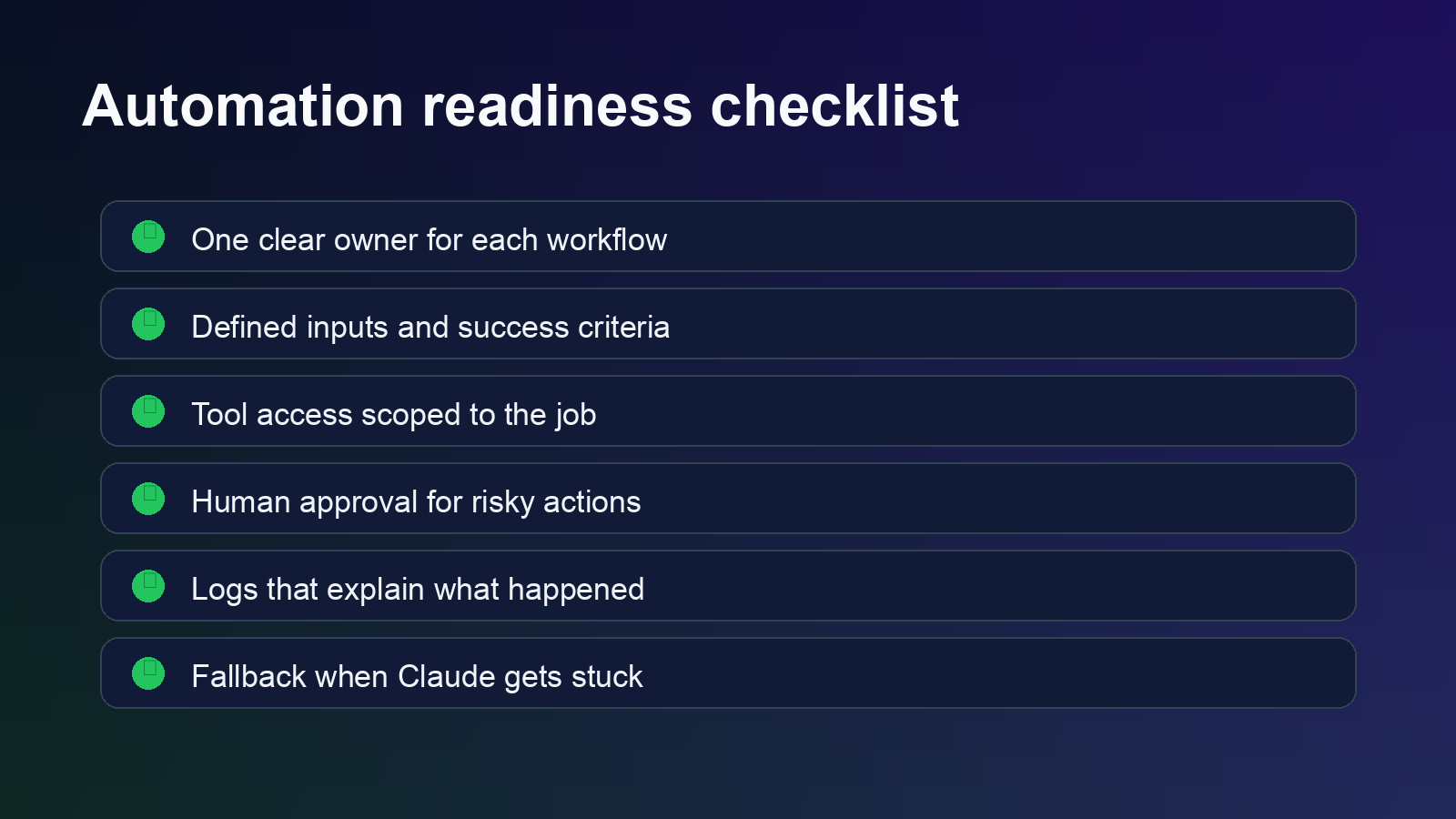
A weak setup can make either tool look bad. The common failures are predictable: unclear instructions, too many permissions, stale knowledge, no review step, no logs, and no separation between drafts and external actions.
Before you automate anything, write down five rules. What data can the assistant read? What actions can it take? When does it need approval? Where should the output go? What should happen when the model is unsure?
That last question matters. A good business assistant should know when to stop. If it cannot find the policy, it should say so. If a customer request is sensitive, it should route the issue to a person.
This is where OpenClaw can sit around either model. You can route Claude or ChatGPT outputs into Discord, Telegram, email drafts, Notion tasks, CRM notes, or cron-based checks while keeping approval rules outside the chat itself. For more, read OpenClaw setup checklist.
My Practical Recommendation
For a fast decision, score the workflow before you score the model. Give one point for connected app access, one for spreadsheet analysis, one for long document review, one for reusable outputs, one for team sharing, and one for action safety. If the first two matter most, ChatGPT probably gets the first pilot. If long documents and reusable artifacts carry the work, Claude probably gets the first pilot.
Then run the pilot with one narrow workflow. Do not start with “make the whole business automated.” Start with weekly sales notes, inbox triage drafts, support summary reports, or meeting follow-up. A small workflow exposes the real setup problems faster than a giant plan.
If your business needs broad connected work across apps, data analysis, scheduled workspace agents, and internal search, start with ChatGPT Business and build tight admin controls around it. It is the stronger default for teams that want one AI workspace close to files, spreadsheets, apps, and repeatable tasks.
If your business needs long document review, careful drafts, reusable artifacts, project knowledge, and strong reasoning across dense context, start with Claude. It is especially good when the work product is a document, spec, workflow map, or prototype that people will edit after the first pass.
But do not treat this as a permanent marriage. The best setup may use both: ChatGPT for connected analysis and workspace tasks, Claude for long-context review and artifact-heavy work, OpenClaw for routing, memory, scheduling, permissions, and verification.
That is the cleaner way to think about Claude vs ChatGPT for business. Pick the assistant for the job, then build the system around the job.
Get the Model Choice and Setup Right
We can help you choose the right assistant, connect it to the right tools, and keep risky actions behind approval gates.