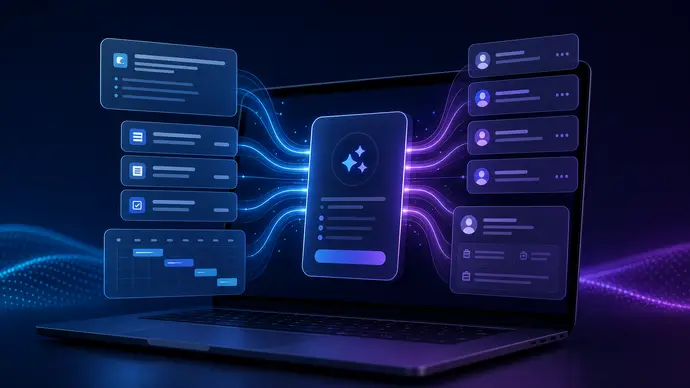
Claude AI meeting prep works best when it stops acting like a blank chat box and starts acting like an operations assistant with the right context before the call begins. The goal is simple: walk into every meeting with the account history, open decisions, agenda risks, and follow-up plan already organized.
That sounds obvious. But most teams use Claude in the least useful way possible. They paste a few notes five minutes before the call, ask for an agenda, and hope the output catches the messy reality inside their CRM, inbox, project board, and calendar.
A better setup gives Claude a repeatable prep workflow. It pulls from approved sources, creates a focused brief, flags missing information, drafts a useful agenda, and leaves a clean trail for follow-up after the meeting.
Claude AI meeting prep starts with the right source map
The first mistake is asking Claude to prepare for a meeting without telling it which sources are allowed. Meeting prep usually touches sensitive business context: customer history, renewal dates, support tickets, sales notes, internal blockers, project timelines, and past commitments. If those sources are scattered, the brief gets vague fast.
Start with a source map. For each meeting type, define the exact inputs Claude can use.
- Sales call: CRM account notes, prior emails, last call summary, open objections, proposal status.
- Client success review: support tickets, usage notes, unresolved requests, contract milestones.
- Internal ops meeting: project board, decision log, blockers, owner list, due dates.
- Hiring interview: role scorecard, candidate resume, prior screening notes, interview rubric.
The source map keeps the workflow grounded. It also makes the output easier to audit because the brief should say where each claim came from. If Claude cannot find a source for a claim, it should mark that item as unverified instead of smoothing over the gap.
Want cleaner meeting briefs without rebuilding your stack?
OpenClaw Ready can help connect Claude-style prep workflows to your real tools with practical guardrails.
What a useful Claude AI meeting prep brief should include
A strong pre-meeting brief is not a wall of summarized notes. It is a decision tool. The person reading it should know what changed, what matters, what needs a decision, and what could go wrong.
Use a fixed brief structure so every meeting feels familiar:
- Meeting purpose: one plain-English sentence about why the meeting exists.
- Current state: the most relevant facts pulled from approved records.
- Open commitments: promises made by either side that still need closure.
- Risks: overdue items, unclear ownership, missing information, sensitive topics.
- Suggested agenda: ordered by importance, not by who speaks first.
- Questions to ask: specific questions that move the conversation forward.
- Follow-up draft: a placeholder outline that can be finalized after the call.
The nuance: not every meeting needs all of this. A ten-minute internal check-in does not need a full account dossier. A renewal call probably does. The workflow should scale based on meeting type, attendee list, and business risk.
For related setup thinking, see the OpenClaw setup checklist. It covers the preflight checks that keep automations from turning into hidden busywork.
How to build a repeatable Claude AI meeting prep workflow
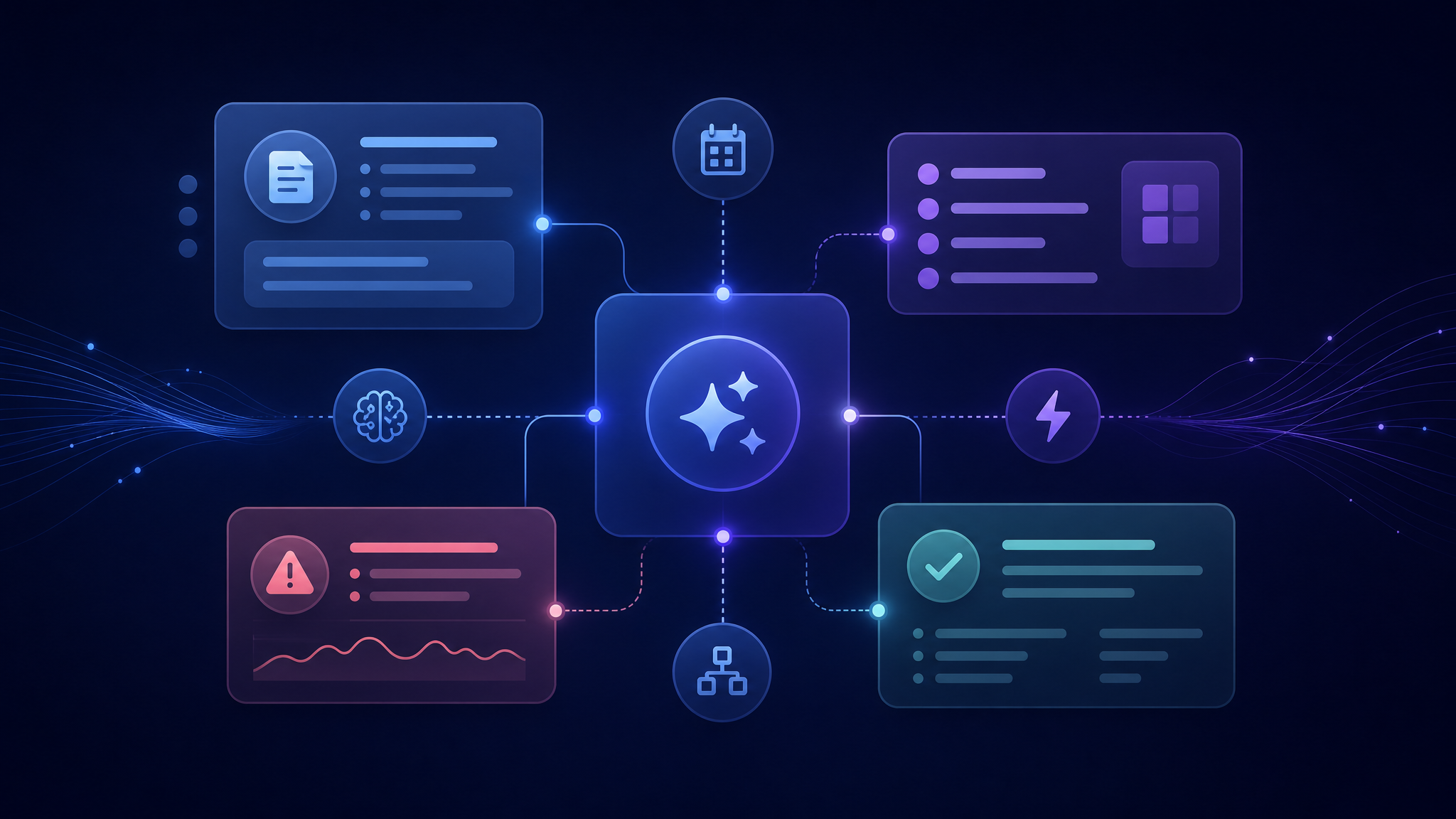
The cleanest workflow has three phases: before the meeting, during the meeting, and after the meeting. Most teams only automate the after part. They summarize notes once the call ends. That helps, but it misses the higher-value moment.
Before the meeting
Trigger the prep workflow from the calendar. When a meeting appears within a defined window, OpenClaw can identify the meeting type, match attendees to known records, pull approved context, and generate a draft brief.
The brief should be delivered somewhere the team already works, such as Slack, Teams, email, or a project channel. Do not make people open another dashboard unless the dashboard already owns the workflow.
During the meeting
Claude should not be trusted as the only source of truth during a live call. Use it to structure notes, propose clarifying questions, and keep track of decisions. But someone still needs to confirm commitments, especially when money, deadlines, legal language, or customer expectations are involved.
If your team already uses meeting notes automation, connect the prep brief to the notes output. The article on OpenClaw meeting notes automation is the natural companion to this workflow.
After the meeting
The post-meeting step should compare what happened against the prep brief. Did the open risk get resolved? Did a new owner get assigned? Did the customer ask for something that belongs in the CRM or project board?
This is where automation can save real time. Claude can draft the follow-up email, update a decision log, create task suggestions, and flag items that need human approval before anything is sent or changed.
Turn meeting prep into a workflow, not another prompt.
A solid OpenClaw setup can route calendar context, CRM notes, and follow-up tasks without relying on manual copy paste.
Claude AI meeting prep guardrails that prevent bad outputs
Meeting prep breaks when the assistant sounds confident about stale or incomplete context. That is the dangerous part. A brief that says nothing is obviously weak. A brief that sounds polished but misses a renewal risk or unresolved complaint is worse.
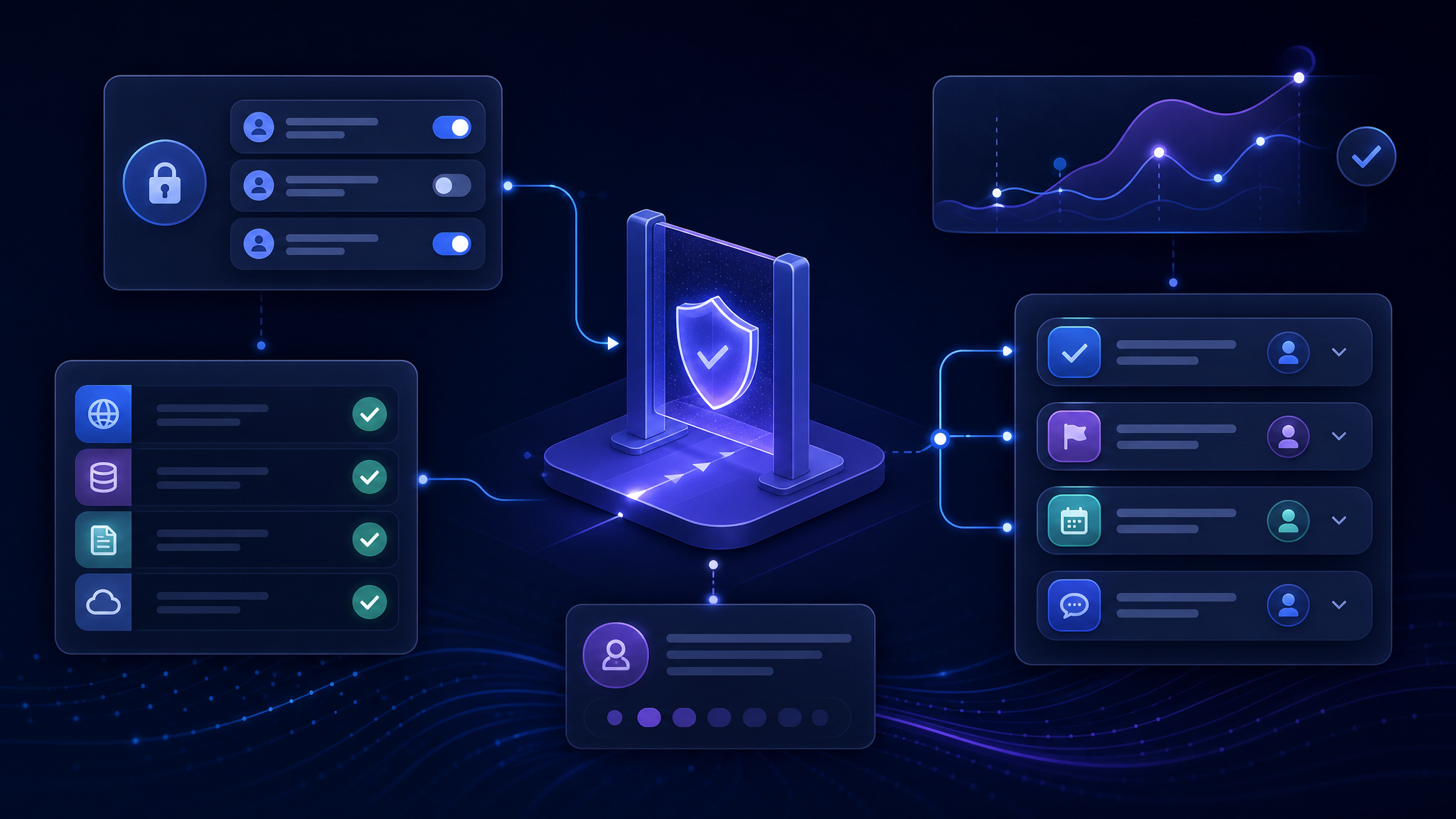
Use these guardrails before the workflow touches real business meetings:
- Source labels: every fact should show whether it came from CRM, email, notes, tickets, or the calendar.
- Freshness checks: stale account notes should be labeled, not treated as current.
- Permission boundaries: private HR, legal, finance, or customer data should only appear for approved users.
- Human approval: Claude can draft follow-up, but sensitive messages should wait for review.
- Change logs: if the workflow updates tasks or records, the update needs a visible trail.
For broader automation safety, read OpenClaw setup mistakes. Many meeting prep failures are really setup failures: weak permissions, unclear triggers, messy source data, and no fallback path.
Common implementation mistakes
The most common mistake is treating the prompt as the product. A good prompt helps, but the real value is in the plumbing: the trigger, the source map, the permission model, the output format, and the review loop.
Another mistake is overloading the brief. If every meeting brief includes every note ever written about an account, people stop reading it. The output should answer the question, “What do I need to know before this call?” Anything else belongs in an expandable source section or linked record.
Teams also forget to define what should not happen. A meeting prep workflow should not invent status, update records without permission, expose sensitive notes to the wrong audience, or send a follow-up email just because the meeting ended.
A practical setup path
Start with one meeting type. Sales handoffs, client reviews, and weekly leadership meetings are good candidates because the same source patterns repeat.
- Choose one meeting type with frequent prep pain.
- List the approved sources and the owner of each source.
- Create a fixed brief template with sections the team will actually read.
- Add freshness labels and missing-information flags.
- Send the brief to the channel where the meeting owner already works.
- After the call, compare decisions and action items against the brief.
- Only then expand to other meeting types.
This slower path is usually faster in practice. It avoids the giant automation project that looks impressive for a week and then quietly dies because nobody trusts the output.
Need Claude meeting prep wired into your real workflow?
OpenClaw Ready helps teams set up practical assistant workflows with source control, review gates, and clean handoffs.
Bottom line
Claude AI meeting prep is not about making prettier agendas. It is about making meetings less blind. The best setup gives people the right context before the call, keeps risk visible during the conversation, and turns follow-up into a controlled workflow instead of a memory test.
Start narrow. Build trust. Then automate more.
Sample Claude AI meeting prep template
Here is a simple template that works for most business meetings. Keep it short enough that someone can read it in two minutes before the call.
Meeting: [Name]
Purpose: [Why this meeting exists]
Attendees: [Names and roles]
Relevant source files: [CRM, email thread, ticket list, project board]
Current state: [Confirmed facts only]
Open commitments: [Owner, commitment, due date]
Risks or missing context: [What may be stale, unclear, or sensitive]
Suggested agenda: [Most important topics first]
Questions to ask: [Specific questions that unblock the next step]
Follow-up draft: [Summary shell, not ready to send without review]
The important part is the instruction behind the template. Tell Claude to separate confirmed facts from assumptions. Ask it to quote the source name beside each major item. And require a missing-context section even when the meeting looks straightforward.
For a client review, the brief might flag three unresolved support tickets, a stale renewal note, and a project milestone that moved after the last call. For an internal leadership meeting, it might surface decisions from last week, tasks that lost an owner, and agenda items that can be handled async instead of taking live time.
This is where Claude AI meeting prep becomes useful. It does not replace judgment. It gives the meeting owner a cleaner starting point, then makes the gaps visible before the call starts.
{
“@context”: “https://schema.org”,
“@type”: “Article”,
“headline”: “Claude AI Meeting Prep: Build Briefs, Agendas, and Follow-Ups Without Manual Scramble”,
“author”: { “@type”: “Organization”, “name”: “OpenClaw Ready” },
“publisher”: { “@type”: “Organization”, “name”: “OpenClaw Ready”, “logo”: { “@type”: “ImageObject”, “url”: “https://openclawready.com/wp-content/uploads/2026/02/favicon-512.png” } },
“datePublished”: “2026-05-30T10:15:00+00:00”,
“dateModified”: “2026-05-30T10:15:00+00:00”,
“mainEntityOfPage”: { “@type”: “WebPage”, “@id”: “https://openclawready.com/blog/claude-ai-meeting-prep/” },
“url”: “https://openclawready.com/blog/claude-ai-meeting-prep/”,
“description”: “Claude AI meeting prep helps teams build cleaner briefs, agendas, guardrails, and follow-up workflows before every call.”,
“image”: “https://openclawready.com/wp-content/uploads/2026/05/claude-ai-meeting-prep-hero-c6b7e822-84d1-44fe-a114-275faa099499.png”
}