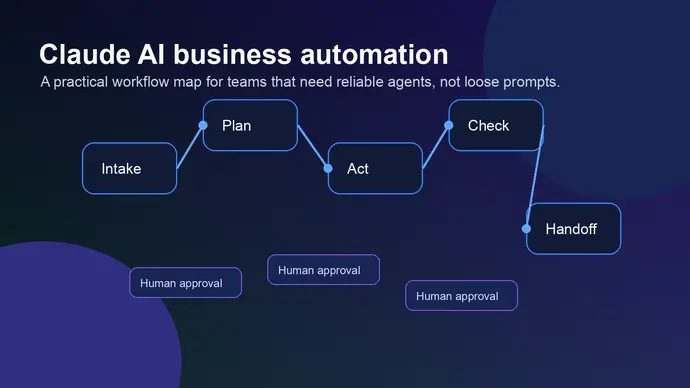
Claude AI agents are moving from interesting demos into real business workflows, but the useful version is narrower than the hype suggests. A good agent does not replace an operator. It handles a defined task, uses approved tools, leaves a record of what happened, and asks for help before the action gets risky.
That distinction matters. Teams get in trouble when they treat an agent like a general employee with unlimited context and open-ended permissions. The better setup is boring on purpose: clear inputs, limited tools, review points, and a workflow that can fail without taking the business with it.
Claude AI Agents Work Best When the Job Has Boundaries
A Claude agent is most useful when the task has a repeatable pattern. Think inbox triage, meeting prep, ticket routing, research summaries, CRM follow-up drafts, weekly reporting, file cleanup, and first-pass code review. These jobs burn time because they require judgment, but they still follow a recognizable path.
The weak fit is any workflow where the business cannot define the decision line. If nobody can explain what a good output looks like, the agent will not magically discover it. It may produce confident work, but confidence is not the same thing as control.
Anthropic’s Claude Code docs now support task-specific subagents for specialized workflows and cleaner context management. That matters outside coding too. The same principle applies to business automation: one agent should not be responsible for every department, every tool, and every edge case.
Need a safe agent workflow before you connect tools?
OpenClaw Ready can help map the first workflow, permissions, and review gates before anything touches production.
Where Claude AI Agents Usually Help First
The first strong use case is research preparation. An agent can gather source material, summarize what changed, compare documents, and prepare a decision brief. This is useful for founders, operators, sales teams, and support leads who need context before they act.
The second use case is workflow routing. A Claude agent can read a request, classify it, draft the next step, and send it to the right place for approval. That can mean turning a customer email into a support ticket, turning a meeting transcript into assigned tasks, or turning a payment event into a follow-up checklist.
The third useful pattern is controlled tool use. Anthropic’s computer-use guidance treats browser and desktop control as powerful but risky. The agent can navigate software, read screens, and take steps on behalf of a user, but the setup needs isolation and consent when real accounts or customer data are involved.
If your team is still deciding which workflows belong in automation, start with the principles in Claude computer use automation. For the setup layer, the OpenClaw setup checklist gives you the basic controls to confirm before launch.
Claude AI Agents Need Permission Design, Not Just Better Prompts
Prompt quality matters, but permissions matter more. A beautiful system prompt does not help much if the agent can access the wrong folder, send the wrong message, or act on malicious instructions hidden inside a web page.
Prompt injection is the main risk with browser and computer-use agents. Anthropic’s recent safety guidance says hidden instructions in web pages, emails, or documents can try to make an AI tool perform unintended actions. That is not theoretical enough to ignore. The safer setup assumes the agent will eventually read hostile text.
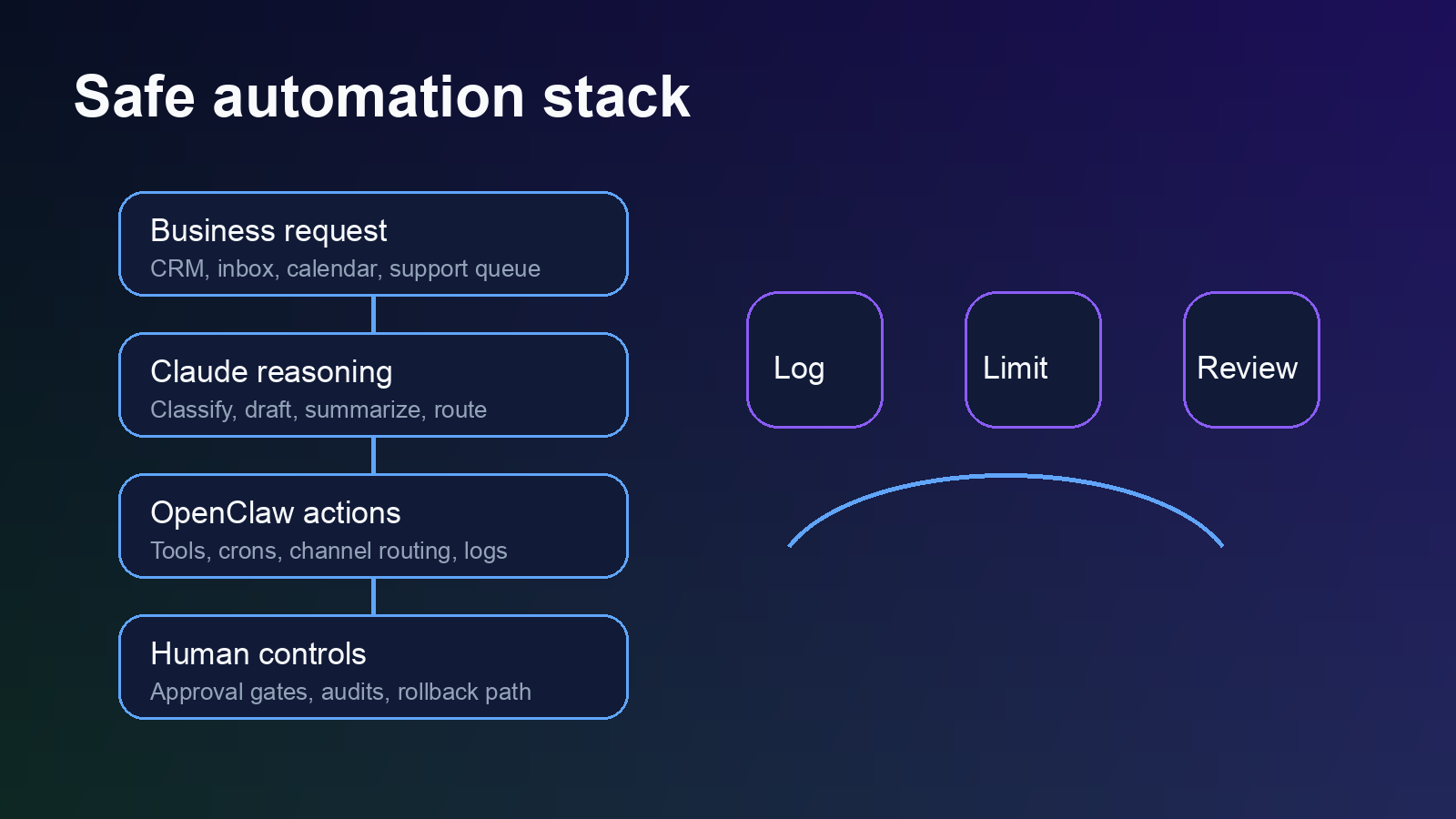
So build the workflow around that assumption. Keep sensitive systems out of the agent’s default path. Require confirmation before external sends, deletions, purchases, account changes, exports, or anything that exposes private data. And keep a clean audit trail so a human can see what the agent read, decided, and changed.
There is some nuance here. Too many approvals make the agent useless. Too few approvals make it dangerous. The right line depends on the workflow, but the test is simple: if a mistake would create customer harm, financial loss, legal exposure, or public embarrassment, the agent should pause before acting.
Set Up Claude AI Agents Around One Workflow at a Time
The strongest implementation plan is a single workflow with a tight scope. Pick one job that happens often, has visible value, and already has a human process. Then document the current process before automating it.
For example, a weekly sales follow-up agent might read call notes, check deal stage, draft a follow-up email, and create a CRM task. It should not send the email on day one. It should produce a draft, explain why it chose that angle, and wait for a human to approve or edit.
After the drafts are consistently useful, the team can remove friction in small steps. Maybe the agent creates tasks automatically but still keeps email sends manual. Maybe it updates internal notes but never changes deal amounts. This is slower than the pitch deck version of agents. It is also how you avoid avoidable damage.
Want the first workflow scoped before you build?
A short setup call can turn a vague agent idea into a controlled rollout plan.
Common Setup Mistakes With Claude AI Agents
The first mistake is giving the agent too much context. More context feels safer, but it can make the workflow harder to reason about. Give the agent the documents and tools it needs for the task. Keep unrelated customer data, credentials, and private files away from the run.
The second mistake is skipping the final reviewer. Some teams test an agent in a private chat, like the output, and then connect it to live workflows too quickly. That misses the messy part: bad source data, conflicting instructions, stale SOPs, and unusual customer requests.
The third mistake is treating the agent’s explanation as proof. Explanations are useful, but they are still generated text. Verify the output against the source record, especially in support, finance, legal, HR, and customer communication workflows.
The fourth mistake is using one giant agent for everything. Separate the work. A research agent can gather facts. A drafting agent can turn facts into a message. A reviewer can compare the draft against policy. That structure is easier to inspect than one agent doing everything in a long hidden chain.
A Practical Rollout Plan for Claude AI Agents
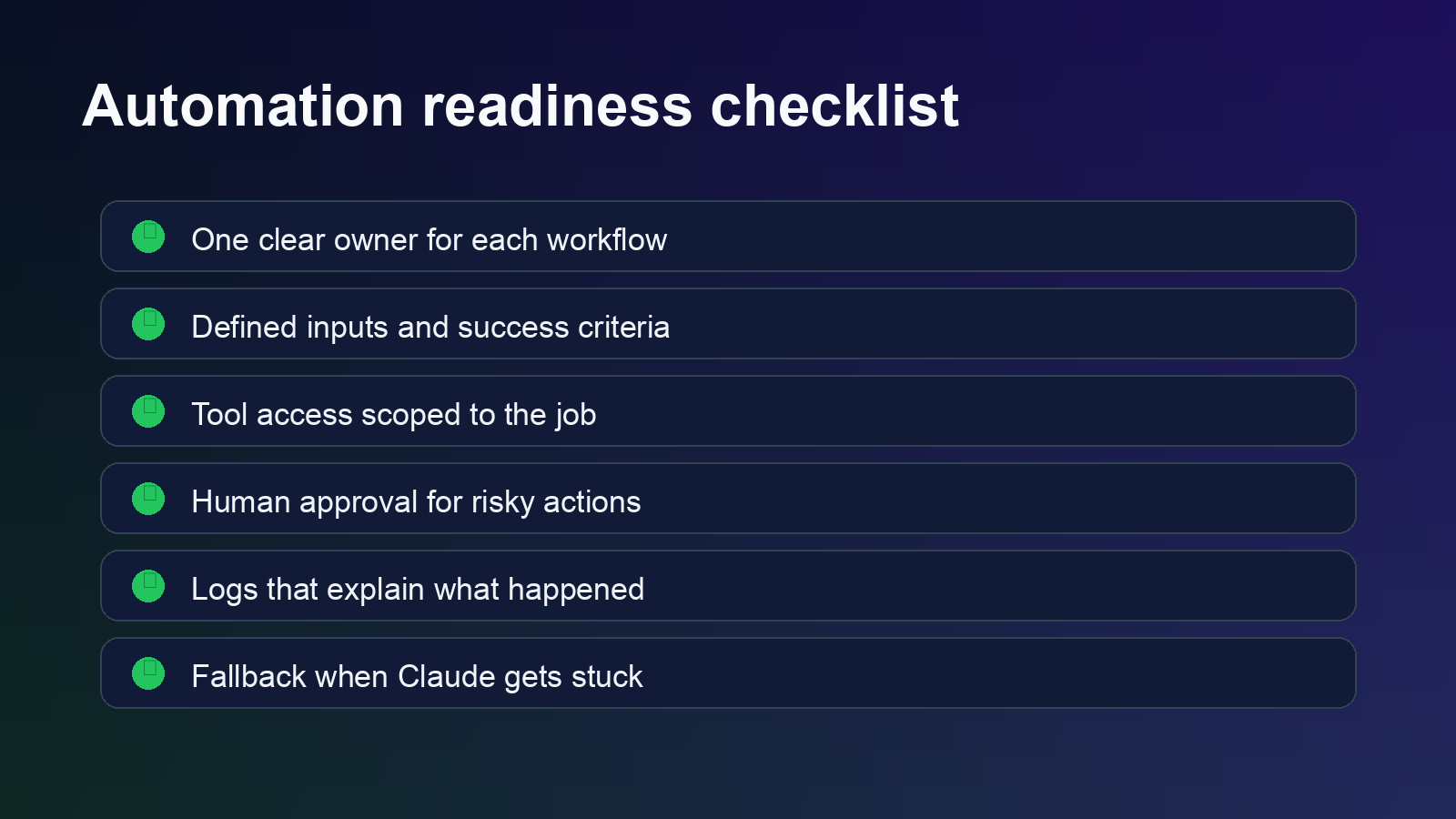
Start by naming the workflow in plain English. “Help with operations” is too broad. “Draft a support reply after checking the order record and refund policy” is specific enough to test.
Next, define the allowed inputs. The agent may read a ticket, order details, internal policy, and prior customer messages. It should not browse unrelated systems or infer facts from memory when a source record exists.
Then define the allowed outputs. In the early version, the output might be a draft, a task, a summary, or a recommendation. Avoid direct sends and irreversible changes until the workflow has a real history of correct results.
After that, write the review rules. The reviewer should know what to check: source accuracy, tone, policy match, missing context, and whether the agent tried to act outside its lane. For prompt structure, the guide on Claude system prompts for business workflows is the best next read.
Finally, decide how the workflow shuts down. If the agent sees conflicting instructions, missing records, private data it does not need, or a request outside policy, it should stop and ask for help. A useful agent knows when to move. A safe agent knows when not to.
One more piece is worth adding before launch: a small test set. Use real examples from the workflow, remove private details where needed, and run the agent against the same examples more than once. The goal is not a perfect demo. The goal is to see whether the agent behaves consistently when the source material is incomplete, messy, or slightly confusing.
Keep the first measurement simple. Track how often the draft is usable, how often a human has to correct facts, and which failure patterns repeat. If most corrections come from missing source data, fix the data path before changing the prompt. If most corrections come from tone or policy interpretation, tighten the instructions and reviewer checklist.
This step feels slow, but it saves time later. Without a test set, every agent change becomes a guess. With one, the team can improve the workflow without arguing from anecdotes.
The Bottom Line on Claude AI Agents
Claude AI agents are useful when the business treats them like controlled workflow systems, not magic coworkers. The upside is real: less manual prep, cleaner handoffs, faster drafts, and better follow-through on repetitive work.
But the value comes from the setup. Scope the task. Limit tools. Add review gates. Keep logs. Test with real examples before connecting the agent to anything sensitive.
That is the version worth building.
Build your first Claude agent workflow with guardrails
OpenClaw Ready helps small teams turn agent ideas into scoped, reviewable automations.