
OpenClawReady pricing is easier to judge when you stop looking for a single magic number and start looking at scope. A simple personal assistant setup is a different job from a business-grade agent that touches inboxes, calendars, CRMs, alerts, files, and recurring workflows. The price should reflect that difference, and the quote should make it obvious what is included.
The mistake most buyers make is treating setup help like a one-time install. OpenClaw can be installed quickly, but a useful business setup needs decisions: which channels get connected, what the agent can access, how memory works, who approves risky actions, how errors surface, and what happens when the model or gateway changes. Those choices are where the real work lives.
This guide breaks down how to read an OpenClawReady quote, what drives the cost up or down, and where DIY setup still makes sense. Pricing intent matters here, so I will talk directly about cost, but the useful answer is less about the invoice and more about whether the setup will survive daily business use.
OpenClawReady Pricing Starts With the Outcome
Before comparing any number, define what the setup is supposed to do. A clean outcome sounds like: “route qualified sales leads from email into the CRM, draft follow-ups, alert the owner in Telegram, and keep an audit trail.” A vague outcome sounds like: “set up AI automation for my business.”
The first version can be scoped. The second turns into guesswork.
Good setup pricing usually changes based on five scope questions:
- How many channels need to be connected, such as Telegram, Discord, email, WhatsApp, Slack, or browser automation?
- How many business systems need real permissions, such as Google Workspace, Notion, a CRM, GitHub, Stripe, or task tools?
- How sensitive are the actions, especially email replies, file access, payment alerts, or client-facing messages?
- Does the agent need persistent memory, durable project notes, scheduled crons, or multi-agent routing?
- Who owns maintenance after launch?
That last one gets ignored too often. The cheapest setup can become expensive if nobody knows how to update credentials, rotate API keys, fix a broken cron, or review logs when the assistant starts behaving strangely.
Want a Setup Quote That Matches Real Scope?
Bring the workflows you want automated and we will help you separate quick wins from risky build work.
What Should Be Included in OpenClawReady Pricing?
A serious setup quote should not just say “installation.” Installation is only the baseline. The quote should explain what gets configured, what gets tested, and what is deliberately left out.
At minimum, look for these pieces:
- Environment setup: local machine, server, gateway process, credentials, model provider access, and basic uptime checks.
- Channel setup: the messaging apps or work surfaces where the assistant will receive instructions and send outputs.
- Tool permissions: which apps the agent can touch, what access level it gets, and how sensitive actions are gated.
- Memory setup: where durable context lives, what the agent should remember, and what should never be stored.
- Workflow design: the actual operating procedures for inbox triage, lead follow-up, content publishing, support routing, reporting, or whatever use case matters.
- Testing and handoff: proof that the assistant works in the intended channels, plus clear notes for future maintenance.
If a provider cannot explain those line items, the quote may be hiding risk. This does not always mean the provider is bad. Sometimes the buyer has not defined the job clearly enough. But either way, vague scope is where surprises start.
For background on what the service category should cover, read the OpenClaw setup service guide. If you are still deciding whether to hire help at all, the guide to hiring an OpenClaw setup expert is a useful next step.
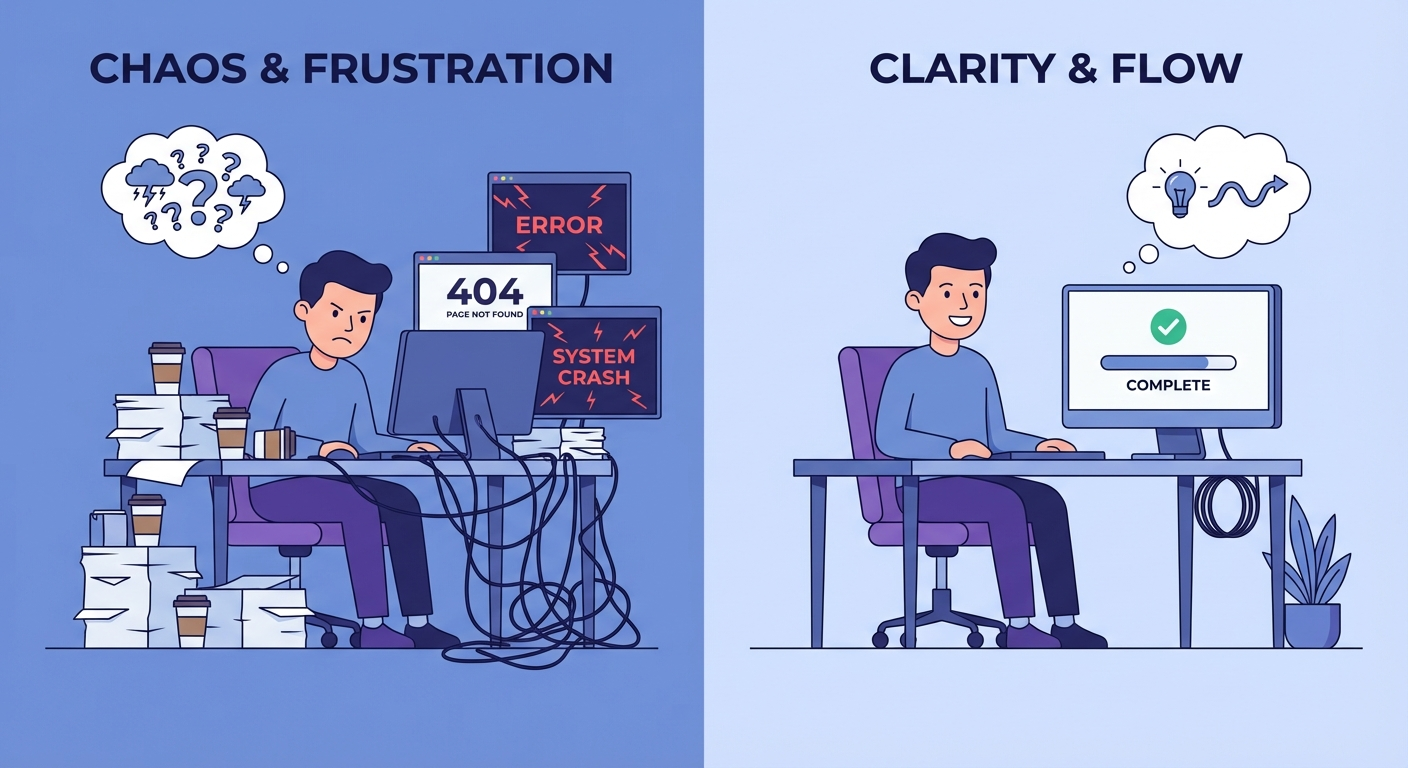
DIY vs Done-for-You: Where the Cost Difference Comes From
DIY can be the right move if you are technical, patient, and comfortable debugging local services. OpenClaw gives you control, but control means you own the messy parts too: shell commands, config files, API provider setup, OAuth edges, memory files, gateway restarts, and permission decisions.
Done-for-you setup costs more because the job is not just typing commands. It is deciding what the assistant should be allowed to do inside a business. That includes blocking dangerous actions, setting human approval points, reducing notification noise, and turning a pile of tools into a workflow someone will actually use.
Here is the practical split:
- DIY is best when the assistant is personal, low-risk, and mostly experimental.
- Done-for-you is better when the assistant touches customers, revenue, private data, team workflows, or recurring business operations.
- Hybrid setup works when you can handle basic maintenance but want expert help designing the first few workflows correctly.
I am not convinced every business needs a full custom build on day one. In fact, many should start with one narrow workflow. But if that workflow handles money, clients, legal documents, or public messages, the guardrails matter more than the install speed.
OpenClawReady Pricing Should Separate Setup, Usage, and Maintenance
The cleanest pricing conversations separate three buckets: one-time setup, ongoing model and infrastructure usage, and maintenance. Mixing those together makes the quote harder to evaluate.
One-time setup covers configuration and launch. This is where channel connections, workflow logic, prompts, skills, memory rules, and testing live.
Usage costs usually come from model providers, hosting, API calls, and any paid tools connected to the assistant. These are not always paid to the setup provider. They may show up in your OpenAI, Anthropic, Google, OpenRouter, cloud server, or SaaS bills depending on the stack.
Maintenance covers updates, broken integrations, credential changes, provider policy changes, log review, prompt revisions, and new workflow requests. For a business setup, maintenance is not a luxury. It is how the assistant stays useful after the first week.
The best question to ask is simple: “What will I still be responsible for after launch?” A strong provider can answer that without turning it into a sales pitch.
Get the Setup and Maintenance Split Clear
A good implementation plan should tell you what is launched, what is monitored, and what remains in your hands.
Questions to Ask Before You Accept an OpenClawReady Pricing Quote
Ask boring questions. They prevent expensive confusion.
- What exact workflows are included in the first launch?
- Which channels and tools will be connected?
- Which actions require human approval?
- Where will logs, memory, and operating notes live?
- What happens if a credential expires or a provider changes access rules?
- Is post-launch support included, optional, or billed separately?
- Will I receive documentation for the setup?
- How do we measure whether the setup is working?
That measurement question is the one I would push hardest. A setup can feel impressive in a demo and still fail the business test. If the agent saves time, reduces missed follow-ups, improves response consistency, or catches issues earlier, you should be able to point to that outcome.
If the quote includes a workflow that already has a known setup pattern, use existing guides as a sanity check. The OpenClaw setup checklist covers the basics most business builds should confirm before going live.

Red Flags in OpenClawReady Pricing
Some quotes look cheap because they skip the parts that make OpenClaw safe to run inside a business. Watch for these red flags:
- No written scope.
- No mention of permissions or approval gates.
- No explanation of ongoing usage costs.
- No handoff documentation.
- No plan for errors, alerts, logs, or failed automations.
- No distinction between a demo workflow and a live business workflow.
The other red flag is overbuilding. If you only need email triage and calendar prep, you probably do not need a sprawling multi-agent system on day one. Start smaller. Prove the workflow. Then expand.
How to Decide If the Price Is Worth It
The right way to evaluate OpenClawReady pricing is to compare the quote against the cost of not fixing the workflow. That cost may be missed leads, slow support, inconsistent follow-up, manual reporting, scattered project context, or a founder spending nights doing admin work that should not need founder attention.
Do the math in plain terms:
- What task will the assistant reduce or remove?
- How often does that task happen?
- What happens when the task is missed?
- How much risk does automation add if it is set up badly?
- How much control do you need over data, approvals, and logs?
If the workflow is occasional and low-stakes, DIY may be enough. If the workflow repeats every day and touches customers or revenue, professional setup starts to make more sense.
OpenClawReady pricing should ultimately buy clarity. You should know what is being built, what it can do, what it cannot do, what it costs to run, and who is responsible when something changes. Without that, you are not buying a setup. You are buying hope with a dashboard attached.
A final quote should also give you an exit path. If you stop using the provider, you should still know where the setup lives, which accounts own the credentials, how to restart the gateway, and where the operating notes are stored. Ownership matters because OpenClaw is not a black-box SaaS account. It is part of your operating layer.
Price the Workflow Before You Price the Tool
If OpenClaw belongs in your operation, start with one useful workflow and a scope you can actually verify.