Want this set up for your business?
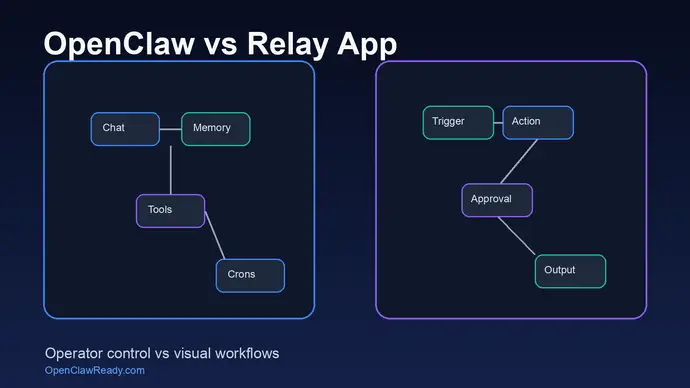
OpenClaw vs Relay App is not a simple automation tool matchup. Relay.app is built for clear visual workflows across many SaaS apps. OpenClaw is closer to an AI operator that lives in chat, remembers context, uses tools, runs scheduled work, and can coordinate background tasks. Both can save time. They fit different operating styles.
If your business needs clean handoffs between apps, Relay.app may feel faster on day one. If you want an assistant that can reason across messy work, keep context, and act from Telegram, Discord, or another chat surface, OpenClaw gives you more control. The tradeoff is setup. OpenClaw is more powerful, but that power needs guardrails.
OpenClaw vs Relay App: the short answer
Choose Relay.app when the work can be mapped as a repeatable process: trigger, condition, approval, action, notification. Its public site describes plain language workflow creation, visual workflows, and integrations across more than 200 apps. That is useful for teams that want automation without writing code or maintaining an AI agent environment.
Choose OpenClaw when the work is less linear. OpenClaw is designed around tools, skills, memory, crons, heartbeats, sessions, and multi-agent coordination. That means it can work more like a digital teammate than a static workflow. It can also get into trouble faster if permissions, prompts, and review points are loose.
Want OpenClaw set up without guessing through every permission?
OpenClawReady helps map the first workflows, connect tools, and add safety checks before the assistant touches real business work.
Where Relay.app is easier
Relay.app has a cleaner mental model for normal SaaS automation. A manager can say, “when this form is submitted, create a task, ask for approval, then send the follow-up.” The workflow is visible. The steps are constrained. The failure points are usually easier to inspect.
That matters for small teams. Most automation projects fail because the owner skipped the boring part: naming the trigger, defining the exception path, deciding who approves edge cases, and writing down what happens when an app returns bad data. A visual workflow builder forces some of that discipline.
Relay.app also has a broad app catalog. Its homepage lists common business tools such as Gmail, Google Sheets, Slack, HubSpot, Stripe, Jira, Notion, QuickBooks Online, and many others. If the job is mostly moving structured data between supported apps, that catalog is a real advantage.
Where OpenClaw has more operating control
OpenClaw is different because it can combine chat, local files, tools, memory, scheduled jobs, and agent sessions. The OpenClaw docs describe built-in tool categories for runtime actions, files, web access, messaging, sessions, automation, and media. That is a wider surface than a normal app connector.
That wider surface is the point. OpenClaw can check a folder, read notes, search internal context, call tools, draft a response, ask for approval, and then continue later from memory. Relay.app can run workflow logic. OpenClaw can operate around work that is not already packaged into one neat trigger.
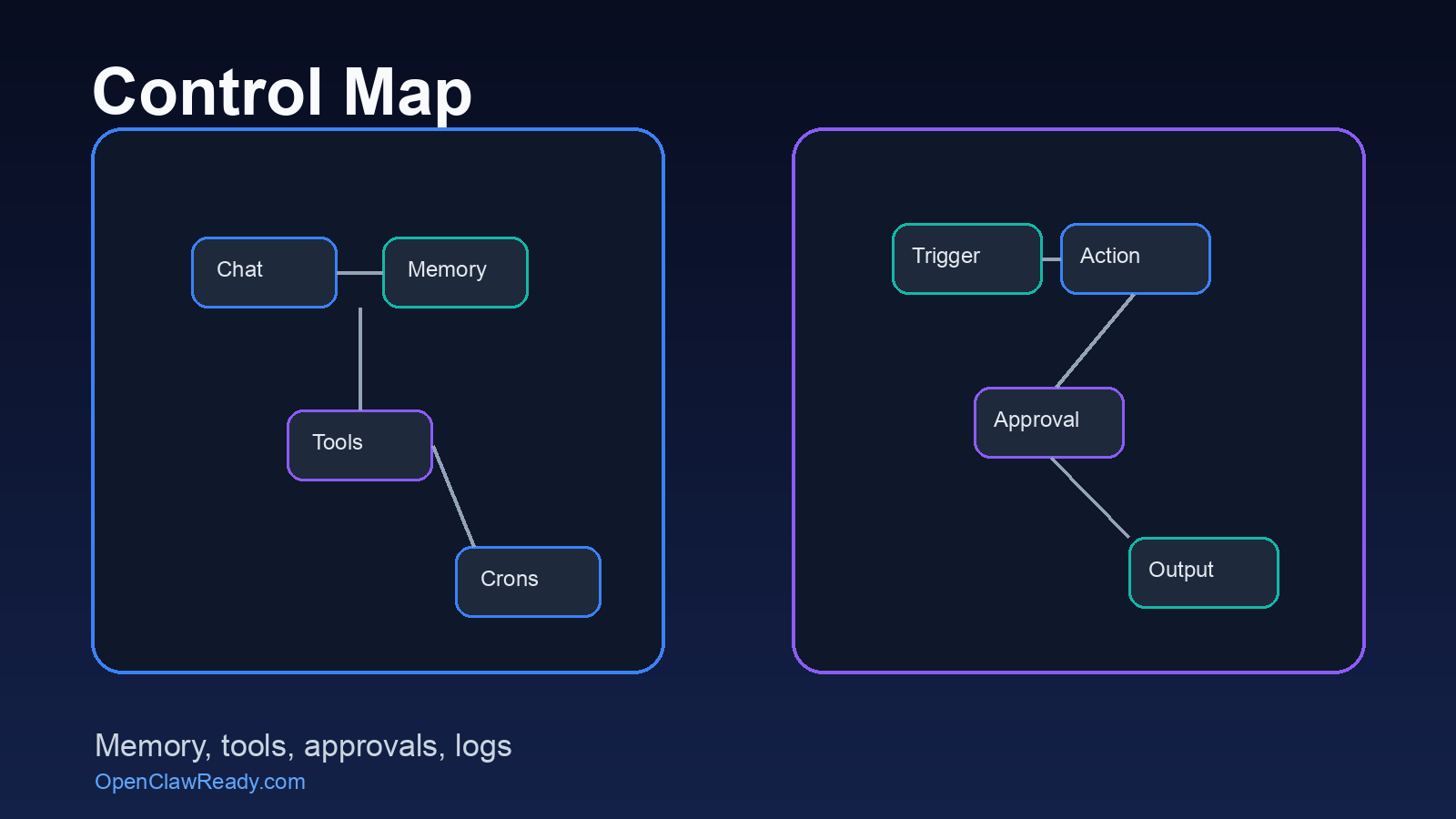
This is why OpenClaw makes sense for founders, operators, and technical teams that want an AI system they can shape. You can add skills, route channels, run crons, coordinate sub-agents, and keep context on your own machine. But control cuts both ways. A loose setup can create noisy alerts, duplicate tasks, or actions that happen before a human sees enough context.
OpenClaw vs Relay App for approvals and human review
Approval design is the part most teams underestimate. Relay.app is strong when approvals are part of a known workflow. For example, a lead comes in, a draft message is prepared, and a person approves the message before it sends. The approval is a step in the flow.
OpenClaw needs a different approval model. Because the assistant can reason across more context, the question is not only “approve this step?” It is also “should the assistant be allowed to use this tool, contact this person, edit this file, or continue this background task?” That requires permission boundaries, channel routing, and clear stop points.
The honest answer is that OpenClaw can feel messier at first. It asks you to think like an operator, not just a workflow builder. But once the boundaries are right, it can handle work that would be awkward to express as a single visual sequence.
Implementation mistakes to avoid
The first mistake is choosing based on feature lists alone. A team that only needs clean app-to-app automation can overbuild with OpenClaw. A team that needs a memory-aware assistant can underbuild with Relay.app and end up with too many brittle flows.
The second mistake is skipping exception handling. Every useful automation has an ugly branch: missing email address, duplicate CRM record, vague customer request, expired token, failed webhook, or a manager who wants to review only high-risk items. If that branch is not designed, the automation becomes another inbox.
The third mistake is giving AI too much freedom too early. Start with read-only context where possible. Add draft mode before send mode. Log every important action. Use human approval for customer-facing, financial, legal, or account-access work. This is true for both tools, but OpenClaw needs more care because it can touch more surfaces.
Map the workflow before adding power.
If OpenClaw is the right fit, OpenClawReady can turn the first use case into a safe working setup instead of a pile of half-connected tools.
How to decide which one fits
Use Relay.app if your work already looks like a process diagram. It is a good fit for structured handoffs: form submissions, CRM updates, calendar events, spreadsheet rows, approvals, notifications, and repeatable admin work. The more predictable the sequence, the more a visual workflow tool makes sense.
Use OpenClaw if the work starts in conversation and requires judgment. That includes inbox triage, research follow-up, internal knowledge lookup, recurring checks, developer handoffs, personal admin, and multi-step work that changes depending on context. If the assistant needs to remember previous conversations or operate from a chat channel, OpenClaw has the better shape.
There is also a middle path. Some businesses use a workflow tool for clean system-to-system automation and OpenClaw for the judgment layer around it. That can work well, as long as one system is clearly responsible for each action. Overlap is where chaos starts.
What the setup work looks like in real life
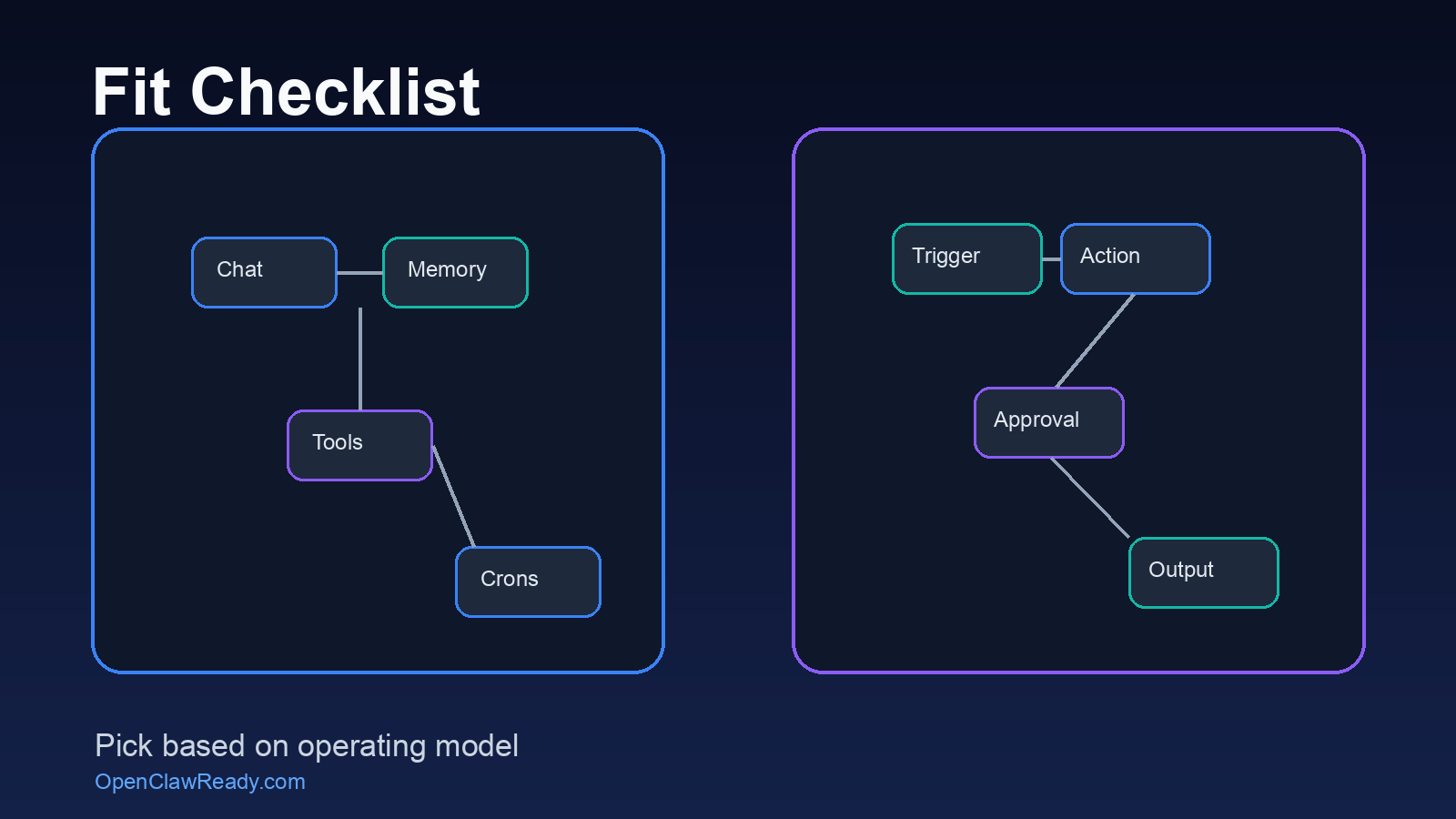
For Relay.app, setup usually starts with the apps. You pick the trigger app, connect the destination app, add conditions, then test sample records. The hard part is usually data hygiene. If names, stages, owners, or tags are inconsistent, the workflow will still run, but it may create bad downstream work.
For OpenClaw, setup starts with the assistant boundary. What channels can it read? Which tools can it use? Which actions are draft-only? Which actions need a human yes? Which memories are durable facts, and which notes are temporary? These questions feel slower than connecting an app, but they prevent the assistant from acting on stale context.
A useful first OpenClaw workflow is narrow. For example, monitor a support inbox, summarize the issue, search internal notes, draft the reply, and wait for approval. Once that works, add routing, follow-up reminders, or a CRM update. Do not start by giving the assistant every tool and hoping it figures out the business. That is how teams create a very smart mess.
The same rule applies to Relay.app. Start with one workflow that has a clear owner and a clear success check. If a new form submission should create a task, the success check is simple: did the task appear with the right owner, due date, link, and context? If that cannot be tested in one minute, the workflow is not ready.
One more practical test helps: ask who gets paged when the automation is wrong. If nobody owns the cleanup, the tool choice will not save the project. Good automation has an owner, a log, and a rollback path before it reaches customers.
OpenClaw vs Relay App: final recommendation
If you want the easiest path to visible SaaS workflows, start with Relay.app. It is more approachable for teams that want automation with a clear builder interface and a broad connector list.
If you want an AI assistant that can live beside your team, remember context, use tools, run scheduled work, and coordinate across messy operational tasks, OpenClaw is the stronger choice. It is not the lighter choice. That is the tradeoff.
For most business owners looking at OpenClaw, the question is not whether it can do enough. It can probably do more than you need at first. The better question is whether your setup is narrow enough, safe enough, and useful enough to survive real daily work.
For more context, compare this with our guides to OpenClaw vs Zapier, OpenClaw vs Make.com, and when to use an OpenClaw setup service.
Get a clean OpenClaw setup before scaling automations.
OpenClawReady can help define the first use case, connect the right tools, and set approval rules that match how your business actually works.
{
“@context”: “https://schema.org”,
“@type”: “Article”,
“headline”: “OpenClaw vs Relay App: Which Automation Stack Gives You More Control?”,
“author”: { “@type”: “Organization”, “name”: “OpenClaw Ready” },
“publisher”: { “@type”: “Organization”, “name”: “OpenClaw Ready”, “logo”: { “@type”: “ImageObject”, “url”: “https://openclawready.com/wp-content/uploads/2026/01/openclawready-logo.png” } },
“datePublished”: “2026-05-17T10:15:00+00:00”,
“dateModified”: “2026-05-17T10:15:00+00:00”,
“mainEntityOfPage”: { “@type”: “WebPage”, “@id”: “https://openclawready.com/blog/openclaw-vs-relay-app/” },
“url”: “https://openclawready.com/blog/openclaw-vs-relay-app/”,
“description”: “OpenClaw vs Relay App compared for workflows, AI agents, approvals, setup complexity, and operational control.”,
“image”: “https://openclawready.com/wp-content/uploads/2026/05/openclaw-vs-relay-app-hero.png”
}