Most people who look into OpenClaw get the same first impression: this thing can do a lot. Cron jobs, memory systems, multi-channel messaging, sub-agents, heartbeats, browser control. The feature list goes on. And that’s exactly the problem. When a tool has this many capabilities, knowing where to start becomes harder than learning the tool itself.
This guide cuts through that. The top OpenClaw features are not the ones with the longest documentation. They are the ones that eliminate real, recurring friction for small business owners. Here is what actually moves the needle, and what you can ignore until later.

Why the Top OpenClaw Features Are Easy to Overlook
OpenClaw is not a chatbot you fire up when you have a question. It runs persistently on your machine, takes actions autonomously, and connects to your tools and channels. That architecture is different enough from typical AI products that most new users underestimate it, then get overwhelmed trying to configure everything at once.
The owners who get real results do the opposite. They pick one feature, get it working properly, and let that prove the concept before expanding. The features below are ranked by practical impact, not by technical sophistication.
Not Sure Which Features You Actually Need?
We can help you identify the right setup for your workflow without the trial and error.
Top OpenClaw Feature #1: Scheduled Automation (Cron Jobs)
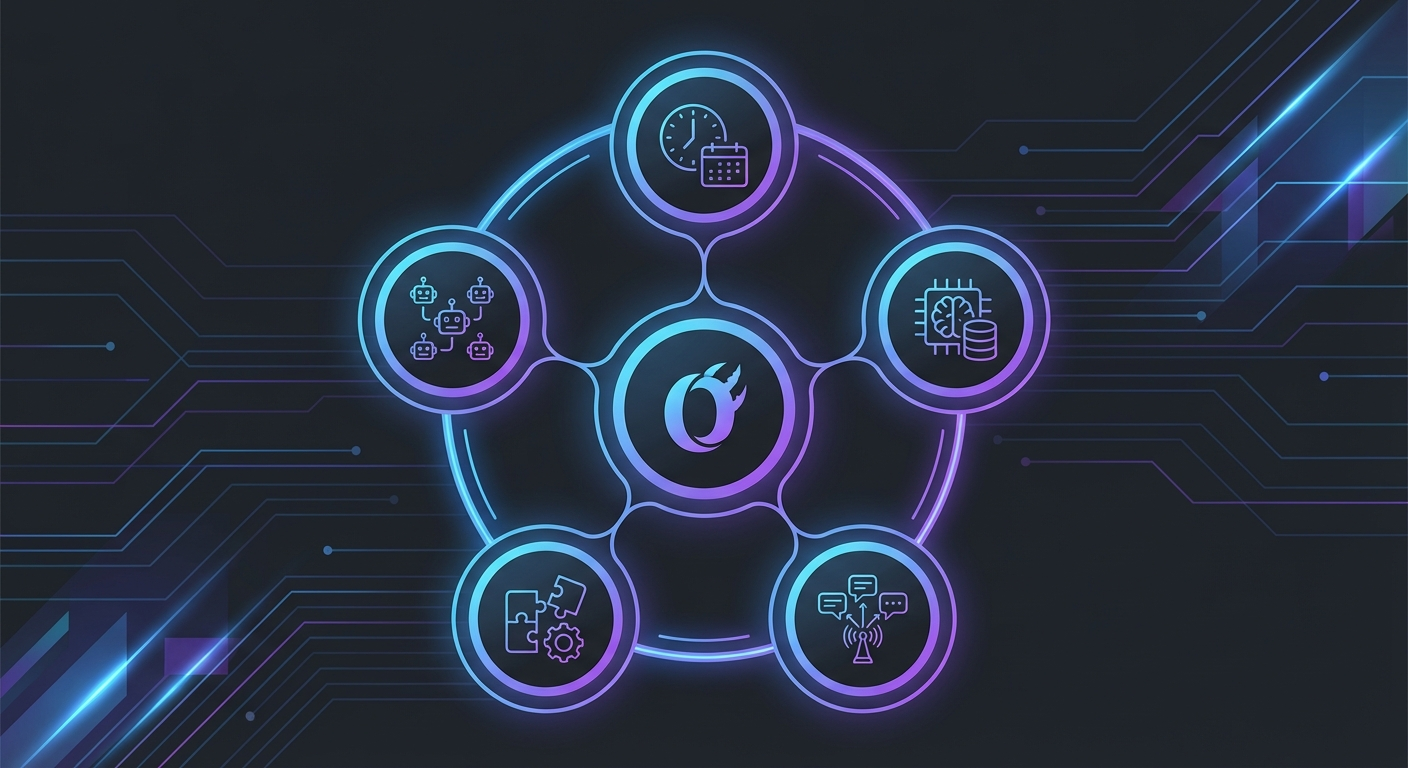
This is the one most business owners wish they had found sooner. OpenClaw lets you schedule tasks to run automatically at any time, on any recurring schedule, without you being present. Daily reports, weekly summaries, content publishing, data sync, monitoring checks. If it is a task you do at the same time every week, it is a candidate for a cron job.
The difference between OpenClaw cron jobs and a typical automation tool is what the agent can actually do inside the scheduled run. It is not just sending an API call or moving a file. The agent can research a topic, write content, upload images, publish to WordPress, update a database, and message you a confirmation. A real sequence of decisions and actions, all on a timer.
For content-heavy businesses, this is where the ROI becomes obvious fast. A well-configured publishing pipeline runs while you sleep and arrives in the morning like it was done by a junior employee. But without proper setup, cron jobs are also where things go quietly wrong at 3am when nobody is watching.
The complete guide to OpenClaw cron jobs and daily automation covers the configuration patterns that make scheduled runs reliable.
Top OpenClaw Feature #2: Persistent Memory
Every AI interaction you have ever had starts fresh. New conversation, blank context, same explanation you gave last week. OpenClaw’s memory system changes that in a way that compounds over time.
The memory system lets OpenClaw accumulate and retrieve knowledge across sessions. Your business rules, client preferences, recurring context, lessons from past runs. The agent reads from memory at the start of a session and writes new learnings back when it encounters something worth keeping. Over weeks and months, it builds a working knowledge of how your business actually operates.
This is especially useful for businesses with recurring patterns. A content pipeline that remembers which topics have been covered. An email assistant that knows your tone and how you handle specific inquiry types. A reporting agent that understands which metrics you actually care about.
The catch: memory only works as well as what goes into it. Poorly structured memory files give you noise, not signal. Getting this right early prevents a lot of confusion later. The breakdown of how the OpenClaw memory system works is worth reading before you start configuring it.
Top OpenClaw Feature #3: Multi-Channel Messaging
OpenClaw connects to Telegram, Discord, WhatsApp, and iMessage through a single gateway. That means your AI agent can receive instructions and send updates across all of those platforms, from the same configured system.
For most business owners, the immediate use is practical: talk to OpenClaw from your phone, wherever you are. Send a message, get a status update, trigger a task, get notified when something finishes. But the deeper value is in receiving automated alerts from your running agents. A cron job finishes and notifies you on Telegram. A heartbeat check fails and wakes you up on WhatsApp. Your morning briefing arrives in Discord before you open your laptop.
Multi-channel also means you can route different agents to different channels. A content agent reporting to one Telegram group. A monitoring agent reporting to another. Separate workflows, separate notification streams, all from one OpenClaw instance.
Want These Features Working for Your Business?
Getting OpenClaw configured correctly from the start saves weeks of trial and error.
Top OpenClaw Feature #4: Skills and Extensibility
Skills are modular capability packages you add to OpenClaw. Each skill gives the agent new tools: image generation, PDF editing, weather lookups, calendar management, database queries. The base install covers a lot, but skills are how you adapt it to your specific workflow.
The skills ecosystem includes both official and community-built packages. Installing one takes minutes. The more interesting part is how skills stack. A content pipeline skill combined with an image generation skill combined with a WordPress publishing skill becomes a full production workflow that runs without human input.
This is also where OpenClaw’s architecture starts to make sense for non-developers. You do not need to write code to extend the system. You pick the skill, install it, and configure how the agent uses it. The heavy lifting is in the configuration logic, not in building tools from scratch.
For a curated look at which skills are worth adding, the ranked list of the best OpenClaw skills in 2026 covers what each one does and who benefits most.
Top OpenClaw Feature #5: Sub-Agents for Parallel Work
When a task has multiple parts that do not depend on each other, running them sequentially wastes time. Sub-agents let OpenClaw spawn parallel workers, each handling a separate part of the workflow, then combine the results.
An agency processing five client deliverables at once. A research pipeline that pulls data from six sources simultaneously. A publishing system that drafts, edits, and reviews in parallel tracks before anything goes live. These are not theoretical use cases. They are the configurations that make high-output operations possible without a proportionally larger team.
Sub-agents also support quality gates. A writer agent produces a draft. A review agent checks it against rules. A publish agent only fires if the review passes. That kind of pipeline logic is hard to build in most tools. In OpenClaw, it is a configuration decision.
Top OpenClaw Feature #6: Heartbeats and Proactive Monitoring
Heartbeats are one of those features that sounds technical until you understand what it does for your business. A heartbeat is a regular check-in from a running agent. If the check-in stops arriving, something went wrong.
This matters most for businesses running automated workflows. A content pipeline that runs at 3am should finish and confirm it worked. If you do not hear from it by 4am, something broke. Heartbeats give you that visibility without building a monitoring system from scratch.
The same pattern works for external services. An agent pings your website every 15 minutes. If it stops responding, you get a Telegram alert. No third-party uptime tool needed. The monitoring lives inside the same system doing the work.
How to Decide Which Top OpenClaw Features to Use First
Start with the feature that solves your most painful recurring problem. Not the most impressive one. The most annoying one.
For most small business owners, that is either scheduled tasks or messaging integration. Cron jobs eliminate the daily manual work that nobody enjoys but everyone does. Multi-channel messaging gives you visibility into what the agent is doing without sitting at a desk. Both are relatively straightforward to configure and show measurable results within the first week.
Memory and skills come next, once the basic workflow is stable. Sub-agents and heartbeats are for businesses with enough volume and enough automated processes to need them. Trying to configure advanced features before the foundational ones are working reliably is one of the most common setup mistakes.
Honestly, the feature list matters less than the configuration quality. A well-configured cron job beats a poorly configured sub-agent pipeline every time. Getting the fundamentals right is more valuable than activating every capability OpenClaw has.
The Real Barrier to Getting Value From OpenClaw Features
The features themselves are not the hard part. The hard part is configuration: writing the right prompts, setting the right rules, connecting the right tools, testing the right edge cases. Most owners who struggle with OpenClaw are not struggling because the features do not work. They are struggling because the configuration is incomplete.
This shows up in predictable ways. An agent that produces inconsistent output because the instructions were vague. A cron job that fails silently because there was no error handling. A memory system that grows noisy because nobody pruned it. None of these are product failures. They are setup failures.
That gap between “has the feature” and “the feature works reliably” is where most of the time goes. And it is genuinely hard to close without either significant experience or specific guidance for your workflow type.
Ready to Get OpenClaw Set Up the Right Way?
Skip the configuration headaches. Our setup service gets you running in days, not weeks.