I’ve been using AI tools to run my business for over six years now. ChatGPT was my daily driver for the better part of two years. Then I switched to OpenClaw about eight months ago, and it changed how I think about what AI can actually do for a business.
But here’s the thing: they’re not really the same kind of tool. Comparing OpenClaw to ChatGPT is a bit like comparing a personal assistant to a search engine. They overlap in some areas, but they’re built for fundamentally different jobs.
So instead of picking a winner and calling it a day, I want to break down exactly where each one shines, where each one falls short, and which one makes more sense depending on what you’re actually trying to accomplish.
What They Actually Are (Quick Refresher)
ChatGPT is OpenAI’s conversational AI. You open a browser tab (or the app), type a question, get an answer. It’s brilliant at generating text, answering questions, brainstorming, writing code, and doing one-off tasks. The Plus plan at $20/month gives you GPT-4o, image generation, and custom GPTs. The newer Team and Enterprise tiers add collaboration features.
OpenClaw is an open-source personal AI agent that runs on your own hardware. It doesn’t just answer questions – it takes actions. It connects to your messaging apps, runs 24/7, remembers everything from previous conversations, and can execute multi-step workflows without you babysitting it. You can check out the source code on GitHub.
The fundamental difference: ChatGPT is a tool you use. OpenClaw is an agent that works for you, even when you’re not there.
Skip the Setup Headaches
Our team handles your entire OpenClaw setup – hardware, integrations, automations – so you can focus on running your business. Most clients are fully operational in 48 hours.
The Head-to-Head Comparison
Let me break this down across the categories that actually matter for business automation.
Setup and Learning Curve
ChatGPT wins here, and it’s not close. You sign up, open the chat, and start typing. There’s nothing to install, nothing to configure, no terminal commands to learn. Your grandma could use it (and probably does).
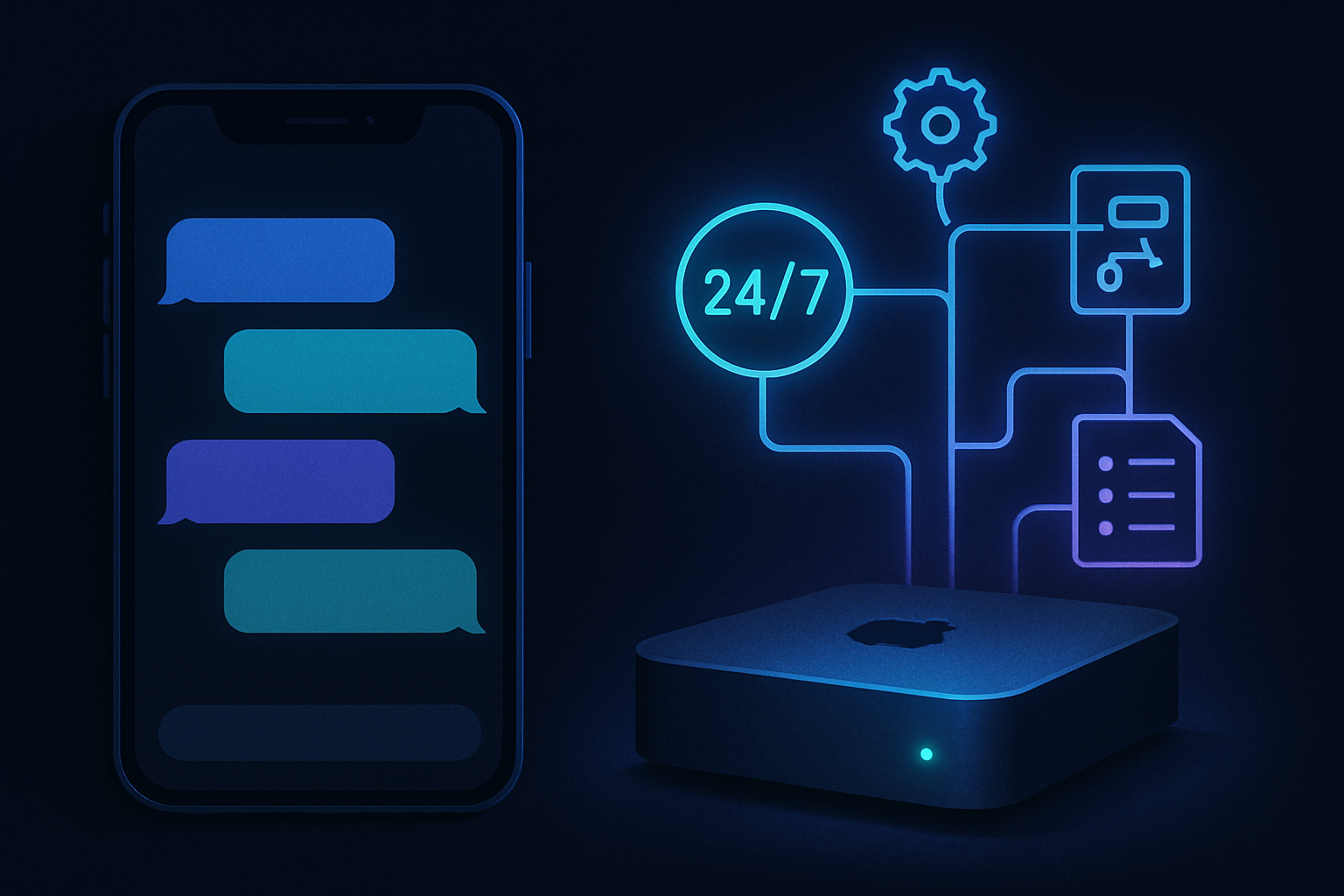
OpenClaw requires a dedicated machine (I use a Mac Mini), command-line setup, API keys from your AI provider, and configuration of your messaging channels. Even with a good guide, you’re looking at a couple hours minimum to get it running properly. If you want skills, automations, and a custom personality, budget a full day.
Winner: ChatGPT – No contest on accessibility.
Memory and Context
This is where things flip hard in OpenClaw’s favor. ChatGPT has a memory feature now, and it’s decent. It’ll remember that you prefer bullet points or that you run a marketing agency. But it’s surface-level stuff.
OpenClaw maintains daily journals, long-term memory files, project context, and a searchable knowledge base that persists across every conversation. It knows what you were working on three weeks ago. It remembers that you changed your pricing last Tuesday. It recalls the exact feedback your client gave on the second draft.
For one-off tasks, ChatGPT’s memory is fine. For running a business where context matters, OpenClaw’s memory system is in a different league.
Winner: OpenClaw – Persistent, structured memory that actually builds over time.
Automation Capabilities
ChatGPT can generate content, analyze data, and even browse the web. But it can’t do things while you sleep. It doesn’t check your email at 6am, draft replies, monitor your calendar, or publish blog posts on a schedule. Every interaction requires you to initiate it.
OpenClaw runs 24/7 with heartbeat checks, cron jobs, and event-driven workflows. Mine checks my inbox every few hours, monitors social mentions, manages my content calendar, and sends me a morning briefing before I’ve had coffee. I’ve built entire content pipelines that run with minimal oversight.
This is the core difference for business automation. ChatGPT helps you do work faster. OpenClaw does work for you.
Winner: OpenClaw – True autonomous automation vs. assisted productivity.
Curious what 24/7 automation actually looks like?
I help business owners set up OpenClaw with custom workflows, messaging channels, and automations tailored to their specific operations. No guesswork, no wasted weekends troubleshooting.
Integrations and Ecosystem
ChatGPT has the bigger ecosystem right now. Custom GPTs, plugins, the API, Zapier integrations, native mobile apps – OpenAI has invested heavily in making ChatGPT work with everything. If you need to plug AI into an existing SaaS workflow quickly, ChatGPT (or the OpenAI API) is usually the path of least resistance.
OpenClaw’s approach is different. Instead of plugins, it uses “skills” – modular capabilities you install for specific tasks. There’s a growing library on ClawdHub, and the community is active. But it’s smaller, and sometimes you’ll need to build or customize a skill yourself. The flip side is that OpenClaw skills can do things no ChatGPT plugin can, because they have full system access and can run autonomously.
Winner: ChatGPT – Wider ecosystem and easier integrations today.
Privacy and Data Ownership
With ChatGPT, your conversations live on OpenAI’s servers. They’ve improved their privacy policies, and you can opt out of training data usage, but your data still passes through their infrastructure. For some businesses, especially those handling sensitive client information, that’s a non-starter.
OpenClaw runs on your machine. Your memory files, conversation logs, and business data stay on hardware you control. The AI model calls still go to an API provider (Anthropic, OpenAI, etc.), but your persistent data and automations are local. That’s a meaningful difference for privacy-conscious businesses.
Winner: OpenClaw – Your data, your hardware, your rules.
Skip the Setup Headaches
Our team handles your entire OpenClaw setup – hardware, integrations, automations – so you can focus on running your business. Most clients are fully operational in 48 hours.
Cost
ChatGPT Plus is $20/month. Simple, predictable, done. The Team plan is $25/user/month. Enterprise pricing varies but it’s straightforward.
OpenClaw’s cost structure is more complex. The software is free and open source. But you need hardware to run it on (a Mac Mini starts around $500), plus API costs for the underlying AI model, which can run anywhere from $30 to $200+/month depending on your usage. I’ve written a full pricing breakdown if you want the details.
For light use, ChatGPT is cheaper. For heavy business automation where OpenClaw replaces manual labor or other software subscriptions, the ROI math usually favors OpenClaw within a few months.
Winner: Depends – ChatGPT for budget simplicity, OpenClaw for long-term ROI.
Quick Comparison Table
Want the full breakdown for your business?
Every business has different automation needs. I can help you figure out whether OpenClaw, ChatGPT, or both make sense for your specific workflow.
Where Each Tool Actually Shines
Use ChatGPT When…
- You need a quick answer or brainstorm session
- You’re drafting a single piece of content and want help with wording
- You’re analyzing a dataset or document right now, in this moment
- You want to prototype code or debug something
- You need image generation (DALL-E is built in)
- You’re a solo operator who doesn’t need ongoing automation
Use OpenClaw When…
- You want an AI that works while you sleep
- You need persistent memory across weeks and months of conversations
- You run recurring workflows (content publishing, email monitoring, social scheduling)
- You want your AI accessible via Telegram, Discord, or WhatsApp – not just a browser tab
- You handle sensitive business data and want it on your own hardware
- You’re willing to invest setup time for long-term automation payoff
The Honest Downsides of OpenClaw
I’d be doing you a disservice if I didn’t flag the real pain points. I use OpenClaw daily and I love it, but it’s not perfect.
1. The setup is genuinely intimidating for non-technical users. If you’ve never used a terminal, configured environment variables, or managed API keys, you’re going to have a rough time. The community docs are improving, but it’s still an open-source project built by developers for developers. Hiring someone to set it up (like me) isn’t optional for most business owners – it’s necessary.
2. API costs can spike unexpectedly. OpenClaw is only as smart as the AI model powering it, and those models cost money per token. If you set up aggressive automations – say, having it monitor and summarize every email in a busy inbox – your monthly API bill can jump from $50 to $200 without warning. You need to monitor usage, set up cost controls, and be intentional about what you automate. It’s not a “set and forget” situation when it comes to costs.
3. It requires a machine that stays on. Your OpenClaw instance is only available when the host machine is running. Power outage? Internet drops? Hardware failure? Your AI assistant goes dark. I’ve had my Mac Mini lose power twice in eight months, and both times I lost a few hours of automation. It’s not catastrophic, but it’s a real operational consideration that ChatGPT users never think about.
Can You Use Both?
Honestly, yes. And that’s what I’d recommend for a lot of people.
I still use ChatGPT for quick research, one-off writing tasks, and image generation. It’s faster for those use cases, and the mobile app is convenient when I’m away from my desk.
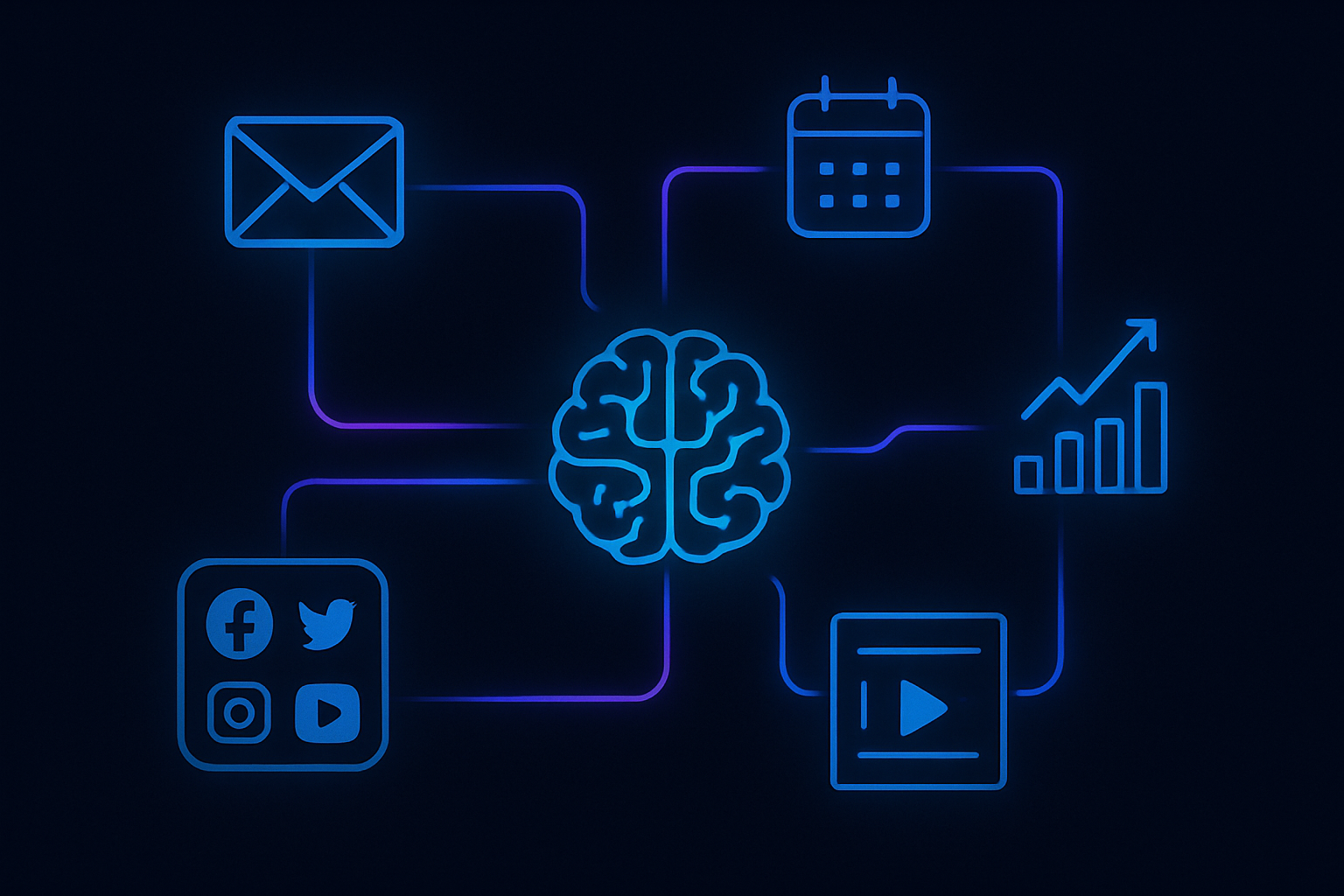
But for anything that requires ongoing attention, memory, or autonomous execution – that’s OpenClaw territory. My content pipeline, email management, social monitoring, and client communication workflows all run through OpenClaw because those tasks need persistence and proactivity that ChatGPT simply doesn’t offer.
Think of ChatGPT as your on-demand consultant and OpenClaw as your full-time employee. Most businesses benefit from having both.
Skip the Setup Headaches
Our team handles your entire OpenClaw setup – hardware, integrations, automations – so you can focus on running your business. Most clients are fully operational in 48 hours.
The Bottom Line
If you’re looking for the best AI for business automation in 2026, the answer depends on what “automation” means to you.
If automation means “help me do things faster when I ask,” ChatGPT is excellent and way easier to get started with.
If automation means “do things for me, proactively, around the clock, with full context of my business,” then OpenClaw is the tool that actually delivers on that promise. It’s harder to set up, it costs more to run at scale, and it demands some technical comfort. But the payoff – a genuinely autonomous AI agent that knows your business inside and out – is something ChatGPT can’t match today.
Neither tool is “better” in absolute terms. They’re different tools for different jobs. The smart move is understanding which job you actually need done.
Ready to Try OpenClaw?
I set up OpenClaw professionally – custom personality, skills, automations, and messaging channels configured in a single session. Book a free consultation to get started.