
Is openclaw setup too complicated? I’ve been setting up OpenClaw for clients since the early days, and I hear the same thing almost every week: “I tried to set this up myself and gave up after three hours.”
Key Takeaways
- OpenClaw setup complexity is intentional – the same configuration depth that makes it challenging enables its powerful flexibility
- The most common failure point is the YAML configuration files, API key management, and channel routing setup
- Most business owners who attempt DIY setup spend 3+ hours before giving up, often on configuration issues
- Professional setup services handle the technical complexity while you focus on defining what you want the assistant to do
- Once properly configured, OpenClaw requires minimal ongoing technical maintenance for daily use
You’re not alone. If you’ve found that openclaw setup too complicated to handle on your own, that’s one of the most common reactions I hear. The platform is powerful, but the setup process has a real learning curve. Between YAML configuration files, API key management, channel routing, skill installation, and server deployment, there are a lot of places where things can go wrong. And for most business owners, spending a full weekend debugging error codes isn’t exactly a productive use of time.
Here’s the thing though. The complexity isn’t a design flaw. It’s the reason OpenClaw is so flexible. The same configuration depth that makes setup feel overwhelming is what allows the platform to do things no other AI assistant can. The question isn’t whether openclaw setup is too complicated for your needs. It’s whether you should be the one doing it.
Skip the Setup Headaches
Our team handles your entire OpenClaw setup – hardware, integrations, automations – so you can focus on running your business. Most clients are fully operational in 48 hours.
Why OpenClaw Setup Feels Too Complicated for Most People
Let me break down what actually happens when someone tries to set up OpenClaw from scratch. First, you need a machine that runs 24/7. Most people start with their laptop, realize that won’t work, then research Mac Minis, Raspberry Pis, or VPS options. That’s decision one, and you haven’t even installed anything yet.
Next comes the actual installation. Node.js version requirements, npm or Homebrew depending on your OS, then the initial openclaw init command. If you’re on Linux, there are additional dependencies. If you’re on Windows, you need WSL. Already, you’re three layers deep in technical decisions.
Then the configuration starts. The gateway.yaml file controls everything: your AI model provider, API keys, channel connections (Telegram, Discord, WhatsApp, Signal), tool permissions, memory settings, and more. One wrong indent in a YAML file and the whole thing won’t start. I’ve seen experienced developers get tripped up by this.
After that, you need to connect your messaging channels. Each one has its own authentication flow. Telegram requires creating a bot through BotFather. Discord needs a developer application with specific intents enabled. WhatsApp requires the Business API. Each channel is a mini-project on its own.
Finally, there’s the personality layer: AGENTS.md, SOUL.md, skills, cron jobs, memory systems. This is where OpenClaw becomes truly useful, but it’s also where most DIY setups stall out. People get the basic bot running, but never configure the parts that make it actually valuable for their business.
Skip the frustration. Get OpenClaw running right the first time.
We handle the entire setup process so you can focus on your business.
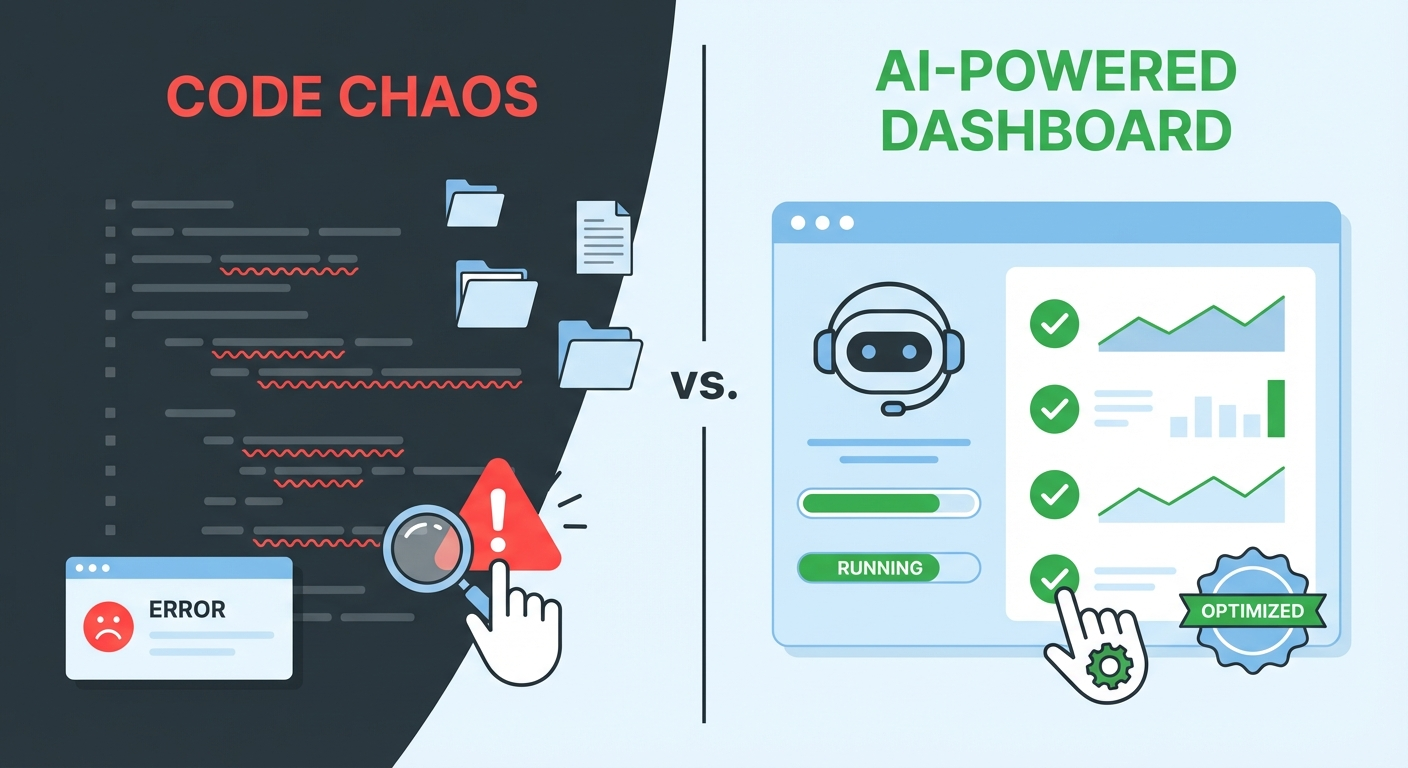
The Five Walls Where Most OpenClaw Setups Fail
After helping dozens of clients, I’ve identified the exact points where DIY setups typically break down. Knowing these can save you hours of frustration, whether you decide to push through yourself or get help.
Wall 1: Configuration file errors
YAML is unforgiving. A single misplaced space can cause a cascade of errors that are hard to trace. The gateway.yaml file often has 100+ lines, and the error messages don’t always point you to the right place. I’ve spent 20 minutes on a client’s setup only to find a tab character where there should have been spaces.
Wall 2: API key management
OpenClaw connects to AI providers like Anthropic, OpenAI, or Google. Each requires an API key, billing setup, and rate limit configuration. Getting the keys isn’t hard, but configuring them correctly in OpenClaw, setting spending limits, and handling fallback models when one provider is down requires understanding the platform’s routing logic.
Wall 3: Channel authentication
Every messaging platform has its own OAuth flow, webhook setup, or token system. WhatsApp Business API in particular has a multi-step verification process that trips people up. And if you want multiple channels running simultaneously, the routing configuration adds another layer.
Skip the Setup Headaches
Our team handles your entire OpenClaw setup – hardware, integrations, automations – so you can focus on running your business. Most clients are fully operational in 48 hours.
Wall 4: Keeping it running 24/7
Getting OpenClaw to start once is relatively straightforward. Keeping it running continuously through power outages, system updates, and network changes is a different challenge. You need process managers (like PM2 or systemd), automatic restart scripts, and monitoring. Most DIY setups work great for a week, then silently go offline.
Wall 5: Making it actually useful
This is the biggest one. A running OpenClaw instance with default settings is like buying a smartphone and only using it for phone calls. The real value comes from custom skills, tailored AGENTS.md templates, cron jobs for automated workflows, and integrations with your existing tools. This is where business owners need the most help, and it’s the part that requires understanding both the technology and the business.
The Real Cost of Doing It Yourself
I want to be honest about this because I think the DIY route is right for some people. If you’re a developer or technically comfortable with command-line tools, you can absolutely set up OpenClaw yourself. The setup guide walks through every step.
But for business owners, the math usually doesn’t work out. Here’s what I typically see:
The initial setup takes 4-8 hours for someone who’s comfortable with the terminal. For non-technical users, double or triple that. Then there’s the learning curve for configuration, which is another 5-10 hours of reading docs and experimenting. Channel setup adds 2-4 hours depending on which platforms you want. And customization for your specific business needs takes 10-20+ hours of trial and error.
That’s roughly 20-40 hours for a competent DIY setup. At any reasonable hourly rate for a business owner’s time, you’re looking at $2,000-$8,000 in opportunity cost. And that’s assuming everything goes smoothly, which it rarely does on the first try.
One e-commerce client told me they spent two weekends trying to get OpenClaw connected to their Shopify store and Telegram. When they finally called us, we had the whole thing running in under 3 hours, including custom order notification workflows and customer service automation.
Professional setup starts at $997. Most clients are running in 48 hours.
Compare that to 20-40 hours of your own time figuring it out.
When OpenClaw Setup Is Too Complicated (And When It’s Not)
I don’t think every person who finds the setup complicated needs professional help. Here’s my honest take on who should DIY and who should get assistance.
DIY makes sense if: You’re a developer or sysadmin, you enjoy tinkering with configuration files, you have 20+ hours to dedicate to setup and learning, and your use case is relatively standard (personal assistant, basic automation).
Professional setup makes sense if: Your time is worth more than $50/hour, you need OpenClaw running reliably for business operations, you want custom integrations with existing tools and workflows, you need multi-channel support, or you’ve already tried DIY and hit a wall.
There’s no shame in either path. But I’ve seen too many business owners waste weeks on setup when they could have been generating revenue with a properly configured system from day one.
What a Professional OpenClaw Setup Actually Includes
Since we’re talking about the complexity problem, let me explain what you’re actually paying for with a professional setup service. At OpenClawReady, our Guided Setup ($997) covers:
- Full installation on your hardware (Mac Mini, VPS, or cloud server)
- Gateway configuration with your preferred AI model provider
- One messaging channel connected and tested
- Basic AGENTS.md personality configuration
- 24/7 uptime setup with automatic restart
- 2-hour setup session where we walk through everything
The Business Starter tier ($4,497) adds multiple channels, custom skills installation, cron job automation, and business-specific workflows. The Professional tier ($7,497) includes advanced integrations, custom skill development, and ongoing optimization.
Every tier includes post-setup support, so if something breaks or you need adjustments, you’re not on your own.
Three Steps to Take Right Now
Whether you go DIY or professional, here’s what I’d recommend doing today:
Step 1: Decide what you actually need OpenClaw to do. Write down your top 3 use cases. Email management? Customer service? Content creation? Calendar automation? Having clear goals makes setup dramatically easier because you know which features to prioritize.
Step 2: Assess your technical comfort level honestly. Can you SSH into a server? Edit a YAML file? Set up API keys? If any of those made you hesitate, professional setup will save you significant time.
Step 3: Calculate your hourly rate and multiply by 25. That’s roughly what DIY setup costs in time. If that number is more than $997, the math speaks for itself.
If you’ve been thinking that OpenClaw setup is too complicated, I get it. But it’s not that the platform is broken. It’s powerful, and powerful tools require proper setup. The question is just who should be doing that setup for your specific situation.
Ready to stop wrestling with configuration files?
Our setup tiers start at $997. Most businesses are fully operational within 48 hours.
Skip the Setup Headaches
Our team handles your entire OpenClaw setup – hardware, integrations, automations – so you can focus on running your business. Most clients are fully operational in 48 hours.
Frequently Asked Questions About OpenClaw Setup
How long does OpenClaw setup take?
DIY setup typically takes 8 to 15 hours spread over several days, depending on your technical comfort level. Professional setup is usually completed within 24 to 48 hours.
Do I need coding experience to set up OpenClaw?
Basic setup does not require coding, but you will encounter configuration files, API keys, and terminal commands that feel unfamiliar if you have never worked with developer tools before.
What does professional setup include?
A typical professional setup covers full installation, integration with your existing tools, custom automation workflows, testing, and a walkthrough so you understand how everything works.
How much does OpenClaw setup cost?
Professional setup tiers start at $997 depending on the complexity of your business needs and the number of integrations required. DIY is free but costs your time.