
You bought OpenClaw. You watched the demo video. You set aside a Saturday afternoon to get everything running. And then three hours disappeared into terminal commands, YAML configs, and error messages that made zero sense. This is exactly why the openclaw setup service market is booming right now.
Sound familiar? You’re not alone. The gap between “OpenClaw looks amazing” and “OpenClaw is actually running my business” is where most people get stuck. The software is powerful. The openclaw setup service market exists because that power comes with real complexity that eats into your actual work time. And the demand for professional help keeps growing as more business owners realize that configuration – not installation – is where the real challenge lives.
This article breaks down why OpenClaw setup trips up so many business owners, what an openclaw setup service actually handles for you, and how to decide whether doing it yourself or hiring help makes more financial sense.
The real problem with OpenClaw setup (it’s not what you think)
Most people assume OpenClaw is hard to install. Installation is actually the easy part. Run a few commands, get the daemon started, connect a messaging channel. That takes maybe 30 minutes if you follow the beginner’s guide.
The hard part is configuration. Getting OpenClaw to actually do useful things for your specific business requires decisions that a tutorial can’t make for you. Which skills do you install? How do you write an AGENTS.md file that matches your workflows? What cron schedules make sense for your operations? How do you connect it to your existing tools without breaking anything?
That configuration layer is where the real time cost lives. According to a 2026 pricing guide from NoCodeFinder, custom AI agent implementations range from $500 to $50,000 depending on complexity. The variable isn’t the software. It’s the setup expertise.
Don’t want to do this yourself?
We set up custom OpenClaw assistants for businesses in as little as 48 hours.
Skip the Setup Headaches
Our team handles your entire OpenClaw setup – hardware, integrations, automations – so you can focus on running your business. Most clients are fully operational in 48 hours.
Five pain points that make DIY openclaw setup service-worthy
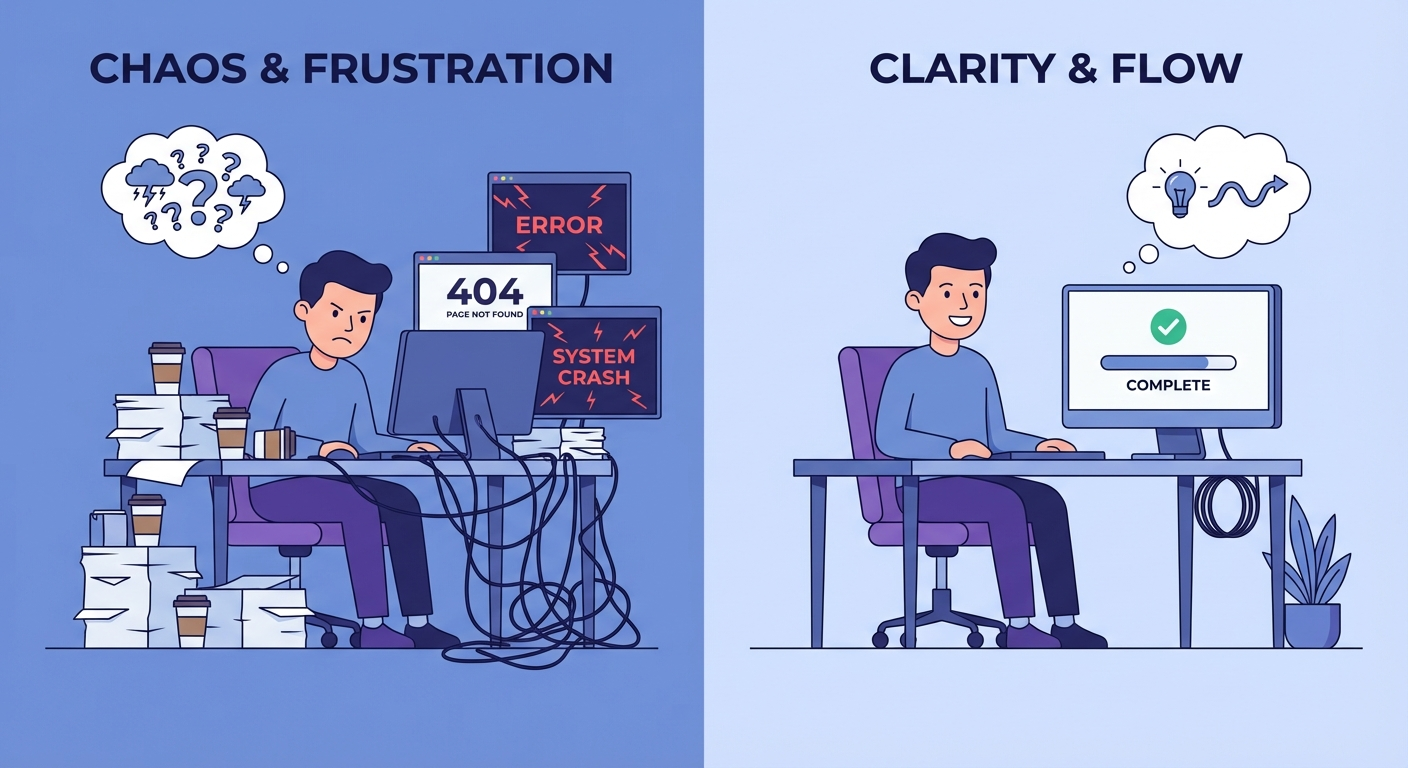
Not every OpenClaw user needs professional help. But certain situations turn a weekend project into a weeks-long headache.
1. You don’t have a technical background. OpenClaw runs on Node.js and requires comfort with the command line. If “SSH into your server” sounds like a foreign language, you’re looking at a steep learning curve before you even start configuring anything useful. The setup complexity problem is real, and it’s not a reflection of your intelligence. It’s a tooling gap.
2. Your time is worth more than the setup cost. Here’s basic math. If you bill $150/hour and OpenClaw setup takes you 15-20 hours of fumbling (a common range for non-technical users), that’s $2,250-$3,000 in opportunity cost. A professional openclaw setup service starts at $997. The numbers speak for themselves.
3. You need it running on a deadline. Maybe you’re onboarding a new client next week and want automated follow-ups in place. Maybe your content calendar is empty and you need the publishing pipeline configured yesterday. DIY doesn’t come with a delivery date.
4. You tried once and something broke. Broken cron jobs, skills that don’t load, messaging channels that disconnect randomly. Debugging these without context is painful. A setup professional has seen these failure modes dozens of times and can resolve them in minutes.
5. You want it done right the first time. A poorly configured OpenClaw instance wastes API tokens, sends garbled messages, and creates more work than it saves. Bad setup is worse than no setup. Configuration quality determines whether OpenClaw becomes your best employee or your most annoying one.
What an openclaw setup service actually includes
The phrase “setup service” is vague on purpose in most markets. Here’s what it should include if you’re paying for it.
A proper OpenClaw setup covers hardware/hosting selection, software installation, AGENTS.md configuration tailored to your business, skill installation and testing, messaging channel integration (Telegram, Discord, WhatsApp, or whatever you use), cron job scheduling for automated tasks, and a testing period to catch issues before you depend on it.
At OpenClawReady, the Guided Setup tier ($997) covers a 2-hour session where we configure the core system with you. Business Starter ($4,497) adds more hours and deeper customization. Professional ($7,497) is the full white-glove treatment with 6 hours of configuration across multiple workflows. Enterprise starts at $14,997 for multi-day builds with complex integrations.
And general-purpose agencies don’t specialize in OpenClaw, so you’re paying for their learning curve too.
Skip the Setup Headaches
Our team handles your entire OpenClaw setup – hardware, integrations, automations – so you can focus on running your business. Most clients are fully operational in 48 hours.
How to tell if you should DIY or hire out
Be honest with yourself about three things.
First, your technical comfort level. Can you work in a terminal, edit config files, and debug error messages without panicking? If yes, DIY is viable. The AGENTS.md configuration guide walks through the process step by step.
Second, your available time. Not theoretical time. Actual uninterrupted blocks where you can focus on setup without getting pulled into client work, emails, or fires. Most business owners overestimate this by 3-4x.
The average business owner spends 15-20 hours on DIY setup
Our team does it in 2-6 hours because we’ve done it hundreds of times. That’s time back in your business.
Third, what you need OpenClaw to do. If you want a basic personal assistant that checks your calendar and sends you weather updates, DIY is fine. If you need automated content pipelines, email monitoring, CRM integration, and multi-channel customer communication, the configuration complexity goes up fast.
The hidden cost of getting setup wrong
This is the part most people skip when doing the DIY-vs-hire calculation.
A misconfigured OpenClaw instance doesn’t just sit there doing nothing. It actively costs you money. Every API call to Claude, GPT, or Gemini uses tokens. Bad prompts in your AGENTS.md or poorly scoped cron jobs can burn through $50-100/day in API costs that produce garbage output.
One common mistake: setting up content automation crons without proper quality gates. The system churns out articles that sound robotic, get flagged by Google, and actually hurt your SEO instead of helping it. Undoing that damage takes longer than doing it right from the start.
Another one: connecting messaging channels without proper safety rules. OpenClaw can send messages on your behalf. If the guardrails aren’t configured correctly, it might reply to a client with something you’d never say. That’s a relationship risk, not just a technical one.
There’s also the debugging time that nobody budgets for. When something breaks at 11pm and your automated customer replies stop working, you’re either fixing it yourself (burning hours you don’t have) or waiting until morning while leads go cold. A professional openclaw setup service builds in monitoring and failsafes that catch these issues before they become customer-facing problems.
The data supports taking setup seriously. Industry data suggests that properly configured AI assistants typically deliver ROI within the first few months of deployment. But “properly configured” is doing a lot of heavy lifting in that sentence. Poorly configured ones just add another subscription to your expense sheet.
What to look for in an openclaw setup service provider

If you decide to hire help, here’s what separates good providers from mediocre ones.
They should ask about your business before touching any software. A provider that jumps straight to installation without understanding your workflows will give you a generic setup that doesn’t match how you actually work. The discovery conversation matters more than the technical execution.
They should provide documentation. After setup, you need to understand what was configured and why. If the provider leaves and you can’t modify a cron schedule or add a new skill without calling them back, that’s vendor lock-in, not a service.
They should test everything before handoff. Not “it works on my machine” testing. Actual end-to-end verification that every automation fires correctly, every messaging channel responds, and every cron job produces the expected output.
And they should offer post-setup support. The first week after launch is when 80% of issues surface. A provider that disappears after installation is selling you half a service.
Skip the Setup Headaches
Our team handles your entire OpenClaw setup – hardware, integrations, automations – so you can focus on running your business. Most clients are fully operational in 48 hours.
Getting started with the right approach
Here’s the honest take. OpenClaw is one of the most capable AI automation platforms available right now. But capability without proper configuration is just potential energy sitting unused on a server somewhere.
If you have the technical skills and the time, start with the beginner’s guide and build from there. Take it one skill at a time. Don’t try to automate everything on day one.
If you’d rather skip the learning curve and get a properly configured system running this week, that’s exactly what setup services exist for. The investment pays for itself when you calculate the hours saved and the mistakes avoided.
Either way, the worst choice is doing nothing. Every week without automation is a week of manual tasks that could be handled while you sleep. The question isn’t whether to set up OpenClaw. It’s whether you spend your own time or someone else’s getting there.
Ready to get OpenClaw running your business?
Setup tiers start at $997 for Guided Setup. Most businesses are live within 48 hours.