If you use OpenClaw for traders – or you’re considering it – the core appeal is simple: markets move 24 hours a day, and you can’t. An AI assistant that runs on your own hardware, monitors prices, and sends you a Telegram message when something actually matters is a different kind of edge than a better chart pattern.
The real problem most active traders have isn’t a lack of analysis skills. It’s the volume of manual, low-value tasks that eat into the time and attention you need for actual decision-making. Refreshing price pages. Checking news aggregators. Scanning Discord communities. Monitoring social feeds for sentiment shifts. Keeping a spreadsheet of positions updated.
None of those tasks require a trader’s judgment. But missing any of them can cost you.
The Problem: Traders Spend Most of Their Time on the Wrong Work
Manual monitoring doesn’t scale, and it doesn’t sleep. You miss a Telegram signal because you stepped away. You miss a news headline because you were focused on another chart. You miss a price level breach because you fell asleep. And in crypto especially, that 3am move can be the one that mattered most.
The overhead is real. Talk to active traders and you’ll hear the same thing: a significant chunk of each session goes to tasks that could be automated. Not the decisions – the information gathering that informs the decisions.
That’s the problem OpenClaw solves for traders. Not execution, not signals, not strategy. The research and monitoring layer that sits underneath your actual trading workflow.
Want OpenClaw Set Up for Your Trading Workflow?
Skip the configuration headaches. Get a custom setup built around how you actually trade.
What OpenClaw Actually Does for Traders
OpenClaw is an AI assistant that runs on your own hardware – a Mac Mini, a VPS, or any always-on machine – and connects to your existing communication channels like Telegram or Discord. You interact with it through natural language messages, and it can run automated tasks on a schedule without you lifting a finger.
For traders, the most useful capabilities fall into three areas:
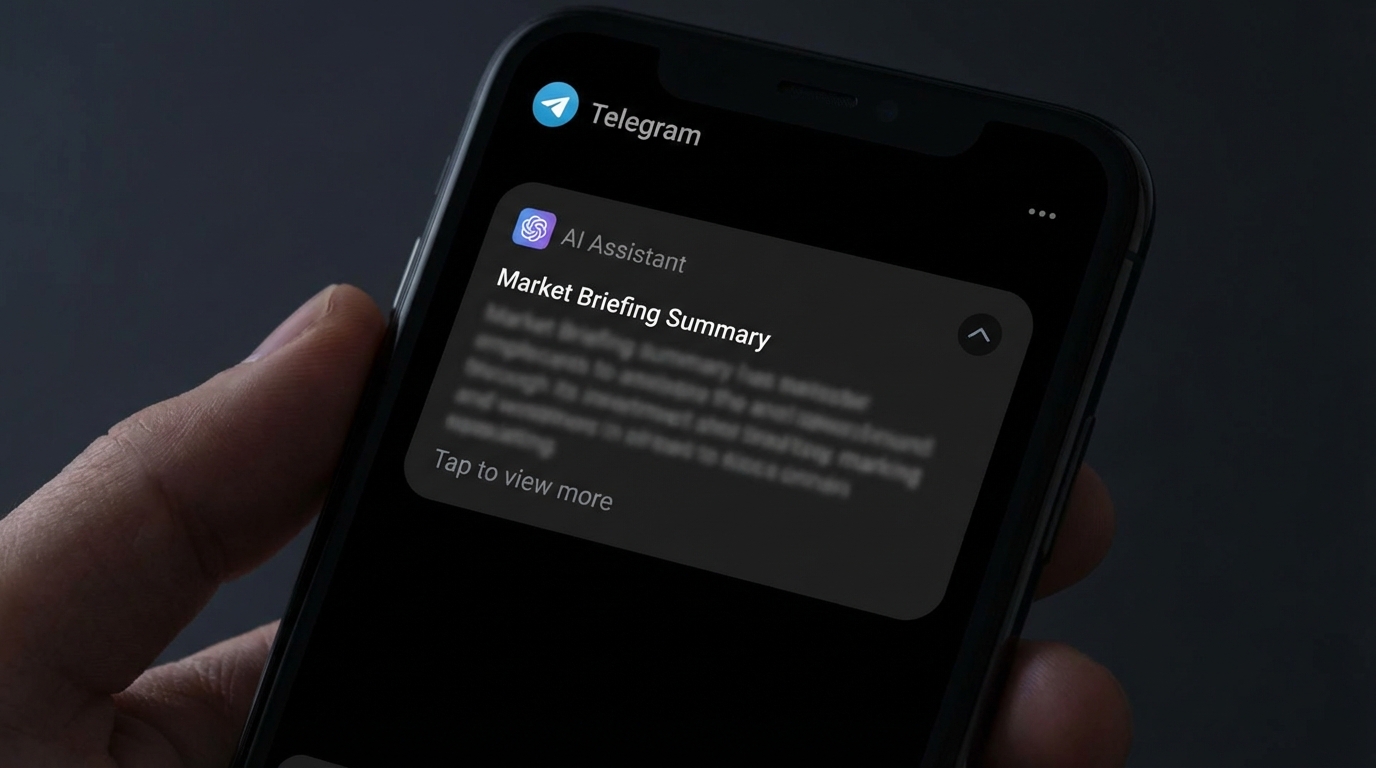
Scheduled Market Briefings
Set up a morning briefing cron that fires at 6am, 30 minutes before you sit down. OpenClaw pulls Bitcoin and Ethereum prices, checks for major news headlines via web search, summarizes any significant overnight moves, and sends the whole thing to your Telegram. You arrive at your desk with context, not confusion.
You can add any asset you want to track. A pre-market summary for stocks alongside a crypto overnight recap. A quick scan of sentiment indicators or relevant macro news. All of it runs automatically, every day, without you touching anything. The briefing format is yours to define – some traders want a 5-bullet summary, others want a longer breakdown with volume context.
Price and Level Monitoring
OpenClaw’s cron job system lets you schedule checks at whatever frequency makes sense for your style. A cron that runs every 15 minutes can pull a price, compare it against a threshold you set, and send you an alert only when the level is hit. No constant refreshing, no babysitting – just a Telegram message when something actually matters.
You’re not limited to simple price levels. You can write logic that checks 24-hour volume spikes, monitors a specific wallet address for large movements via a block explorer API, or watches an RSS feed for news about a specific asset. If you can describe what you want to monitor, you can build a cron for it.
The alerting is configurable too. Some traders want a loud notification only for major breaches. Others want a quieter daily log of all the levels that were tested. You can build both.
On-Demand Research
Before entering a position, most traders do some version of research: checking project fundamentals, reading recent news, looking at tokenomics or float data. OpenClaw handles this conversationally. You send a message asking for a summary on a token or company, it searches the web and returns a structured answer in your Telegram, and you skip the 20-minute browser rabbit hole.
This matters most in fast-moving markets. By the time you finish manually researching, the opportunity has changed. An AI assistant that can surface the key facts in 30 seconds changes how quickly you can evaluate a trade.
Not Sure Where to Start?
We’ll map your current trading workflow and build an OpenClaw setup that actually matches it.
How Traders Actually Configure This
The setup isn’t complicated, but it does require thought about what you actually need. Traders who get the most out of OpenClaw usually start with two or three crons and expand from there.
A practical starting point looks like this:
Morning briefing cron (6:00am daily): Pulls BTC, ETH, and any other assets you track. Runs a web search for overnight news. Sends a 5-bullet summary to Telegram.
Price alert cron (every 15 minutes): Checks specific price levels for assets you’re watching. Silent if nothing triggered, active if a level is hit.
EOD portfolio log (4:00pm or market close): Summarizes the day’s moves, any positions you’ve flagged, and sets context for the next session.
These three crons alone replace a significant chunk of the manual checking most traders do each day. And because OpenClaw runs 24/7 on your own server, the monitoring doesn’t stop when you close your laptop.
The cron system is flexible enough to handle almost any monitoring frequency. Some traders run price checks every 5 minutes during active sessions and hourly overnight. Others prefer a simpler setup: one morning brief, one evening recap, and alerts only for major threshold breaches. There’s no right answer – it depends entirely on how actively you trade and what information you actually need.
The Overnight Problem – and Why It Changes Everything
Crypto specifically has a brutal overnight problem. Major moves happen during Asian and European trading hours. By the time a US-based trader wakes up, they’ve either missed an entry, suffered a drawdown, or both – with no alert to show for it.
OpenClaw’s heartbeat system is worth understanding here. Heartbeats are proactive check-ins that your assistant runs on a schedule even when you haven’t asked for anything. You can configure a heartbeat that fires at 3am, checks BTC and ETH against your key levels, and only wakes you up if something significant happened. Otherwise it stays quiet.
This is different from a traditional price alert app. Those tools just watch a number. OpenClaw can run a full research sweep, check multiple conditions simultaneously, and synthesize what it finds into a single message with context – not just “BTC crossed $X” but “BTC crossed $X on 3x normal volume following a news headline about [topic].”
That context is what makes the alert actionable rather than just alarming.
For swing traders and position traders, this overnight coverage is arguably the highest-value part of the setup. You sleep, the assistant watches, and you wake up to a concise briefing on anything that moved.
What OpenClaw for Traders Is Not
This needs to be clear: OpenClaw is not a trading bot. It does not execute trades, manage positions, or connect to your exchange via API to place orders automatically.
It’s a research and monitoring assistant. It surfaces information, sends alerts, and handles the information-gathering layer of your workflow. The decisions and execution stay with you.
Some traders find this limiting if they’re looking for full execution automation. But for traders who want to stay in control of their decisions while offloading the grunt work, it’s actually the right design. You get faster, better-informed decisions without handing execution over to a system you can’t fully predict.
There’s also a real difference between what OpenClaw handles well and what it doesn’t. Structured monitoring tasks with clear logic – price checks, news summaries, portfolio snapshots – work well. Complex multi-leg analysis requiring real-time order book data or tick-level processing is outside what this setup does. Be honest with yourself about which category your actual workflow falls into before committing.
Getting the Setup Right
The most common problem traders run into when self-configuring OpenClaw isn’t a technical failure – it’s building crons that are either too broad or too noisy. A cron that alerts you 40 times a day defeats the purpose. A morning brief that’s 800 words long doesn’t get read.
Good trader-focused OpenClaw setups are specific. Narrow the monitoring to the assets and levels you actually watch. Keep briefings short and scannable. Tune alert thresholds so you get alerted on signal, not noise. And start smaller than you think you need – it’s much easier to add crons than to untangle a setup that got out of hand.
Getting the configuration exactly right takes more iteration than most people expect on the first try. Which is why a lot of traders who are serious about their workflow find it worth having the setup done professionally, with someone who knows what common mistakes look like and how to avoid them from the start.
Ready to Automate Your Trading Research?
We set up OpenClaw specifically for traders – briefings, price monitoring, alerts – tuned to how you work.