Property managers live in the cracks between systems. Tenant messages land in one inbox, maintenance updates sit in a vendor text thread, lease reminders hide in a calendar, and nothing feels fully tied together. OpenClaw for property managers is interesting because it gives you one place to route those moving pieces without forcing you into another bloated property management suite.
This is not magic. It will not replace your PMS, accounting platform, or leasing software. But it can reduce the messy admin layer around them, especially if you manage a small portfolio or a growing operation where every interruption pulls you away from actual decisions.
Why openclaw for property managers is getting attention
Most property teams do not have a shortage of software. They have a shortage of clean handoffs. A maintenance request comes in, someone acknowledges it, a vendor gets tagged, an owner wants an update, and then the lease renewal for another unit lands at the same time. The real problem is context switching.
That is where OpenClaw for property managers can help. It acts more like an operations layer than a full property management platform. You can use it to summarize inbox traffic, route follow-ups, draft replies for review, watch calendars, and keep recurring tasks from slipping.
If your team is buried in follow-up work, start with the routing layer
I help teams set up OpenClaw so tenant messages, maintenance updates, and internal reminders stop living in five disconnected places.
Where openclaw for property managers actually saves time
The best use cases are narrow and operational. Based on current property management workflow coverage from Zoho’s 2026 rental management guide, the lifecycle is predictable: acquisition, marketing, screening, leasing, ongoing management, and renewal. The bottleneck is usually the ongoing management phase, where communication volume spikes and every issue looks urgent.
OpenClaw fits best in four places:
- triaging tenant messages by urgency and topic
- tracking maintenance status across email, chat, and calendar reminders
- flagging lease milestones like renewals, notices, and inspection deadlines
- building morning and evening summaries for the manager who has to oversee all of it
That matters because maintenance is still the biggest operational pain point in the industry. A late 2025 trend summary that referenced the Buildium and NARPM industry report called maintenance the top factor affecting landlord ROI, while also noting higher renter expectations around speed and transparency. Even if you do not trust every vendor blog claim, that direction matches what anyone in property operations already sees every week.

Openclaw for property managers is not your source of truth
This is the part that people get wrong. If you try to make OpenClaw your rent ledger, lease database, or legal notice system, you are creating risk. Property management has too many compliance edges for that. Fair housing rules, notice periods, personal data handling, and document retention are not the place for loose automation.
Use your property management software, document storage, and accounting system as the source of truth. Use OpenClaw as the layer that watches, summarizes, drafts, reminds, and escalates. That distinction keeps the setup useful without turning it into a liability.
It is the same logic behind using OpenClaw to manage calendar and inbox instead of asking it to become your entire operations stack. And if your team already relies on messaging-first workflows, the approach is similar to what works in OpenClaw Discord bot setups, where routing and alerts matter more than storing permanent records.
How to set up openclaw for property managers without creating a mess
Start with one workflow, not ten. My recommendation is maintenance coordination because the inputs are easy to spot and the output is easy to judge. Either the request moved faster and cleaner, or it did not.
1. Centralize incoming signals
Forward maintenance emails, form notifications, and calendar events into one monitored lane. If your team uses Telegram or Discord internally, that can be the alert surface. If you use Google Workspace heavily, connect the inbox and calendar first.
2. Define urgency rules
Do not let the model guess from scratch every time. Give it plain rules. Water leak, lockout, no heat, or active safety issue goes to urgent. Cosmetic issues, vendor scheduling, and routine follow-up go to standard. Humans should still approve anything that looks legally sensitive or emotionally heated.
Property ops gets better when the rules are explicit
If you want help turning your inbox, maintenance alerts, and deadline reminders into one clean workflow, I can set up the logic and guardrails for you.
3. Keep drafts human-reviewed
OpenClaw can draft tenant replies, vendor follow-ups, and owner updates. That does not mean those should send automatically. Review first, especially when a message mentions habitability, payment disputes, entry notice timing, or anything that could become evidence later.
4. Build recurring checks around leases and renewals
Lease expirations, inspection windows, and notice deadlines are perfect for cron-based reminders. OpenClaw is strong at recurring workflows. That is one reason posts like Best OpenClaw Cron Jobs and OpenClaw Cron Jobs: Daily Setup Guide With Real Examples stay relevant. The system is good at checking dates, summarizing what matters today, and pushing that into a channel your team already watches.
5. Log actions outside the assistant
If OpenClaw flags a maintenance issue, the ticket still needs to live in your official system. If it drafts a renewal reminder, the final version still needs to be stored where your team can audit it. Assistants are good at orchestration. They are not a compliance archive.
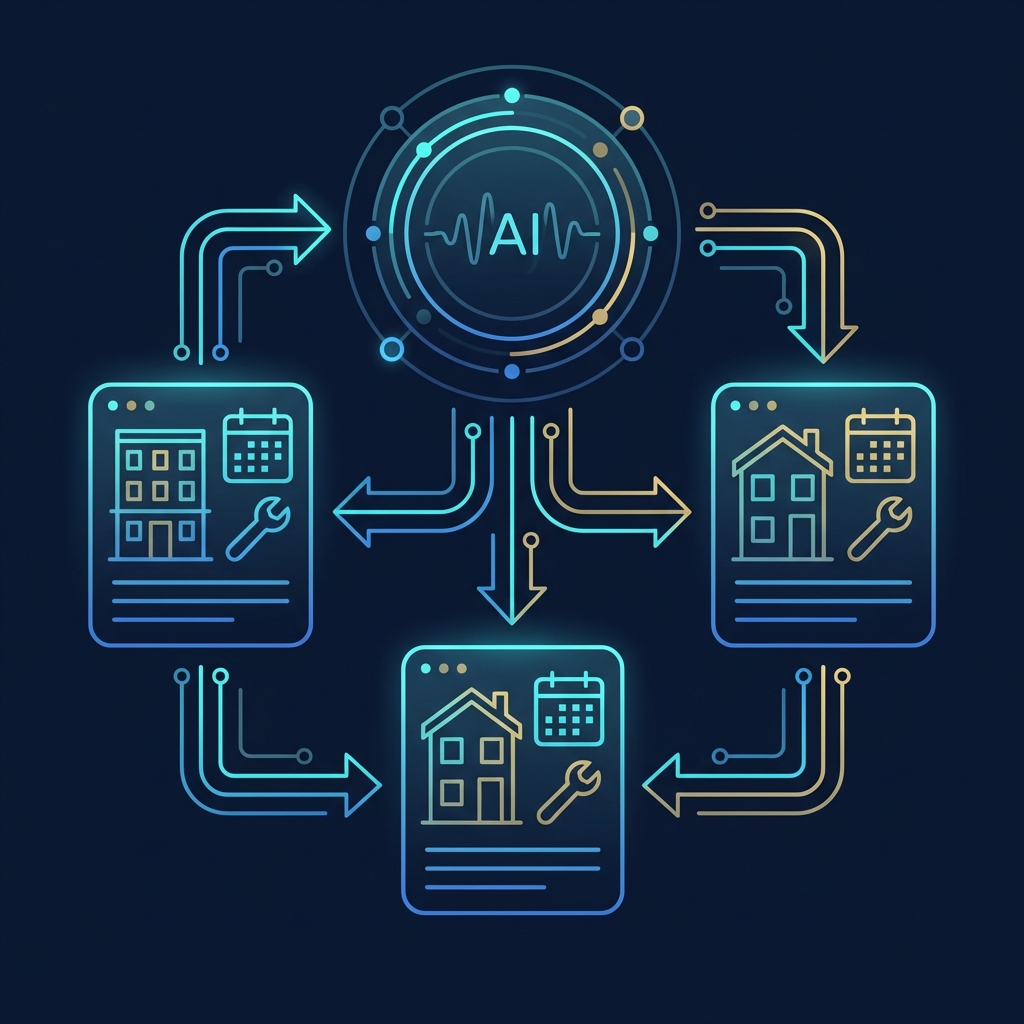
There is another upside here: recurring summaries can reduce the mental load on the on-call manager. Instead of manually scanning every inbox and text thread, you get one prioritized view of unresolved work orders, pending owner questions, and lease tasks that are approaching deadline. That is boring work, which is exactly why it is a good candidate for automation.
It also helps with consistency. One staff member might be excellent at follow-up while another misses small details when the day gets noisy. A structured assistant layer can make the process more even, as long as the official record still lives elsewhere.
The real risks with openclaw for property managers
There are three big ones.
First, data exposure. Tenant conversations can include addresses, payment details, access instructions, and sensitive personal information. If you connect external services carelessly or over-share logs, you create a privacy problem fast.
Second, false confidence. A well-written summary can make people think the assistant understood everything. Sometimes it did. Sometimes it missed the sentence that actually changed the meaning. So you need review points.
Third, automation sprawl. Once teams see one useful workflow, they want twelve more. That is usually where quality drops. A smaller setup with strong rules beats a huge setup nobody trusts.
If you are still early, it is worth reading Is OpenClaw Safe? and How to Install OpenClaw before you connect real tenant data.
What a safe first 30 days looks like
Week one should be discovery, not automation. Map the places where tenant communication already enters the business. That usually means one or two inboxes, maybe a leasing inbox, a maintenance form, and a chat channel the internal team actually watches. You are looking for repeated work, not edge cases.
Week two should focus on one summary workflow and one reminder workflow. For example, a daily digest of unresolved maintenance requests plus a renewal deadline digest every morning. If those two outputs are accurate and useful, then you have earned the right to add drafting support for replies.
Week three is where teams usually learn whether the setup is trusted. If staff still bypass it, the rules are probably too vague or the summaries are too noisy. Tighten the prompts, reduce the number of sources, and keep the scope narrow. A small system that people actually use is better than a broad system everyone ignores.
By week four, you should know whether OpenClaw is helping your property operations or just creating another stream of notifications. That is the right time to decide whether to add owner reporting summaries, vendor follow-up reminders, or leasing pipeline views.
Who should use openclaw for property managers, and who should not
If you manage a handful of units, a small team, or an owner-operator portfolio where communication overhead keeps stealing your day, this can be a smart fit. It is especially useful when your biggest issue is not missing software, but fragmented follow-up.
If you need a full accounting system, formal resident portal, online payments stack, or legal document workflow, OpenClaw is not that. You still need dedicated property management software. OpenClaw helps the humans around that software move faster and stay more organized.
And honestly, if your internal processes are a total mess already, adding an assistant too early can make the mess harder to see. In that case, clean up the process first, then automate the stable parts.
Want a practical OpenClaw setup for property operations?
I can help you build a safe setup for tenant communication, maintenance coordination, and recurring operational reminders without over-automating the parts that need human judgment.
Used well, OpenClaw for property managers is a coordination tool. That is enough. You do not need it to do everything. You need it to reduce dropped balls, shorten response loops, and give your team a cleaner operating rhythm.