Using OpenClaw for content creators means automating the overhead that eats half your week – so you can spend more time on the work that actually grows your audience. Research shows that only 46% of a creator’s work hours go toward actual content creation. The rest disappears into research, scheduling, repurposing, inbox management, and analytics pulls that never seem to end.
That ratio is backwards. The part that earns you subscribers, sponsors, and revenue is the creative work. The rest is overhead.
OpenClaw is an AI agent platform that runs on your own machine – not a SaaS dashboard, not a plug-and-play shortcut. When it’s set up right, it handles the overhead so you can focus on the work that actually grows your audience.
Here’s how content creators are actually using it.
The Real Time Drain in a Content Creator’s Week
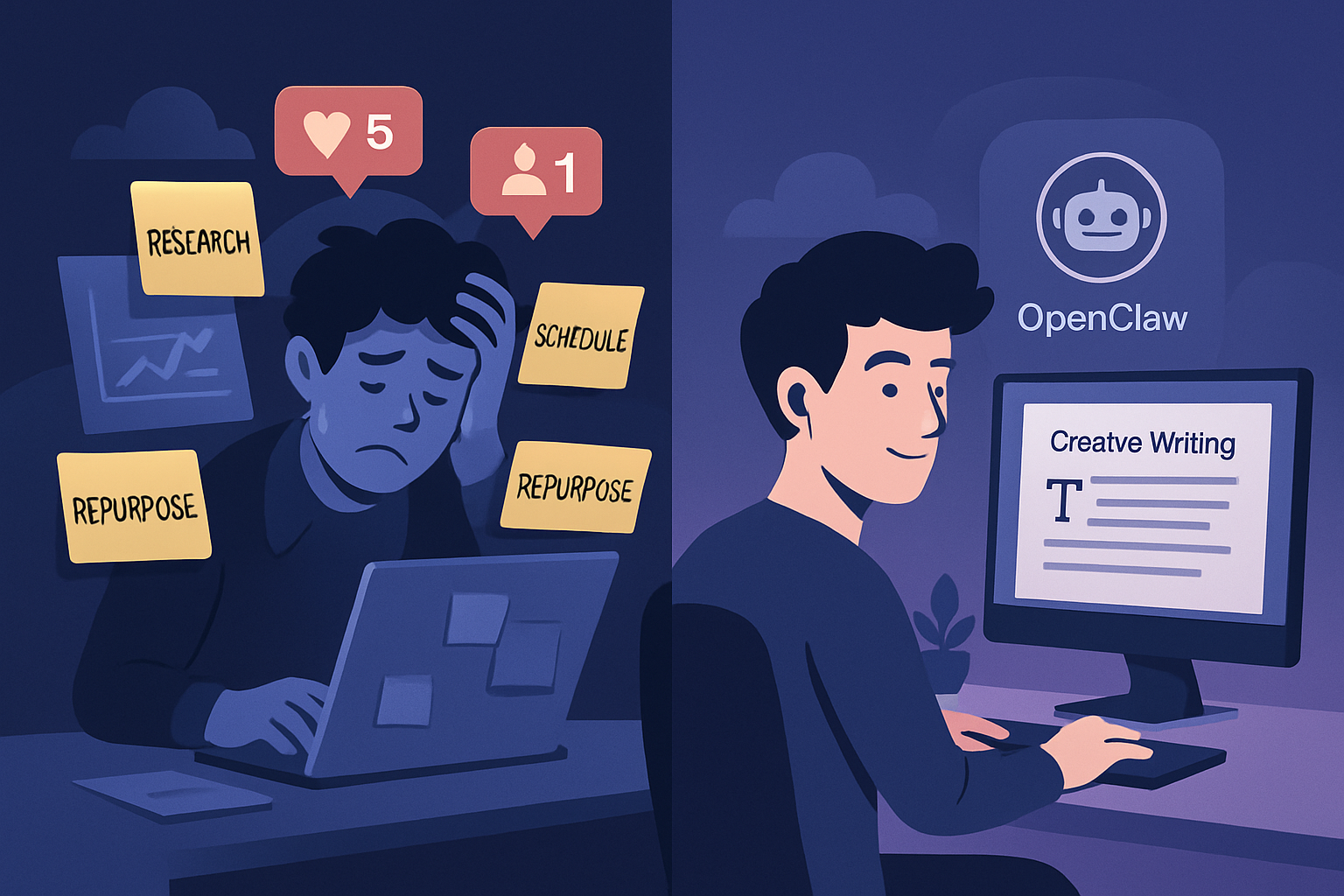
Most creators underestimate how fragmented their week is before they start measuring it. The obvious tasks are content writing and recording. But the hidden time sinks are everywhere: keyword research before writing a post, sourcing credible stats, reformatting a blog post into a Twitter thread, scheduling that thread, pulling last month’s click-through data, responding to the same five audience questions for the tenth time.
59% of marketers report wasting significant time on content-related tasks that aren’t direct content creation. And 53% say they lose time just trying to find existing content assets they’ve already made.
These aren’t creative problems. They’re workflow problems. And workflow problems are exactly what OpenClaw is built to solve.
For context on what a well-configured OpenClaw setup actually includes, the top OpenClaw use cases overview breaks down the most popular deployment patterns across different business types.
OpenClaw Automation for Content Creators: What It Actually Does
OpenClaw runs as an always-on AI agent on your local machine. It connects to your tools – Discord, Telegram, email, web browsers, file systems – and can execute tasks on a schedule, on command, or in response to triggers.
For content creators, the most valuable use cases fall into four categories.
1. Research on Autopilot
Before writing anything, you need to know what’s already ranking, what questions people are asking, and what angle is under-served. Manually doing that for every piece of content takes 1-2 hours minimum.
With OpenClaw, you can build a research cron that runs every morning: it pulls trending topics in your niche, checks Google’s “People Also Ask” for your core topics, and drops a formatted brief into your notes app or Discord channel before you’ve had coffee.
You wake up to a research brief. You spend 15 minutes deciding what angle to take. You start writing faster and with more confidence.
This is one of the most underused OpenClaw automations – creators assume research is too nuanced to automate, but a well-configured brief covers 80% of the groundwork reliably.
Not sure where to start with your setup?
Getting OpenClaw configured for a content workflow is faster with someone who’s done it before.
2. Content Repurposing Without the Grind
You publish a 2,000-word blog post. Then you need a Twitter thread from it. A LinkedIn summary. An email newsletter intro. Three Instagram caption variants. A short-form video script.
Manually doing that for every piece of long-form content takes another 2-3 hours. Most creators either skip it (leaving traffic on the table) or hire a VA to do it (adding cost).
OpenClaw handles this through a content pipeline built into its cron system. You drop the finished article into a watched folder – or just tell OpenClaw via Telegram – and it generates the distribution variants automatically. You review and approve. Total time: under ten minutes.
The output quality depends on how you’ve configured your agent’s instructions and which model you’re using. But the structural work – extracting key points, reformatting for each channel, matching tone guidelines – that part runs without you.
3. Scheduling and Publishing Coordination
Buffer and Hootsuite get the job done, but they require manual input for every post and have no context about your publishing history or audience data. They’re scheduling queues, not intelligent systems.
OpenClaw can act as an orchestration layer above your existing tools. It checks your schedule, pulls from a content queue you’ve built in Notion or a local file, and fires off the right content at the right time – including cross-posting to multiple platforms in one move.
It can also respond to context. A post that got unusually high engagement yesterday gets flagged automatically – no manual data pull required.
4. Audience Interaction and Inbox Triage
Responding to comments and DMs is time-consuming, but ignoring your audience kills growth. The middle ground is triage: prioritize the conversations that actually matter, batch the routine responses, and never miss a high-value interaction.
OpenClaw can monitor your connected channels and flag messages that need your attention – new sponsor inquiries, high-engagement comments on recent posts, questions that appear three or more times (which signals a content gap). It drafts replies for the routine stuff that you can approve with a single message.
This isn’t about replacing genuine audience connection. It’s about making sure you show up for the important conversations instead of being buried in noise.
Setting Up OpenClaw for Content Work: What to Expect
OpenClaw runs on a local machine – Mac, Linux, or a small server like a Mac mini. Setup involves installing the gateway, configuring your integrations (Telegram, Discord, email, etc.), and writing the skill files and cron jobs that define what your agent actually does.
That last part is where most creators hit friction. The platform is powerful precisely because it’s configurable – but configuring it well requires knowing what you want your workflow to look like before you start.
A few things worth knowing upfront:
- OpenClaw’s cron system handles scheduled automation. You define what runs, when, and what triggers it. Well-designed cron jobs are the backbone of any serious content automation setup.
- Skills are modular instruction sets that teach your agent specific capabilities – how to search the web, how to format a blog post, how to interact with a specific API. Most creators build 5-10 skills for their core workflow.
- Sub-agents let you run parallel tasks without waiting. While one agent researches your next article, another can be repurposing last week’s post. Sub-agent workflows are one of the bigger productivity multipliers once you get past the basics.
Want this workflow running for your content business?
The setup can take days on your own or a few hours with the right help.
What OpenClaw Is Not (Realistic Expectations)
OpenClaw is not a magic button that turns your ideas into polished content with zero oversight. The research and repurposing automations produce drafts and briefs – they still need your judgment before going live.
And it’s not a turnkey product. There’s real configuration work upfront. The creators who get the most out of it spend time thinking about their workflow before touching the software – what tasks eat their week, where quality matters enough to keep human review, and what the “good enough” bar is for automated output.
But once that thinking is done and the setup is in place, it runs. Daily research briefs, distribution queues, inbox triage – all of it happens in the background while you create.
That’s the shift most creators are looking for: not a tool you log into, but a system that works while you’re doing something else.
Common Content Creator Workflows Worth Building First
If you’re new to OpenClaw and not sure where to start, these are the automations that tend to deliver the fastest return for content businesses:
Morning research brief. Runs at 6am, delivers a topic brief with trends, PAA questions, and competitor angles for your planned content that week. No more staring at a blank document wondering what to write.
Repurposing pipeline. Triggered when you add a file to a watched folder. Generates Twitter thread, LinkedIn summary, and email hook for review. You approve the best ones and move on.
Engagement monitor. Watches your connected channels every few hours. Flags anything that needs a personal response. Drafts replies for everything else. You spend 10 minutes a day on inbox management instead of 90.
Weekly analytics summary. Pulls your top-performing content from the past 7 days and drops a formatted report to your Discord or Telegram. You see what’s working without digging through dashboards.
None of these are complex builds. But together they free up 8-12 hours a week that used to disappear into admin – and that time goes back into the creative work that actually moves the needle.
The honest caveat: getting these to work well takes real thought. The research brief needs tuning to surface useful angles, and the repurposing pipeline needs to know your brand voice. These aren’t builds you finish in an afternoon.
But once dialed in, they compound – every week saving more time while your content operation gets more systematic, not more stressful.
Ready to build your content automation system?
Get your OpenClaw configured for your specific workflow – research, repurposing, and scheduling all running in the background.