
If you want to OpenClaw automate client onboarding, the goal is not to replace your team with one giant bot. The goal is to remove the boring handoffs that slow down every new client: intake emails, missing files, scheduling back and forth, reminder nudges, and the awkward gap between “you are signed” and “work has actually started.” OpenClaw is good at that kind of structured follow-through, but only if you design the workflow with guardrails from the start.
Most onboarding problems are not dramatic. They are small misses that stack up. A form comes in without the right fields. A kickoff call gets booked before documents are uploaded. Somebody on the team assumes the CRM was updated, but it never happened. After a few of those, the client already feels friction. That is why onboarding is one of the better places to use OpenClaw. The work is repetitive, time-sensitive, and easy to track if you build the steps in the right order.
Why OpenClaw automate client onboarding works best as a staged workflow
Client onboarding has a clean shape. First you collect the basics. Then you gather documents and preferences. Then you schedule the kickoff. Then you notify the internal team. Then you confirm that the account is ready for delivery. OpenClaw can handle those transitions well because it already supports messaging, cron jobs, channel routing, structured sessions, and browser or tool actions when needed.
But this only works when each step has a clear condition. “Start onboarding after someone signs” is too vague. “Start onboarding after payment is confirmed and the intake form is complete” is much safer. The system needs hard checkpoints, not vibes.
Need the workflow mapped before you automate it?
I can help turn your intake, reminders, and handoffs into an OpenClaw setup that does not break the first time a client misses a step.
How to build OpenClaw automate client onboarding from the intake layer up
The first job is intake quality. If the information coming in is messy, every downstream automation gets worse. Start with one intake form that captures only what you need to begin. That usually means business name, primary contact, scope, preferred communication channel, billing status, and any documents required before kickoff.
Then add validation rules outside the model wherever possible. Required fields should be enforced by the form itself. File uploads should be named consistently. If you need a contract, tax form, or access credential, make that explicit in the form copy instead of asking OpenClaw to guess whether the submission is complete.
A simple pattern works well here:
- Form submission creates a structured onboarding record.
- OpenClaw confirms receipt in the client’s preferred channel.
- If documents are missing, OpenClaw sends a specific follow-up request instead of moving to kickoff scheduling.
- A daily cron checks incomplete onboarding records and sends reminders after a set delay.
This is where teams often overbuild. They want one agent that reads everything, decides everything, and updates every system at once. That sounds nice until one field is missing and the whole chain becomes hard to debug. A staged flow with visible checkpoints is less exciting, but much easier to trust.
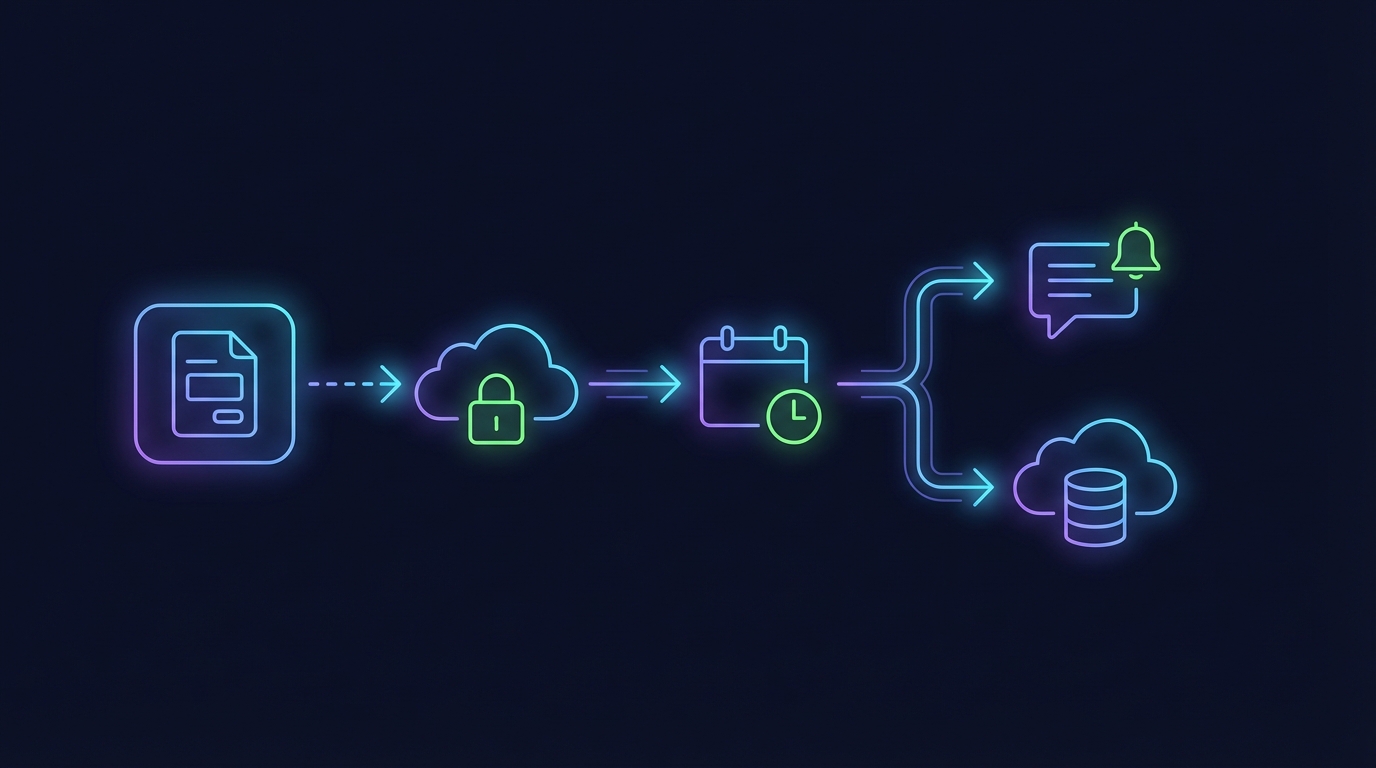
Use OpenClaw to handle scheduling, reminders, and client nudges
Scheduling is where onboarding either feels smooth or annoying. Once the intake is complete, OpenClaw can send the next action automatically: book a kickoff call, choose an implementation window, or confirm a delivery timeline. The key is to send one clear instruction, not a wall of options.
For example, if the client has submitted everything required, OpenClaw can send a booking link or propose the next available window. If they have not uploaded what you need, the system should not offer a kickoff yet. That one rule prevents a lot of rescheduling.
Reminders are another good fit. A cron can check for records where the status is still waiting on client documents after 24 hours, 72 hours, or one week. The message should mention exactly what is missing. “Please complete onboarding” is weak. “Please upload your brand assets and confirm your admin email before kickoff” gives the client a real next step.
If you already use OpenClaw for messaging, the same setup can route reminders through email, Telegram, Discord, or another approved channel. That makes it easier to meet clients where they already respond, which matters more than people think. A reminder in the right place often beats a better written reminder in the wrong place.
Automating reminders is easy. Making them reliable is the hard part.
If you want the handoffs, timing, and routing checked before launch, OpenClaw Ready can help you build the flow cleanly.
CRM handoff is where most OpenClaw onboarding automations get messy
If you want to OpenClaw automate client onboarding at a higher level, you need a clean CRM rule set. This is where many teams create hidden failures. They let the assistant update records with fuzzy naming, inconsistent stages, or free-form notes that nobody else on the team can trust later.
A better pattern is to define a fixed schema for the handoff. When onboarding hits a certain status, OpenClaw writes the client to the CRM with a known owner, a known pipeline stage, and a standard note block. Keep the fields narrow. Name, email, company, onboarding stage, missing items, kickoff date, and internal next action is usually enough to start.
It also helps to separate “client-facing” actions from “internal system update” actions. The client should get a clean message. Your team should get a separate internal summary with any caveats. That could include missing access, unusual scope, or approval requirements. Mixing those into one response tends to create confusion.
If you are still setting up your broader routing, this is also a good time to review related workflows like calendar and inbox management, email integration, and channel routing inside OpenClaw. Onboarding usually touches all three.
Internal approvals and compliance need hard stops, not soft suggestions
This is the part that gets skipped when people rush. Not every client should move automatically from intake to kickoff. Some need a manual approval because of contract terms, data sensitivity, industry rules, or simple scope mismatch. If your workflow does not account for that, automation can create more risk than speed.
OpenClaw works better when approval states are explicit. For example:
- If the client selected a regulated industry, pause for internal review.
- If required access has not been granted, do not allow kickoff scheduling.
- If billing is incomplete, keep reminders active but do not notify fulfillment.
- If an unusual request appears in the intake notes, route it to a human owner before the next message goes out.
There is also a privacy angle here. If your onboarding process handles contracts, logins, or account credentials, decide in advance what OpenClaw should store, summarize, or ignore. Some teams want the assistant to move documents around automatically. Sometimes that is fine. Sometimes it is a bad idea. The right answer depends on your workflow, but the decision should be deliberate.
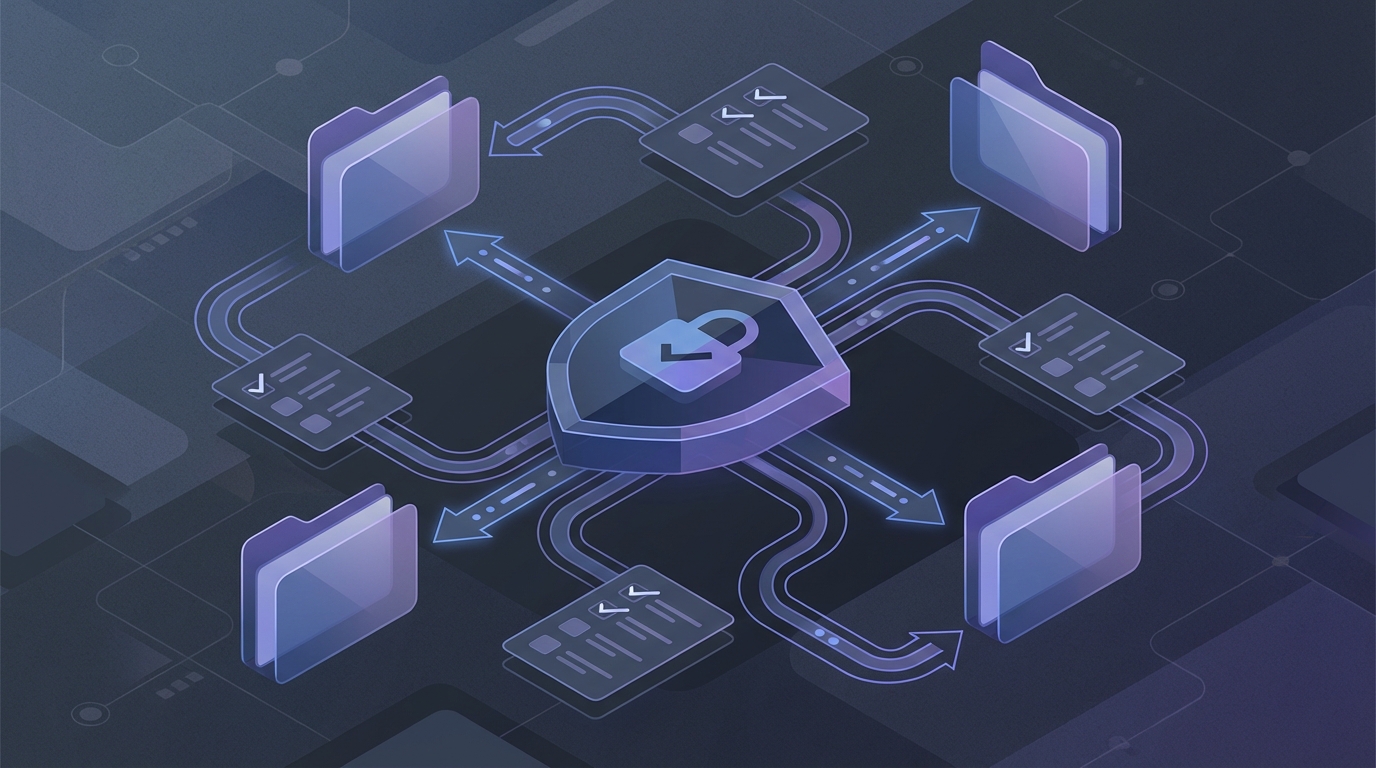
What a practical OpenClaw client onboarding stack looks like
A lightweight stack is often enough:
- A form tool for intake and document capture.
- OpenClaw for message handling, reminders, logic, and channel routing.
- A calendar or booking layer for kickoff scheduling.
- A CRM or project tracker for internal ownership.
- One daily audit cron that looks for stuck records.
The daily audit matters. Even a good automation flow needs a backstop. Look for records sitting in the same status too long, missing kickoff dates, or onboarding sessions that triggered a client message but never updated the internal system. That is how you catch silent failures before the client notices them.
And be honest about edge cases. If your business has highly custom onboarding, complex legal review, or unusual document rules, full automation may not be the best first move. You might start with reminders and internal summaries only, then automate more once the manual process is clean. That slower path is often the smarter one.
When OpenClaw onboarding automation is worth it
OpenClaw onboarding automation is worth it when you already know your process and you are tired of repeating the same steps by hand. It is especially useful for agencies, service businesses, consultants, and teams with predictable onboarding checkpoints. If the workflow changes every time, you will spend more time managing exceptions than saving time.
But when the process is stable, the gains are real. Faster response times. Fewer dropped steps. Better internal visibility. Less time spent asking whether the client uploaded the thing they were supposed to upload two days ago.
If that sounds like your setup, the best move is to map the states first, then automate one handoff at a time. That is how you OpenClaw automate client onboarding without building something brittle that your team stops trusting after a week.
Want OpenClaw to handle onboarding without the usual automation mess?
I can help you design the checkpoints, routing, and safeguards so the workflow stays useful after it goes live.