You’ve heard OpenClaw runs on Claude AI. You’ve seen what it can do. But now you’re staring at the Anthropic pricing page wondering: what will this actually cost me each month? Understanding openclaw api costs is simpler than it looks. And for most small business owners, the numbers are far more manageable than you might expect.
This guide breaks down exactly how OpenClaw API billing works, what each Claude model costs, and how to keep your monthly spend predictable.
How OpenClaw API Costs Work
First, an important distinction: OpenClaw itself has its own subscription or setup costs. But the API costs we’re discussing here come from Anthropic, the company that makes Claude. When OpenClaw runs tasks for you, it sends requests to Claude’s API. Anthropic bills you directly for those requests.
The billing unit is called a “token.” Think of tokens as small chunks of text. One token equals roughly 0.75 words. So 1,000 tokens is about 750 words. When you send a prompt to Claude, you pay for the input tokens. When Claude responds, you pay for the output tokens. Output tokens cost more than input tokens across all models.
For context: a typical email summary might use 500 input tokens and generate 200 output tokens. A longer research task might use 3,000 input tokens and generate 1,500 output tokens. The math adds up, but individual tasks stay cheap.
Not Sure What Your API Bill Will Look Like?
We set up OpenClaw with cost controls built in from day one.
Claude Model Comparison: Haiku, Sonnet, and Opus
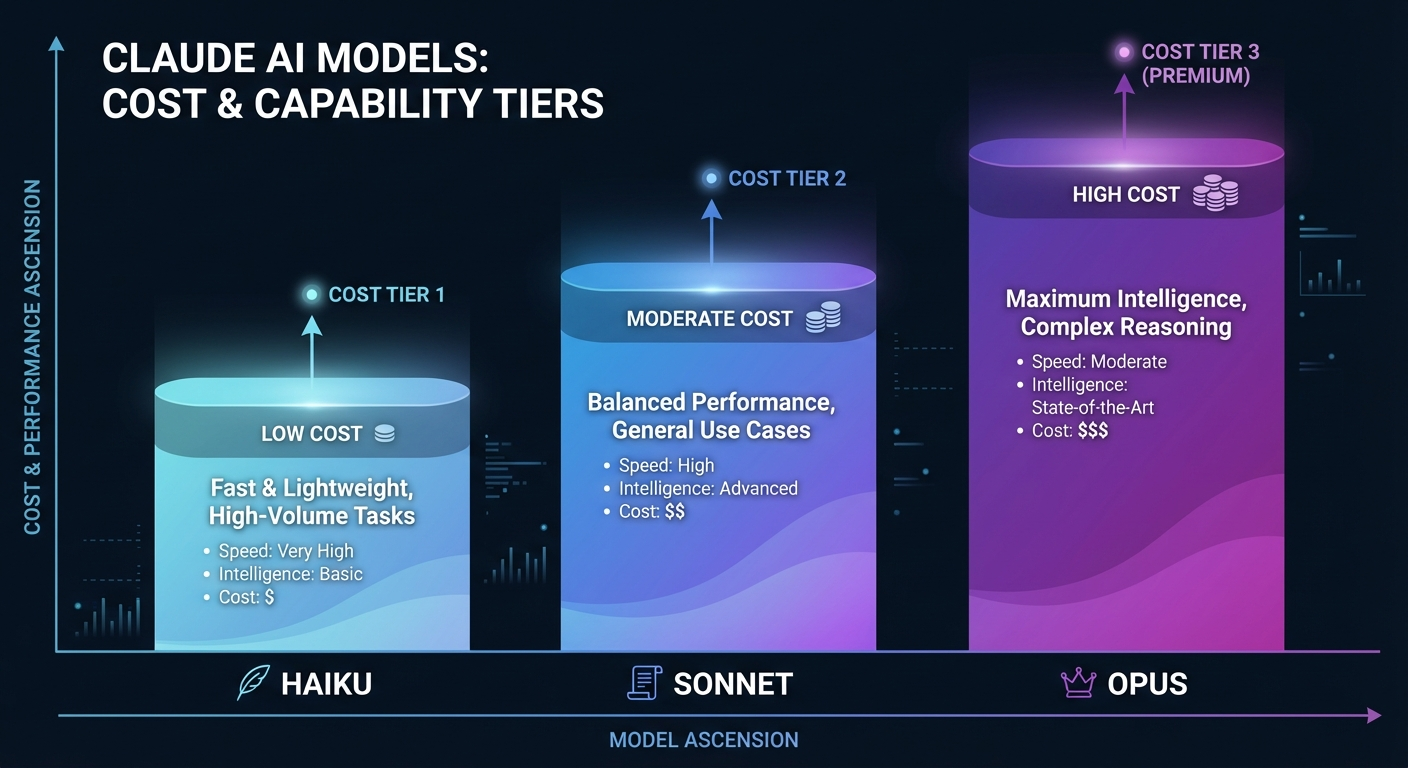
Anthropic offers three main Claude models, each with different capabilities and price points. Your model choice has the biggest impact on your openclaw api costs.
Claude Haiku
Haiku is the budget option. It runs at $0.25 per million input tokens and $1.25 per million output tokens (Claude 3 pricing) or $1.00/$5.00 for newer Claude 4.5 Haiku. Fast and cheap. Perfect for simple tasks like sorting emails, quick summaries, or basic data extraction.
The trade-off? Less sophisticated reasoning. Haiku handles routine work beautifully but struggles with nuanced analysis or creative tasks.
Claude Sonnet
Sonnet hits the sweet spot for most business users. Pricing runs around $3.00 per million input tokens and $15.00 per million output tokens. You get significantly better reasoning than Haiku without the premium price of Opus.
Most OpenClaw automations run on Sonnet. It handles complex instructions well, writes quality content, and manages multi-step workflows reliably.
Claude Opus
Opus is the powerhouse. Expect $5.00 to $15.00 per million input tokens and $25.00 to $75.00 per million output tokens, depending on the version. This model handles the hardest tasks: deep analysis, sophisticated writing, and complex reasoning chains.
For most small businesses, Opus is overkill. But when you need peak intelligence for high-stakes work, nothing else compares.
Real Monthly OpenClaw API Costs by Usage Level
What will you actually pay? Here are realistic ranges based on usage patterns.
Light User: $15 to $50 per month
You run a few automations daily. Maybe a morning news summary, some email triage, and occasional research tasks. You stick with Haiku and Sonnet. At this level, API costs barely register.
Medium User: $100 to $300 per month
Active OpenClaw cron jobs guide scheduled throughout the day. Daily reports, content drafts, customer response suggestions, data processing. Primarily Sonnet with Haiku for simple tasks. This is where most engaged small business users land.
Heavy User: $500 to $2,000+ per month
Multiple agent pipelines running constantly. Coding assistance, deep research, complex document analysis. Heavy Opus usage for demanding tasks. This territory is for power users and businesses with AI deeply integrated into operations.
The range is wide because usage patterns vary enormously. Someone running 50 complex research queries daily will spend far more than someone running 50 simple summaries.
Want OpenClaw Configured for Your Budget?
We build cost-efficient OpenClaw setups for small businesses and solo operators.
What Drives Your API Bill
Four factors determine your monthly spend:
Model selection. Switching from Sonnet to Haiku for simple tasks can cut costs by 90% on those specific jobs. Match the model to the task complexity.
Context window size. Every API call includes context: your prompt, any memory files, previous conversation history. Larger context means more input tokens. A workflow that loads a 50-page document into context every time will cost far more than one that extracts only relevant sections.
Cron job frequency. Running a task every hour costs 24x more than running it once daily. Before scheduling frequent automations, ask: do I actually need this every hour?
Sub-agent usage. Complex workflows that spawn multiple sub-agents multiply your costs. Each agent makes its own API calls. A single task that triggers five sub-agents generates five separate billing events.
How to Keep Your OpenClaw API Costs Under Control
Smart configuration prevents surprise bills. Here’s what actually works:
Use Haiku for simple tasks. Email sorting, basic summaries, quick classifications. Haiku handles these perfectly at a fraction of Sonnet’s cost. Reserve Sonnet and Opus for work that genuinely needs their capabilities.
Keep memory and context files lean. That master prompt file with 10,000 words? Every single API call pays to process it. Trim ruthlessly. Include only what the current task actually needs.
Audit your cron schedules. Check your best OpenClaw automations setup. Is that hourly check really necessary? Could it run twice daily instead? Small frequency reductions compound into significant monthly savings.
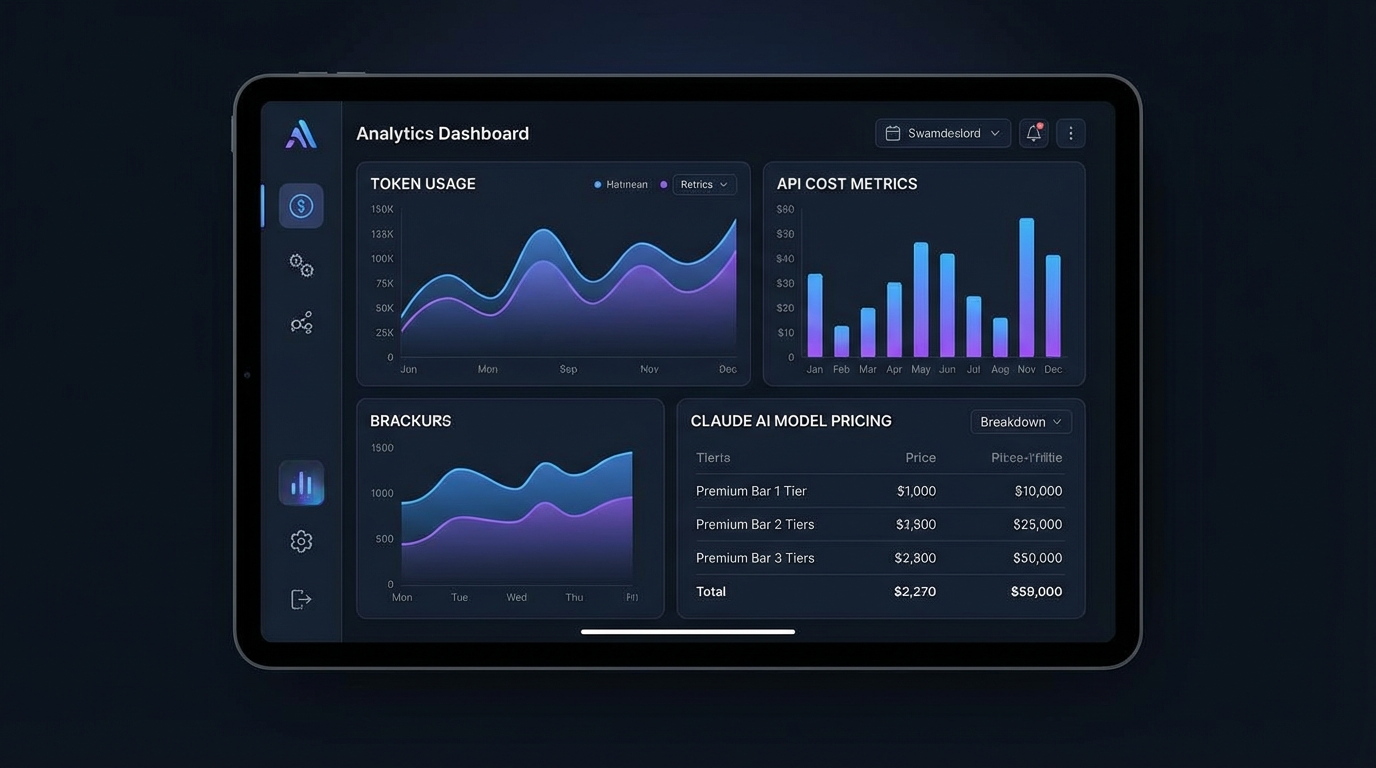
Monitor your Anthropic dashboard. Anthropic provides usage tracking. Check it weekly at first. Understand which tasks consume the most tokens. You might discover one inefficient workflow accounts for half your bill.
Set spending alerts. Configure notifications at 50%, 75%, and 90% of your target monthly budget. Catch runaway costs before they become problems.
For a complete breakdown of all costs involved, see our full OpenClaw cost breakdown.
The Bottom Line on OpenClaw API Costs
For most small business owners, OpenClaw API costs land between $50 and $300 monthly. That’s less than many software subscriptions you probably already pay for. The value comes from what you accomplish with those tokens: hours of manual work eliminated, faster responses, better decisions.
The businesses that struggle with costs are usually those who set up complex workflows without thinking through efficiency. A few configuration tweaks can often cut a $500 monthly bill down to $150.
Start lean. Monitor your usage. Optimize as you learn what matters. The API costs will make sense once you see what you’re getting back.
Ready to Set Up OpenClaw the Right Way?
Skip the trial and error. We handle setup, cost controls, and optimization.
Comparing OpenClaw API Costs to Other AI Automation Platforms
How do OpenClaw API costs compare to alternatives? This question matters before you commit to a setup.
Cloud-based AI tools like Zapier AI, Make.com AI, or similar platforms bundle AI usage into their subscription tiers. On the surface, that looks simpler. You pay one monthly fee. But when you dig into usage limits, you often hit throttling or overage charges faster than expected. A moderate workflow can push you into $150 to $300 monthly plans on these platforms before you’ve built anything serious.
OpenClaw’s model is different. You pay Anthropic directly for exactly what you use. No markup. No bundled credits you may or may not exhaust. If you run 200 tasks one month and 50 the next, your bill reflects that reality. Fixed-rate plans charge you the same regardless.
The key variable is your usage pattern. If your workflows are predictable and consistent, bundled pricing might offer simplicity. If your needs fluctuate, the pay-per-token model of running OpenClaw on Claude API tends to cost less overall. Check our is OpenClaw free guide for a full breakdown of the base costs before API usage even enters the picture.
Setting a Monthly API Budget Before You Start
One of the smarter moves for new OpenClaw users: set a hard budget before you build anything. Anthropic lets you configure monthly spending limits on your API account. Once you hit the cap, API calls stop rather than running up unlimited charges.
For a first month, $50 is a reasonable starting budget. That gives you room to experiment with different models, test workflow frequency, and understand your actual consumption patterns. Almost no one burns through $50 in their first month when starting conservatively.
After month one, you’ll have real data. Maybe you used $12. Maybe $38. That tells you exactly where to set your steady-state budget. Adjust accordingly.
The mistake new users make: building complex multi-step workflows before checking their token consumption. A single workflow that looks efficient can silently burn tokens if it loads large context files repeatedly or spawns sub-agents for every small task. Test each workflow in isolation and check your Anthropic dashboard before putting anything on a schedule.
One honest note here: there’s no universal “right” number for what OpenClaw API costs should run you monthly. The range in this guide is based on observed patterns, but your specific use case could land anywhere. A business running 10 deep research queries daily might pay more than one running 100 simple email sorts. Complexity costs more than volume.