People ask whether is openclaw free all the time before signing up, and honestly it is a fair question to ask first. The answer is genuinely nuanced: the core OpenClaw software is open-source, which means you can download and run it at no licensing cost. But running it in practice means paying for the AI model API behind it, and that is where most of the per-month spend actually comes from.
So the platform is free. The intelligence powering it is not. Understanding that distinction matters before you budget or decide whether to go the DIY route.
Is OpenClaw Free to Download and Install?
Yes. OpenClaw is published as open-source software on GitHub. You can clone the repo, install it on your own Mac, Linux machine, or mini server, and start using it without paying OpenClaw a single dollar in licensing fees.
That free access includes the full runtime: the Gateway daemon, session management, skills framework, cron scheduler, memory system, and channel integrations for Telegram, Discord, WhatsApp, and others. The complete tooling stack comes with the install.
What you will not find in the free tier is a hosted cloud version you simply log into. OpenClaw is self-hosted by design. Your data stays on your machine, your agent runs on your hardware, and you control the environment. Some people see that as a feature. Others see it as a setup cost.
The self-hosted model also means there is no account to create, no free trial that expires, and no credit card required to get started. You clone it, configure it, and it runs. That part is genuinely no-cost in a way that most SaaS alternatives are not.
If you are evaluating whether the platform fits your needs before touching a command line, the OpenClaw Review 2026 walks through what actually works well and where the friction points are.
Not Sure Where to Start?
Getting OpenClaw installed and configured correctly from the start saves a lot of troubleshooting later.
What Actually Costs Money When You Run OpenClaw
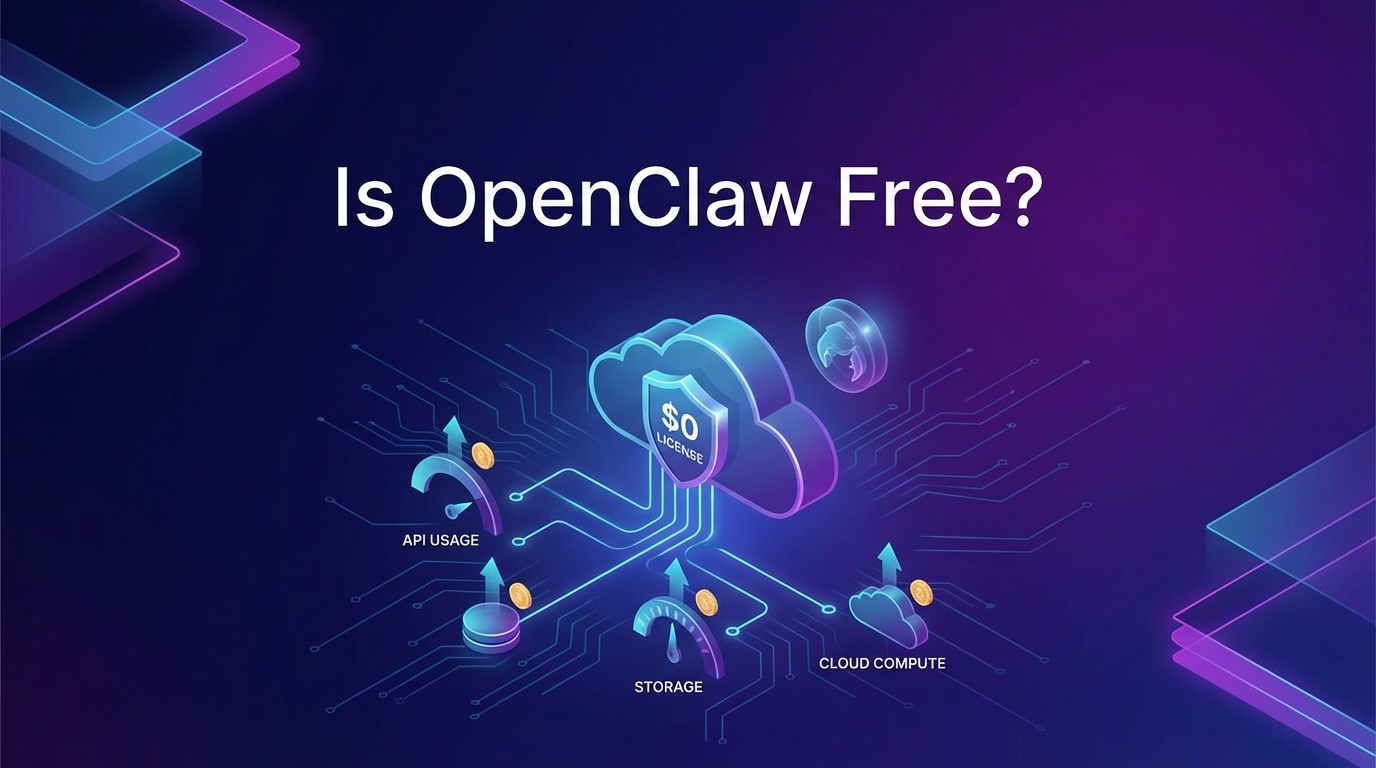
The real spend is on your AI model API. OpenClaw works with Anthropic Claude, OpenAI GPT, and other model providers. Every conversation, every automated task, every cron job that triggers the AI burns API tokens. Those tokens cost money.
A typical solo operator running OpenClaw for personal productivity and light business automation spends somewhere in the range of $10 to $30 per month on API costs. That is a rough figure and varies heavily based on how long your prompts are, which model you use, and how many automated jobs you run daily.
Heavy users who run constant cron jobs, multi-agent workflows, and content pipelines can spend more. Claude Sonnet and GPT-4o class models run a few dollars per million tokens, so volume matters. But most people are surprised by how low the cost stays when they run automations efficiently.
You also need a host machine. Most people use a Mac Mini, an old laptop running headless, or a small VPS. The machine does not need to be powerful. But it does need to stay on and connected. That is either free if you already have hardware, or around $5 to $20 per month for a low-end VPS.
So a realistic full monthly cost for a solo user: roughly $10 to $50, depending on model choice and automation volume. No OpenClaw license fee sits on top of that.
One thing worth knowing: you control model selection entirely. If costs start climbing, you can route lighter tasks to cheaper models and reserve the more capable models for complex work. That kind of cost management is built into how OpenClaw works, not bolted on as a paid feature.
Is OpenClaw Free Compared to Other AI Automation Tools?
Compared to SaaS alternatives that charge $50 to $300 per month for AI automation platforms with similar capabilities, OpenClaw is genuinely cheaper for anyone willing to self-host. You own the infrastructure, you pay only for what you use, and there is no seat-based pricing.
But cheap does not mean frictionless. The trade-off for lower cost is setup complexity. Installing dependencies, configuring the Gateway, connecting channels, building your AGENTS.md, and writing your first automation all require real time investment. If that work has no appeal for you, the economics can flip quickly when you factor in your own hours.
For people who find the setup genuinely interesting, or who have a technical background, the cost-to-capability ratio is hard to beat. For people who want the outcome without the setup work, the smarter path is usually getting the configuration done once by someone who knows the platform well. Our breakdown of OpenClaw setup costs goes deeper into that DIY vs. done-for-you comparison if you want the full picture.
There is also a category of users in the middle: people who are comfortable with technology but not with Linux command lines or Node environments. They can get the platform running, but hit frustrating walls at configuration steps that an experienced setup takes five minutes to clear. For that group, a one-time setup investment tends to pay off quickly in recovered time.
Want OpenClaw Running Without the Setup Headache?
We configure it end-to-end so you can focus on using it, not troubleshooting it.
What the Open-Source License Actually Means for Business Use
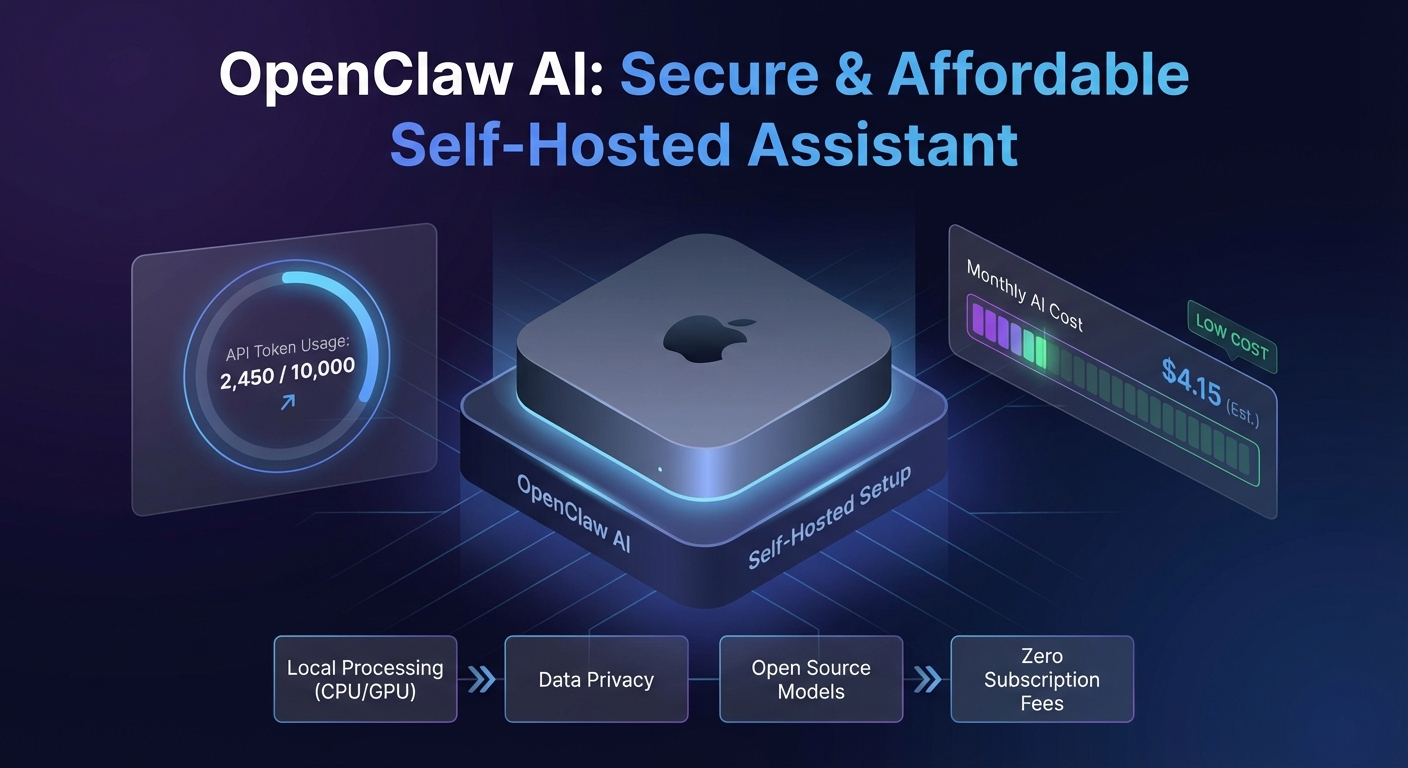
OpenClaw is licensed under MIT, which is about as permissive as open-source licenses get. You can use it commercially, modify it, build on top of it, and integrate it into business workflows without any licensing restrictions.
That permissiveness is intentional. The project is built around the idea that your AI assistant should run on your infrastructure and serve your needs without a third party sitting between you and the model. No vendor lock-in, no usage throttling at the platform level, no sudden pricing changes from a SaaS provider.
For small business owners who have been burned by SaaS tools that raised prices after you built a workflow around them, that matters. The API cost may shift as model providers adjust their rates, but the platform itself stays free. You can fork it, host it anywhere, and keep running it regardless of what the AI software market does next.
And because it is open-source, a reasonably technical person can read the code, audit it, and understand exactly what is running on their machine. That transparency is worth something, especially when the assistant has access to files, email, and business data. If that security angle matters to you, the OpenClaw safety guide covers the permission model in detail.
The combination of MIT licensing and self-hosting is rare in the AI tooling space right now. Most platforms that offer serious automation capability either charge monthly fees or limit what you can do without upgrading. OpenClaw gives you the full stack from the start.
How OpenClaw’s Free Model Affects Long-Term Costs
One question that comes up after people understand the basic pricing: does the cost stay predictable? Generally, yes. Because you are paying API providers directly, there are no surprise platform fees or tier upgrades pushed on you by OpenClaw itself.
The main variable is your own usage. If you add a dozen cron jobs or start running multi-agent pipelines, your API spend grows. But that growth is tied to real business value you are generating, not to OpenClaw arbitrarily increasing its prices.
Some people worry that model providers will raise rates dramatically. That is a legitimate concern. But because OpenClaw supports multiple providers, you can switch models or providers without rebuilding your setup. If Anthropic raises prices, you can route more work to OpenAI or a local model. That flexibility is a meaningful hedge compared to SaaS platforms where you are locked into whatever the vendor charges.
There is also a practical ceiling for most use cases. A solopreneur running 5 to 10 daily automations, a cron-based content workflow, and regular Telegram check-ins will typically stay under $40 per month total. That number has remained fairly stable as model quality has improved, because efficiency gains tend to offset the cost of using slightly more capable models.
The Honest Version of Whether OpenClaw Is Free
Here is how to think about it simply. The software is free. Running it is not free, but it is inexpensive relative to alternatives. The setup time is the real cost most people underestimate.
If you have a few hours to work through installation, channel configuration, and your first automation, and you are comfortable enough on a command line to follow a guide, then OpenClaw delivers serious capability for $10 to $30 per month in ongoing API costs. That is the honest baseline.
If the technical setup sounds like a time sink or a frustration risk, there is nothing wrong with getting it done once by someone experienced with the platform. The machine keeps running after that, and you do not need ongoing help for a well-configured setup. The step-by-step install guide covers the technical path if you want to see exactly what is involved before deciding: How to Install OpenClaw: Step-by-Step Guide for Non-Developers (2026).
Either way, the answer to whether is openclaw free is: yes in the way that matters most. No licensing fees, no monthly platform charge, no seat costs. Just the compute you actually use.
Ready to Get OpenClaw Set Up the Right Way?
We handle the configuration so you skip the trial and error and start using OpenClaw from day one.