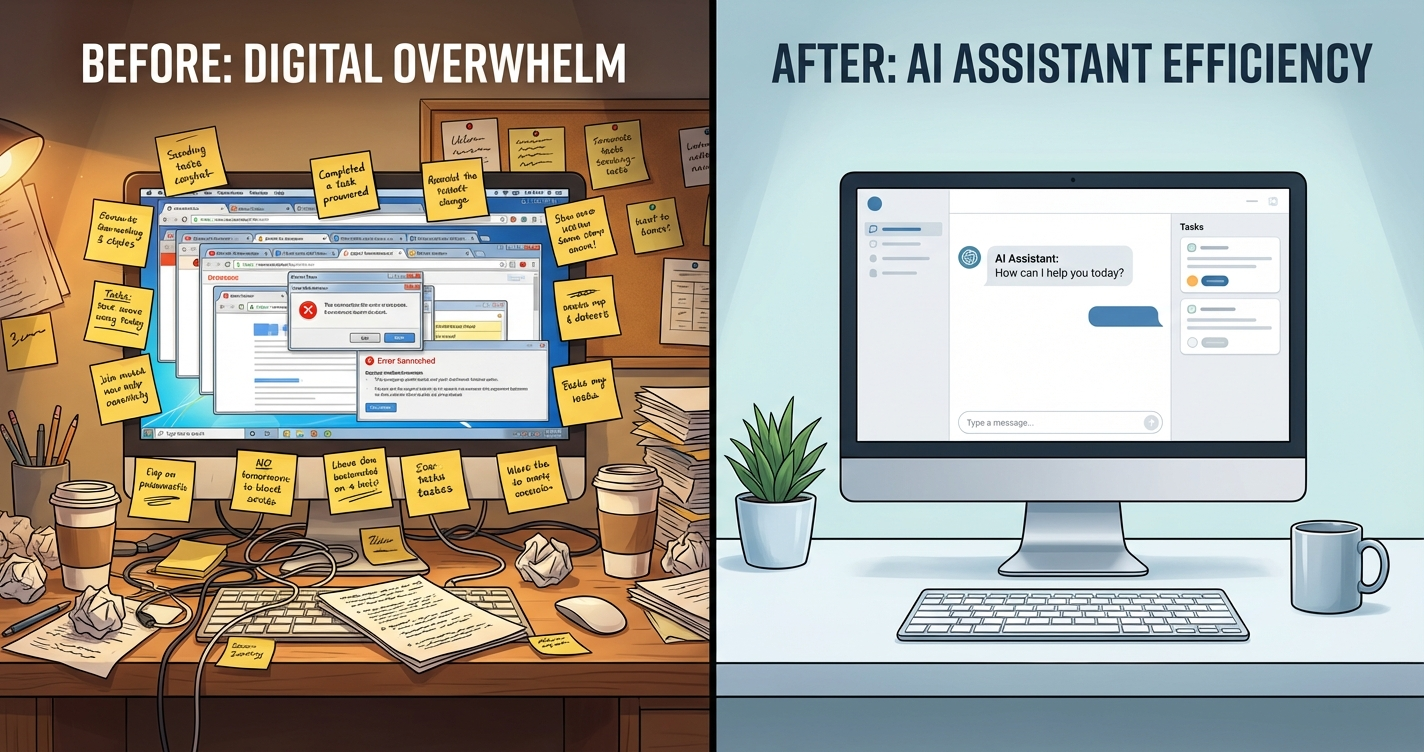
I’ve been running OpenClaw as my daily AI assistant for six months now. Every morning it sends me a briefing (powered by cron jobs). Every day it handles emails, research, reminders, and a dozen small tasks I used to do manually (here are 25 automation ideas if you need inspiration). I’ve tracked the costs, measured the time savings, and I have a clear answer on whether it’s worth it.
Short answer: yes, but not for everyone. Let me break it down honestly.
What OpenClaw Actually Does For Me Daily
Before I talk numbers, here’s what a typical day looks like. I wake up to a Telegram message from my bot (running on a dedicated Mac Mini) with weather, calendar, priority emails, and stock portfolio updates. Throughout the day I ask it to summarize articles, draft emails, manage my task board, check on GitHub repos, and handle research tasks.
It’s not magic. It’s an AI agent running on a Mac Mini in my closet, connected to my tools through skills and configured with a personality file called AGENTS.md. But after six months, it genuinely feels like having a part-time assistant.
Want a Free Setup Consultation?
Book a 15-minute call. We’ll assess your needs and give you an honest recommendation – even if that means DIY is the right call for you.
Time Savings Breakdown (Real Numbers)
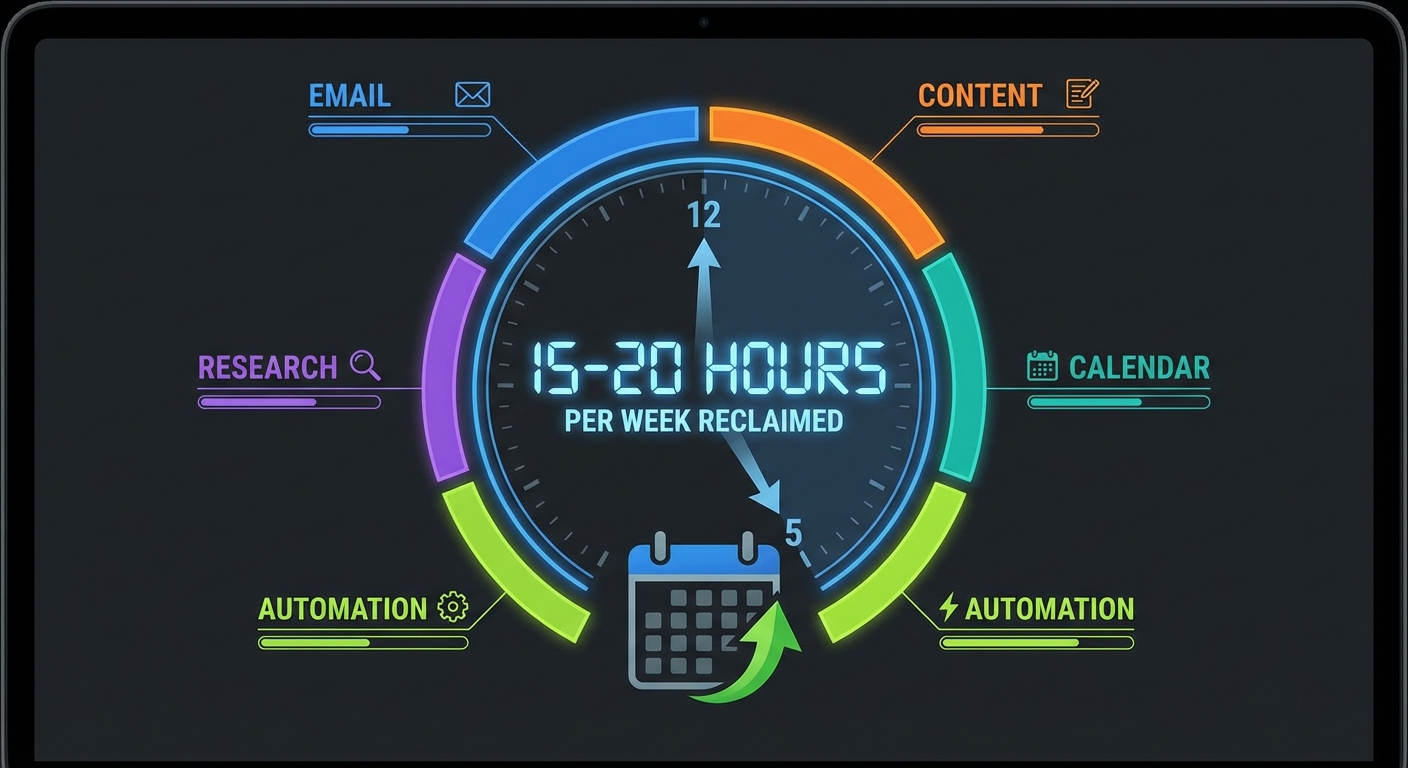
I tracked my time for four weeks to get honest numbers. Here’s what I found:
| Task Category | Time Saved Per Week | How |
|---|---|---|
| Email triage | 3-4 hours | Bot summarizes, drafts replies, flags urgent items |
| Research and summarization | 3-5 hours | Articles, PDFs, YouTube videos summarized in seconds |
| Content creation | 4-6 hours | First drafts, outlines, SEO research automated |
| Calendar and scheduling | 1-2 hours | Checks availability, suggests times, sends invites |
| Misc automation | 2-3 hours | Reminders, file management, quick lookups |
| Total | 15-20 hours/week |
That’s roughly a part-time employee’s worth of hours. Some weeks it’s closer to 15, some weeks it’s closer to 20. The research and content creation savings are the most consistent – those happen every single day.
Is every one of those hours “productive” time I reinvested? Honestly, no. Some of it just became free time. But the email triage alone is worth the entire setup. Going from 45 minutes of inbox sorting to a quick scan of my bot’s summary each morning changed my relationship with email. Here is the exact email automation setup I use.
Real Cost Breakdown
Here’s what I actually pay to run this setup:
| Item | Cost | Notes |
|---|---|---|
| Claude Sonnet (moderate use) | ~$30-60/month | Good enough for most daily tasks |
| Claude Opus (heavy use) | ~$100-200/month | For power users running complex workflows |
| Hardware (Mac Mini) | ~$600 one-time | M-series Mac Mini, runs 24/7 |
| OpenClaw software | Free | Open source, no subscription |
| Electricity | ~$5/month | Mac Mini sips power |
My actual monthly cost: Around $80-120/month. I break down all the costs in detail in our full cost breakdown guide. I use Sonnet for routine tasks and Opus for complex work. Some months are higher when I’m doing heavy content creation or research sprints.
For context, if you value your time at even $25/hour and save 15 hours a week, that’s $1,500/month in time value. The math works out pretty clearly.
The biggest cost variable is which Claude model you use and how much. If you stick to Sonnet for everything, you can run a solid setup for $30-60/month in API costs. If you’re like me and use Opus for complex tasks, expect $100-200.
How It Compares to Alternatives
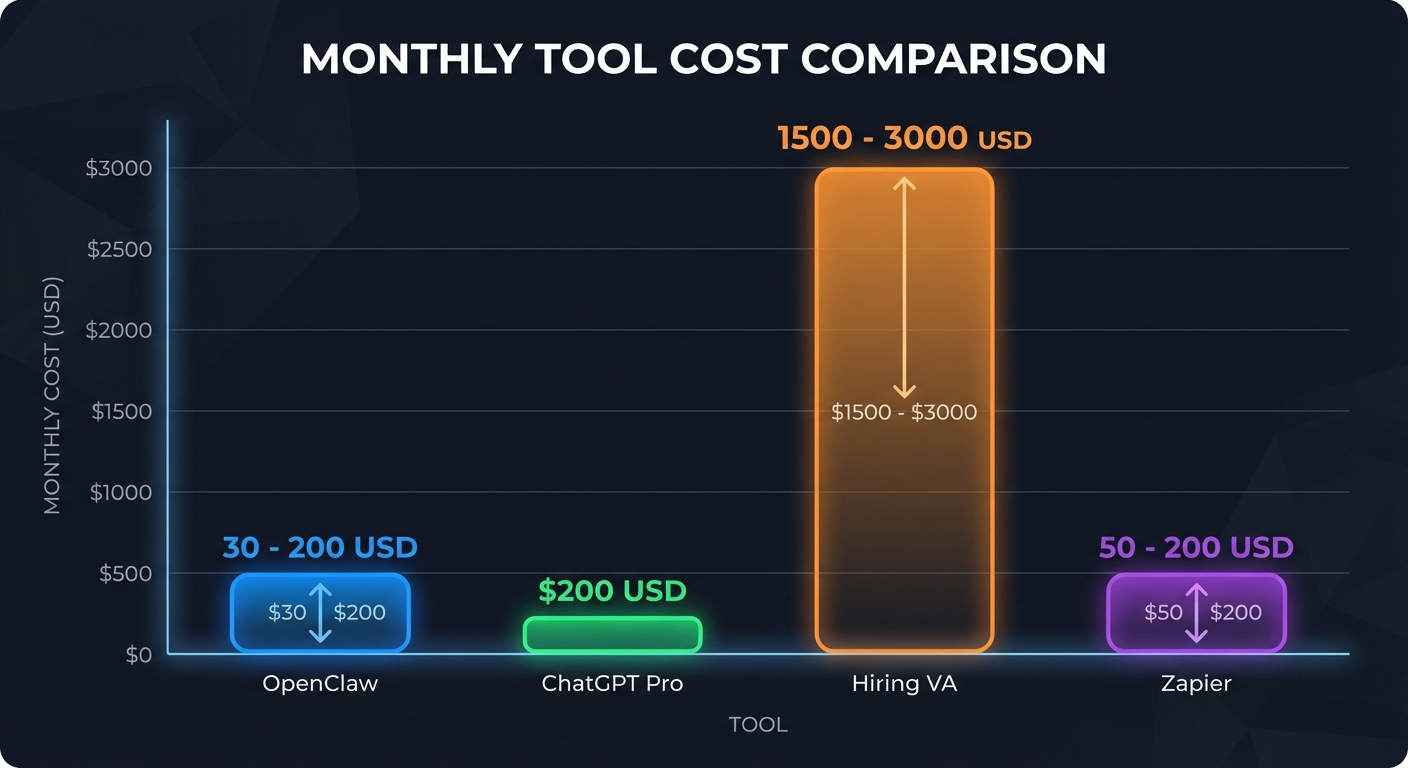
I tried other approaches before landing on OpenClaw. Here’s how they stack up:
| Tool | Monthly Cost | What You Get | Best For | Limitation |
|---|---|---|---|---|
| OpenClaw | $30-200/mo | Full AI assistant with tool access, automation, cron jobs, file system access, messaging integration | Technical users who want a real assistant | Requires setup and a Mac (ideally) |
| ChatGPT Pro | $200/mo | Unlimited GPT-4 access, great for conversations | One-off conversations and brainstorming | No tool integration, no automation, no file access |
| Custom GPTs | $20/mo (Plus) | Specialized chat personas with limited actions | Simple specialized chat tasks | No local files, no shell commands, no real-time services |
| Zapier | $50-200/mo | If-this-then-that automations, 7000+ app integrations | Simple automated workflows without AI reasoning | No reasoning, no ambiguity handling, no conversations |
| Hiring a VA | $1,500-3,000/mo | A real human who can handle complex, judgment-heavy tasks | Tasks requiring human judgment and relationship management | Expensive, time zones, training, availability gaps |
The real advantage of OpenClaw is that it combines AI reasoning with tool access. It doesn’t just respond to prompts – it can check your email, read the context, draft a reply, and send it. That end-to-end capability is what separates it from chatbots and automation tools.
Want a Free Setup Consultation?
Book a 15-minute call. We’ll assess your needs and give you an honest recommendation – even if that means DIY is the right call for you.
What It’s Not Good At (Yet)
I want to be honest about the limitations:
- It makes mistakes. Maybe once or twice a week it misunderstands what I want or sends an email with a wrong detail. You need to spot-check important outputs.
- Setup takes time. Getting everything configured properly – skills, cron jobs, personality file – took me about a weekend. It’s not plug-and-play. (That said, the setup guide makes it much easier now.)
- It can get expensive. If you’re not careful with model selection and token usage, costs can creep up. Monitor your API dashboard.
- It needs a Mac. Several of the best skills (Apple Reminders, iMessage, Notes) are macOS-only. Linux works but you lose the Apple ecosystem integration.
Who Should (and Shouldn’t) Use OpenClaw
It’s worth it if you:
- Spend significant time on email, research, or content creation
- Already use a Mac and are comfortable with command-line basics
- Want an assistant that integrates with your actual tools (not just a chat window)
- Are willing to invest a weekend in setup for months of time savings
It’s probably not worth it if you:
- Only need occasional AI help (ChatGPT vs OpenClaw comparison explains the difference)
- Aren’t comfortable with terminal/command-line basics
- Don’t want to spend $50-150/month on API costs
- Need something that works perfectly out of the box with zero setup
The Bottom Line
After six months, I can’t imagine going back. OpenClaw saves me 15-20 hours a week, costs me about $80-120/month, and has fundamentally changed how I work. The morning briefing alone is worth the setup.
But it’s not for everyone. If you’re technical enough to follow a setup guide, have a Mac, and spend enough time on knowledge work to benefit from an AI assistant, I’d say it’s one of the best investments you can make in your productivity.
If that sounds like too much work, that’s fair. You might want to start with just ChatGPT and see if AI assistance fits your workflow before committing to a full OpenClaw setup.
Want a Free Setup Consultation?
Book a 15-minute call. We’ll assess your needs and give you an honest recommendation – even if that means DIY is the right call for you.
Want the Setup Done For You?
Skip the weekend of configuration. Get a fully configured OpenClaw assistant – personality, skills, automations, and messaging channels – all set up in one session.
Comments
3 responses to “Is OpenClaw Worth $50/Month? 6-Month Review with Real Cost Breakdown”
[…] sure if OpenClaw is right for you? Read my honest review after 6 months of daily use first. If you want to know what it’ll cost, here’s the full pricing […]
[…] Here’s the full breakdown so you can budget before committing. If you’re still deciding whether OpenClaw is worth it at all, start with my honest review after 6 months. […]
[…] you’re still on the fence about whether OpenClaw is worth the investment at all, I wrote an honest review after 6 months that covers the real […]