Most business owners hit the same wall with OpenClaw. They read the docs, open the terminal, and about 45 minutes later they’re staring at error messages wondering if this whole “AI assistant” thing was a mistake. That’s exactly why more people are looking to hire someone to set up OpenClaw for them.
The technology works. But that search query keeps growing, and there’s a reason for that. The gap between “OpenClaw can do this” and “I actually got it running” is wider than most people expect.
This article breaks down what actually happens when you hire a professional to configure OpenClaw for your business, what it costs, what you get, and whether the investment makes sense compared to grinding through the setup yourself.
Why Business Owners Are Hiring Someone to Set Up OpenClaw
OpenClaw is powerful. That’s the problem.
The platform connects to Telegram, Discord, WhatsApp, email, calendars, CRMs, and dozens of other tools. It runs cron jobs, manages multi-step workflows, and operates 24/7 on hardware as simple as a Mac Mini. But configuring all of that from scratch requires comfort with the command line, YAML configuration files, API keys, SSH tunnels, and a mental model of how agent-based automation actually works.
Industry research from Gartner suggests AI virtual assistants can deliver a 40-60% cost reduction compared to human equivalents. But that ROI only materializes if the system actually gets set up correctly. And based on community forum discussions, many new OpenClaw users stall during initial configuration.
The math starts making sense pretty quickly. A US-based virtual assistant costs $3,000-$7,000 per month (Wishup, 2026). An AI automation VA runs $1,000-$1,800 monthly (DDIY, 2026). OpenClaw’s ongoing API costs sit around $50-200/month depending on usage. But that first setup is the bottleneck.
Don’t Want to Do This Yourself?
We set up custom OpenClaw assistants for businesses in as little as 48 hours.
Want a Free Setup Consultation?
Book a 15-minute call. We’ll assess your needs and give you an honest recommendation – even if that means DIY is the right call for you.
What a Professional OpenClaw Setup Actually Includes
Hiring someone to set up OpenClaw isn’t just about getting the software installed. That’s maybe 10% of the work. The real value is in the configuration layer – the part that turns a generic AI agent into something that actually fits your business.
A typical professional setup covers:
Hardware and environment configuration. Whether you’re running on a Mac Mini, a VPS, or a Raspberry Pi, the setup needs to be stable enough to run 24/7 without babysitting. That means proper process management, automatic restarts, SSH access for remote maintenance, and security hardening.
Channel integration. Connecting OpenClaw to your communication platforms – Telegram, Discord, WhatsApp, Slack, or all of them simultaneously. Each channel has its own authentication flow, webhook configuration, and message formatting quirks. Getting Telegram, Discord, and WhatsApp connected properly alone can take hours for someone unfamiliar with bot APIs.
AGENTS.md and personality tuning. This is where the magic happens. The AGENTS.md configuration file defines how your AI assistant thinks, speaks, and prioritizes tasks. A professional setup means this gets customized for your industry, your communication style, and your specific workflows.
Skill installation and configuration. OpenClaw’s skill system is what makes it genuinely useful. Calendar management, email monitoring, content publishing, CRM updates, financial tracking – each skill needs installation, API key configuration, and testing.
Cron job automation. The scheduled task system that makes OpenClaw proactive instead of reactive. Morning briefings, evening summaries, social media monitoring, inbox triage, content publishing – all of these need careful scheduling, error handling, and notification routing.
Hire Someone to Set Up OpenClaw: The Real Cost Breakdown
Setup services for OpenClaw fall into a few tiers. Here’s what the market looks like in 2026:
Budget tier ($500-$1,200): Basic installation, one channel connected, minimal customization. You get OpenClaw running, but it’s mostly vanilla. Fine for hobbyists or developers who just need the tedious parts handled.
Business tier ($1,000-$3,000): Full configuration with 2-3 channels, custom AGENTS.md, 5-10 skills installed and tested, basic cron automation. This is where most small businesses land. OpenClawReady’s Guided Setup starts at $997 for a focused 2-hour session, while the Business Starter at $4,497 includes more comprehensive 3-hour configuration.
Professional tier ($3,000-$7,500): Everything in the business tier, plus complex multi-tool integrations, custom scripts, advanced cron workflows, team access configuration, and ongoing support. OpenClawReady’s Professional package at $7,497 covers 6 hours of expert configuration. Agencies typically charge $5,000-$15,000 for similar scope.
Enterprise ($7,500+): Multi-department deployments, custom skill development, compliance configurations, training for staff, and SLA-backed support. OpenClawReady’s Enterprise tier starts at $14,997 for multi-day engagements.
Compare that to the alternative. AI consulting firms charge $150-$400/hour according to Leanware’s 2026 market analysis, with strategic consultants commanding a 20-40% premium over implementation-focused services. A 10-hour OpenClaw setup at agency rates could easily run $2,500-$4,000 before you’ve even discussed ongoing maintenance.
Setup Packages Starting at $997
Custom OpenClaw configuration for your business. Running in 48 hours or less.
Want a Free Setup Consultation?
Book a 15-minute call. We’ll assess your needs and give you an honest recommendation – even if that means DIY is the right call for you.
DIY Setup vs Hiring a Pro: The Honest Comparison
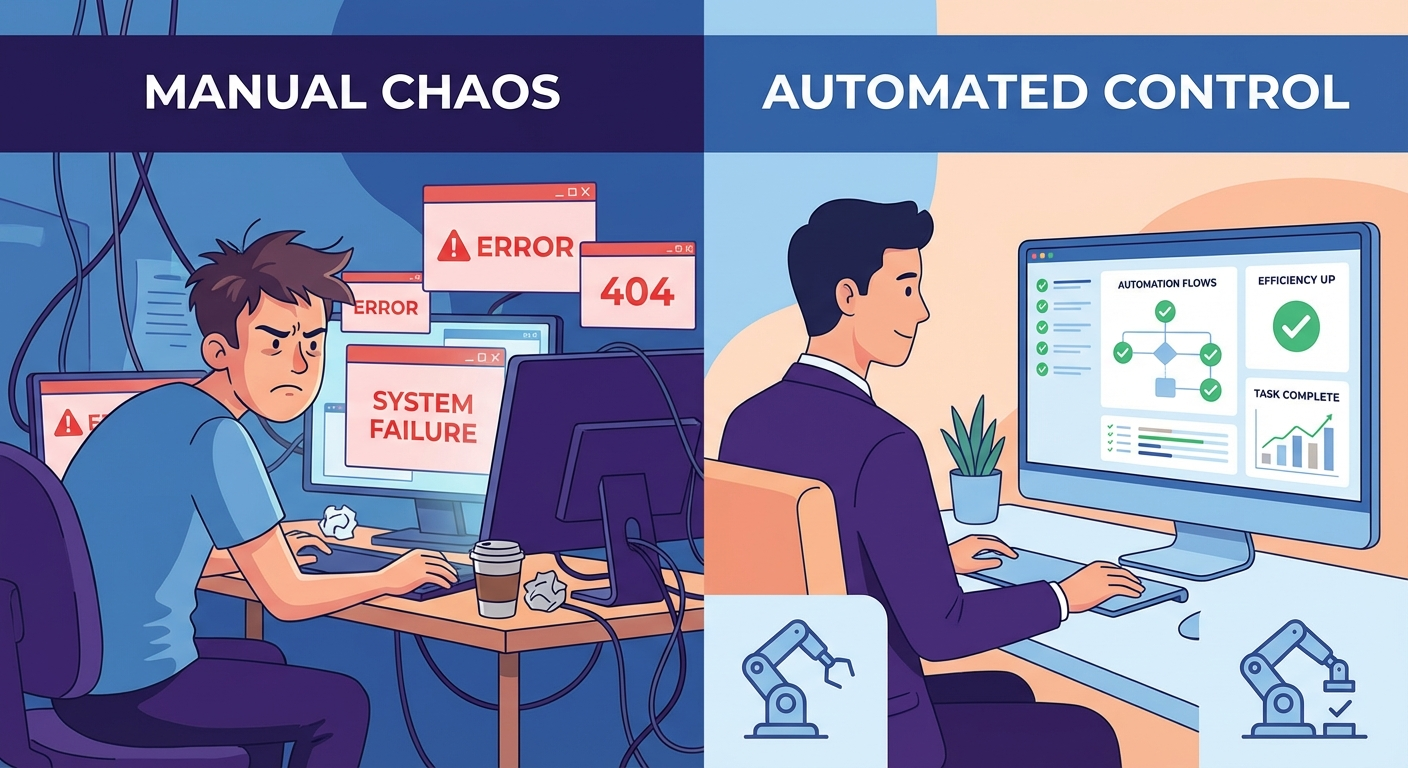
Let’s be real about both sides.
DIY works if: You’re comfortable in the terminal. You’ve configured servers before. You have 10-20 hours to dedicate to the initial setup, plus ongoing time for troubleshooting. And you actually enjoy this kind of work. Some people do. There’s genuine satisfaction in building your own system from scratch, and you’ll understand it deeply when something breaks.
Hiring makes sense if: Your time is worth more than the setup cost. If you bill $150/hour and the DIY route takes 15 hours, that’s $2,250 in opportunity cost before factoring in the frustration and false starts. A $997-$4,497 professional setup that takes 48 hours to deliver starts looking like a bargain.
There’s a middle ground too. Some business owners handle the basic installation themselves, then hire a pro for the complex parts – AGENTS.md customization, skill configuration, and cron automation. That hybrid approach can cut costs by 30-40% while still getting expert help where it matters most.
The data suggests something interesting here. According to the OpenClaw community, users who get professional setup help report significantly faster time-to-value. Instead of weeks of gradual configuration, they’re seeing meaningful automation within days. And the configurations tend to be more reliable because they’re built by someone who’s done it dozens of times before.
What to Look For When You Hire Someone to Set Up OpenClaw
Not all setup services are equal. Here’s what separates good ones from mediocre ones:
They ask about your business first. If someone jumps straight to technical configuration without understanding your workflows, communication patterns, and pain points, the result will be generic. Good setup providers spend at least 30 minutes on discovery before touching any config files.
They configure for your actual use case. An OpenClaw setup for an email-heavy consulting practice looks completely different from one built for content publishing automation. The AGENTS.md, installed skills, and cron schedules should all reflect what you actually need the AI to do.
They test everything before handoff. Each channel connection, each skill, each cron job should be verified as working. You should receive documentation of what was configured and how to maintain it.
They provide post-setup support. Things break. APIs change. New features get released. A setup that comes with even 30 days of support is worth more than a cheaper option with no follow-up.
They’re transparent about limitations. OpenClaw is powerful, but it’s not magic. Any setup provider who promises it will “do everything automatically” without caveats is overselling. Good providers are honest about what works well, what requires ongoing attention, and what the platform can’t do yet.
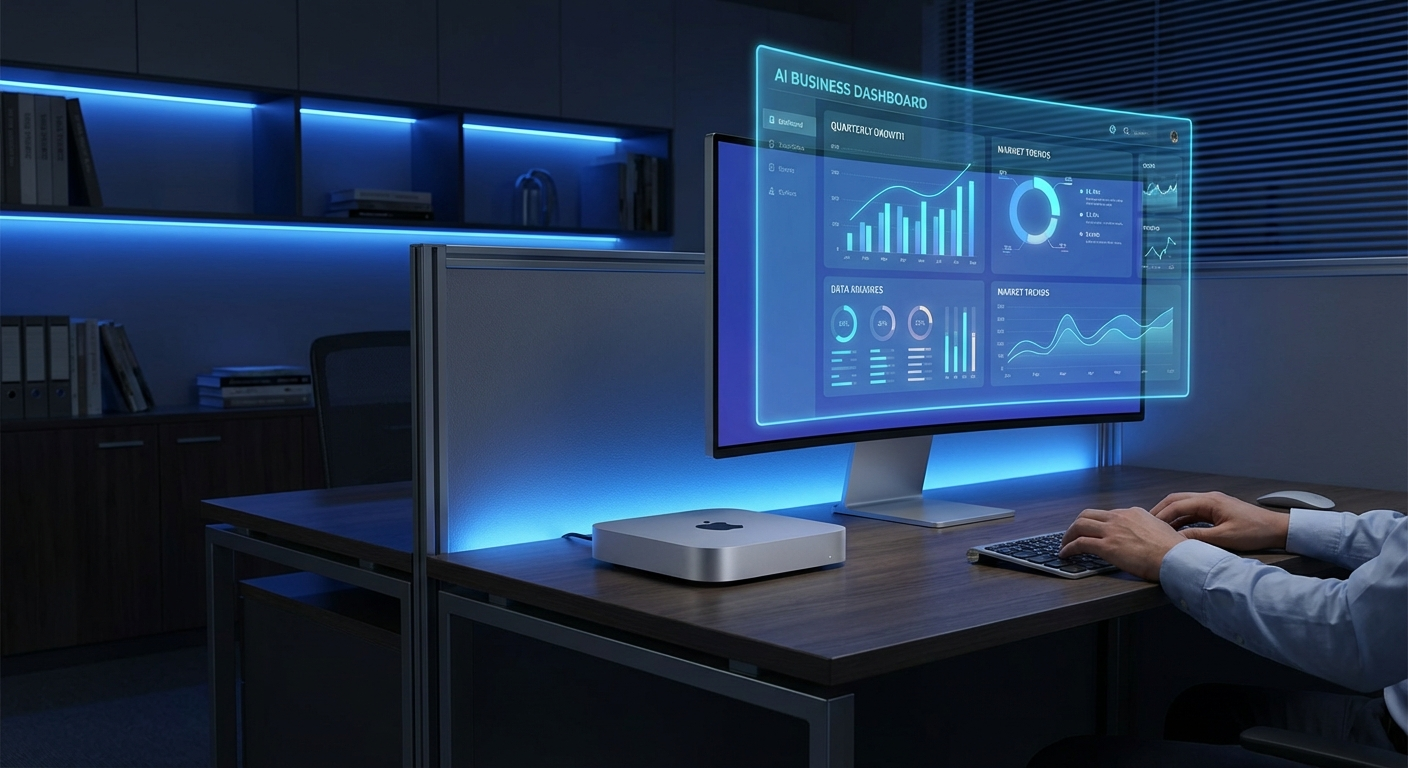
Industries Where Professional OpenClaw Setup Pays for Itself Fastest
Based on the types of businesses adopting OpenClaw in early 2026, certain industries see faster ROI from professional setup:
Marketing agencies use OpenClaw to automate content research, social monitoring, and client reporting. An agency handling 10+ clients can save 15-25 hours per week on repetitive tasks. At typical agency billing rates, that’s $3,000-$7,500 in recovered capacity per month.
Real estate professionals benefit from automated follow-ups, listing alerts, and market data compilation. The 24/7 availability means no missed leads at 2 AM. Given that a single converted lead can be worth thousands in commission, the setup cost pays for itself fast.
E-commerce operators use it for customer service triage, inventory monitoring, and order status automation. With AI chatbot costs running $1-6 per resolution according to Crescendo.ai, OpenClaw’s flat API costs become increasingly attractive at scale.
Coaches and consultants use automated scheduling, follow-up sequences, and content creation. The time savings let them focus on billable hours instead of administrative tasks. For a consultant billing $200/hour, saving even 5 hours per week from automation translates to $4,000/month in additional capacity.
So which industries struggle with DIY? Generally the ones where the founder’s technical comfort level is lowest and their hourly value is highest. A real estate broker who bills $300/hour has no business spending 20 hours configuring YAML files. That’s a $6,000 productivity loss for a setup that costs under $3,000 professionally.
Want a Free Setup Consultation?
Book a 15-minute call. We’ll assess your needs and give you an honest recommendation – even if that means DIY is the right call for you.
The Bottom Line on Hiring for OpenClaw Setup
OpenClaw is genuinely one of the most capable AI assistant platforms available in 2026. But capability means nothing if it sits half-configured on a dusty Mac Mini in your office.
The decision to hire someone for setup comes down to a simple calculation: what’s your time worth, and how quickly do you need this running? If the answer is “a lot” and “soon,” professional setup is the obvious move. If you genuinely enjoy technical projects and have the bandwidth, DIY is completely viable – just budget 15-25 hours for a thorough setup.
For most business owners, the sweet spot is getting professional help for initial configuration and then gradually learning to customize and extend the system themselves. You get the fast time-to-value of a pro setup with the long-term flexibility of understanding your own system.
Ready to Get OpenClaw Running for Your Business?
Custom setup packages start at $997. Most businesses are up and running within 48 hours.