If you’ve been looking into done for you OpenClaw setup options, I’m going to be straight with you: setting up OpenClaw yourself is totally possible. The documentation is solid, the community is helpful, and if you enjoy tinkering with config files on a Saturday afternoon, go for it.
Key Takeaways
- Done-for-you OpenClaw setup typically includes hardware selection, software configuration, channel connections, and a training session
- Professional setup packages range from $200-500 depending on complexity and customization level
- The key value of professional setup is AGENTS.md and SOUL.md customization, which defines how your AI assistant behaves
- Most providers offer post-setup support periods ranging from 1 week to 1 month of included troubleshooting
- A properly configured OpenClaw assistant can handle tasks like email monitoring, content scheduling, and automated reporting from day one
But most business owners I talk to don’t have Saturday afternoons to spare. They’ve got clients to manage, invoices to send, and a growing list of tasks that never seems to shrink. That’s where done for you OpenClaw setup enters the picture – and honestly, for a lot of people, it’s the smarter move.
In this breakdown, I’ll cover exactly what a done-for-you OpenClaw setup includes, what it costs across different providers, and how to figure out whether it makes sense for your situation.
Want a Free Setup Consultation?
Book a 15-minute call. We’ll assess your needs and give you an honest recommendation – even if that means DIY is the right call for you.
What does a done-for-you OpenClaw setup actually include?
When you pay someone to set up OpenClaw for your business, you’re not just paying for software installation. You’re paying for configuration, customization, and the expertise to make the AI assistant actually useful for your specific workflow.
A typical done-for-you package covers:
- Hardware selection and OS configuration (most providers recommend a Mac Mini or Linux VPS for 24/7 operation)
- OpenClaw installation and core configuration
- AGENTS.md and SOUL.md customization – this is where your assistant’s personality, knowledge, and behavior get defined
- Channel connections (Telegram, Discord, WhatsApp, email – whatever you actually use)
- Skill installation and configuration for your specific needs
- Cron job setup for automated tasks (daily reports, email monitoring, content scheduling)
- Testing and QA to make sure everything works before handoff
- A training session so you know how to interact with your new assistant
The difference between DIY and professional setup isn’t just time saved. It’s the gap between a generic AI chatbot and an assistant that actually knows your business, your preferences, and your workflows from day one.
Skip the learning curve entirely
We build custom OpenClaw assistants for businesses in as little as 48 hours. You tell us what you need – we handle everything else.
Done-for-you OpenClaw setup: what it costs in 2026
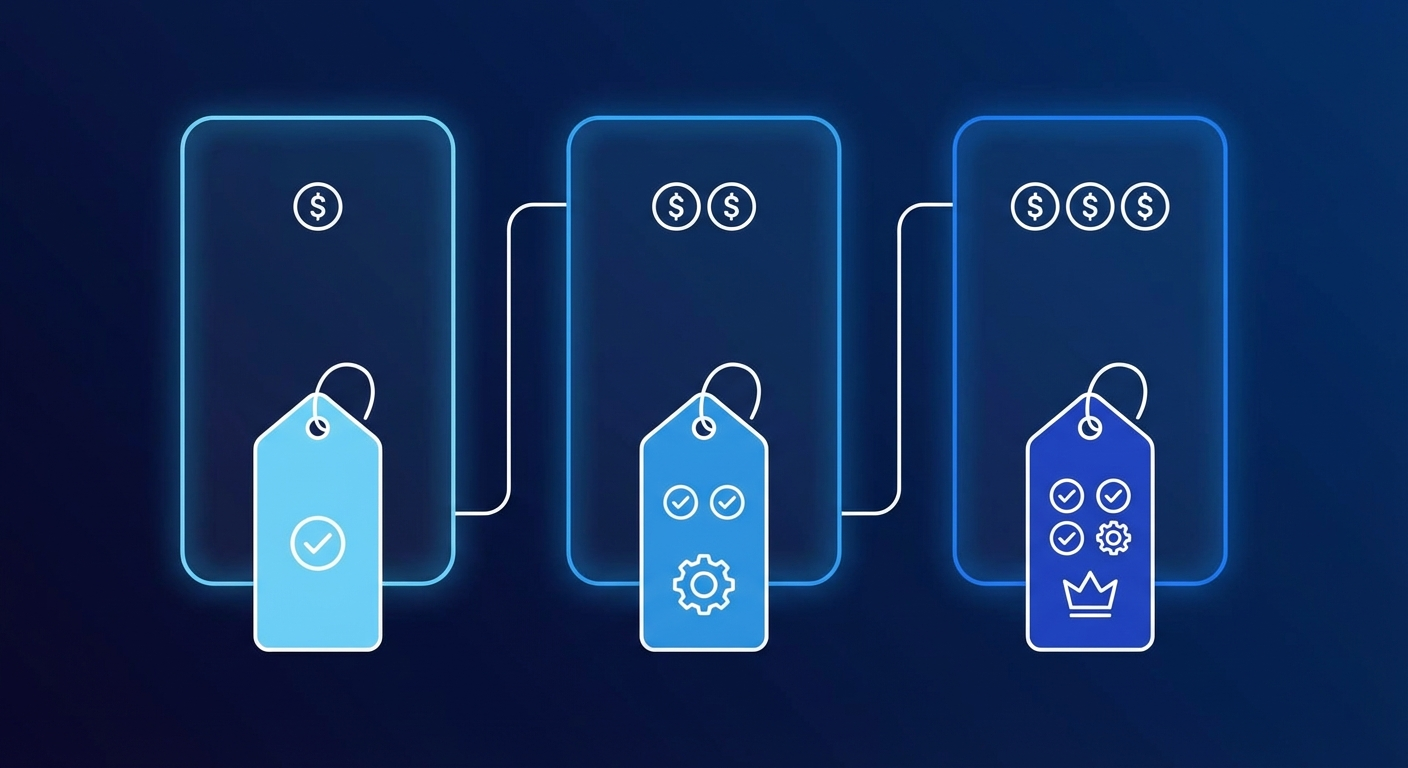
Pricing varies a lot depending on who you hire and what level of customization you need. Here’s what the market looks like right now.
Budget tier ($500 – $1,200)
At this level, you’re typically getting a freelancer on Upwork or Fiverr who knows their way around OpenClaw. They’ll handle the basic installation, connect your messaging channels, and do some light configuration. The tradeoff? You’ll probably need to refine things yourself after the initial setup, and support is usually limited to a week or two.
Good for: solo operators who want a head start but don’t mind getting their hands dirty.
Mid-range ($997 – $2,500)
This is where dedicated OpenClaw setup services like OpenClawReady operate. You get proper business analysis before anything gets configured, custom AGENTS.md and SOUL.md files written specifically for your use case, skill installation, cron job automation, and actual training on how to use the system.
At OpenClawReady, the Guided Setup tier starts at $997 and includes a 2-hour deep dive into your business needs plus full configuration. The Business Starter package at $4,497 adds more automation, additional channel integrations, and 3 hours of custom work.
Good for: small businesses and solopreneurs who want it done right the first time.
Premium ($7,497 – $15,000+)
Enterprise-grade setups with multi-agent architectures, custom skill development, API integrations with your existing tech stack, and ongoing support contracts.
OpenClawReady’s Professional tier at $7,497 includes 6 hours of custom work, priority support, and advanced automation. The Enterprise tier starts at $14,997 for multi-day engagements with complex requirements.
Good for: businesses with specific technical requirements or those wanting OpenClaw deeply integrated into existing systems.
The DIY comparison
For context, setting up OpenClaw yourself costs $0 in service fees. But the real cost is your time. Most business owners I’ve talked to spent 15-40 hours on their initial setup, troubleshooting, and configuration. If your time is worth $100/hour (conservative for most business owners), that’s $1,500 to $4,000 in opportunity cost – and you still might not have it configured optimally.
AI automation services in general run anywhere from $200 to $50,000+ per month depending on complexity, according to industry pricing data from early 2026. Custom AI agent development starts around $5,000 for simple implementations. Compared to those numbers, a done-for-you OpenClaw setup is surprisingly affordable.
How to tell if done-for-you OpenClaw setup is right for you
Not everyone needs professional setup. Here’s how I’d think about it.
Go DIY if: You enjoy technical projects. You have 20+ hours to dedicate to learning. You’re comfortable with config files, command line tools, and reading documentation. You don’t need it running immediately.
Go done-for-you if: Your time is better spent on revenue-generating activities. You want OpenClaw running within days, not weeks. You need it configured for a specific business workflow. You tried DIY and got stuck (this is more common than people admit).
There’s a third option that a lot of people overlook: getting professional setup after attempting DIY. Starting the process yourself gives you enough context to have better conversations with whoever ends up configuring it. You’ll understand what skills you need, which channels matter, and what automations would save you the most time.
One accounting firm cut 12 hours of weekly admin work after professional OpenClaw setup
Their assistant now handles client intake emails, appointment scheduling, and document organization – all configured in a single afternoon.
Want a Free Setup Consultation?
Book a 15-minute call. We’ll assess your needs and give you an honest recommendation – even if that means DIY is the right call for you.
What to look for in a done-for-you OpenClaw setup provider
If you decide to go the professional route, here’s what separates good providers from mediocre ones.
They ask about your business first. Anyone who starts installing software before understanding your workflows is doing it backwards. A good provider spends time learning what you actually need before touching any configuration files.
They show you their work. Ask for examples of AGENTS.md files they’ve created, automations they’ve built, or case studies from similar businesses. If they can’t show you anything, that’s a red flag.
They include training. Setup without training is like buying a car and never learning to drive. You should walk away knowing how to interact with your assistant, modify basic settings, and troubleshoot common issues.
They offer post-setup support. Things come up after launch. Maybe you need a new skill installed, or a cron job adjusted, or a channel added. Good providers include at least 2-4 weeks of support after handoff.
They’re transparent about pricing. If you can’t find pricing information on their website, or if they insist on a “discovery call” before telling you what it costs, that’s usually a sign of inflated rates. The best providers publish their tiers openly.
Common done-for-you OpenClaw setup packages compared
Here’s how the main options stack up for a typical small business setup (single assistant, 2-3 channels, basic automation):
Freelancer route: $500-$1,200 upfront, 3-7 days turnaround, limited support, variable quality. You’re rolling the dice on expertise.
OpenClawReady Guided Setup: $997 upfront, 48-hour turnaround, 2 weeks support, standardized quality with business analysis included. Full AGENTS.md customization based on your specific needs.
Agency route: $2,500-$7,500 upfront, 1-3 weeks turnaround, typically includes ongoing retainer, highest customization but also highest cost. Makes sense if you need custom skill development or complex API integrations.
The mid-range option tends to be the sweet spot for most businesses. You get professional-quality setup without the agency markup, and the turnaround is fast enough that you’re not waiting around.
What happens after the done-for-you setup is complete
This is something people don’t think about enough. Getting OpenClaw set up is step one. The real value comes from what happens in the weeks and months after.
A well-configured OpenClaw assistant learns from your interactions. It picks up on your preferences, your communication style, and the way you like things done. But it needs a solid foundation to build on – and that’s exactly what professional setup provides.
After setup, you should expect to:
- Spend the first week interacting more than usual, teaching the assistant your preferences
- Add new automations as you discover what tasks eat up your time
- Tweak the cron job schedule as your routine evolves
- Install additional skills as your needs grow
The businesses that get the most out of OpenClaw aren’t the ones with the fanciest setup. They’re the ones that actively use it every day and keep refining it over time.
The bottom line on done-for-you OpenClaw setup
If you’re running a business and your time is worth more than $50/hour, professional OpenClaw setup almost always pays for itself within the first month. The math is straightforward: 15-40 hours saved on DIY setup, plus an optimized configuration that saves you additional hours every week on automated tasks.
I’ve seen business owners spend three weekends wrestling with configuration files, only to end up with a setup that barely works. And I’ve seen others invest in professional setup on Monday and have a fully functional AI assistant by Wednesday. The second group tends to get more value out of OpenClaw long-term because they start using it properly from the beginning instead of fighting with the setup.
Whether you go with a freelancer, a dedicated service like OpenClawReady, or a full agency depends on your budget and complexity needs. But for most small to mid-size businesses, the done-for-you route is worth every dollar.
Ready to stop configuring and start automating?
Done-for-you OpenClaw setup starts at $997. Your AI assistant could be running your business workflows by Friday.
Frequently Asked Questions
What is included in a done-for-you OpenClaw setup?
A typical package includes hardware selection guidance, OpenClaw installation, AGENTS.md and SOUL.md personality customization, messaging channel connections (Telegram, Discord, or WhatsApp), skill installation, cron job setup for automation, testing and QA, and a training session on how to use your new assistant.
How long does a professional OpenClaw setup take?
Most professional setups are completed in a single session of 2-4 hours. This includes installation, configuration, channel connections, and initial testing. Some providers spread it across two sessions if extensive customization is needed.
Want a Free Setup Consultation?
Book a 15-minute call. We’ll assess your needs and give you an honest recommendation – even if that means DIY is the right call for you.
Is done-for-you OpenClaw setup worth the cost?
For business owners whose time is valuable, professional setup typically pays for itself within the first week of use. The main advantage is not just saving setup time but getting expert configuration that makes the assistant genuinely useful for your specific workflow from day one, rather than spending weeks tweaking settings yourself.