
You read the hype. You signed up for Claude. You typed a prompt, hit enter, and got back something that was… fine. Generic. Not the productivity revolution you were promised.
Sound familiar? This claude ai tutorial exists because most guides skip the part that actually matters. They show you where to click and what buttons to press. They don’t tell you why your results are mediocre or how to fix the specific problems killing your output quality.
After analyzing hundreds of real-world Claude deployments across businesses using OpenClaw, the patterns are clear. The same five problems show up again and again. And each one has a concrete fix.
Problem 1: Your prompts are too vague (and Claude ai tutorial guides never tell you why)
Here’s the single biggest reason people get disappointing results from Claude: they write prompts the way they’d text a friend. Loose. Casual. Missing context.
“Write me a marketing email” gives Claude almost nothing to work with. It doesn’t know your audience, your tone, your product, or your goal. So it guesses. And guessing produces generic output every time.
The fix is structured prompting. Give Claude four things in every prompt:
- Role: Who should Claude be? “You are a direct-response copywriter specializing in SaaS onboarding emails.”
- Context: What’s the situation? “We’re a project management tool. Users sign up but don’t create their first project within 48 hours.”
- Task: What exactly do you need? “Write a 150-word email that drives users to create their first project.”
- Constraints: What are the rules? “Casual tone. No exclamation marks. Include one specific feature benefit.”
That same “write me a marketing email” request, structured this way, produces output that’s usable on the first try. The difference is dramatic. One prompt takes 10 seconds to write and produces garbage. The other takes 45 seconds and produces something you can actually send.
Don’t want to figure out prompting yourself?
We build custom OpenClaw assistants for businesses, with pre-built prompts tuned to your workflows. Setup takes as little as 48 hours.
Problem 2: You’re treating Claude ai like a search engine
This one is sneaky because it feels right. You ask Claude a factual question, it gives you a confident answer, and you move on. But Claude is a language model, not a database. It predicts the most likely next word based on training data. Sometimes that prediction is wrong.
Real-world example: a business owner asked Claude for the latest tax filing deadlines. Claude confidently provided dates. Three of them were wrong. Not wildly wrong, just off by a few weeks, which is worse because it feels plausible enough to trust.
The fix has two parts. First, never use Claude for time-sensitive factual lookups without verification. Second, use Claude for what it’s actually good at: synthesis, analysis, drafting, and structured thinking.
Ask Claude to analyze the tax implications of a business decision? Excellent. Ask Claude to draft a response to a client complaint? Perfect. Ask it to tell you the current S&P 500 price? You’re using the wrong tool.
When you pair Claude with something like OpenClaw’s automation framework, this problem disappears. OpenClaw can pull live data from APIs, databases, and web sources, then hand that real data to Claude for analysis. The AI does what it’s good at. The system handles facts.
Problem 3: You lose everything between sessions
This is the wall most people hit after about a week. You spend 20 minutes getting Claude to understand your business. It writes great content. You come back the next day and it’s forgotten everything. You start over from scratch.
Claude doesn’t have persistent memory by default. Each conversation starts fresh. And the conversations that do carry context have token limits. Past a certain point, earlier context gets compressed or dropped entirely.

This is where the gap between “using Claude” and “building with Claude” gets wide. Casual users accept the memory loss and re-explain things every session. But businesses can’t afford that overhead.
The fix: persistent system prompts and configuration files. With OpenClaw, you create an AGENTS.md file that contains everything Claude needs to know about your business, your preferences, and your workflows. It loads automatically at the start of every session. No re-explaining. Ever.
You can go deeper than that. A well-configured AGENTS.md file includes your brand voice guidelines, pricing information, common customer objections, and standard operating procedures. Claude reads it all before you say a word. The first response in every conversation already understands your business.
Stop re-explaining your business to Claude every single session.
Our Starter package ($4,497) includes a fully configured AGENTS.md, 3 custom automations, and team training. Professional ($7,497) adds CRM and calendar integration with 60 days of priority support.
Problem 4: You’re doing everything manually that Claude ai could automate
Most people use Claude like a chat window. Type a prompt, read the response, copy-paste it somewhere. Repeat. That’s like buying a sports car and only driving it in first gear.
The real power of Claude shows up when you connect it to your actual business systems. Email comes in, Claude reads it, drafts a response, and sends it, all without you touching it. A customer fills out a form, Claude qualifies them and routes them to the right team member. Your morning report compiles itself from real data while you sleep.
Here’s a practical example of what this looks like. Say you run an e-commerce store. Without automation, your daily workflow looks like this: check new orders, respond to customer emails, update inventory notes, post to social media, review analytics. Each task takes 10-30 minutes. That’s 2-3 hours of repetitive work daily.
With Claude running through OpenClaw, you can automate most of that. Email monitoring handles customer replies automatically. Cron jobs compile your analytics into a morning summary. Social content gets drafted from your product catalog and scheduled.
The “tutorial” most people need isn’t about using Claude’s chat interface better. It’s about connecting Claude to the tools they already use so it can work in the background.
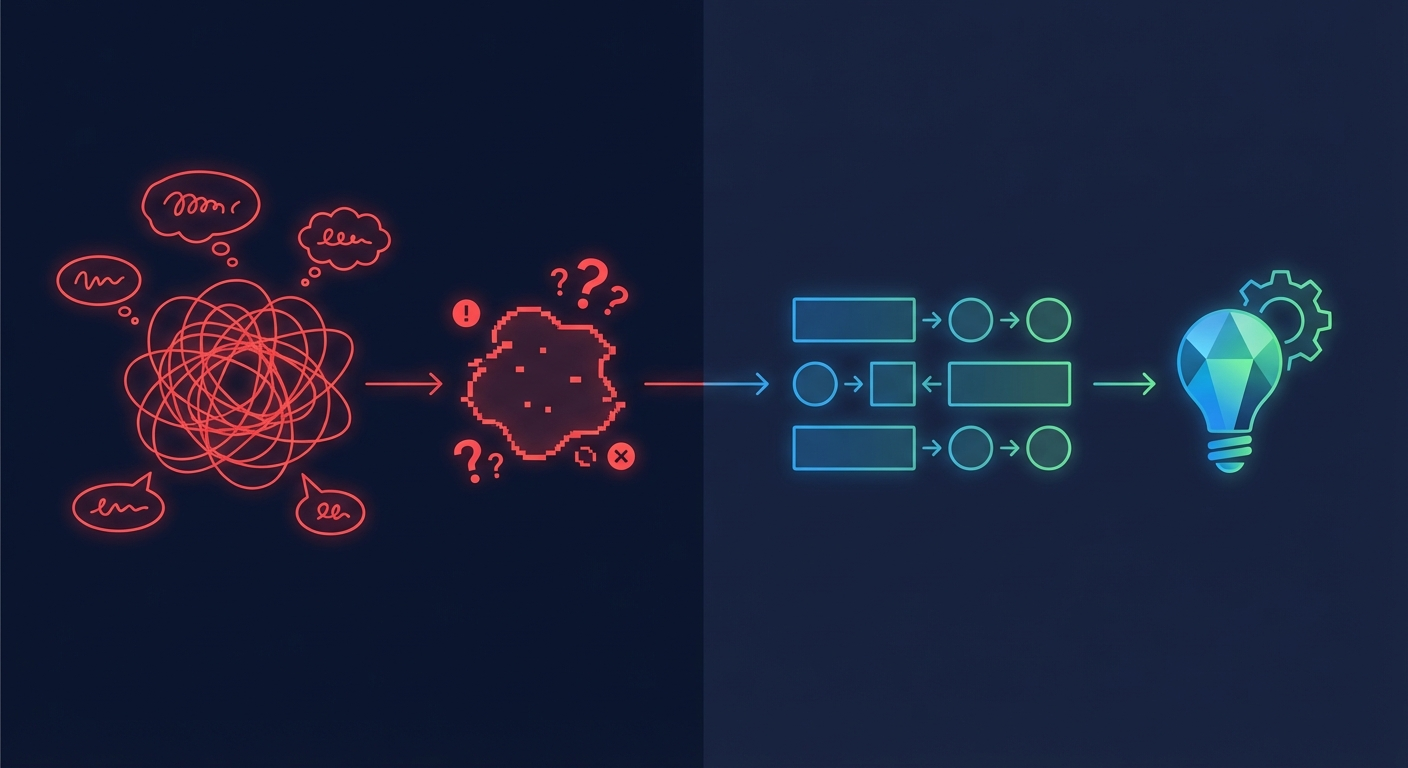
Problem 5: You gave up too early in this claude ai tutorial journey
This might be the most common problem of all. Someone tries Claude for a week, gets mediocre results because of problems 1 through 4, and decides AI isn’t ready yet. Or that it’s just a fancy chatbot. Or that the hype was overblown.
The data tells a different story. Community surveys and forum discussions consistently show the same pattern: users who push past the first few weeks end up using Claude daily. The ones who quit after 3 days never gave it a fair shot. The learning curve is real, but it flattens faster than most people expect.
The problem isn’t Claude. The problem is that most claude ai tutorial content teaches you the tool without teaching you the thinking. Knowing how to open Claude and type a prompt is like knowing how to open Excel. It tells you nothing about building a financial model.
What separates businesses that get real value from Claude and businesses that don’t? Two things:
First, they invested time upfront to configure it properly. System prompts, persistent memory, connected tools. Maybe 4-6 hours of setup work, or a professional setup that handles it all in an afternoon.
Second, they identified specific, repeatable workflows to automate. Not “use AI for everything.” More like “use AI to draft every customer email response” or “use AI to summarize every sales call.” Narrow focus, repeated daily. That’s where the compounding returns show up.
The real claude ai tutorial nobody writes
Every claude ai tutorial online follows the same template. Here’s how to sign up. Here’s the interface. Here are some example prompts. Try these use cases.
None of that is wrong, exactly. But it’s like teaching someone to cook by showing them where the stove is. The actual skill is in technique, timing, and knowing what ingredients work together.
For businesses specifically, the real tutorial is this: stop thinking about Claude as a chat tool. Start thinking about it as an employee that needs onboarding. You wouldn’t hire someone, hand them zero context about your business, and expect great work on day one. But that’s exactly what most people do with Claude.
Proper onboarding means:
- Writing a detailed system prompt that covers your business, voice, and rules
- Connecting Claude to your actual data sources (email, CRM, calendar, files)
- Building specific automations for your highest-volume repetitive tasks
- Testing and refining over 2-3 weeks until the output quality matches your standards
That process takes most businesses 15-25 hours of DIY work. Some people enjoy that. Most business owners have better things to do with 25 hours.
When to do it yourself vs. hire someone
Be honest with yourself about this one. If you’re technical, enjoy tinkering, and have the time, DIY setup is entirely possible. The open-source community around OpenClaw is active and helpful. Plenty of documentation exists.
But if any of these sound familiar, professional setup is probably the better call:
- You tried setting it up once and got stuck
- You don’t have 15-25 hours to spare in the next month
- You need it working reliably for a team, not just yourself
- You want integrations with specific business tools (CRM, email, Slack, etc.)
- The cost of your time exceeds the cost of professional setup
For context, professional OpenClaw setup starts at $997 for a guided 2-hour session. The Starter business package at $4,497 includes full configuration, 3 custom automations, and team training. That’s comparable to hiring a freelance developer for a few days, except you get a team that specializes exclusively in OpenClaw deployments.
Skip the learning curve. Get a production-ready Claude setup in 48 hours.
Packages from $997 (Guided Setup) to $14,997+ (Enterprise). Every tier includes custom AGENTS.md configuration, connected tools, and hands-on training.