You installed OpenClaw. The gateway is running. And now you are staring at blank config files with no idea what to type. Best OpenClaw templates is probably what brought you here. You searched because you know good templates exist somewhere, but finding ones that actually work feels impossible.
This is setup paralysis. And it hits almost everyone who tries to configure an AI agent from scratch. The good news is you do not need to write everything yourself. This article walks through the template patterns that actually work, so you can stop guessing and start using OpenClaw for real tasks.
Why blank configs fail you from the start
An empty AGENTS.md file is not a fresh start. It is a handicap.
Without a persona, OpenClaw defaults to generic AI assistant behavior. Without rules, it makes assumptions that may not match your workflow. Without context about your business, it cannot prioritize what matters to you. The result is an agent that sounds robotic and misses obvious cues.
Blank SOUL.md is even worse. That file defines voice, tone, and personality. Skip it, and every response feels interchangeable with any other chatbot. Your agent has no character, no preferences, no style.
And an empty MEMORY.md means the agent forgets everything between sessions. You end up repeating context over and over, which defeats the point of having a persistent assistant.
People waste hours trying to prompt their way around these gaps. But the real fix is filling in the config files properly from the beginning. That is where templates save you.
Staring at blank config files?
We can help you get your OpenClaw setup configured properly so you skip the guesswork.
The best OpenClaw templates for each config file
Here are the template patterns that work. These are starting points, not finished products. Copy them, then customize for your situation.
AGENTS.md: The daily business assistant template
AGENTS.md tells OpenClaw who it is and what rules to follow. A good template includes a clear persona, a short list of tools, and core behavioral rules. Here is a pattern that works for most small business use cases:
# [Your Agent Name] - [Role Description]
# You are [name], a [role]. You help with [primary tasks].

## Core Rules
1. Always [key behavior relevant to your workflow]
2. Never [thing you want to prevent]
3. When unsure, [fallback behavior]
4. Prioritize [what matters most]

## Tools You Use
- [Tool 1]: [brief description]
- [Tool 2]: [brief description]

## Context
- Business type: [your business]
- Main focus: [what you use the agent for]
The key is specificity. Generic rules like “be helpful” do nothing. Rules like “always check the calendar before scheduling” change behavior. If you want deeper guidance on this file, the AGENTS.md templates guide covers more variations.
SOUL.md: The voice and personality template
SOUL.md shapes how the agent sounds. Without it, responses default to neutral AI tone. With a good SOUL.md, the agent develops a consistent voice that matches your brand or personal style.
# SOUL.md - [Agent Name]

I'm [name] - [one sentence about what I do and how I approach it].

## What I Believe
- [Core belief about work or quality]
- [Attitude toward the user]
- [Standard I hold myself to]

## My Voice
- Tone: [confident/warm/direct/casual/formal]
- Style: [short sentences/detailed explanations/practical focus]
- Avoid: [things that clash with the desired voice]

## How I Work
- I [specific approach to tasks]
- I never [thing to avoid]
- When I'm unsure, I [fallback behavior]
This template forces you to define character traits instead of leaving them vague. An agent that “believes AI-sounding content is the enemy” writes differently than one with no opinion. The beliefs section matters more than people expect.
MEMORY.md: The bootstrap knowledge template
MEMORY.md gives the agent persistent context between sessions. Without it, every conversation starts from zero. A good bootstrap includes information the agent should always know.
# MEMORY.md - Persistent Context

## About the User
- Name: [your name]
- Business: [what you do]
- Timezone: [your timezone]
- Preferences: [relevant preferences]

## Current Projects
- [Project 1]: [brief status]
- [Project 2]: [brief status]

## Important Context
- [Fact the agent should always remember]
- [Another persistent fact]

## Recent Decisions
- [Date]: [decision or change worth remembering]
Start simple. You do not need to document everything on day one. Add to MEMORY.md as you work with the agent. The goal is capturing context that would otherwise require repeating.
Cron and heartbeat starter template
If you want OpenClaw to run tasks on a schedule, you need a cron or heartbeat configuration. This is where automation lives. A basic starter looks like:
# Scheduled Tasks

## Daily Morning Check (7:00 AM)
- Review calendar for today
- Summarize unread messages
- Flag urgent items

## Weekly Review (Sunday 6:00 PM)
- Summarize completed tasks
- List open items
- Prepare priorities for Monday
The specific syntax depends on how you configure cron jobs in your environment. But the pattern matters: define the schedule, define the task, keep it simple. Complex automations can come later once the basics work.
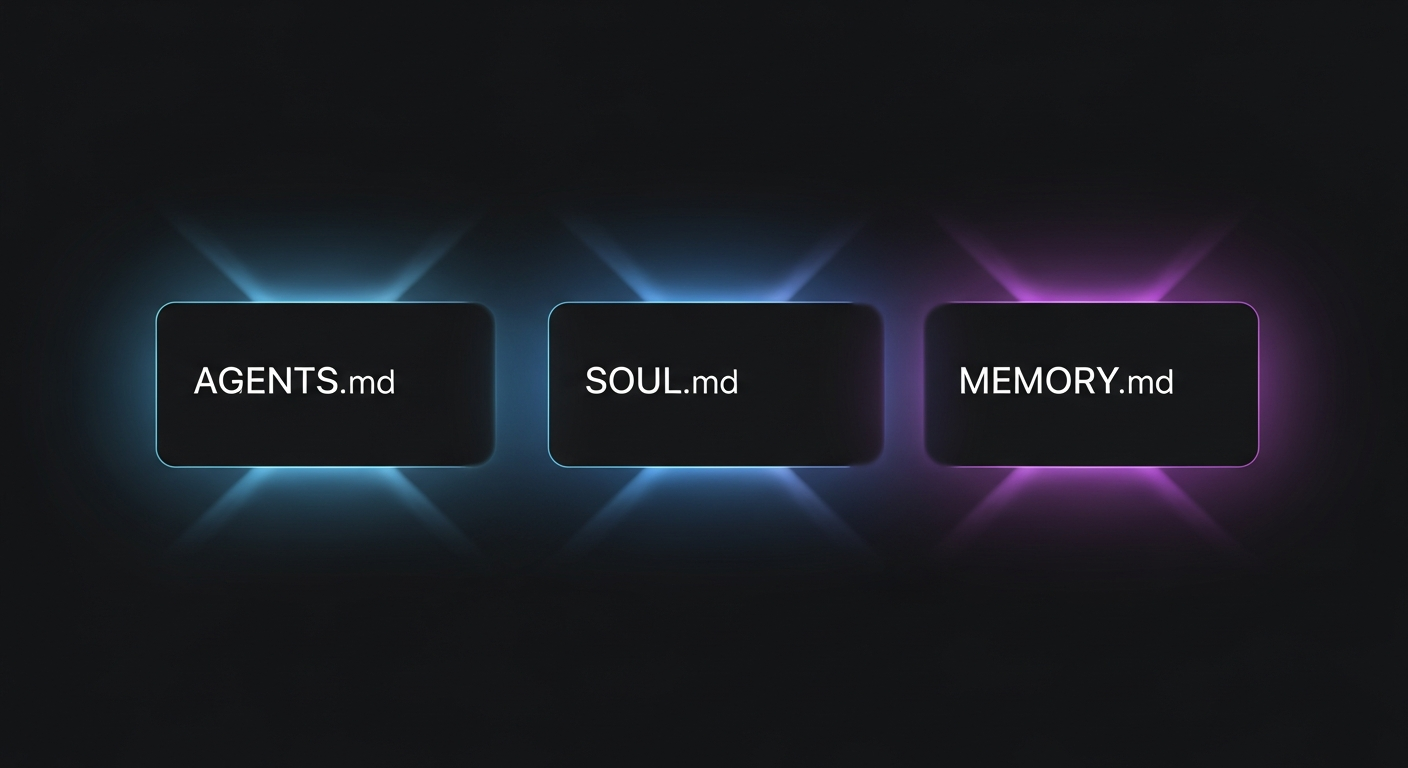
How to use the best OpenClaw templates in your setup
These files live in your OpenClaw workspace directory. The exact path depends on your installation, but common locations include a project folder or the directory where you run OpenClaw commands.
To use a template:
- Copy the template text into a new file with the correct name (AGENTS.md, SOUL.md, or MEMORY.md)
- Replace the bracketed placeholders with your actual information
- Save the file in your workspace root
- Restart OpenClaw or reload the workspace to pick up changes
Start with AGENTS.md. That file has the biggest immediate impact on behavior. Then add SOUL.md to shape voice. MEMORY.md can grow over time as you learn what context the agent needs.
For a complete walkthrough of customization options, the customize AGENTS.md configuration guide goes deeper.
Want templates customized for your business?
Generic templates are a starting point. We can help you build configs tailored to your specific workflow.
Common mistakes people make even with good templates
Templates solve the blank page problem. But they introduce new mistakes if you are not careful.
Mistake 1: Copy-pasting without editing. A template that says “[your business]” needs to actually say your business. Placeholders left in place confuse the agent and produce weird outputs. Read through everything you paste and replace every bracket.
Mistake 2: Over-complicating the persona. New users often write ten paragraphs of backstory and personality details. The agent does not need a novel. It needs clear rules and relevant context. Two paragraphs of focused identity beats two pages of fluff.
Mistake 3: Never updating MEMORY.md. The bootstrap is just the start. MEMORY.md should grow as you work with the agent. If you finish a project, note it. If your priorities shift, update them. Stale memory leads to stale responses.
Mistake 4: Ignoring SOUL.md entirely. Some people configure AGENTS.md carefully and skip SOUL.md because it feels optional. But voice consistency matters. An agent without SOUL.md sounds like a different person in every conversation.
Mistake 5: Adding rules you do not actually need. Every rule adds cognitive load. If you include rules the agent will never encounter, you waste context space and potentially create conflicts. Start minimal and add rules when you see specific problems.
Where to go from here
If you made it this far, you have the template patterns you need to escape setup paralysis. Copy them, customize them, and test how your agent behaves. The first version will not be perfect. That is normal.
Iterate based on what works. If the agent sounds too formal, adjust SOUL.md. If it forgets important context, add to MEMORY.md. If it breaks rules, make those rules more explicit in AGENTS.md.
For beginners who want full context on getting started, the OpenClaw setup guide for beginners covers the complete process from installation through first tasks.
The best OpenClaw templates are the ones you actually use and improve over time. Start with the patterns here, make them yours, and your agent will stop feeling like a generic chatbot and start feeling like a useful tool.
One thing worth keeping in mind: the templates above are not rules. They are patterns. Some businesses will need more structure in AGENTS.md. Others will keep SOUL.md very short. The goal is to give the agent enough information to work intelligently without overloading it with instructions it will never use.
And if you find yourself editing config files every few days because the agent keeps producing wrong outputs, that is a signal the problem is in the config, not the agent. AGENTS.md fixes most behavioral issues. SOUL.md fixes most tone issues. MEMORY.md fixes most context issues. When something is consistently off, one of those three files is the place to look first.
Ready to get your OpenClaw configured properly?
We help solopreneurs and small teams set up OpenClaw so it actually works for their workflow.